

Quick Answer: The best GPU for the i3-12100F in 2026 is the RTX 4060 for balanced 1080p gaming, the RX 7600 for the best value, or the RTX 5060 for a modern upgrade. All three pair with the quad-core CPU without meaningful bottlenecks. Avoid pairing it with RTX 4070-class cards or faster at 1080p, since the CPU becomes the limit there.
Meet the i3-12100F Why This Quad-Core Still Matters in 2026
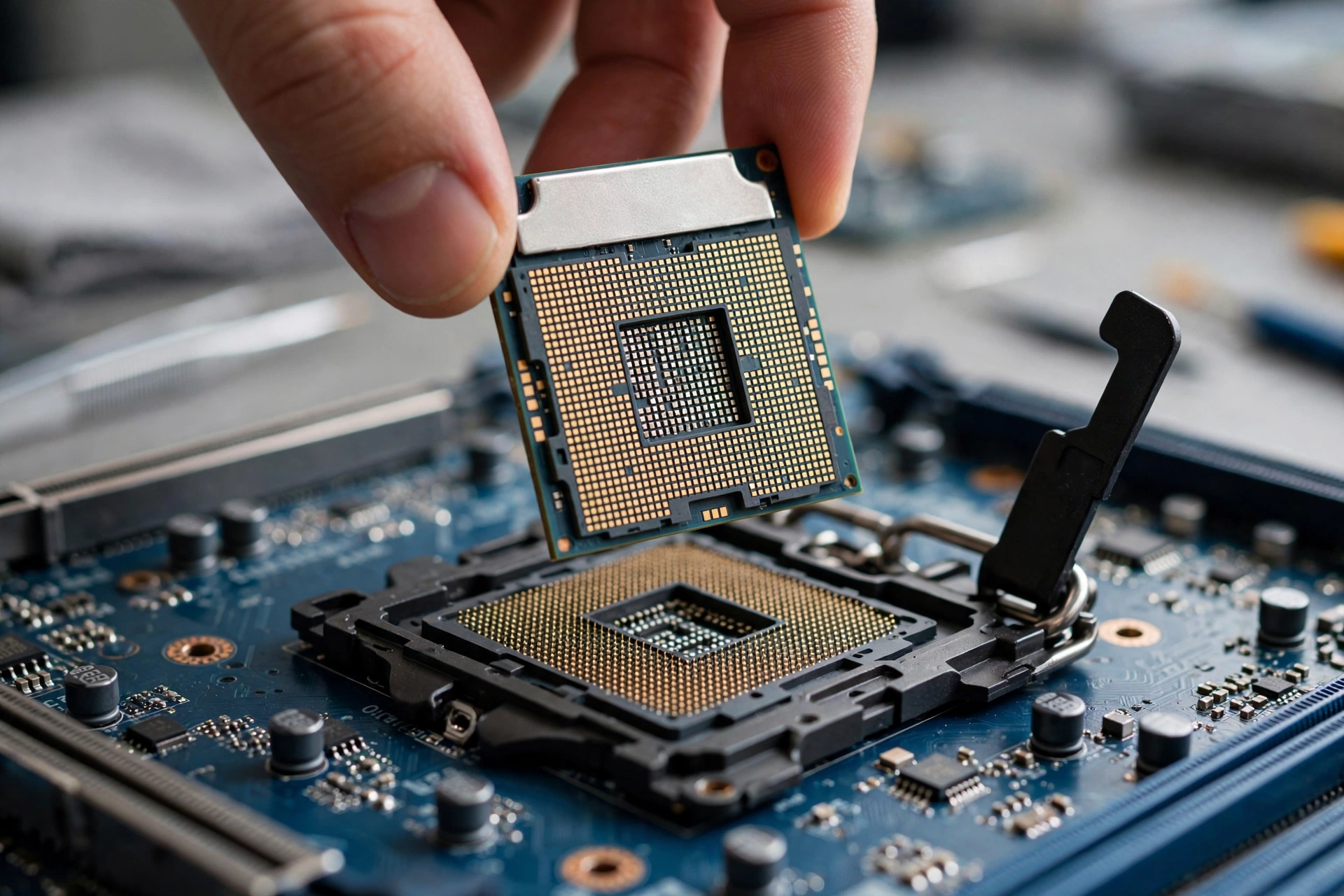
The Intel Core i3-12100F launched back in January 2022 with a $97 launch price, and it changed what budget builders expected from an i3. Four Alder Lake performance cores, eight threads through Hyper-Threading, a 4.3 GHz boost clock, 12 MB of L3 cache, and a modest 58W base power rating made it the default recommendation for cheap 1080p gaming rigs. It ships on the LGA 1700 socket, supports both DDR4 and DDR5 memory, offers PCIe 5.0 connectivity, and carries no integrated graphics (that is what the “F” means), so a discrete GPU is mandatory.
Here is the specification sheet in one place, sourced from TechPowerUp’s CPU database; their full review set out to test how much gaming performance you get for close to $100:
| Specification | Intel Core i3-12100F |
|---|---|
| Cores / Threads | 4 / 8 (Alder Lake P-cores) |
| Base / Boost Clock | 3.3 GHz / 4.3 GHz |
| L3 Cache | 12 MB |
| Base Power (TDP) | 58W |
| Socket | LGA 1700 |
| Memory Support | DDR4-3200 / DDR5-4800 |
| PCIe | Gen 5 (20 lanes) |
| Integrated Graphics | None (discrete GPU required) |
| Launch | January 2022, $97 MSRP |
Why revisit this CPU now? The quad-core era is clearly ending at the high end, yet the i3-12100F’s huge installed base of budget builds is not going anywhere. That makes pairing guidance genuinely timely: millions of these systems are due for a GPU upgrade, and picking the right card decides whether that upgrade money is well spent or partly wasted.
Practical takeaway: the i3-12100F remains a capable 1080p gaming CPU in 2026, but its four cores set a hard ceiling. Your GPU choice should respect that ceiling.
How Bottlenecks Actually Work With a Quad-Core CPU
A bottleneck simply means one component finishes its work faster than the other can keep up. With an i3-12100F and a mid-range GPU, most modern games at 1080p high settings are GPU-bound: the graphics card is the part working hardest, which is exactly what you want. Your money went into frames on screen, not into GPU headroom your CPU cannot feed.
The situation flips in three specific scenarios. First, CPU-heavy games such as simulation titles, strategy games with huge unit counts, and open-world games with dense NPC crowds lean hard on processor threads, and four cores can fall behind even a mid-range card. Second, competitive esports players who drop settings to low for maximum frame rates shift the load onto the CPU, because the GPU finishes each frame so quickly that the processor becomes the limiting step. Third, background work like streaming, Discord video, or a browser full of tabs competes for the same four cores.
None of this makes the i3-12100F a bad CPU. It means you should match the GPU to how you actually play. A card in the RTX 4060 or RX 7600 class stays GPU-bound in the vast majority of titles at 1080p, which is the definition of a balanced pairing. If you want a number to sanity-check your combo, run it through our CPU bottleneck calculator and compare the result against our guide to what counts as a good bottleneck percentage. Treat online calculator percentages as rough estimates rather than gospel, as we explain in are bottleneck calculators accurate.
Practical takeaway: aim for a GPU-bound system at your target resolution and settings. That is the entire goal of this guide.
The Best GPU Pairings for i3-12100F (Ranked for 2026)
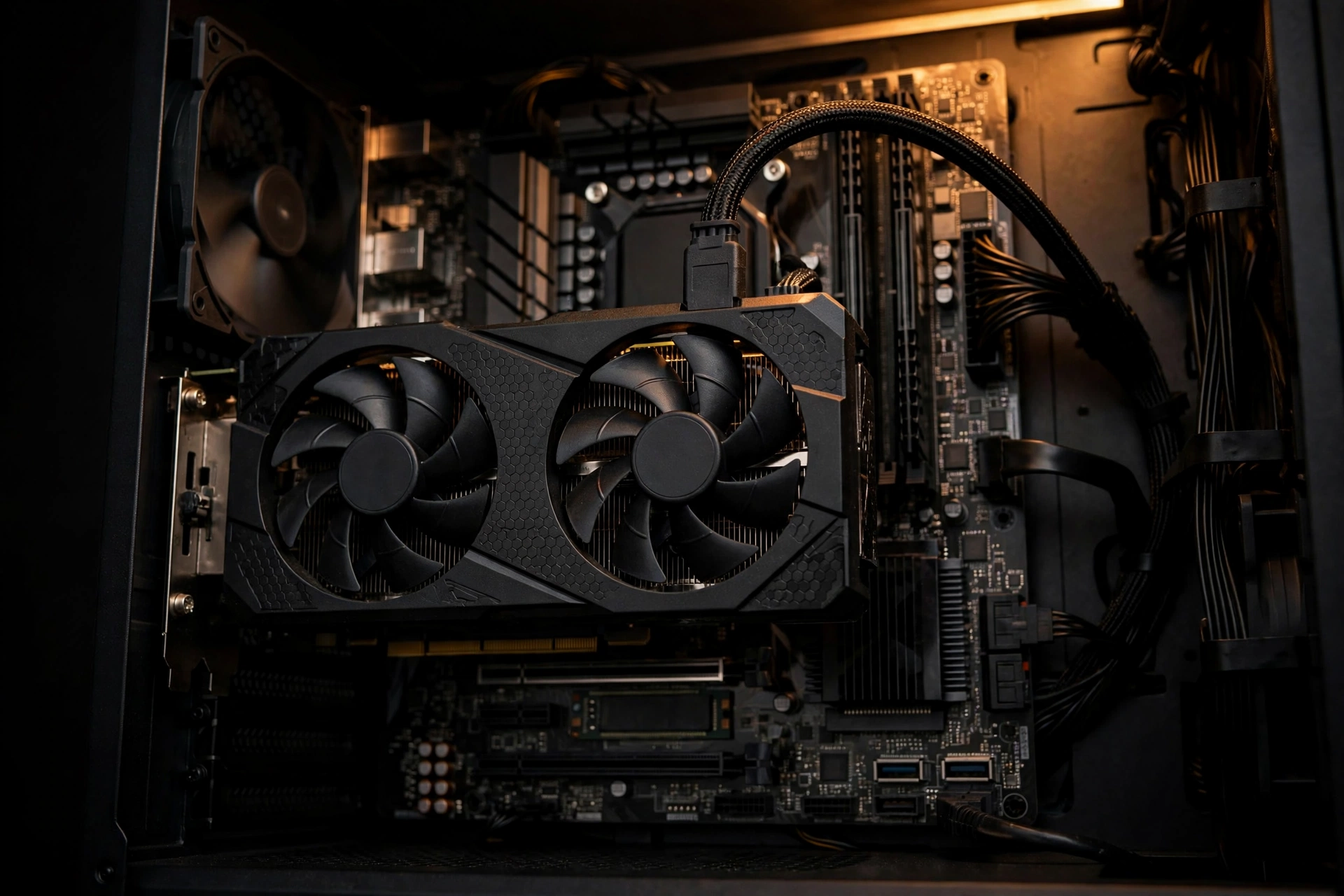
Every card below stays in the balanced zone with the i3-12100F at 1080p in typical AAA and esports titles. Specs cited are the manufacturers’ published figures, and I have deliberately avoided quoting FPS numbers I cannot verify from a controlled test of this exact pairing.
| GPU | VRAM | Board Power (approx.) | Best For |
|---|---|---|---|
| NVIDIA RTX 4060 | 8 GB GDDR6 | 115W | Balanced 1080p gaming with DLSS 3 |
| AMD Radeon RX 7600 | 8 GB GDDR6 | 165W | Best value 1080p pick |
| NVIDIA RTX 5060 | 8 GB GDDR7 | 145W | Modern 1080p upgrade with DLSS 4 |
| NVIDIA RTX 3060 12 GB | 12 GB GDDR6 | 170W | Used market and VRAM headroom |
| AMD Radeon RX 6600 / 6650 XT | 8 GB GDDR6 | 132W / 180W | Tightest budgets, used deals |
| Intel Arc A750 | 8 GB GDDR6 | 225W | Wildcard for tweakers on a deal |
1. NVIDIA RTX 4060 The Balanced 1080p Pick
The RTX 4060 is the safest recommendation in this entire list. Its 115W board power means it sips electricity, runs cool in compact cases, and works fine on the 450W-class power supplies that budget i3-12100F builds commonly ship with. The 8 GB of VRAM is enough for 1080p high settings in current games, and DLSS 3 frame generation gives you a genuine performance lever in supported titles, which you can read more about in our DLSS vs FSR guide.
Where it fits: this is the card to buy if you want a new GPU, a quiet build, and zero guesswork. The i3-12100F keeps it fed in the overwhelming majority of games at 1080p. If you need help sizing the power supply for any RTX 50-series alternative, see our RTX 50-series power supply guide.
2. AMD Radeon RX 7600 The Best Value 1080p Pick
The RX 7600 trades blows with the RTX 4060 in raw rasterization performance at 1080p and typically costs less, which is why it earns the value crown. It draws more power (around 165W) and its ray tracing is weaker than NVIDIA’s, but at this price point most buyers play with ray tracing off anyway. FSR upscaling works on any card, so you still get a free performance option in supported games.
Where it fits: pure frames-per-dollar builders who play at 1080p and do not care about ray tracing or streaming encoders.
3. NVIDIA RTX 5060 The Modern 1080p Upgrade
The RTX 5060 is the current-generation step up, with GDDR7 memory, DLSS 4 support, and around 145W of board power. It is a stronger card than the 4060, which means the i3-12100F will be closer to its limit in CPU-heavy titles at 1080p, but in GPU-bound games the pairing is still sensible. Think of it as buying a little headroom for a future CPU upgrade.
Where it fits: buyers who want the newest feature set and plan to move to an i5 on the same motherboard later.
4. NVIDIA RTX 3060 12 GB The Used-Market and VRAM Pick
The RTX 3060’s 12 GB of VRAM remains its superpower. Texture-heavy games and mods that punish 8 GB cards run more comfortably here, and used examples are common because the card sold in enormous volumes. It draws about 170W, so confirm your PSU has the headroom. At 1080p the i3-12100F pairs with it cleanly.
Where it fits: used-market hunters, modded games, and anyone who keeps cards for five-plus years.
5. AMD Radeon RX 6600 and 6650 XT The Tightest-Budget Picks
The RX 6600 (132W) and its faster sibling the 6650 XT (180W) are the classic budget answers for this CPU, and they remain excellent on the used market. Both are 8 GB cards aimed squarely at 1080p.
Where they fit: the absolute cheapest way to get a balanced 1080p system, especially used.
6. Intel Arc A750 The Wildcard for Tweakers
The Arc A750 offers strong rasterization performance for its price, but it demands more care: around 225W of power, a motherboard with Resizable BAR enabled for best results, and drivers that have improved steadily since launch but still reward a hands-on owner. If you want plug-and-play simplicity, pick one of the options above. For the newer Arc generation, see our best CPU for Intel Arc B580 guide.
Practical takeaway: for most buyers the decision is RTX 4060 (easy, efficient) or RX 7600 (cheapest new frames). Everything else is a situational pick.
GPUs That Are Too Much When the CPU Becomes the Limit
At 1080p in many titles, an RTX 3070 is more GPU than this quad-core can fully feed. You will still get good performance, but you are paying for silicon that spends part of its time waiting on the CPU. The same logic applies to the RTX 4070 class and anything faster at 1080p. If you already own a stronger card, raising the resolution or cranking up graphics settings shifts work back onto the GPU and restores balance.
One important exception: at 1440p or 4K, even strong GPUs become the limiting factor again, because each frame is so much more expensive to render. Resolution is a dial you can turn.
Practical takeaway: RTX 3070-class and above is overkill for 1080p on this CPU. Match the card to your resolution, not to your aspirations.
1080p vs 1440p With the i3-12100F
Higher resolution means the GPU works harder per frame while the CPU’s per-frame workload barely changes. In plain terms, 1440p hides a quad-core CPU’s limits. A GPU that would be slightly held back at 1080p, like the RTX 5060, becomes a cleaner fit at 1440p.
The practical guidance: if you play on a 1080p monitor, stay in the RTX 4060 / RX 7600 class and enjoy a balanced system. If you are moving to 1440p, you can step up one GPU tier without upsetting the balance. For the full breakdown, read our 1080p vs 1440p monitor bottleneck guide, and if you want free performance either way, our how to increase FPS guide covers the settings that matter most.
Practical takeaway: 1440p is more forgiving of a quad-core CPU than 1080p. Let your monitor guide your GPU tier.
Power Supply Guide Matching a PSU to Your New GPU
Budget i3-12100F builds often ship with modest power supplies, so this step is not optional. A quality 450W to 550W unit covers every sensible pairing on this list; the Arc A750 is the only one that pushes you toward 550W or more. Buy from a trusted brand and check our PSU tier list before you commit.
| GPU | Approx. Board Power | Recommended PSU | PCIe Power Connectors |
|---|---|---|---|
| RTX 4060 | 115W | 450W quality unit | 1x 8-pin |
| RX 7600 | 165W | 500W quality unit | 1x 8-pin |
| RTX 5060 | 145W | 500W quality unit | 1x 8-pin (check model) |
| RTX 3060 12 GB | 170W | 550W quality unit | 1x 12-pin or 1x 8-pin (varies) |
| RX 6600 | 132W | 450W quality unit | 1x 8-pin |
| RX 6650 XT | 180W | 550W quality unit | 1x 8-pin |
| Arc A750 | 225W | 550W+ quality unit | 2x 8-pin |
Practical takeaway: 450 to 550W from a reputable brand covers this entire guide. Do not pair a good GPU with a bad PSU.
RAM and Motherboard Keep Your DDR4 Savings
One of the i3-12100F’s quiet advantages is DDR4 support. A 16 GB (2×8 GB) DDR4-3200 kit in dual channel remains the sweet spot for this CPU, and DDR4 boards and memory cost noticeably less than their DDR5 equivalents. Our DDR4 vs DDR5 gaming performance breakdown shows why DDR4 is still the rational budget choice on this platform. Before ordering, confirm your motherboard socket and BIOS support, because the cheapest upgrade is the one that drops into the board you already own. For more on memory limits, see our RAM bottleneck guide.
Practical takeaway: 16 GB of dual-channel DDR4-3200 on a B660 board is the budget platform done right.
Smart Upgrade Path From i3-12100F to i5 or i7 Later
The same motherboard that runs your i3-12100F today can accept an i5-12400F, i5-13400F, or i7-12700F later with at most a BIOS update, instantly removing the quad-core ceiling whenever you are ready. That makes the GPU decision easier: buying an RTX 5060 now is not wasteful if you know an i5 is coming next year. Our best GPU for i5-12400F guide is the natural next read once you make the jump.
Practical takeaway: your motherboard is an upgrade ticket. Buy the GPU for today, keep an i5 in mind for tomorrow.
Streaming and Content Creation on the i3-12100F
For streaming, the trick is to let the GPU do the encoding. NVIDIA’s NVENC encoder handles the stream with minimal CPU involvement, leaving your four cores free for the game. One catch: the i3-12100F has no integrated graphics, so Intel Quick Sync is unavailable.
For content creation, four cores are the real constraint. Light photo editing and 1080p video edits are workable but slow; heavy timelines will feel cramped.
Practical takeaway: stream with GPU encoding (NVENC preferred) and keep expectations modest for heavy creative work on four cores.
Drivers and Troubleshooting Low GPU Usage and Other Fixes
Low GPU usage with a low CPU load almost always means something is capping your frame rate: V-Sync enabled, an in-game FPS limiter, or a 60 Hz monitor with V-Sync on. Disable V-Sync and any frame cap, confirm your monitor’s refresh rate in Windows display settings, and retest. If usage is still odd, check CPU and GPU temperatures; thermal throttling masquerades as all kinds of problems.
Driver hygiene matters too. If your i3-12100F build still runs Windows 10, plan the move to Windows 11 so your new GPU keeps receiving day-one game optimizations.
Practical takeaway: low GPU usage is usually a settings issue (V-Sync, FPS caps), not a hardware problem, and Windows 11 is now the right OS for a new GPU.
Common Mistakes to Avoid With This CPU
- Buying a flagship GPU for 1080p. An RTX 4070-class card or faster will spend part of its time waiting on four cores at 1080p. Our best CPUs for RTX 4070 guide shows what that tier actually wants.
- Running single-channel RAM. One 16 GB stick instead of two 8 GB sticks leaves real gaming performance on the table.
- Ignoring the PSU. A bargain-bin power supply is the most dangerous corner to cut in a budget build.
- Chasing 240 Hz esports on four cores. High-refresh competitive play at low settings is the one workload where the i3-12100F shows its limits no matter which GPU you buy.
Frequently Asked Questions
What graphics card would you recommend for the i3-12100F?
For most buyers in 2026, the RTX 4060 or RX 7600. Both pair with the i3-12100F without a meaningful bottleneck at 1080p, cover modern games at high settings, and keep power draw modest. Choose the 4060 for efficiency, DLSS 3, and better streaming encoding; choose the 7600 for the lowest price per frame.
Will a 12100F bottleneck an RTX 3070 too much, and if it does, what CPU should I get instead?
At 1080p, yes, an RTX 3070 is generally more GPU than the i3-12100F can fully utilize; the CPU will limit performance in many titles. At 1440p the pairing is far more reasonable because the GPU becomes the limiting factor again. If you are set on RTX 3070-class performance at 1080p, the recommended step up is the i5-12400F on the same LGA 1700 motherboard.
What is the best GPU I can get without the i3-12100F bottlenecking it?
The practical ceiling for a clean, no-compromise pairing at 1080p is the RTX 4060 / RX 7600 / RTX 5060 class. Anything meaningfully faster, such as the RTX 3070 or 4070, crosses into CPU-bottleneck territory at 1080p unless you raise the resolution or settings to shift load onto the GPU.
Does the i3-12100F bottleneck the RX 6650 XT?
No, not in any meaningful way for gaming. The RX 6650 XT is squarely in this CPU’s comfort zone at 1080p, and the pairing is widely recommended in budget builds.
Which motherboard is best for an i3-12100F build on a budget?
A B660 board from an established brand is the best balance of price and longevity: affordable, solid power delivery, and ready for a drop-in i5 or i7 upgrade later with a BIOS update. Pair it with 16 GB of dual-channel DDR4-3200.
Key Takeaways
- The i3-12100F (4C/8T, 4.3 GHz boost, 58W) is still a strong 1080p gaming CPU in 2026, but four cores set a firm ceiling on GPU choice.
- Best pairings: RTX 4060 for balance, RX 7600 for value, RTX 5060 for a modern card with upgrade headroom, RTX 3060 12 GB for VRAM and used deals, RX 6600/6650 XT for the tightest budgets.
- Avoid RTX 3070-class cards and above at 1080p; they outrun the CPU. At 1440p the balance shifts back toward the GPU.
- 450 to 550W from a reputable PSU brand covers every recommended pairing; check the tier list before buying.
- 16 GB dual-channel DDR4-3200 on a B660 board keeps the platform cheap and leaves a drop-in i5/i7 upgrade open.
- Move to Windows 11 for continued NVIDIA Game Ready driver optimizations after October 2026.
Conclusion
Pairing a GPU with the i3-12100F is really about respecting what four fast cores can and cannot do. Stay in the RTX 4060 to RTX 5060 class, feed the system 16 GB of dual-channel DDR4, power it with a decent 500W-class PSU, and you get a balanced 1080p machine with no money wasted on GPU headroom you cannot use.
Still unsure about your specific combination? Plug your CPU and GPU into our free CPU bottleneck calculator to check the pairing before you spend a dollar. And when the day comes to move beyond four cores, our best GPU for i5-12400F guide picks up right where this one leaves off.

Leave a Reply