

Quick answer: The best CPU for Intel Arc B580 in 2026 is the Intel Core i5-12400F for most builders, with the Core i5-13400F and i5-14400F as equally safe alternatives. AMD builders should look at the Ryzen 5 7600 for new AM5 builds or the Ryzen 5 5600 for budget AM4 upgrades. Whatever you pick, Resizable BAR must be enabled, or you can lose 30 to 40 percent of the card’s performance depending on the title. No CPU choice fixes a disabled ReBAR.
Why the Processor Matters More Here
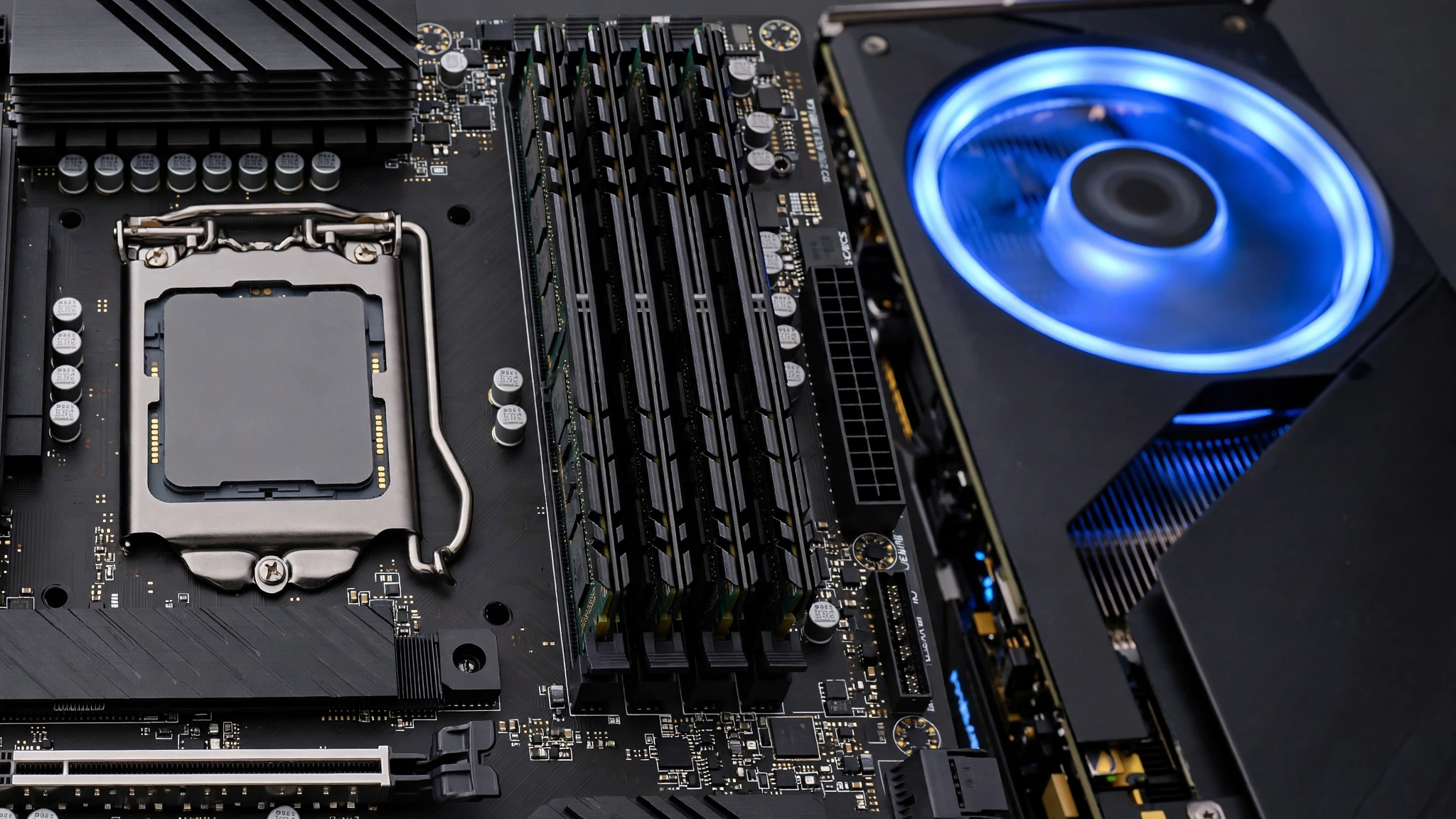
The Intel Arc B580 arrived in December 2024 at $249 as the first Battlemage desktop graphics card. It pairs 20 Xe2 cores with 12GB of GDDR6 memory and a 190W board power rating, and it quickly earned a reputation as one of the strongest value picks for 1080p and 1440p gaming. But choosing the best CPU for Intel Arc B580 is a slightly different exercise than pairing a processor with an RTX 4060 or RX 7600, and the difference comes down to drivers.
Intel’s graphics drivers hand more work to the CPU than NVIDIA’s or AMD’s drivers do. In practice, that means the processor carries extra scheduling and submission overhead in every frame, so a CPU that is perfectly adequate for a similarly priced GeForce card can become the limiting factor for a B580 in the same game at the same settings. This is the single most important thing to understand before you pick parts: with Arc, the CPU is part of the performance story, not just a supporting actor.
This is not a theoretical concern. A gamer asked Intel’s own community forums directly whether the B580 would run into CPU overhead problems with a Core i5-13400F. Intel’s support team confirmed the pairing is fully supported and well-suited for modern 1080p gaming (Intel Community). The reassuring answer still tells you something useful: the question itself is legitimate, and Intel expects buyers to ask it.
What does this mean for your build? Two things. First, buy a slightly stronger CPU than the price of the GPU alone would suggest. The B580 is a $249-class card, but it is happiest with the kind of six-core processor you would normally pair with a more expensive GPU. Second, understand what a bottleneck actually looks like here. Our good bottleneck percentage guide explains how to read the numbers, but the short version is that with Arc you want the CPU comfortably ahead of the GPU, not merely keeping up.
Resizable BAR Is Non-Negotiable for the B580

Before any specific CPU recommendation, one requirement outranks everything else: Resizable BAR must be enabled. Without it, you can lose 30 to 40 percent of the card’s performance depending on the title, regardless of which processor you buy (PropelRC). No CPU on this list, however fast, compensates for ReBAR left off. Other optimization guides describe the same penalty in the 20 to 40 percent range, so treat this as settled: ReBAR is mandatory, not optional.
Why does it matter so much? Resizable BAR lets the CPU access the GPU’s full video memory at once instead of in small chunks. Arc’s architecture leans on that access pattern heavily, which is why the penalty for disabling it is far larger than on competing cards. The B580 also uses a PCIe 4.0 x8 interface, so on top of ReBAR you need a platform that actually delivers PCIe 4.0 bandwidth. A PCIe 3.0 slot cuts the card’s intended bandwidth in half and stacks a second penalty on top of the first.
Use this checklist before you spend anything:
| Requirement | What to check | Why it matters |
|---|---|---|
| CPU with PCIe 4.0 support | Intel 11th gen or newer; AMD Ryzen 3000 series or newer | The B580 needs PCIe 4.0 lanes to feed its x8 interface |
| Motherboard with ReBAR option | BIOS setting, sometimes labeled Smart Access Memory on AMD boards | Without this toggle, ReBAR stays off |
| Above 4G Decoding enabled | Turn this on first, then enable ReBAR above it | ReBAR depends on this setting |
| Latest motherboard BIOS | Check the board maker’s support page | Older BIOS versions may lack the ReBAR toggle |
| Latest Intel graphics driver | Intel’s driver download page | Driver and BIOS must agree on ReBAR |
Practical takeaway: confirm ReBAR support before you buy the CPU, not after. It matters more than the performance gap between any two processors on this list.
Best CPU for Intel Arc B580 by Budget Tier
Here is the short list, with the reasoning behind each pick. Every CPU below supports PCIe 4.0 and ReBAR on a compatible board, which is the price of admission.
| Tier | CPU | Platform | Cores / Threads | Why it fits the B580 |
|---|---|---|---|---|
| Best overall value | Core i5-12400F | LGA1700 | 6 / 12 | Best price to performance balance; strong single-core speed keeps Arc driver overhead in check |
| Best current-gen Intel | Core i5-14400F | LGA1700 | 6P + 4E / 16 | Modern pairing with extra efficiency cores for background tasks |
| Best all-rounder | Core Ultra 7 265K | LGA1851 | 8P + 12E / 20 | PC Guide’s top pick for the B580; strong single and multi-core balance |
| Best AMD new build | Ryzen 5 7600 | AM5 | 6 / 12 | Strong single-core, 65W efficiency, AM5 upgrade path |
| Best AMD budget | Ryzen 5 5600 | AM4 | 6 / 12 | Cheap drop-in for AM4 boards with ReBAR support |
| Best AM4 upgrade | Ryzen 7 5700X3D | AM4 | 8 / 16 | Stacked cache smooths frame times that Arc overhead can roughen |
Testing-focused guides land in the same place. PropelRC’s B580 CPU guide names the i5-12400F as the best balance of price and performance, specifically because its single-core speed minimizes driver overhead issues. PC Guide goes one tier up and names the Core Ultra 7 265K as its top pick, citing the chip’s strong single-core and multi-core balance for this GPU class (PC Guide). Both guides agree on the underlying principle: feed Arc a fast, modern CPU and it rewards you.
Best Intel Pairings for the Arc B580
Core i5-12400F the default answer
The 12400F is the most recommended CPU for the B580 across independent guides, and the logic is straightforward. Six fast performance cores with no efficiency-core scheduling complexity, low power draw, single-thread speed that keeps Arc’s driver overhead under control, and a price that leaves budget for the rest of the build. If you want one safe answer without overthinking it, this is the one. Our best GPU for i5-12400F guide covers what else this chip pairs well with.
Core i5-13400F and i5-14400F the safe middle ground
Both chips add efficiency cores for background tasks while keeping the same strong performance cores up front. Intel’s own support team confirmed the i5-13400F as fully supported with the B580 for 1080p gaming. The i5-14400F plus B580 is a sensible, workable mid-range pairing, with the bigger question being game-by-game Arc compatibility rather than CPU muscle. Buy whichever of the three 12400F-class chips is cheapest when you shop; the gaming difference between them with a B580 is small.
Core Ultra 7 265K the premium pick
If you want headroom for streaming, editing, or heavy multitasking alongside gaming, PC Guide’s top pick earns its place. The 265K’s combination of eight performance cores and twelve efficiency cores gives the B580 far more CPU than it needs for gaming alone, which is exactly the point: with Arc’s driver overhead, surplus CPU is cheap insurance. Just remember you are buying platform longevity and productivity here, not higher frame rates in most games.
Best AMD Pairings for the Arc B580
Ryzen 5 7600 the AM5 answer
For a fresh AMD build, the Ryzen 5 7600 mirrors the 12400F’s role: six strong cores, 65W efficiency, and single-core speed that handles Arc’s overhead comfortably at 1080p and 1440p. The AM5 platform also gives you a real upgrade path, which matters if you plan to keep the system for years. If you are torn between Team Red and Team Blue for this build, our Intel vs AMD CPU comparison breaks down the platform differences.
Ryzen 5 5600 the budget AM4 drop-in
Already on AM4? The Ryzen 5 5600 is the cheapest way to give the B580 a proper partner, with one non-negotiable check: your motherboard must support ReBAR. Most B450, X470, B550, and X570 boards gained the option through BIOS updates, but verify yours specifically before buying. Without ReBAR this pairing loses its value entirely, as the checklist above explains. Our best AM4 CPUs for gaming covers the platform’s full lineup if you want to compare.
Ryzen 7 5700X3D maximum AM4 smoothness
The 5700X3D’s stacked 3D V-Cache is tailor-made for the exact weakness Arc can expose: frame-time consistency. Where driver overhead threatens to make frame delivery choppy, the big cache smooths it out. It costs more than the 5600, but for AM4 owners who want the best gaming experience without a full platform rebuild, it is the endgame chip.
You can sanity-check any of these combinations in our CPU bottleneck calculator before you buy. If the numbers show the CPU holding the card back, our CPU bottleneck fix guide walks through every free fix before you spend money on new hardware.
What to Avoid With an Arc B580 Build
- Any CPU on a PCIe 3.0-only platform. Without PCIe 4.0 and ReBAR, the B580 can lose 30 to 40 percent of its performance depending on the title. A fast older chip on a Z390 or X370 board is a trap pairing no matter how good the CPU looks on paper.
- CPUs older than Intel 11th gen or Ryzen 3000. Below these floors you lose guaranteed ReBAR support and the single-thread speed Arc’s drivers need. The money you save on the processor comes straight out of frame rates.
- Flagship CPUs. A Core i9 or Ryzen 9 does nothing extra for a $249-class GPU. In games the B580 is always the limit, so the extra cores sit idle while your wallet gets lighter.
- ReBAR left disabled. This bears repeating because it remains the most common B580 mistake. A perfect CPU with ReBAR off performs worse than a budget CPU with ReBAR on. Check it in the BIOS, then verify it in Intel’s driver software.
Resolution matters too. At 1080p the CPU works hardest, which is where Arc overhead shows up most. At 1440p the GPU carries more of the load and the CPU choice matters a little less. Our 1080p vs 1440p bottleneck breakdown explains the dynamic in detail, and it is worth a read if you are choosing a monitor alongside the build.
Drivers, XeSS & Free Performance
Arc ownership rewards active driver management more than rival cards do. Intel ships substantial Battlemage driver updates regularly, and staying current is the simplest free performance you can get. One real example from 2026: after the Deadlock “City Never Sleeps” update in late September, B580 owners reported Vulkan crashes (VK_ERROR_DEVICE_LOST) on driver 32.0.101.9034, with DX11 as a slower but stable fallback. The lesson is not to fear updates; it is to read Intel’s release notes and keep a known-good driver in your back pocket.
The legacy side needs the opposite instinct. If you mainly play older DirectX 9 titles, it is worth testing driver versions rather than blindly updating, and rolling back if a newer driver runs your games worse. New drivers optimize for new games first.
On the positive side, XeSS 2 with frame generation is genuine free performance on this card. Turn it on in supported games, especially at 1440p where the B580 stretches its legs. Our DLSS vs FSR guide explains how upscalers shift work between the CPU and GPU, which is useful context for tuning Arc. And if frame rates are still low after all of this, our how to increase FPS guide covers every remaining lever.
Frequently Asked Questions
What is the best CPU for the Intel Arc B580?
The Intel Core i5-12400F offers the best balance of price and performance for most builders: six fast cores that keep Arc’s driver overhead in check at a budget price. The i5-13400F and i5-14400F are equally safe if priced close. For AMD builders, the Ryzen 5 7600 is the equivalent modern pick, and the Ryzen 5 5600 is the budget AM4 option provided the board supports ReBAR.
Will the Arc B580 have CPU overhead problems with a Core i5-13400F?
No. This exact question was put to Intel’s community forums, and Intel’s support team confirmed the i5-13400F fully supports the B580 and the combination handles modern 1080p gaming well. Arc does place more load on the CPU than competing cards, but a modern six-core Intel processor absorbs it without becoming the bottleneck.
Do I need Resizable BAR for the Arc B580?
Yes, it is mandatory. Without ReBAR enabled you can lose 30 to 40 percent of the card’s performance depending on the title, no matter which CPU you buy. You need a PCIe 4.0-capable CPU, a motherboard with the ReBAR toggle, Above 4G Decoding enabled first, and current BIOS and Intel graphics drivers.
Is the i5-14400F plus Arc B580 a sensible combination?
Yes. The i5-14400F plus B580 is a sensible, workable mid-range pairing. The processor is not the concern with this combo; what deserves attention instead is per-game Arc compatibility and keeping drivers updated, since Arc’s game support varies more than NVIDIA’s or AMD’s.
Can I use the Arc B580 with an older motherboard?
Only if the board delivers PCIe 4.0 and offers a ReBAR toggle in the BIOS. Many B450, X470, B550, and X570 boards added ReBAR through updates, so check your specific board. A PCIe 3.0-only board cannot feed the B580 properly: the card’s PCIe 4.0 x8 interface runs at half bandwidth there, and without ReBAR you can lose up to 40 percent of performance depending on the title on top of that.
Should I buy a Core i9 or Ryzen 9 for the Arc B580?
No. Flagship CPUs add nothing for a $249-class GPU because the B580 is always the limiting factor in games. The money is better spent on a better monitor, more storage, or simply kept in your pocket. A modern six-core chip is the sweet spot.
My B580 crashes in Deadlock with a Vulkan error. Is my CPU the problem?
Almost certainly not. B580 owners reported VK_ERROR_DEVICE_LOST crashes in Deadlock after the game’s late-September 2026 update on driver 32.0.101.9034. That is a GPU driver issue, not a processor issue. Use DX11 mode as a temporary workaround and watch Intel’s release notes for the fix.
Key Takeaways
- Arc’s drivers put more load on the CPU than rival cards, so processor choice matters more with the B580 than its price suggests.
- Resizable BAR is mandatory: without it you can lose 30 to 40 percent of performance depending on the title, regardless of CPU.
- The Core i5-12400F is the best overall value pairing; the i5-13400F and i5-14400F are equally safe, and the Core Ultra 7 265K is the premium pick.
- AMD builders should choose the Ryzen 5 7600 for new AM5 builds, the Ryzen 5 5600 for budget AM4 upgrades, or the 5700X3D for maximum AM4 smoothness.
- The platform must deliver PCIe 4.0 with a ReBAR toggle, which rules out older boards entirely.
- Keep Intel drivers current for modern games, but test older drivers if you mostly play legacy titles.
The Bottom Line
The best CPU for the Intel Arc B580 is a modern six-core processor on a PCIe 4.0 platform with Resizable BAR enabled: the Core i5-12400F for most builders, the Ryzen 5 7600 for new AMD builds, and the Ryzen 5 5600 for cheap AM4 upgrades. Get ReBAR right, keep drivers fresh, and enable XeSS 2 where it is supported. Do that, and this $249-class card delivers far more than its price suggests.
Still weighing your exact parts? Run the pairing through our CPU bottleneck calculator and compare the result against our good bottleneck percentage guide. A B580 build done right is one of the best values in PC gaming.

Leave a Reply