

A budget pc build in 2027 is not about buying the cheapest part in every category and hoping the result plays well. It is about balance. A well balanced budget PC can deliver smooth 1080p gaming in popular competitive and single player titles, while a badly balanced one can stutter, crash, or waste money on a part that never gets used properly. This guide explains what budget really means in 2027, which pairings avoid bottlenecks at 1080p, where to spend and where to save, which used parts are worth considering, and how to plan an upgrade path that does not force you to start over.
If you want a ready made parts list for a specific price tier, our combo guides cover that ground in detail. This guide is the pillar that sits above them: the thinking behind the choices, so you can adapt any list to the prices you actually find on the day you buy. For a tighter spending target, see our best CPU and GPU combo under 800. For a little more headroom, see our best CPU and GPU combo under 1200. The principles below apply to both, and to any build in between.
What Budget Means in 2027
Budget does not mean the same thing every year. Component prices move, older platforms get cheaper or suddenly more expensive, and one part can change the math for the whole build. In 2027, the biggest pressure on budget builders is memory. Reports through late 2026 described rising DRAM contract prices and tight supply, driven in large part by demand from AI server hardware competing for the same production capacity. That pressure reached both DDR5 and, in a twist that surprised many builders, DDR4 as well, as manufacturers shifted capacity away from older memory standards.
The honest implication is simple: do not plan a 2027 build around the memory prices of a year or two ago, and do not assume a price crash is coming on a date you can circle on a calendar. Analyst commentary through 2026 pointed to tight supply continuing into 2027, but no source can reliably promise when retail prices will ease, and this guide will not invent a date. Check current retail prices before you commit, keep some flexibility in your parts list, and protect the parts that matter most for gaming performance instead of locking yourself into one exact kit at one exact price.
That caution matters because memory is not a side detail in a gaming PC. Too little RAM, or a single stick running in single channel mode, can cause stuttering even when the CPU and GPU look strong on paper. A budget build that cuts RAM too far is not really cheaper. It is slower in exactly the moments where smoothness matters most, such as open world games streaming in new areas or competitive games with background apps running.
The second reality check comes from what most gamers actually own. Valve’s October 2026 Steam Hardware Survey, reported in early November 2026, again showed a familiar picture: the GeForce RTX 3060 back at the top of the GPU list, 8 GB as the most common amount of video memory, 16 GB as the most common amount of system RAM at 41.42 percent of surveyed systems, and 1080p as the most common primary display resolution at just over half of surveyed systems. Those survey numbers are a snapshot of participating Steam users, not a census of every PC gamer, and month to month swings can reflect who answered the survey as much as what people own. Even with that caveat, the message is useful for budget builders. The typical gaming PC is still a 1080p machine with a midrange graphics card, 16 GB of RAM, and 8 GB of VRAM. You do not need a flagship card to join the large majority of PC gamers. You need a balanced machine that runs well at the resolution most people actually use.
That is the core promise of a budget build done right. It targets 1080p first, gets the balance right, and leaves room to grow. It does not chase 4K on a budget, and then starve everything around it.
Start With Your Monitor and Your Target
Before you pick a single part, answer three questions. What resolution is your monitor? What refresh rate does it run at? What games do you actually play? A budget build for a 1080p 60 Hz monitor is a different machine from a budget build for a 1080p 165 Hz monitor, and both are different from a build meant to push high settings in demanding single player games.
For 1080p at 60 Hz, the bar is comfortable. A modest modern CPU and an entry level to lower midrange GPU, paired with 16 GB of RAM and an SSD, will handle most games at sensible settings. For 1080p at 144 Hz or higher, competitive titles such as Valorant, Fortnite, Apex Legends, Rocket League, and Counter-Strike 2 are still very achievable on a budget, because those games are designed to run well on a wide range of hardware, but the CPU matters more. High refresh rate gaming asks the CPU to prepare many more frames per second, so a weak CPU will cap your frame rate even if the GPU has headroom left.
For demanding single player games at 1080p, the GPU usually becomes the limit first, especially at high or ultra settings. That is normal and, in a budget build, it is actually the better kind of limit to have. A GPU limit means the graphics card is working hard and the CPU is keeping up. A CPU limit at low settings, with low GPU usage and uneven frame times, usually feels worse, with stutters and dips that settings changes cannot fix. If you are unsure whether your current machine is CPU limited or GPU limited, our guide on how to find a PC bottleneck walks through the checks, and our comparison of CPU bottleneck vs GPU bottleneck explains which one hurts more in each situation.
Set a realistic target and write it down. For example: smooth 1080p gaming at high settings, 60 frames per second or better in single player games, and 120 frames per second or better in competitive games at competitive settings. That target is ambitious but achievable for a balanced budget build, and it gives you a test for every parts decision. If a part does not help you hit that target, or it only helps in a game you never play, it is not worth budget money.
Where to Spend and Where to Save
The most common budget mistake is spreading money evenly across every part. A gaming PC is not a democracy. Some parts decide your frame rate, and some parts just need to be good enough. The table below is a general priority guide, not a fixed percentage rule, because real prices vary by region and by week. Use it to decide where a little extra money helps and where it is wasted.
| Priority | Part | Budget approach |
|---|---|---|
| Spend first | Graphics card | Largest single share of a gaming budget, matched to 1080p |
| Spend second | Processor | Modern 6 core class CPU, enough to feed the GPU at 1080p |
| Do not cut below the floor | Memory | 16 GB minimum, two sticks, dual channel |
| Do not cut below the floor | Storage | SSD as the main drive, never a hard drive alone |
| Never cheap out | Power supply | Reputable unit with headroom, checked against a tier list |
| Save sensibly | Motherboard | Solid midrange board with the features you will use |
| Save sensibly | Case and cooling | Good airflow, stock cooler if it is adequate, no cosmetic extras |
| Save last | Extras | RGB lighting, premium fans, and cosmetic upgrades can wait |
The graphics card deserves the largest share because it renders every frame. In a budget build, moving up one GPU tier often does more for smooth 1080p gaming than the same money spent anywhere else, as long as the CPU can keep up. A weak CPU with a strong GPU is the classic budget trap, and it shows up as low GPU usage and frame rates that do not improve when you lower settings.
Memory deserves a firm floor. Sixteen gigabytes in two sticks is the minimum for a 2027 gaming build, and a single stick is a false saving. Our guide on RAM bottlenecks explains how too little or badly configured memory shows up as stuttering rather than just a lower average frame rate, which is why this floor matters even when benchmark averages look acceptable.
Storage is the other floor you should not go below. A solid state drive as the main drive is not optional in 2027, and a hard drive alone will make the whole PC feel slow, no matter how strong the CPU and GPU are. Our guide on what a storage bottleneck is explains the difference in practice.
The power supply is where budget builders most often regret saving money. A poor quality PSU can cause crashes, damage other parts, or fail in ways that look like a bottleneck. Our PSU tier list is a useful starting point, but always cross check the exact model, since the same brand can sell very different units at different price points.
The motherboard, case, and cooling are where sensible saving works. You do not need the most expensive board, but you do need the right socket, enough memory slots for a future upgrade, and a board that can run your CPU at its rated performance. A case with decent airflow and a stock cooler that is adequate for your CPU will serve a budget build well, while RGB lighting and premium fans can wait until performance is sorted.
CPU and GPU Pairings That Avoid Bottlenecks at 1080p
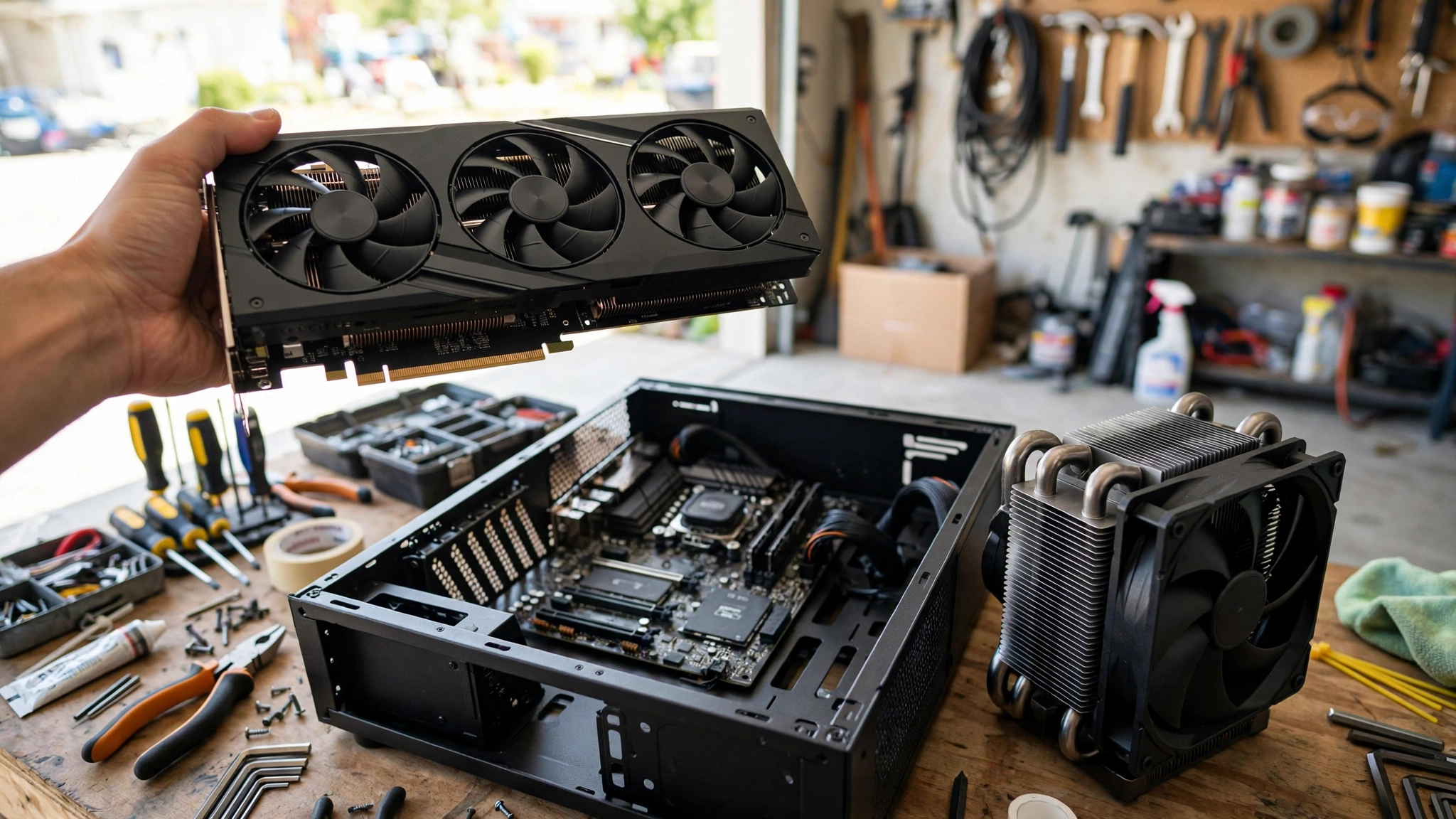
A bottleneck is simply one part holding back another. At 1080p, the CPU has less work per frame to handle than at higher resolutions, so the CPU matters more than many builders expect. A weak CPU can cap frame rates even when the GPU has headroom, and that cap feels worse than a GPU limit because lowering settings does not fix it.
The safest budget pattern is a modern 6 core processor paired with an entry level to lower midrange graphics card. That pairing keeps both parts in a similar tier, avoids a large imbalance, and leaves a sensible upgrade path. A much stronger GPU paired with a much weaker CPU, or the reverse, usually wastes money on one side.
| Build tier | CPU class | GPU class | Best for |
|---|---|---|---|
| Entry 1080p | Modern 4 to 6 core CPU | Entry level GPU | Competitive games, older titles, 60 Hz |
| Balanced 1080p | Modern 6 core CPU | Lower midrange GPU | High settings at 1080p, 60 to 144 Hz |
| Strong 1080p | Modern 6 core CPU | Midrange GPU | High refresh 1080p, headroom for demanding games |
Within those tiers, a few pairing rules help. First, match the generation sensibly. A very old CPU, even a once powerful one, may lack the single core performance modern games expect. Second, match the power supply to the pair, not just to the GPU, since a CPU upgrade later can change power needs. Third, remember that bottleneck calculators and percentage scores are estimates, not measurements of your exact system, and they should never replace testing in the games you actually play.
For official CPU and GPU specifications, see Intel, AMD, and NVIDIA.
One pairing that deserves a specific mention for budget builders is the Ryzen 5 5600 class of CPU. It remains a popular budget choice because it offers strong single core performance for its price, and it pairs well with entry level to lower midrange graphics cards. Our guide to the best GPU for Ryzen 5 5600 covers sensible GPU matches and the ones to avoid. The broader lesson applies to any similar CPU: buy a GPU that matches the CPU tier, not the GPU you wish you could afford.
RAM in 2027 16 GB Minimum and a Plan for More
Memory strategy in 2027 needs more care than it did a few years ago, precisely because prices are uncertain and supply is tight. The temptation is to cut RAM to save money, but that cut usually hurts more than it helps, because memory affects smoothness in ways that average frame rate hides.
Sixteen gigabytes is the floor, not the ideal. It handles most current games at 1080p, especially if you close background apps, but it leaves little headroom for streaming, multitasking, or large open world games. If you can afford 32 GB without cutting the GPU or CPU tier, it is a worthwhile investment, especially if you plan to keep the PC for several years.
A practical approach is to buy 16 GB now in a two stick kit, on a motherboard with four memory slots, so you can add a second identical kit later if prices ease or your needs grow. That plan only works if you buy a matching kit and check compatibility, since mixing memory kits can cause stability problems even when the speeds look similar on paper.
Also pay attention to speed and configuration, within reason. For AMD platforms, memory speed and latency can affect performance more than on some Intel platforms, but the difference between sensible kits is usually smaller than the difference between single channel and dual channel, or between 8 GB and 16 GB. Do not chase extreme speeds at the expense of capacity or stability.
Finally, be careful with used RAM. Memory has no moving parts and can last a long time, but a used kit with unknown history, mixed sticks, or no return window is not worth a small saving when a new kit gives you a warranty and a known configuration.
Storage and Motherboard Bottlenecks Explained
Storage choices affect loading times, stuttering, and how many games you can keep installed, but they do not directly decide frame rate in most games once you are in gameplay. A 1 TB NVMe SSD is a good budget target, since it holds Windows, several games, and apps without constant deleting. If you need more space, a second SSD or a hard drive for bulk storage is cheaper than paying for a huge primary drive you will not fill.
Motherboard choice is mostly about platform and future options. For a budget AMD build, a B series board with four memory slots, at least one M.2 slot, and adequate power delivery will serve most builders well. For Intel, the equivalent is a board that matches your CPU socket and chipset, with the same attention to memory slots and storage options. Avoid the cheapest board with only two memory slots if you plan to upgrade RAM later, since that choice can force a board replacement instead of a simple memory addition.
Cooling and airflow deserve a short, practical note. A budget PC does not need liquid cooling. It needs a case with intake and exhaust airflow, a CPU cooler that can handle sustained load, and cables routed away from fans. Poor airflow causes sustained heat, which can reduce performance over a long session, and that reduction can look like a bottleneck when it is actually a cooling problem.
Used Parts That Make Sense and Ones to Avoid
Used parts can stretch a budget a long way, but only if you buy the right categories from the right sellers. The safest used buys are usually cases, and sometimes CPUs, because those parts have no moving parts and rarely fail if they were not abused. The riskiest used buys are power supplies and storage drives, because both wear out and both can fail in ways that damage other parts or lose data.
Graphics cards are the most tempting used buy and the riskiest. A used midrange card from a reputable seller, with a return window long enough to test it under load, can save a lot. A card with unknown history, no return window, or signs of mining use at high temperatures is not worth the risk, even if the price looks attractive.
Processors are generally a safer used buy than graphics cards. CPUs have no moving parts and rarely fail if they were not overclocked aggressively, but you should still check the socket, the condition of the pins or pads, and whether the seller offers a return window. A CPU that looks physically damaged or comes without a cooler you can test with is a warning sign.
Cases, and sometimes power supplies from trusted sellers, can be worth buying used, but power supplies deserve extra caution. A used power supply has unknown wear, and a failing unit can damage other parts. If you buy a used power supply, buy from a trusted seller, check the model against a tier list, and test it thoroughly before you trust it with new parts.
The golden rule for used parts is simple: the saving must be large enough to justify the risk, and the seller must offer a return window long enough to test properly. If either condition fails, buy new. A small saving on a part that fails in a month is not a saving at all.
A Sensible Upgrade Path
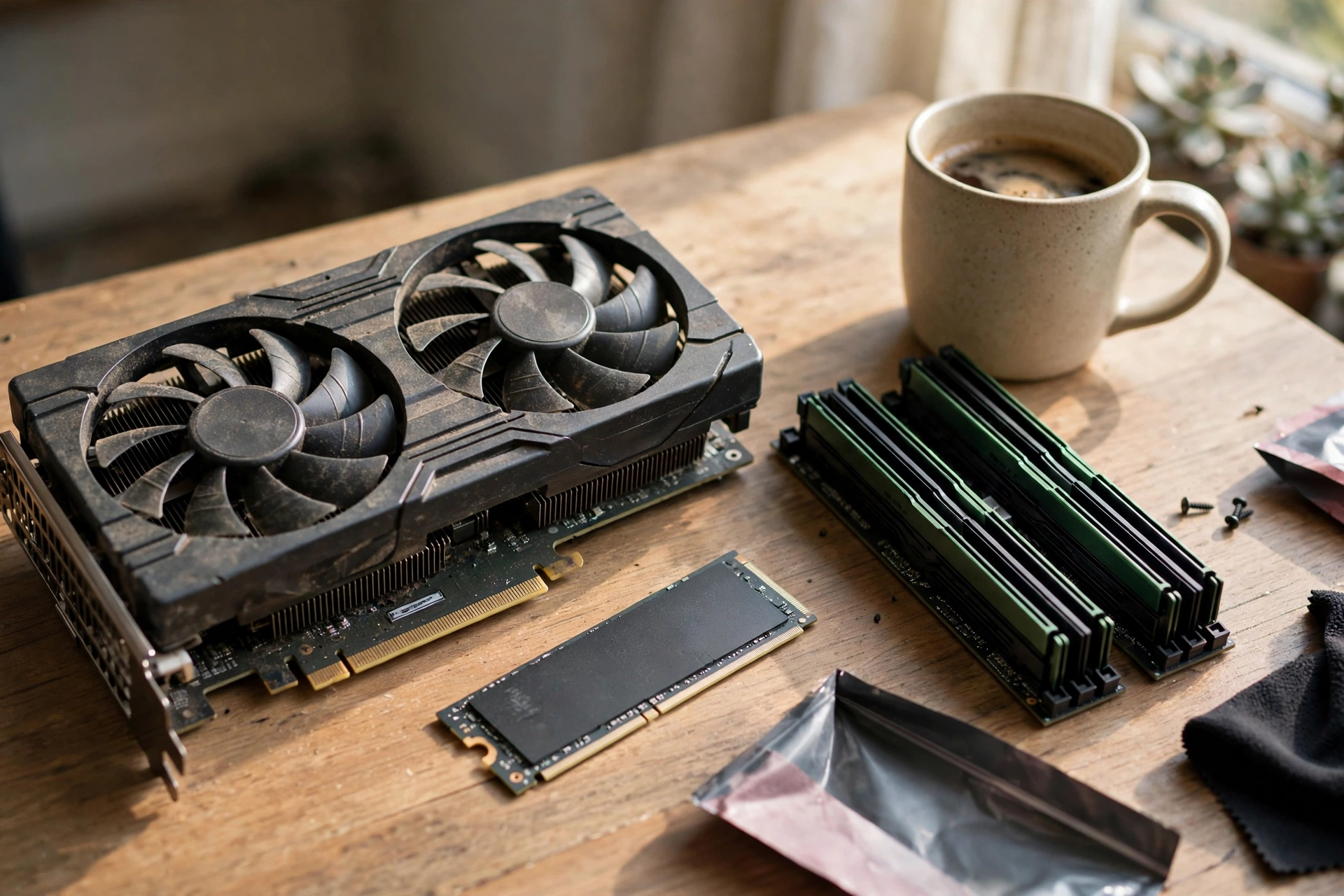
A good budget build is not a dead end. It is a starting point with a clear order of upgrades, so each upgrade actually improves something you notice, rather than moving the bottleneck to a different part without improving the experience.
Our guide on whether to upgrade the CPU or GPU first walks through the decision with practical checks.
First, add RAM if you are at 16 GB and you regularly hit the limit, or add storage if you are constantly deleting games to make room. Those upgrades are cheap, easy, and often improve smoothness more than a more expensive part change.
Second, upgrade the graphics card when you move to higher settings, a higher refresh rate, or a higher resolution. That is usually the most impactful single upgrade for gaming, as long as the CPU can feed the new card. If the CPU becomes the limit after a GPU upgrade, that is a sign to plan a CPU and platform upgrade next, not to blame the new card.
Third, upgrade the CPU only when it becomes the limit, which usually shows up as low GPU usage at settings that should load the GPU, and frame rates that do not improve when you lower settings. A CPU upgrade often means a motherboard and memory change as well, so plan for the full cost, not just the CPU price.
Fourth, consider the monitor only when the PC can actually drive it. A 1440p high refresh monitor is a great upgrade, but only if your PC can sustain the frame rates that monitor is built for. Otherwise, you pay for a display your PC cannot use, and games may feel worse at the higher resolution.
Our FPS improvement guide covers the software and settings steps to try before spending money on any upgrade, and those steps often lift frame rates enough to delay a hardware purchase.
One more upgrade principle matters for budget builders: upgrade one part at a time and test after each change. That way, you know which upgrade helped, which one did not, and where the new limit sits. Upgrading several parts at once makes it impossible to tell what actually mattered, and it can hide a new bottleneck behind a higher average frame rate.
Common Budget Mistakes to Avoid
Budget builds fail in predictable ways, and most of them are avoidable. The first is buying a high end graphics card and pairing it with a weak CPU, then wondering why frame rates do not improve. The second is cutting RAM or storage below the floor, then blaming the GPU for stuttering or slow loading. The third mistake is spending on looks before performance. RGB lighting, premium cables, and a showcase case do not improve frame rates, and they should come after performance is sorted, not before.
The fourth mistake is buying a cheap power supply to save money, then chasing crashes that look like a bottleneck. The fifth mistake is buying the cheapest motherboard, case, or cooler without checking what you lose in future options, such as memory slots, storage slots, or airflow. The final mistake is rushing a purchase because a sale ends today. Prices move, stock returns, and a rushed purchase often locks you into a part you would not have chosen with a day to think.
Frequently Asked Questions
How much RAM do I need for a budget gaming PC in 2027?
Sixteen gigabytes in two sticks is the minimum for smooth 1080p gaming in 2027. It handles most games at 1080p, especially if you close heavy background apps. If you stream, multitask, or play large open world games, 32 GB is the safer choice, and a motherboard with four memory slots lets you upgrade later.
Should I spend more on the CPU or the GPU for 1080p gaming?
For most 1080p gaming, spend more on the GPU, up to the point where the CPU can still feed it. A modern 6 core CPU paired with an entry level to lower midrange GPU is a good balance. Spending much more on the CPU than the GPU wastes money on performance you will not use at 1080p, while spending much more on the GPU than the CPU can feed wastes money on a card that sits idle.
Is a used graphics card worth it for a budget build?
It can be, if the saving is meaningful and the seller offers a return window long enough to test properly. Test the card under load for at least 30 minutes, check temperatures and fan noise, and return it if it shows artifacts, crashes, or unusual behaviour. If the seller offers no return window, buy new.
Is 8 GB of VRAM enough for 1080p gaming in 2027?
For many games at 1080p, 8 GB of VRAM remains workable, and it is still the most common amount among Steam users. At higher settings, with high textures or ray tracing, 8 GB can become a limit, and games may stutter as textures swap in and out of memory. If you plan to move to 1440p, or you play games with very high texture settings, a card with more VRAM is a safer choice.
Should I wait for RAM prices to drop before building?
No reliable source can promise a date for a meaningful price drop, and waiting indefinitely means months without a PC. Buy the RAM you need now, in a configuration that lets you upgrade later, and check prices on the day you buy rather than waiting for a predicted crash that may not arrive on schedule.
Do I need an expensive motherboard for a budget build?
No. You need the right socket and chipset for your CPU, adequate power delivery, enough memory slots for a future upgrade, and the storage and expansion options you will actually use. An expensive board with features you never use does not improve gaming performance.
What should I upgrade first on an existing budget PC?
Start with the part that is actually limiting you. Check GPU usage and frame behaviour in your games, check RAM usage, and check whether games run from an SSD. If the GPU is idle while the CPU is maxed, the CPU is the limit. If RAM is full, memory is the limit. If loading is slow, storage is the limit. For software steps, try the software and settings steps in our FPS guide before spending money on hardware.
Conclusion
A budget pc build in 2027 succeeds on balance, not on bargains alone. Target 1080p, put the largest share into a graphics card your CPU can feed, protect 16 GB of dual channel RAM and an SSD as your floor, buy a reputable power supply, and leave room to upgrade. That pattern gives you smooth 1080p gaming without paying for performance you cannot use, and it gives you a PC that can grow with your next upgrade instead of forcing you to start over.
If you follow that pattern, you get a machine that plays the games most people actually play, on the resolution most people actually use, at settings that feel smooth rather than impressive on a spec sheet. That is the real goal of a budget build, and it is achievable in 2027 if you plan for balance first and bargains second.

Leave a Reply