

For most gamers, the best CPU for an RTX 5090 is the AMD Ryzen 7 9800X3D. Its large 3D V-Cache keeps frame times smooth in CPU heavy scenes, and at 4K the RTX 5090 itself is the limit in almost every game, so the pairing has room to spare. If you also stream, edit video, or render on the same machine, step up to the Ryzen 9 9950X3D for its extra cores. If you already own a Ryzen 7 7800X3D or a Core i7-13700K class chip and you only play at 4K, keep it for now and spend the money elsewhere.
The Resolution Rule
This is the one idea that decides the whole buying guide, so learn it before you look at any CPU list.
At 4K, the graphics card does so much work per frame that the CPU has time to keep up. Even a good mid range to high end CPU from the last couple of generations will usually let an RTX 5090 run at full speed in most 4K games. The GPU is the limit, and that is exactly what you want when you bought the fastest consumer GPU available.
At 1440p, the balance shifts. The GPU finishes each frame faster, so the CPU has to prepare frames faster to keep up. CPU heavy games, especially simulation, strategy, and open world titles with many characters on screen, start to show a CPU limit. This is where a fast gaming CPU with a large cache earns its money.
At 1080p, the CPU is often the limit with a card this fast, and no current consumer CPU fully removes that limit. Published calculator style estimates have shown even the 9800X3D carrying a high bottleneck rating at 1080p with a 5090, while dropping to a very low rating at 4K. Treat those percentages as rough estimates, not precise measurements, but the direction is right: lower resolution means a bigger CPU job.
Two features push the limit back toward the CPU even at higher resolutions. DLSS upscaling renders the game at a lower internal resolution, which lightens the GPU load and raises the frame rate the CPU must feed. Frame generation adds frames on top of a base frame rate, but that base frame rate is still set by the CPU, so frame generation cannot fix a CPU limit. If you play at 1440p with DLSS, or chase very high refresh rates, buy the CPU as if you were playing at a lower resolution than your monitor suggests.
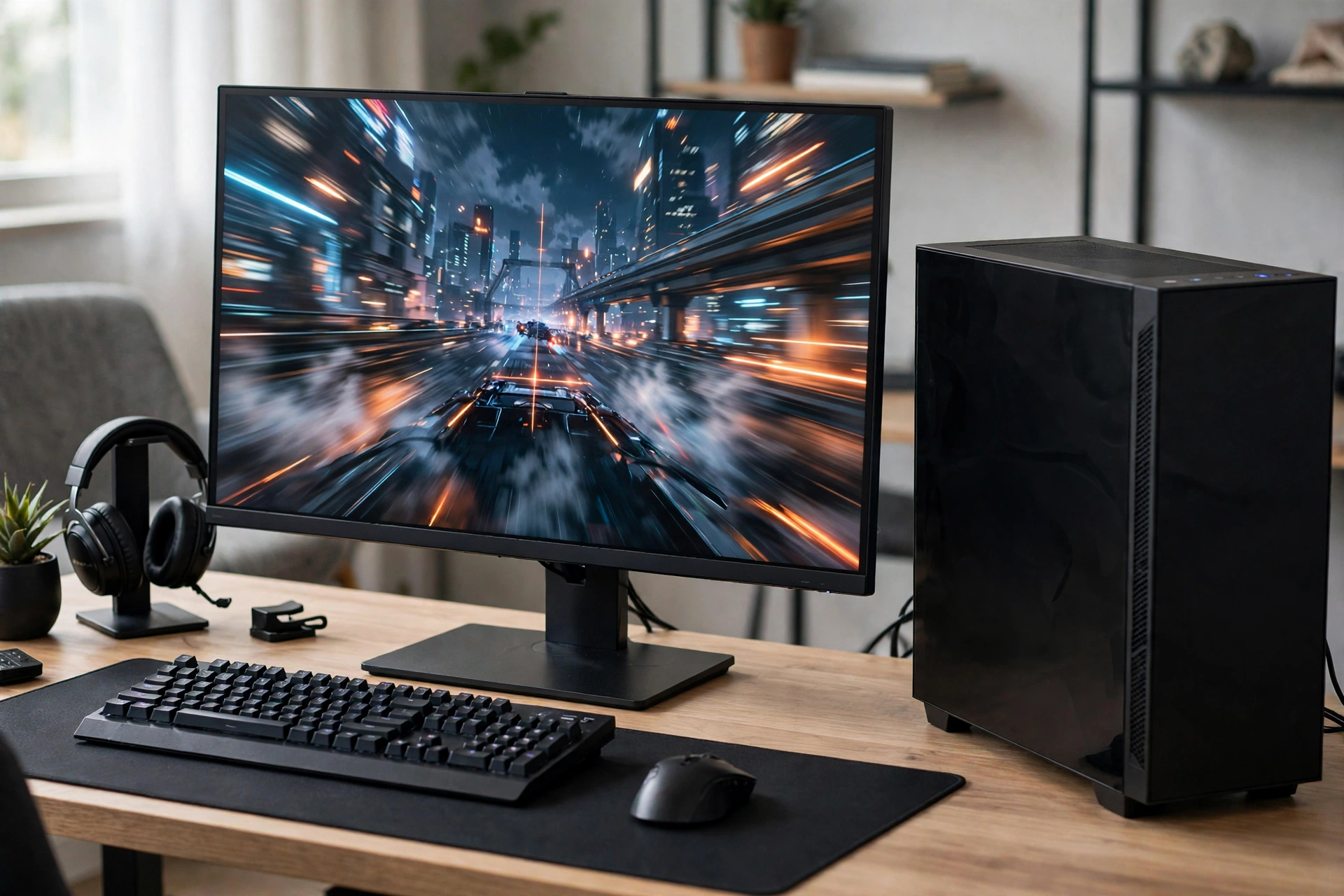
Practical takeaway: 4K gamers can be relaxed about the CPU. 1440p high refresh gamers cannot. 1080p gamers with a 5090 are buying a GPU for the future more than for today.
The Top 5 Picks by Buyer Type
AMD Ryzen 7 9800X3D Best overall for gaming
The 9800X3D is the default answer for a reason. It has 8 cores and 16 threads, a boost clock up to 5.2 GHz, and 96MB of total L3 cache thanks to AMD 3D V-Cache, which stacks extra cache on the processor so games spend less time waiting on system memory. In CPU bound scenes that cache is what keeps frame times steady instead of spiky.
Buy it if: you mainly game, you play at 1440p or 4K, and you want the smoothest high refresh experience without paying for cores you will not use.
Skip it if: your machine is also a full time workstation for rendering, compiling, or heavy video work. Eight cores are fine for gaming plus light streaming, but they are not a workstation.
AMD Ryzen 9 9950X3D Best for gaming plus serious work
The 9950X3D pairs 16 cores and 32 threads with the same 3D V-Cache idea, and a boost clock up to 5.7 GHz. In games it performs close to the 9800X3D, and in heavy multitasking and productivity work it pulls far ahead. That combination is why it is the pick for streamers who also edit, and for creators who game on the same machine they work on.
Buy it if: you stream, edit video, render 3D scenes, or compile code on the same PC you game on, and you want one machine that does both well.
Skip it if: you only game. The extra cores will sit idle in most games, and the price difference buys a better monitor or more storage.
AMD Ryzen 7 7800X3D Best if you already own it
If you already have a 7800X3D on an AM5 board, this is a keep it recommendation, not a buying recommendation. It is a step behind the 9800X3D in CPU limited scenes, but published build guides consistently describe it as fine at 4K with a 5090. Upgrading from it to a 9800X3D for 4K only gaming is a small gain for real money.
Buy it if: you find one at a clear discount and you play at 4K, or you are building a second machine.
Skip it if: you are building fresh and the 9800X3D is close in price. Buy the newer chip.
Intel Core Ultra 9 285K Best Intel option for mixed use
Intel’s Core Ultra 9 285K is a strong productivity chip with high memory speeds and a modern platform, and it handles gaming well. In CPU bound gaming it generally trails the X3D chips, because it lacks their huge game cache, but for a mixed machine that leans toward work, it is a legitimate choice. It also makes sense if you already prefer the Intel platform or you find a strong bundle deal.
Buy it if: your machine leans toward productivity, you want Intel’s platform features, or the bundle price is clearly better.
Skip it if: pure gaming performance per dollar is your only goal. The X3D chips win that comparison.
Intel Core i9-14900K Best if you already own it
Like the 7800X3D, the 14900K is a keep it pick. It is a powerful chip with many cores, and at 4K it will not meaningfully hold back a 5090 in most games. Its drawbacks are well known: it runs hot, it draws a lot of power under full load, and it needs strong cooling. If you already own one, none of that is a reason to replace it just for a 5090.
Buy it if: you already own it, or you find one at a deep discount and you already have the cooling for it.
Skip it if: you are building fresh. The newer platforms are the better long term buy.
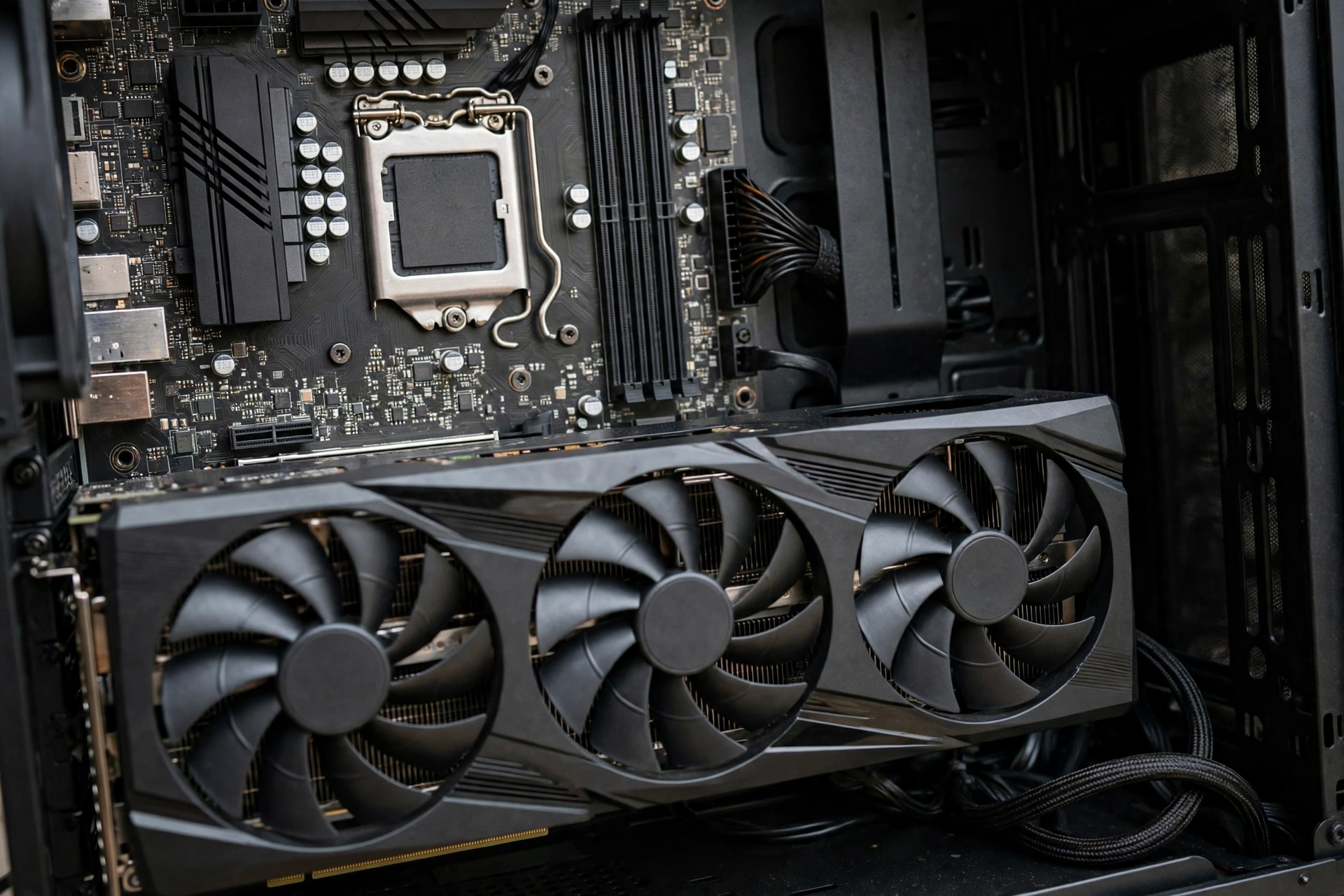
Comparison Table
| CPU | Cores and threads | Best for | Trade off | Verdict with a 5090 |
|---|---|---|---|---|
| Ryzen 7 9800X3D | 8 cores, 16 threads | Pure gaming, 1440p and 4K | 8 cores limit heavy multitasking | Best all round pairing |
| Ryzen 9 9950X3D | 16 cores, 32 threads | Gaming plus streaming and creation | Costs noticeably more, needs good cooling | Best if you also work on the machine |
| Ryzen 7 7800X3D | 8 cores, 16 threads | Existing AM5 owners | Slightly behind the 9800X3D in CPU limited scenes | Keep it, no bottleneck at 4K |
| Core Ultra 9 285K | High core count, modern platform | Productivity heavy mixed use | Trails X3D chips in CPU bound gaming | Fine, not the gaming optimum |
| Core i9-14900K | High core count, older platform | Existing owners | Runs hot, draws heavy power | Keep it, cool it well |
All specifications above are manufacturer specifications. Performance verdicts are summaries of published third party reviews and build guides, not measurements from this site, and your results will vary by game, resolution, and settings.
Keep It or Upgrade It
This is the question most 5090 buyers actually face, because many already own a good CPU. Use this test instead of guessing.
Keep your CPU if all three are true: you play at 4K, your CPU is a 7800X3D, 13700K, or better class chip, and your games already feel smooth with no stutter in busy scenes. In that case the 5090 is the upgrade, and the CPU is not your problem.
Upgrade your CPU if any of these are true: you play at 1440p or 1080p at high refresh rates and you see stutter in CPU heavy scenes, your CPU is a mid range chip from several generations ago, or your GPU usage sits well below full load while your CPU is maxed out in games. That pattern, low GPU usage with a maxed CPU, is the classic sign of a CPU limit. Our guide to how to find a PC bottleneck shows how to read those numbers.
One caution: a bottleneck calculator percentage is a rough estimate, not a measurement of your PC. Use it as a starting point, then confirm with the usage test above. For the general logic, see our comparison of a CPU bottleneck versus a GPU bottleneck.
Practical takeaway: at 4K, keep a good CPU and buy the GPU. At 1440p high refresh, upgrade both together or not at all.
What About Intel
Intel is not out of this conversation, but the roles are clear in 2026. For pure gaming with a 5090, AMD’s X3D chips are the default recommendation in nearly every published guide reviewed for this article. For mixed use, Intel’s Core Ultra 9 285K is competitive, especially where productivity matters as much as gaming.
What Intel buyers should check: platform cost, memory speed support, and cooling. The 14900K in particular needs a serious cooler and a strong power supply, and that cost belongs in the comparison. Do not compare a CPU price alone. Compare the CPU plus board plus cooler plus power supply, because that is what you actually pay.
Cooling Power, and Platform Cost
A flagship GPU build fails in boring places: heat, power, and the board. Get these right and the CPU choice matters more, because nothing else is holding it back.
Cooling: the 9800X3D is efficient for its performance and works well with a good air cooler or a 240mm or larger liquid cooler. The 9950X3D and the Intel high end chips want a 360mm liquid cooler or a top tier air cooler to hold boost clocks under sustained load. If your cooler is undersized, your expensive CPU will quietly run slower, and no benchmark will tell you why unless you watch temperatures.
Power: the RTX 5090 is a very power hungry card, and the system around it needs headroom. Use a high quality power supply with the right native cable for the card, and do not reuse an old low wattage unit to save money on a flagship build. If you want the warning signs of a struggling supply, see our guide to PSU bottleneck warning signs.
Platform: AMD X3D chips need an AM5 board and DDR5 memory. If you are coming from an older DDR4 platform, budget for the board and memory, not just the CPU. That platform cost is real, but AM5 also gives you an upgrade path, which softens the blow. On the Intel side, check board chipset and memory support before you buy, because the wrong board can cap the memory speeds you paid for.
Heat in general: a hot system throttles, and throttling looks exactly like a bottleneck. Before you blame the CPU, check temperatures under load. Our guide to GPU thermal throttling explains the signs.
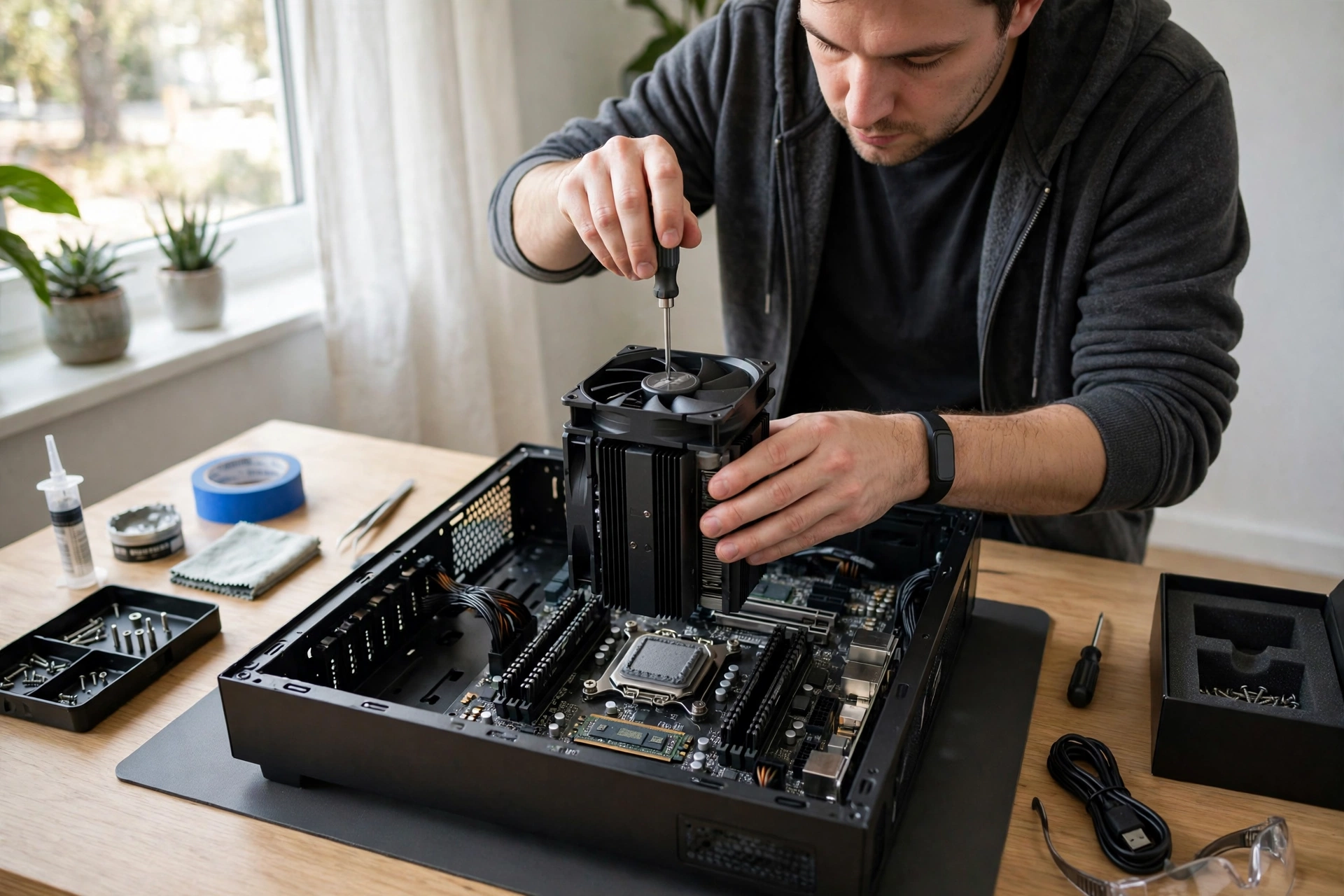
Practical takeaway: budget the cooler and the power supply into the CPU decision. A great CPU on a weak cooler is a mediocre CPU.
Common Mistakes
- Pairing a 5090 with a mid range CPU and expecting 4K performance to fix it. At 1440p and below, it will not.
- Buying 16 cores for gaming only. Games use a handful of fast cores far more than many slow ones.
- Ignoring the resolution rule and copying a 4K recommendation for a 1080p high refresh setup.
- Forgetting platform cost: board, DDR5 memory, cooler, and power supply.
- Trusting a single bottleneck percentage as a verdict. It is an estimate, not a measurement.
- Assuming frame generation fixes a CPU limit. It adds frames on top of a CPU set base rate, it does not raise that base rate.
- Upgrading from a 7800X3D to a 9800X3D for 4K only gaming and expecting a transformation. Expect a small gain.
Expert Tips
- For 4K gaming, the best upgrade after the 5090 is usually a better 4K monitor, not a better CPU.
- For 1440p high refresh gaming, the 9800X3D is the safest single purchase in this guide.
- If you stream, test your stream settings with the game running and the encoder loaded. A CPU that games well can still struggle when encoding is added.
- Check your GPU usage in your most played game before buying. If it already sits near full load, your CPU is not the problem.
- For the best 4K focused card advice beyond the CPU question, see our guide to the best graphics cards for 4K gaming.
- For official specifications, check AMD and NVIDIA, and for detailed specification tables check TechPowerUp.
Pros and Cons
Pros of pairing a 5090 with a top gaming CPU
- The fastest GPU on the market gets the frames it needs, especially at 1440p high refresh.
- Large cache chips keep frame times smooth in CPU heavy scenes.
- A strong CPU leaves headroom for streaming, Discord, and background apps.
- At 4K, the pairing is relaxed: the GPU is the limit, as it should be.
Cons of pairing a 5090 with a top gaming CPU
- The total build cost is very high, and the CPU is only part of it.
- At 4K, a mid range high end CPU is often enough, so the flagship CPU can be overkill.
- Extra cores beyond 8 do little for most games.
- Cooling and power supply costs rise with the flagship tier.
Frequently Asked Questions
What is the best CPU for RTX 5090 gaming?
The AMD Ryzen 7 9800X3D, for most gamers. It has the large 3D V-Cache that keeps CPU bound scenes smooth, and it is the most recommended gaming pick across the published guides reviewed for this article. For gaming plus heavy work, the Ryzen 9 9950X3D is the step up.
Will a Ryzen 7 7800X3D bottleneck an RTX 5090?
At 4K, no, not in any meaningful way for most games. At 1440p high refresh or 1080p, it will show some CPU limit in demanding titles, but so will every current consumer CPU to some degree. If you own one and play at 4K, keep it.
Is the Core Ultra 9 285K good with a 5090?
Yes, especially for mixed use. It is a strong productivity chip and a capable gaming chip. It generally trails the X3D chips in CPU bound gaming, so pure gamers should prefer the 9800X3D, but mixed users will be happy with it.
Do I need PCIe 5.0 for an RTX 5090?
The card uses a PCIe 5.0 x16 interface, but published testing on recent high end cards shows only a low single digit percent difference between PCIe 5.0 x16 and PCIe 4.0 x16. Do not replace a working PCIe 4.0 platform just for the slot. Board quality, cooling, and layout matter more.
What power supply do I need for a 5090 build?
A high quality, high wattage unit with the correct native cable for the card, with headroom above the combined system draw. The exact wattage depends on your CPU and the rest of the build, so check the card maker’s guidance and the power supply guidance together, and do not cut corners here on a flagship build.
Is 8 cores enough for a 5090?
For gaming, yes. Most games still depend on a few fast cores and a large cache, not on core count alone. Eight fast cores with 3D V-Cache beat more slower cores for gaming. More cores help streaming, editing, and rendering, not frame rates directly.
Key Takeaways
- Best overall CPU for RTX 5090 gaming: Ryzen 7 9800X3D.
- Best for gaming plus work: Ryzen 9 9950X3D.
- Best Intel option for mixed use: Core Ultra 9 285K.
- Already own a 7800X3D or 14900K and play at 4K: keep it.
- Resolution decides everything: 4K forgives a weaker CPU, 1440p high refresh and 1080p punish it.
- Budget the cooler, power supply, board, and DDR5 memory into the real cost.
- Frame generation cannot fix a CPU limit, because the base frame rate is still CPU bound.
Conclusion
The RTX 5090 deserves a CPU that can feed it, but it does not deserve panic buying. If you game at 4K, a good CPU you already own is probably fine. If you game at 1440p high refresh, buy the Ryzen 7 9800X3D and be done with it. If you work and game on one machine, buy the Ryzen 9 9950X3D. Match the CPU to your resolution and your real workload, cool it properly, power it properly, and the fastest GPU on the market will do what you bought it for.

Leave a Reply