

Quick answer: The best graphics card for 4k gaming in 2026 is the NVIDIA RTX 5090 if money is no object, the RTX 5080 for the best flagship value, and the AMD RX 9070 XT for the best price-to-performance ratio. For native 4K you want at least 16GB of VRAM, a strong CPU like the Ryzen 7 9800X3D to avoid bottlenecks, and a PSU that can handle 750W or more depending on the card.
Finding the best graphics card for 4k gaming is a different challenge than picking a GPU for 1080p or 1440p. At 3840 x 2160, your card pushes four times as many pixels as 1080p, and the margin for error shrinks fast. Pick a card that is too weak and you are stuck with stuttery frame rates or blurry upscaling. Pick one that is stronger than your CPU can feed and you are paying for performance you will never see. This guide walks you through seven GPU tiers for 4K, which CPU each one pairs with, how much VRAM you really need, and when to buy in a market where prices keep climbing.
Quick Picks Best Graphics Card for 4K Gaming
hort on time? Here is the whole guide in one list:
- No-compromise flagship: NVIDIA RTX 5090 (32GB GDDR7) for maxed-out native 4K at any frame rate your monitor supports.
- Best flagship value: NVIDIA RTX 5080 (16GB GDDR7) for near-flagship 4K gaming with DLSS 4.
- Best AMD value: AMD RX 9070 XT (16GB) for strong 4K rasterization performance per dollar.
- Upper midrange sweet spot: NVIDIA RTX 5070 Ti (16GB) for smooth 4K with upscaling.
- Entry ticket to 4K: NVIDIA RTX 5070 (12GB), currently Steam’s most popular GPU, for 4K with DLSS assistance.
- AMD entry option: AMD RX 9070 (16GB) for 4K gaming without NVIDIA’s price premium.
- Secondhand sleeper: Used RTX 4090 (24GB GDDR6X) if you find a fair price from a trusted seller.
Practical takeaway: every tier above pairs with a different CPU, so scroll to the pairing section before you buy.
What Makes a GPU Ready for 4K Gaming in 2026
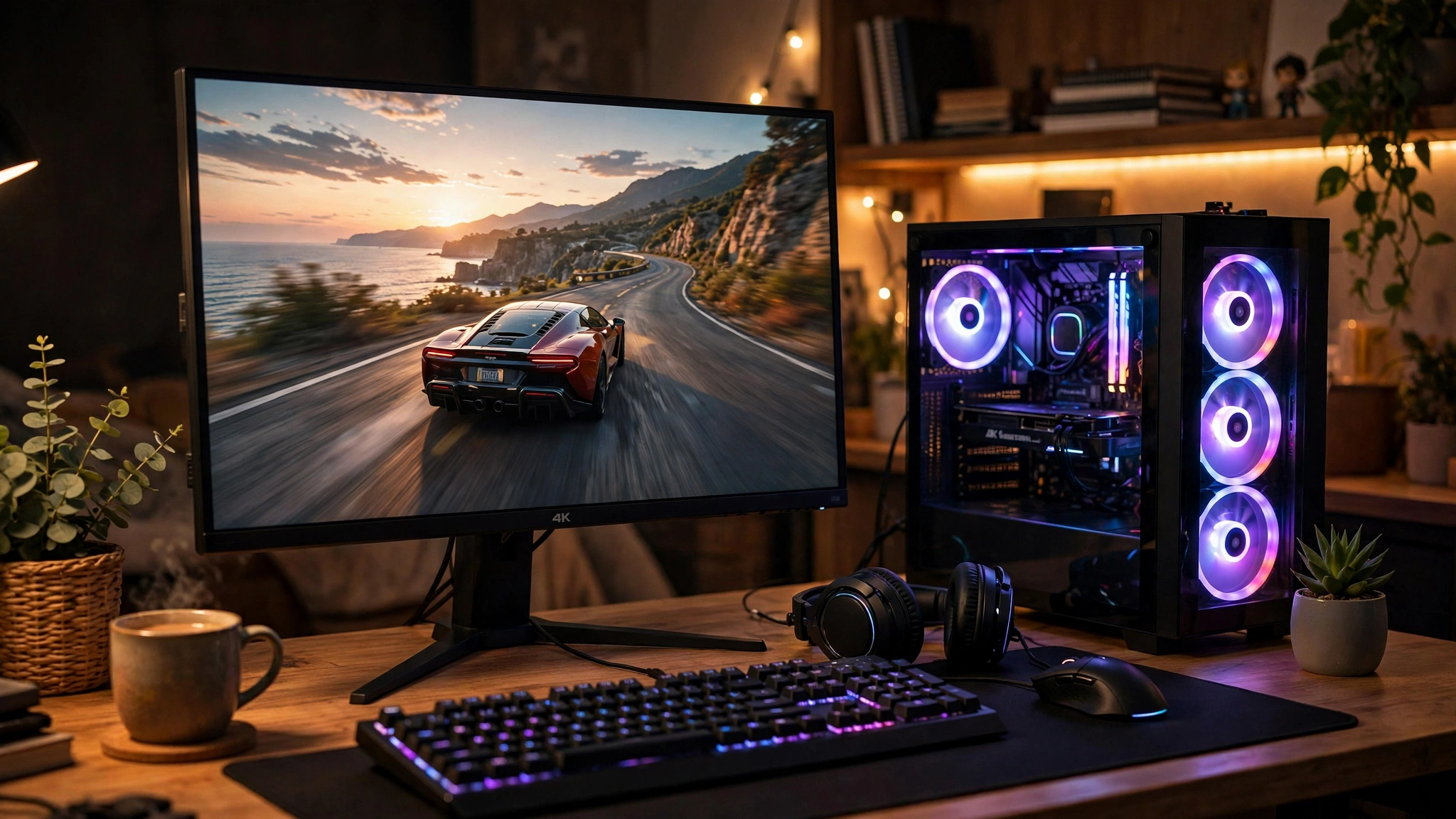
Before comparing cards, it helps to know what “4K ready” actually means in 2026. The requirements are higher than they were two years ago, and marketing blurbs do not always tell you the full story.
The 4K pixel math
A 4K frame is 3840 x 2160 pixels, which works out to about 8.3 million pixels. That is four times the 2.07 million pixels of 1080p and more than twice the 3.7 million pixels of 1440p. Every frame your GPU renders has to calculate color, lighting, and geometry for all of those pixels, which is why 4K demands so much more raw power. A card that feels fast at 1440p can slow to a crawl at 4K simply because the workload quadrupled.
Practical takeaway: if a reviewer calls a card “great for 1440p,” do not assume it handles 4K. Resolution changes everything.
VRAM: the real 4K gatekeeper
At 4K, video memory fills up fast. High-resolution textures, ray tracing data, and frame buffers all live in VRAM, and when a card runs out, performance falls off a cliff with stuttering and texture pop-in. The practical rule for 2026 is simple: 16GB is the minimum for comfortable native 4K gaming. Cards with 12GB can still game at 4K, but they lean on upscaling and reduced texture settings to stay smooth. Anything under 12GB will struggle at 4K in modern AAA titles without serious compromises. We break down the 16GB vs 24GB question in detail below.
Memory bandwidth and bus width
VRAM capacity gets the headlines, but bandwidth decides how fast the GPU can actually use that memory. A wide memory bus (256-bit, 384-bit, or 512-bit) paired with fast GDDR7 memory feeds the GPU’s cores with data quickly enough to keep up with 4K frame times. This is one reason the RTX 5090’s 1,792 GB/s of bandwidth on a 512-bit bus matters as much as its 32GB of capacity.
Ray tracing and upscaling at 4K
Full ray tracing at native 4K is still one of the hardest workloads in PC gaming, and it is where NVIDIA’s fourth-generation RT cores currently hold the lead. AMD has closed the gap in pure rasterization, but ray tracing plus 4K is NVIDIA’s home turf. The counterbalance is upscaling: DLSS 4 and FSR 4 let your GPU render at a lower internal resolution and reconstruct a 4K image with AI. At 4K, upscaling quality modes look so good that most players cannot tell the difference from native rendering, which makes 4K far more reachable on midrange cards than it was a few years ago. For a full breakdown, see our DLSS vs FSR comparison guide.
Practical takeaway: at 4K, upscaling is not cheating. It is the technology that makes midrange 4K gaming possible.
The 7 Best Graphics Cards for 4K Gaming by Budget
Now the picks. Each tier includes a recommended CPU pairing, because a 4K GPU deserves a processor that can keep up. Run your own combo through our CPU bottleneck calculator before you spend anything.
1. NVIDIA RTX 5090 The No-Compromise Flagship
The RTX 5090 is the best graphics card for 4k gaming if budget is not a concern, and it is not close. Built on NVIDIA’s Blackwell architecture with 21,760 CUDA cores, 32GB of GDDR7 memory on a 512-bit bus, and 1,792 GB/s of bandwidth, it is the only card that treats native 4K with full ray tracing as a routine workload. DLSS 4 with Multi-Frame Generation pushes frame rates even further for high-refresh 4K monitors. Independent testing by TechPowerUp confirmed the card’s 575W total graphics power and its remarkable 2-slot Founders Edition design.
The catch is the price. The card launched at $1,999, and with the ongoing price surge, street prices have climbed well above that in many markets. You also need a 1000W power supply (NVIDIA’s official recommendation) and a case with room for a large card.
Best CPU pairing: Ryzen 7 9800X3D, Ryzen 9 9950X, Intel i9-14900K, or Core Ultra 9 285K. Anything weaker leaves performance on the table.
Buy it if: you want maxed-out 4K at 120Hz+ with every setting turned up and never want to think about settings menus again.
2. NVIDIA RTX 5080 The Smart Flagship
The RTX 5080 is the pick most 4K gamers should actually buy. With 16GB of GDDR7 on a 256-bit bus, 10,752 CUDA cores, and 360W of total graphics power, it delivers near-flagship 4K performance with DLSS 4 doing the heavy lifting in demanding titles. Reviewers have called it the sensible ceiling for 4K: you get the full Blackwell feature set, including Multi-Frame Generation and fourth-generation RT cores, without the 5090’s extreme price and power demands.
Best CPU pairing: Ryzen 7 7800X3D or 9800X3D, Intel i7-14700K. A Ryzen 5-class chip starts to look shaky next to this much GPU.
Buy it if: you want a flagship 4K experience and would rather spend the price difference on a better monitor or CPU.
3. AMD RX 9070 XT The AMD Value King
The RX 9070 XT is AMD’s strongest answer to the 4K question. With 16GB of VRAM, 4,096 stream processors, and RDNA 4 architecture with FSR 4 upscaling, it trades blows with NVIDIA’s higher-priced cards in rasterized games. It has earned a reputation as the best price-to-performance 4K card of this generation, and TechRadar named it AMD’s best gaming graphics card for 2026.
The honest tradeoff: ray tracing performance still trails NVIDIA, and FSR 4, while much improved, is not DLSS 4. If you play ray-traced titles or stream with NVIDIA’s superior encoder, that matters. If you mostly play rasterized AAA and competitive games, the value is hard to argue with.
Best CPU pairing: Ryzen 7 7800X3D or 9700X, Intel i7-14700K. See our best CPU for RX 9070 XT guide for the full breakdown.
Buy it if: you want maximum 4K frames per dollar and can live with AMD’s upscaling.
4. NVIDIA RTX 5070 Ti The Upper-Midrange Sweet Spot
The RTX 5070 Ti brings 16GB of GDDR7, 8,960 CUDA cores, and DLSS 4 into a much more approachable package at 300W. It is a genuine 4K card: native 4K is realistic in many titles, and DLSS 4 Quality mode handles the rest. For gamers stepping up from 1440p, this is often the most balanced way into 4K without rebuilding the entire PC around a flagship PSU.
Best CPU pairing: Ryzen 5 7600X or 7700X, Intel i5-14600K. A solid midrange CPU keeps up here.
Buy it if: you want real 4K gaming with all of NVIDIA’s latest features at a non-flagship price.
5. NVIDIA RTX 5070 The Popular Entry Ticket
Here is a fun fact: the RTX 5070 is currently the most popular GPU on Steam, holding about 6.2% of the survey according to Digital Foundry’s September 2026 write-up. That popularity is no accident. With 12GB of GDDR7 and DLSS 4, it is the entry ticket to 4K gaming, delivering smooth results as long as you lean on DLSS Quality or Balanced mode. Its 12GB of VRAM is the card’s main limitation: it is fine for 4K with upscaling, but you should avoid maxing out texture packs in the most VRAM-hungry games.
Best CPU pairing: Ryzen 5 7600 or 7600X, Intel i5-14400F or 14600K. These chips feed the 5070 comfortably at 4K.
Buy it if: you are upgrading to a 4K monitor on a budget and are happy using DLSS.
6. AMD RX 9070 The AMD Entry Option
The RX 9070 gives you 16GB of VRAM without the NVIDIA tax, making it an attractive entry point to 4K on Team Red. It handles 4K rasterization well and benefits from FSR 4. One watch-out: a recent unconfirmed leak reported by PC Guide suggests AMD may raise RX 9000 series prices in Q4 2026 (around $100 more for the RX 9070), citing board partner sources. AMD has not confirmed this, so treat it as a rumor, but if you are eyeing this card, the timing advice in our price section matters for you.
Best CPU pairing: Ryzen 5 7600X or 7700, Intel i5-14600K.
Buy it if: you prefer AMD’s value story and want 16GB of VRAM at the entry level.
7. Used RTX 4090 The Secondhand Sleeper
The previous-generation RTX 4090 remains a 4K monster: 24GB of GDDR6X memory on a 384-bit bus and 450W of board power. On the used market it can undercut a new RTX 5080 while offering more VRAM, which makes it tempting during a price surge. The risks are real, though: no warranty, unknown mining or heavy-use history, and you still need an 850W+ PSU with the 12VHPWR adapter. Buy only from sellers with strong reputations and test the card thoroughly on arrival.
Best CPU pairing: Ryzen 7 7800X3D or 9800X3D, Intel i9-14900K.
Buy it if: you find a fairly priced card from a trusted seller and want 24GB of VRAM without paying flagship prices.
4K GPU Comparison Table
| GPU | VRAM | Memory Bus | Bandwidth | Board Power | Min. PSU | Suggested CPU |
|---|---|---|---|---|---|---|
| RTX 5090 | 32GB GDDR7 | 512-bit | 1,792 GB/s | 575W | 1000W | Ryzen 7 9800X3D / i9-14900K |
| RTX 5080 | 16GB GDDR7 | 256-bit | 960 GB/s | 360W | 850W | Ryzen 7 7800X3D / i7-14700K |
| RX 9070 XT | 16GB GDDR6 | 256-bit | 640 GB/s | ~304W | 750W | Ryzen 7 7800X3D / i7-14700K |
| RTX 5070 Ti | 16GB GDDR7 | 256-bit | 896 GB/s | 300W | 750W | Ryzen 5 7600X / i5-14600K |
| RTX 5070 | 12GB GDDR7 | 192-bit | 672 GB/s | 250W | 650W | Ryzen 5 7600 / i5-14600K |
| RX 9070 | 16GB GDDR6 | 256-bit | 640 GB/s | ~220W | 650W | Ryzen 5 7600X / i5-14600K |
| Used RTX 4090 | 24GB GDDR6X | 384-bit | 1,008 GB/s | 450W | 850W | Ryzen 7 9800X3D / i9-14900K |
Spec sources: NVIDIA RTX 50 series specifications via Puget Systems’ NVIDIA-sourced comparison, TechPowerUp’s RTX 5090 review, and AMD’s RX 9000 specifications. RX 9070 bandwidth and power figures are approximate from AMD’s published specs. For PSU details and the 12V-2×6 connector, see our RTX 50 series power supply guide and PSU tier list.
VRAM Minimums for 4K in 2026 16GB vs 24GB
This is the question that decides more 4K builds than any other, so let us settle it plainly.
16GB is the practical minimum for native 4K in 2026. With 16GB you can run high or ultra textures at 4K in current AAA titles without the card constantly swapping data. This is why the RTX 5080, 5070 Ti, and RX 9070 XT all ship with 16GB: it is the sweet spot the industry has landed on.
12GB works at 4K, but only with help. A 12GB card like the RTX 5070 relies on DLSS or FSR to render internally below 4K, which dramatically reduces VRAM pressure. It is a legitimate way to game at 4K, and it looks great, but you are giving up native rendering and need to watch texture settings in the hungriest games.
24GB and 32GB are about longevity. Texture sizes keep growing, and games with heavy ray tracing plus path tracing already push past 16GB in extreme scenarios. If you keep your GPU for four or five years, or you also do 3D rendering or AI work, the extra headroom of a 24GB used RTX 4090 or 32GB RTX 5090 buys peace of mind.
Bandwidth matters as much as capacity. A 16GB card on a 256-bit GDDR7 bus (like the RTX 5070 Ti at 896 GB/s) can outperform a higher-capacity card on a narrow bus in real 4K workloads. When comparing cards, check both numbers, not just the VRAM sticker.
Practical takeaway: buy 16GB for native 4K today, 12GB only if you are committed to upscaling, and 24GB+ if you want the card to last deep into the decade.
Matching Your CPU to a 4K GPU
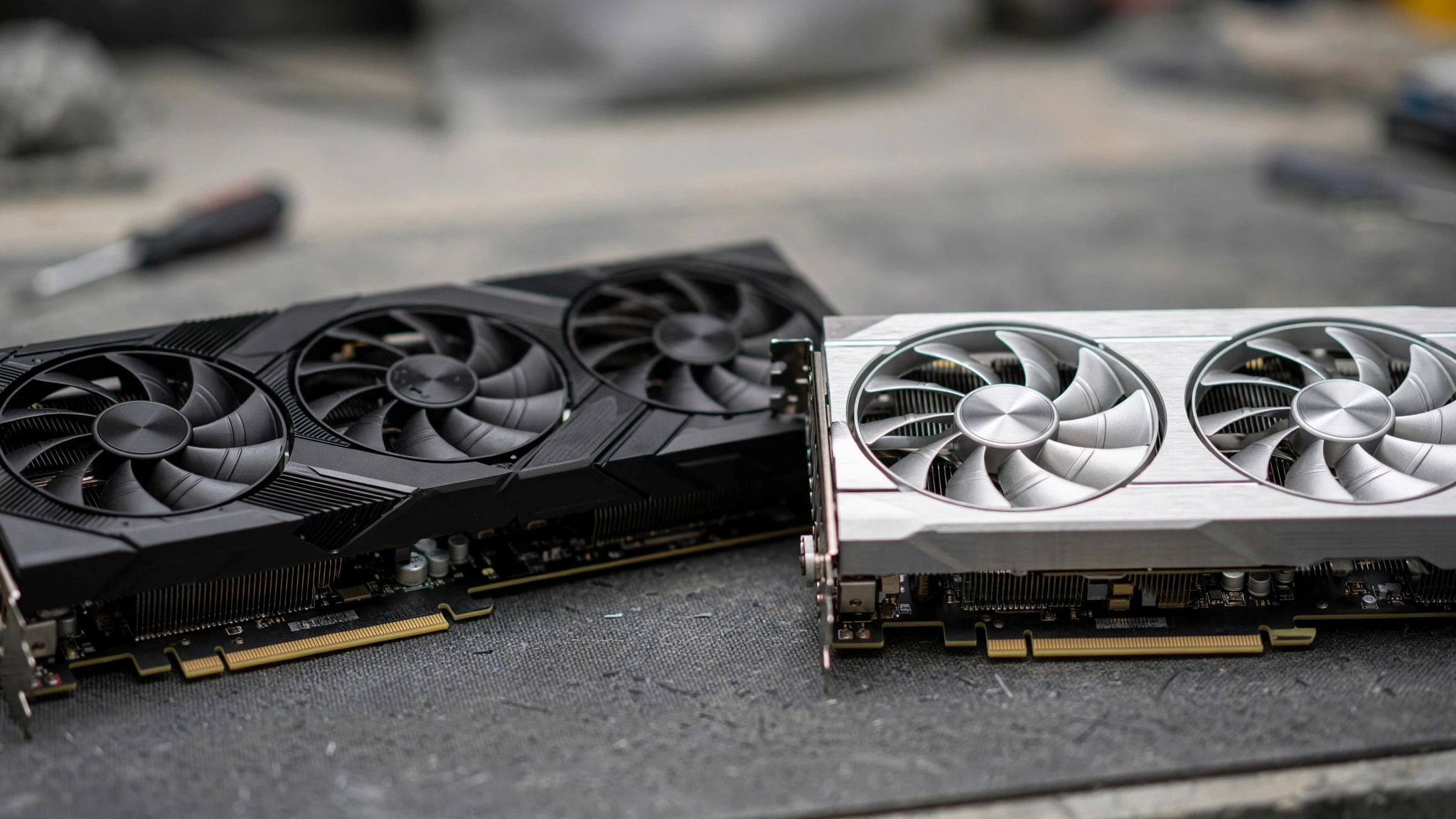
Here is where this site earns its name. A 4K GPU paired with the wrong CPU is money wasted, and the rules at 4K are different from lower resolutions.
Why 4K changes the bottleneck equation
At 1080p, the CPU often limits performance because the GPU finishes frames so quickly that it waits on the processor. At 4K, the workload shifts: the GPU works so hard on those 8.3 million pixels that it usually becomes the limiting factor, which gives slower CPUs more breathing room. This is genuinely good news for upgraders.
But it is not a free pass. Your CPU still matters at 4K in three situations: high-refresh competitive games where you chase 144+ FPS, simulation and strategy games that hammer the processor regardless of resolution, and 1% low frame rates, where a weak CPU causes stutters even when average FPS looks fine. Our 1080p vs 1440p bottleneck comparison explains how resolution shifts the balance in detail.
Recommended CPU pairings per 4K tier
| GPU Tier | Comfortable CPU Pairings | CPUs to Avoid |
|---|---|---|
| RTX 5090 | Ryzen 7 9800X3D, Ryzen 9 9950X, i9-14900K, Core Ultra 9 285K | Anything Ryzen 5 / i5 class or older |
| RTX 5080 | Ryzen 7 7800X3D, 9800X3D, i7-14700K | Ryzen 5 5600, i5-12400F and older |
| RX 9070 XT | Ryzen 7 7800X3D, 9700X, i7-14700K | Ryzen 5 5600, i5-12400F and older |
| RTX 5070 Ti | Ryzen 5 7600X, 7700X, i5-14600K | Ryzen 5 3600, i5-10400F and older |
| RTX 5070 / RX 9070 | Ryzen 5 7600, 7600X, i5-14400F | Ryzen 5 2600, i7-6700 and older |
These are guidelines, not laws. The exact bottleneck percentage depends on the game, settings, and resolution, which is why you should always verify.
How to verify your pairing before you buy
The most reliable check is our free CPU bottleneck calculator: enter your CPU, GPU, RAM, and resolution, and it estimates the bottleneck percentage for that exact combo. As a rule of thumb, anything under 10% is a healthy pairing; our good bottleneck percentage guide explains what the numbers mean and when to worry. Run the check at 4K resolution, not 1080p, because the result changes with resolution.
Practical takeaway: a 4K monitor forgives a midrange CPU, but pairing a flagship GPU with an old quad-core is still a mistake. Verify before you buy.
DLSS 4 vs FSR 4 at 4K
Upscaling deserves its own mention because it is the single biggest reason 4K gaming is affordable in 2026. NVIDIA’s DLSS 4 adds Multi-Frame Generation, which uses AI to create additional frames between rendered ones, multiplying your effective frame rate at 4K. AMD’s FSR 4 is the biggest leap AMD has made in upscaling quality and makes the RX 9070 series genuinely viable at 4K.
At 4K specifically, the Quality preset of either technology renders internally at 1440p and reconstructs a 4K image. On a 4K screen at normal viewing distance, most players cannot distinguish this from native 4K, while performance jumps by 40 to 70 percent depending on the game. The practical upshot: DLSS 4 and FSR 4 effectively move every card on this list one tier higher at 4K. We compare the two technologies head to head, including image quality and supported games, in our DLSS vs FSR guide.
Buying Timing GPU Prices Are Up 66% in 12 Months
This section might save you more money than any other part of this guide. GPU prices are climbing hard right now. Market data from 3DCenter, reported by WCCFtech on October 7, 2026, shows average GPU prices in the German market up 66% over the last 12 months, with the RTX 5090 up a staggering 132%. That is not a typo: the flagship now routinely sells for far more than its $1,999 launch price.
There is also an unconfirmed report worth knowing about. PC Guide reported on October 9, 2026, citing Board Channels forum sources, that AMD may raise RX 9000 series MSRPs in Q4 2026, with the RX 9070 possibly rising by around $104 to roughly $939 and the RX 9060 XT 16GB by around $89. AMD has not confirmed any of this, so treat it strictly as a rumor. But if you are shopping for an RX 9070 or 9070 XT, it is a reason not to wait too long.
So should you buy now or wait? Honest guidance:
- If you need a card today, buy the best value tier you can afford and do not try to time the market perfectly. Prices may keep rising, and waiting has a real cost in months of lost gaming.
- If your current card still works, waiting for a price correction is reasonable, but do not hold your breath for pre-2025 prices. The trend has been upward for a year.
- Consider the tier below your dream card. In a rising market, the RTX 5070 Ti at sane pricing often beats a price-gouged RTX 5080 on value.
- Watch the used market carefully. Cards like the RTX 4090 hold their value well, which means fewer bargains but also means your current card may sell for more than you expect.
Practical takeaway: buy when you find a fair price on the right tier, verify the price against launch MSRP, and never pay scalper prices out of impatience.
Common Mistakes When Buying a 4K GPU
- Pairing a flagship GPU with an old CPU. An RTX 5080 next to a six-year-old i7 is a bottleneck wearing a fancy heatsink. Verify with the calculator.
- Forgetting the power supply. A 4K GPU can pull 250W to 575W. Check the minimum PSU column in our table, confirm your unit’s wattage and 12V rail, and use our RTX 50 series PSU guide for the new 12V-2×6 connector rules.
- Ignoring case fit. Flagship cards are long and thick. Measure your case’s GPU clearance before ordering, not after.
- Buying a 4K 144Hz monitor with only HDMI 2.0. You need HDMI 2.1 or DisplayPort 1.4+ (ideally DP 2.1) to actually drive 4K at high refresh rates.
- Chasing VRAM numbers alone. A 16GB card with fast GDDR7 on a wide bus beats a higher-capacity card on a narrow, slow bus. Check bandwidth too.
- Skipping upscaling out of pride. Refusing to use DLSS or FSR at 4K is leaving 40%+ free performance on the table for image quality you cannot see.
Already Read Our General GPU Buying Guide?
If you came from our best GPU for gaming buying guide, think of this article as its 4K specialist sequel. The general guide covers how to choose a GPU for any resolution, while this one answers the 4K-specific questions: VRAM minimums at 2160p, which CPU each 4K tier needs, and how upscaling changes the math. No repeated sections, just the 4K layer on top.
Frequently Asked Questions
What is the GPU to pair with my i7-6700?
Honestly, none of the cards on this list. The i7-6700 is a 2015 quad-core that will severely bottleneck any modern 4K GPU, and at 4K the stutters from a weak CPU are especially ugly. Realistic options: pair it with something like an RTX 3060 or RX 6600 for 1080p gaming, or upgrade the CPU, motherboard, and RAM platform first and then buy your 4K card. Run the old chip and any candidate GPU through our bottleneck calculator to see the numbers for yourself.
What’s harder for a GPU to handle, a 1080p game at max settings, or a 4K game at lowest settings?
The 4K game at lowest settings is harder, and it is not close. A 4K frame contains about 8.3 million pixels versus 2.07 million at 1080p, so the GPU must shade four times as many pixels no matter how low the settings go. Max settings at 1080p add expensive effects like ray tracing and high shadow quality, but raw pixel throughput dominates. This is why a card that flies at 1080p Ultra can still struggle at 4K Low.
Is there a way to make sure my CPU and GPU wont bottleneck one another?
Yes. First, use a bottleneck calculator to estimate the bottleneck percentage for your exact CPU, GPU, and resolution before buying. Second, aim for under 10% (see our good bottleneck percentage guide for what the numbers mean). Third, remember that resolution matters: a pairing that bottlenecks at 1080p can be perfectly balanced at 4K. Fourth, watch real-world signs after building: if your GPU usage sits well below 95% while the CPU is maxed out, the CPU is holding you back.
New build: how to check if it fits and if GPU/CPU won’t bottleneck?
Do it in two passes. For fit: check your case’s maximum GPU length against the card’s spec sheet, confirm your PSU wattage and that it has the right power connectors (flagship NVIDIA cards need the 12V-2×6 connector), and verify motherboard PCIe slot clearance. For balance: run the CPU and GPU through a bottleneck calculator at your target resolution, and sanity-check the PSU choice against our PSU tier list. If the calculator shows a big bottleneck, upgrade the weaker part before you build.
Is 12GB of VRAM enough for 4K gaming in 2026?
It is enough if you use upscaling. With DLSS or FSR Quality mode, a 12GB card like the RTX 5070 games comfortably at 4K in most titles. Without upscaling, 12GB gets tight at native 4K with ultra textures, and some 2025-2026 AAA games will stutter. The safe minimum for native 4K remains 16GB. If you plan to keep the card for years, lean toward 16GB or more.
What CPU do I need for an RTX 5080 at 4K?
At 4K, a Ryzen 7 7800X3D or 9800X3D is the sweet spot, with the Intel i7-14700K as the strong Intel alternative. These chips keep the 5080 fed in demanding titles without wasting money on cores you will not use for gaming. Avoid pairing it with older midrange chips like the Ryzen 5 5600 or i5-12400F, where you would leave performance on the table, especially at high refresh rates.
Key Takeaways
- The RTX 5090 is the ultimate 4K card, the RTX 5080 is the smart flagship buy, and the RX 9070 XT is the value king.
- 16GB of VRAM is the practical minimum for native 4K in 2026; 12GB needs upscaling; 24GB+ is for longevity.
- 4K shifts the bottleneck toward the GPU, but a weak CPU still causes stutters. Match the CPU to the tier and verify with a calculator.
- DLSS 4 and FSR 4 effectively move every card one tier higher at 4K. Use them.
- GPU prices are up 66% in a year. Buy at fair prices, consider one tier down, and never pay scalper premiums.
- Check PSU wattage, case fit, and monitor inputs before you order anything.
Final Verdict
The best graphics card for 4k gaming in 2026 depends on your budget, but the logic does not change: pick the strongest tier you can afford, pair it with a CPU that can feed it, make sure your PSU and case are ready, and let DLSS 4 or FSR 4 close the gap. Do that, and 4K gaming in 2026 is the best it has ever been. Ready to check your own combo? Run your CPU and GPU through our free CPU bottleneck calculator and see your bottleneck percentage before you spend a dollar.

Leave a Reply