

Quick answer: The best budget PSU for gaming PC is a 650W to 750W, 80 Plus Gold, fully or semi-modular unit from a trusted brand with ATX 3.1 support, a native 12V-2×6 cable, and a warranty of at least 7 years. Spend the extra 20 to 30 dollars over the cheapest no-name unit. That small gap buys real protections, clean power, and a supply that will not take your graphics card down with it.
Shopping for the best budget PSU for gaming PC feels simple until you start reading boxes. Every unit promises big wattage, a shiny efficiency badge, and a low price. The problem is that the number on the box is the least reliable thing about a cheap power supply. A 750W unit from a brand you have never heard of can shut your PC down mid-game, feed your graphics card dirty power for months, or fail in a way that damages your motherboard, your GPU, and your storage all at once. A good budget unit does none of that. It costs a little more than the cheapest option, and it earns that money back by lasting through two or three builds.
This guide is organized by price tier, not by brand hype. You will learn what a budget power supply must never skimp on, how much wattage your graphics card really needs, what ATX 3.1 and the 12V-2×6 connector mean for your build, and where the line sits between a smart saving and a false economy. Prices mentioned here are approximate US street prices seen in November 2026 listings, checked on November 11, 2026. Prices move fast, especially right now, so always confirm the current listing before you buy.
What Budget Really Means for a Power Supply
Budget does not mean cheapest. It means the lowest price that still buys a safe, reliable unit from a maker with a reputation to protect. In practice, that floor sits around 50 to 60 dollars for a basic 550W to 650W unit from a known brand, and around 80 to 100 dollars for the sweet spot most gamers should aim for: a 650W to 750W Gold unit with modern connectors and a long warranty.
Below that floor, the savings come from somewhere, and the somewhere is always the parts you cannot see. Cheaper capacitors age faster. Thinner wires run hotter. Protection circuits get left out or built to a lower standard. The label still says 750W, but the unit may only deliver that wattage for a few seconds in a cold room, or only on paper. Independent testing has repeatedly caught ultra-cheap high-wattage units failing badly. One well known test of two sub-100-dollar 1000W units ended with one of them going up in smoke and the other feeding its test bench voltages about 20 percent out of spec. Those are not rare horror stories. They are what happens when a price is too good to be true.
The right way to think about a budget PSU is cost per year, not cost today. A 90-dollar unit with a 10-year warranty costs 9 dollars a year and will probably serve your next two builds. A 40-dollar unit with a 2-year warranty that dies in year three, or takes a 400-dollar graphics card with it, is the most expensive power supply you will ever buy. Budget shopping is about finding the cheapest unit that is still genuinely good, not the cheapest unit on the shelf.
The 5 Things a Budget PSU Must Never Skimp On
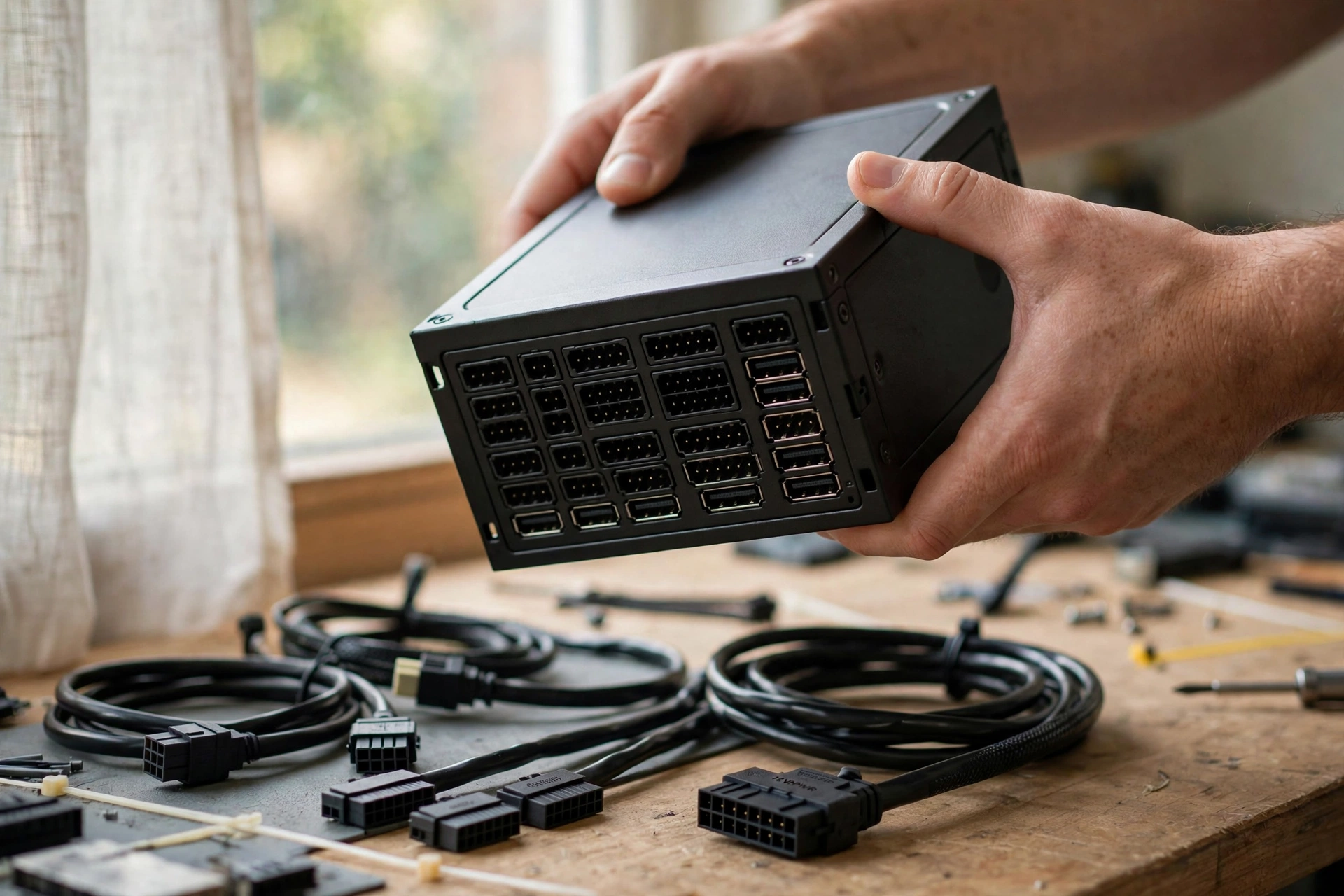
A power supply has five non-negotiables. If a unit misses any of them, walk away no matter how low the price is.
1. Full protection circuits. A safe PSU carries over-voltage protection (OVP), under-voltage protection (UVP), over-current protection (OCP), over-power protection (OPP), short-circuit protection (SCP), and over-temperature protection (OTP). These circuits are the whole point of a power supply. When something goes wrong, they shut the unit down cleanly in milliseconds. A unit without them can pass a fault straight through to every part in your case. Check the spec sheet, not the box art. If the protections are not listed, assume they are not there.
2. An 80 Plus certification from a real test. The 80 Plus badge measures efficiency, which is how much of the power drawn from the wall actually reaches your parts instead of turning into waste heat. Bronze is the minimum worth buying. Gold is the value sweet spot for most gaming PCs. Platinum is nice but rarely worth the price jump on a tight budget. Understand one thing clearly: the badge measures efficiency only, not build quality. A Bronze unit from a trusted line can be excellent, and a Gold unit from a no-name brand can still be poorly built. Treat the badge as one signal, not the whole verdict.
| 80 Plus Rating | Efficiency at 50% Load (115V) | What It Means for You |
|---|---|---|
| Bronze | 85% | Fine for tight budgets from a trusted brand, runs a little warmer |
| Gold | 90% | The value sweet spot, cooler and quieter, worth the small premium |
| Platinum | 92% | Best for PCs that run many hours a day, rarely worth it on a budget |
| Titanium | 94% | Premium only, not a budget buy |
3. A warranty of at least 5 years, ideally 7 to 10. Warranty length is the most honest quality signal a manufacturer gives you. A company that backs a unit for a decade has done the math on its own failure rate and is betting real money that the capacitors will last. Budget units typically carry 3 to 5 years, solid mid-range units carry 7 years, and the best-built units carry 10 or even 12 years. A 3-year warranty on a unit you plan to keep for five years is a warning, not a deal.
4. A reputable platform and OEM. Most power supply brands do not build their own units. They buy platforms from a small number of specialist manufacturers, called OEMs, and put their own label on them. That is why the brand on the box matters less than the platform inside it. Trusted names in this space include Seasonic, Corsair, be quiet!, MSI, and Super Flower, among others. Before you buy, look up the exact model in a current tier list built from lab test data. Our PSU tier list ranks units from lab measurements rather than box claims, and it is the fastest way to check whether a budget model you are eyeing is genuinely good or just cheap.
5. Independent reviews, not user ratings alone. A power supply cannot be judged by unboxing it. The things that matter, voltage stability under load, ripple, transient response, fan noise, and behavior during a GPU power spike, only show up in lab testing. Look for a review from a lab-based tester such as Hardware Busters or Cybenetics data before you buy. If no independent review exists for the exact model, that is itself useful information. It means the unit has not earned its reputation yet, and you are the test subject.
How Much Wattage Does Your Gaming PC Need?
Most gamers buy too much wattage and too little quality. A quality 650W unit is safer than a no-name 850W unit, every single time, because the number on the label says nothing about capacitors, protections, or how the unit behaves when a GPU spikes. Size your supply to your graphics card first, then add headroom for spikes and upgrades.
The quick math works like this. Add your GPU power draw to your CPU power draw, add about 100W for the motherboard, memory, drives, fans, and cooler, then add 20 to 30 percent headroom. That headroom is not waste. Modern graphics cards pull brief power spikes far above their rated draw, sometimes double their rated power for a fraction of a second. A supply sized with zero headroom sees that spike, reads it as an overload, trips its own protection, and cuts power mid-game. That crash looks exactly like a driver problem, and people chase it for months before blaming the PSU.
| GPU Class | Typical GPU Power | Recommended PSU | Notes |
|---|---|---|---|
| RTX 5060, RX 9060 class | About 145 to 150W | 550W | 650W is the smarter buy for upgrade room |
| RTX 5060 Ti, RX 9060 XT class | About 180W | 550W to 650W | 650W covers most CPUs comfortably |
| RTX 5070, RX 9070 class | About 250W | 650W | 750W if you run a high-end CPU |
| RTX 5070 Ti, RX 9070 XT class | About 300W | 750W | Needs a 12V-2×6 cable or adapter |
| RTX 5080 class | About 360W | 750W to 850W | 850W is the comfortable pick |
| RTX 5090 class | About 575W | 1000W | ATX 3.1 with a native 12V-2×6 cable is a must |
NVIDIA lists 550W as the minimum system power for an RTX 5060 and 650W for an RTX 5070, and those figures already assume a powerful CPU in the system. Notice how forgiving the mid-range is. Everything from an RTX 5060 up to an RX 9070 lives comfortably on a 550W to 650W unit, and a quality 650W 80 Plus Gold supply covers that whole band with room to spare. You do not need a 1000W unit unless you are feeding an RTX 5090. If you want the full wattage breakdown for the most popular gaming card size, our best 750W PSU guide covers that tier in detail instead of repeating it here.
Best Budget PSU Picks by Price Tier
Forget chasing one single “best” model. Prices shift weekly, and the best budget PSU for a gaming PC is whichever trusted unit is on sale in your tier this week. Use the tiers below as a map, then check the exact model against a current tier list before you buy. All prices are approximate US street prices seen in November 2026 listings, checked on November 11, 2026.
Under 60 dollars: the floor, not the goal. This tier buys a basic 550W to 650W Bronze unit from a known brand, usually non-modular with fixed cables. It works fine for an entry-level build with an RTX 5060 class card or an older mid-range GPU. Expect a short warranty, often 3 years, and no ATX 3.1 support. Only buy here if your budget truly forces it, and only from a brand you recognize. A 50-dollar unit from a trusted line beats a 35-dollar unit from a brand with no reviews every time.
60 to 90 dollars: the real budget sweet spot. This is where the best value lives. In this band you can find 650W to 750W Gold units from trusted brands, often semi-modular or fully modular, with ATX 3.1 support and a 12V-2×6 cable. Recent listings have put solid 750W Gold units from be quiet! and Corsair in this range, and 850W units from value-focused brands like Montech have dipped close to it. If your build uses an RTX 5060 Ti, RTX 5070, or RX 9070, this is your tier. Spend here and stop worrying.
90 to 120 dollars: budget plus headroom. This band buys an 850W Gold fully modular ATX 3.1 unit with a 7 to 10 year warranty, the kind of supply that will outlive your current graphics card and power the next one too. It is the right tier if you are building around an RTX 5070 Ti or RTX 5080, or if you want to buy once and forget about power for a decade. The price gap from the tier below is small, and the warranty gap is large.
120 to 180 dollars: high wattage on a budget. This is 1000W territory, and it only makes sense for an RTX 5090 build or a heavily overclocked high-end system. The new NZXT C1000 Platinum, reviewed on November 10, 2026, is a good example of what this tier now offers: a fully modular ATX 3.1 1000W unit with a native 12V-2×6 cable rated for 600W, 80 Plus Platinum and Cybenetics Platinum efficiency, and a 10-year warranty, at a listed price of 179.99 dollars. That is not a budget buy for most people, but it shows how far the top of the market has come, and it sets the bar for what a 1000W PSU for RTX 5090 builds should include. You can read the full lab review on Guru3D.
One more pricing truth: the cheapest wattage is often the most expensive wattage. Recent listings have shown 850W Gold units selling for the same price as 750W units from the same brand, and 1000W units dipping near 100 dollars. When a higher-wattage unit from a trusted line costs the same as a lower-wattage one, take the headroom. Just never trade quality for watts. A Gold 650W unit from a top-tier maker will outlast and out-perform a no-name 1000W unit in every way you will actually notice.
What Budget Buyers Need to Know
If you are buying a power supply in late 2026, ATX 3.1 is the standard to look for on the box. It is the current revision of the ATX power supply spec, built around modern graphics cards. It requires stricter voltage regulation, faster response to the brief power spikes that GPUs produce, and native support for the 16-pin 12V-2×6 connector that current NVIDIA cards use. Older ATX 2.x units can still work with an adapter, but they were not designed for those spikes, and that is exactly where mystery shutdowns come from.
The 12V-2×6 connector is the revised version of the 16-pin connector that had a well publicized melting problem on high-end 40 and 50 series cards. It looks almost identical, but the sense pins are shorter, so the card can tell when the plug is not fully seated. That small change matters. Most melting cases traced back to a connector that was not pushed in all the way. The rule for any 12V-2×6 cable is simple: push it in until it clicks, then look at it and push it again. If your budget PSU has a native 12V-2×6 cable, use it. If it does not, and your card needs one, use the adapter that came in the graphics card box, and budget for a native-cable unit next time.
The connector story took a strange turn in October 2026, when a modder showed an RTX 5090 running at 600W through four classic 8-pin connectors, with no 12V-2×6 cable attached at all. The custom board spreads the load across twelve 12V conductors instead of six, cutting the current per pin roughly in half, and the modder reported cable temperatures about 20 degrees cooler than the stock connector. It is a prototype, not a product, and nothing about it has been independently tested yet, but it shows how much attention the 16-pin connector still gets, and why a proper ATX 3.1 PSU with a native cable remains the safe, boring answer. You can read the full report on TweakTown.
For the full technical background, including how ATX 3.1 handles transient spikes and what the PCIe 5.1 label means, our ATX 3.1 PSU guide covers it in depth. The short version for budget buyers is this: if your card is an RTX 50 series model, buy ATX 3.1. If your card is older and uses 8-pin connectors, ATX 3.1 is still a good idea, because it future-proofs the unit for your next graphics card. If you are pairing a new card with an older supply, check the power requirements first in our RTX 50 series power supply guide.
Modular vs Non-Modular on a Budget
Modular means the cables unplug from the power supply. Non-modular means every cable is permanently attached. Semi-modular sits in between: the essential cables are fixed, and the rest are optional. On a budget, this choice is about airflow and your own patience, not about performance. A non-modular unit delivers exactly the same power as a modular one.
Non-modular wins on price. The cheapest safe units are almost always non-modular, and in a case with a PSU shroud and room behind the motherboard tray, the extra cables simply hide out of sight. The downside is cable clutter in small cases and a harder time during the build, because you are routing cables you do not need.
Modular wins on building comfort and airflow. You plug in only the cables your build uses, which means less clutter, better air flow, and an easier time upgrading later. Fully modular units also let you replace a single cable instead of the whole supply if one gets damaged. The price premium used to be large. In 2026 it is often 10 to 20 dollars, and for a first-time builder that money is well spent.
Our advice for budget buyers is simple. If the price gap is under 15 dollars, take the modular unit. If the gap is larger and your case has a shroud, take the non-modular unit and put the savings toward a better efficiency rating or a longer warranty. Either way, read the full comparison in our modular vs non-modular PSU guide before you decide, because case size changes the answer.
The Real Cost of a Cheap PSU That Fails
Every other part in your PC, when it fails, takes only itself. The power supply is the exception. It is the one part connected to everything, and a bad one can send a failure straight through to the motherboard, the graphics card, and your drives. That is not a sales pitch. It is how the wiring works.
Cheap units fail in two ways. The dramatic way is a loud pop, smoke, and a dead PC. The slow way is worse, because it hides. Unstable voltage causes random crashes under load, restarts in the middle of a game, and coil whine that gets blamed on drivers for months. A unit that reads 14.5 volts on pins that should carry 12 volts is about 20 percent out of spec, far outside the 5 percent tolerance the ATX standard allows, and it can damage parts before anyone realizes the PSU is the problem.
Here is the math that matters. A graphics card that costs 400 dollars, a CPU that costs 200 dollars, and a motherboard that costs 150 dollars are all downstream of a 40-dollar part. Saving 30 dollars on the power supply to protect 750 dollars of hardware is a bad trade in any direction you run the numbers. A good budget unit is the cheapest insurance in the whole build. If your PC is already showing random shutdowns or restarts, check the warning signs in our PSU bottleneck guide before you blame anything else.
Buying a PSU During the 2026 Price Crisis
Late 2026 is a brutal time to build a PC. Memory prices have climbed sharply as AI data centers absorb more and more DRAM production, and graphics card prices have followed. Retail trackers reported a 32GB DDR5 kit climbing from about 150 dollars to over 600 dollars in about eighteen months, and the cheapest in-stock RTX 5090 in the US was reported at 9,400 dollars in October 2026, far above its 1,999-dollar launch price. Memory makers have warned the shortage could run into mid-2027, and PC makers have warned of further price rises.
That pressure makes the power supply decision more important, not less. When the rest of the build costs far more than planned, the temptation is to cut the PSU budget to make the numbers work. That is exactly backwards. The PSU is the part that protects everything else, and it is also one of the few parts whose price has stayed relatively stable, because power supplies do not depend on DRAM. A good 750W Gold unit costs roughly what it cost a year ago. The money you save by buying a safe unit instead of a risky one is tiny next to what a failure would cost, and the unit will still be running when memory prices finally settle.
If your budget is squeezed, cut somewhere the failure cannot spread. Buy a cheaper case. Skip the extra RGB fans. Buy a smaller SSD now and add storage later. Do not cut the power supply. And if you already own a decent unit, keep it. A quality PSU from a trusted brand is one of the few parts worth carrying into your next build, and reusing it is the best budget move of all.
How to Check a Budget PSU Before You Buy
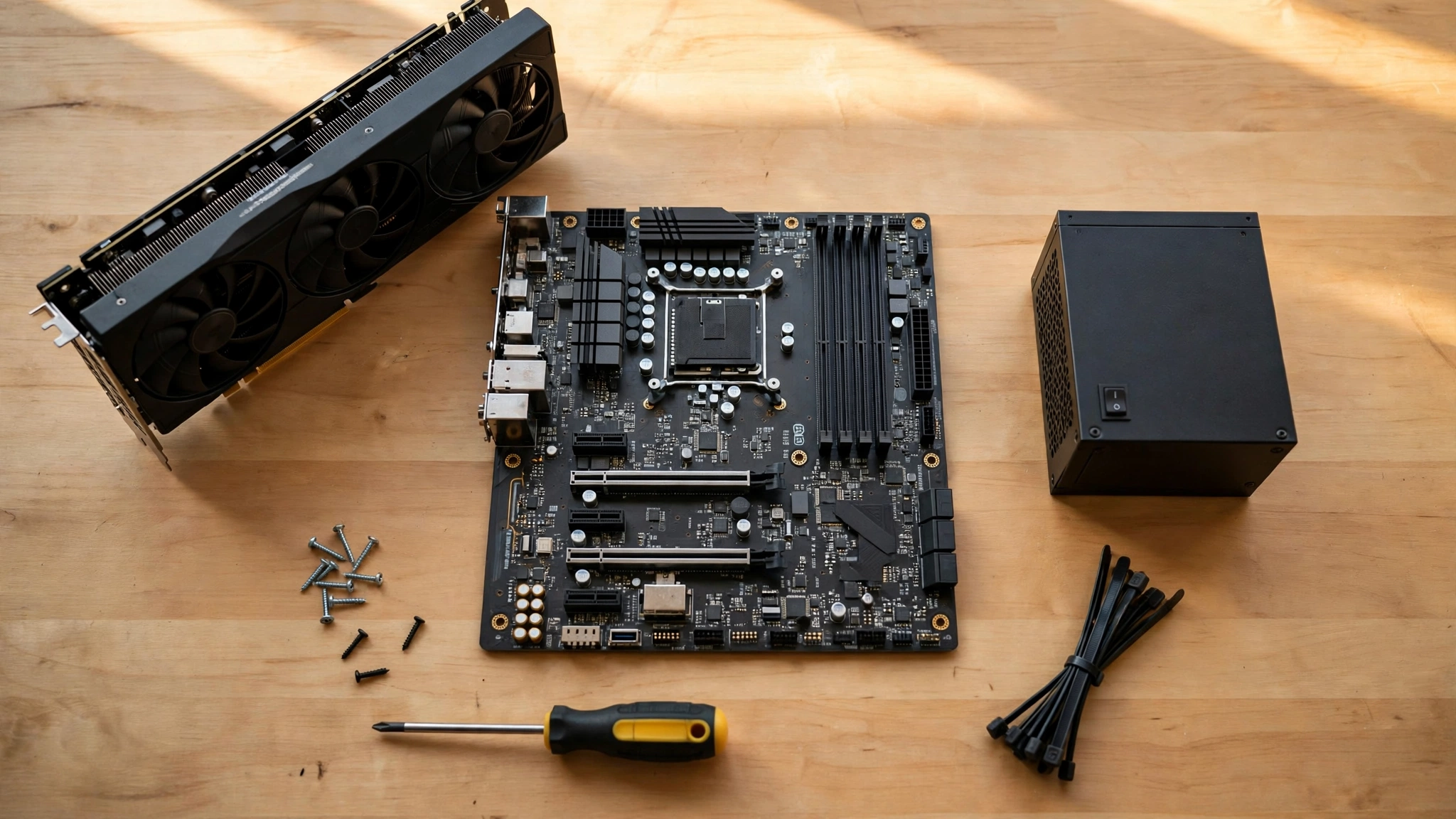
Use this checklist on every unit, every time. It takes ten minutes and it catches nearly every bad buy.
- Confirm the exact model number, not just the brand and wattage. Brands sell good and bad units under the same name.
- Look up the model in a current tier list built from lab data. Our PSU tier list is the fastest check, and the Hardware Busters best picks list is a strong second source. You can browse the current lab-tested picks on Hardware Busters.
- Check the warranty on the manufacturer page. Five years is the floor. Seven to ten years is what you want.
- Check the protections list on the spec sheet: OVP, UVP, OCP, OPP, SCP, and OTP should all be named.
- Confirm the connectors. Count the 8-pin PCIe cables and check for a native 12V-2×6 cable if your card needs one.
- Check the length. Budget cases and small form factor cases have hard limits, and a long unit may not fit.
- Search for a lab review of the exact model. No review means no independent proof, so treat the unit as unproven.
- If you already own a unit and are not sure what it is, our guide on how to check what PSU you have shows how to identify it from the label and from inside Windows.
Common Mistakes to Avoid
Buying watts instead of quality. A no-name 1000W unit is not better than a trusted 750W unit. It is worse, because the label is the only thing it has.
Ignoring the 12V rail. A PSU is only as strong as its 12V rail, which powers the CPU and GPU. Check the amperage on the label. A 650W unit should deliver nearly all of its rated power on the 12V rail.
Reusing a very old unit with a new GPU. A ten-year-old supply may still turn on, but it was not designed for the transient spikes of a modern graphics card, and its capacitors have aged. If it predates ATX 3.0, think hard before pairing it with an RTX 50 series card.
Buying a unit with no reviews to save 10 dollars. Ten dollars is not worth being the test subject. If nobody has lab-tested the exact model, pick a different one.
Forgetting the case fit. Measure the PSU bay before you order. A 180mm unit in a 160mm bay is a return, not a build.
Skipping the seating check on the 12V-2×6 cable. Push it in until it clicks, look at it, and push it again. A loose 16-pin connector is the single most avoidable failure in modern PC building.
Frequently Asked Questions
Is it safe to buy a cheap power supply?
It is safe to buy an inexpensive power supply from a trusted brand with real protections, a real efficiency certification, and a warranty of at least 5 years. It is not safe to buy the cheapest unit you can find from a brand with no reviews, no listed protections, and a 1 or 2 year warranty. The difference between those two purchases is usually 20 to 30 dollars, and it is the most important 20 to 30 dollars in the whole build.
Can a bad power supply damage other parts of my PC?
Yes. A failing or poorly built power supply can send unstable or excessive voltage to your motherboard, graphics card, and drives, and take them out with it. That is why the power supply is the one part where cutting corners is genuinely dangerous. A quality unit shuts down safely when something goes wrong. A bad unit passes the fault through to everything connected to it.
How many watts do I need for a gaming PC?
Most gaming PCs need 550W to 850W. A build with an RTX 5060 is fine on 550W, an RTX 5070 wants 650W, an RTX 5070 Ti or RTX 5080 wants 750W to 850W, and only an RTX 5090 genuinely needs 1000W. Add your CPU and GPU power draw together, add about 100W for the rest of the system, then add 20 to 30 percent headroom for power spikes and future upgrades.
Is 650W enough for a gaming PC?
Yes, for most mid-range gaming PCs. A quality 650W 80 Plus Gold unit covers everything from an RTX 5060 up to an RX 9070 with room to spare, and it handles a Ryzen 7 or Core i7 class CPU at the same time. It is not enough for an RTX 5080 with a high-end CPU, and it is not enough for an RTX 5090. The quality of the 650W unit matters more than the number. A trusted 650W unit is safer than a no-name 850W unit.
Is a 550W power supply enough for the RTX 5060?
Yes. NVIDIA lists 550W as the minimum system power for the RTX 5060, and that figure already assumes a powerful CPU in the system. A good 550W unit will run the card without trouble. Even so, a 650W unit costs almost the same in most listings, gives you room for a future graphics card upgrade, and is the smarter buy if you are buying new.
Is 80 Plus Bronze good enough for gaming?
Yes, if it comes from a trusted brand and a tested platform. Bronze means 85 percent efficiency at half load, which is perfectly fine for a gaming PC. Gold runs cooler and quieter and is worth the small premium when the price gap is under 20 dollars. What matters more than the badge is the build quality behind it. A Bronze unit from a trusted line beats a Gold unit from a no-name brand.
Key Takeaways
- The best budget PSU for gaming PC is a 650W to 750W Gold unit from a trusted brand, with ATX 3.1 support and a warranty of at least 7 years.
- Never buy a unit without full protection circuits, a real 80 Plus certification, and an independent lab review of the exact model.
- Size the wattage to your graphics card, then add 20 to 30 percent headroom for power spikes. Quality beats watts every time.
- A native 12V-2×6 cable is a must for RTX 50 series cards. Push it in until it clicks, then check it again.
- In the 2026 price crisis, the PSU is the wrong place to cut. A good unit costs about what it cost a year ago, and it protects hardware that now costs far more.
- Prices in this guide are approximate US street prices seen in November 2026 listings, checked on November 11, 2026. Always confirm the current listing before you buy.
Conclusion
A budget power supply is not a compromise. It is a choice to spend your money where it protects you and to skip spending where it does not. The right unit is a 650W to 750W Gold supply from a brand with a reputation to protect, with ATX 3.1 support, a native 12V-2×6 cable if your card needs one, a warranty that lasts longer than your graphics card will, and a lab review that proves the label is honest. That unit costs 60 to 120 dollars in November 2026 listings, and it will quietly do its job for a decade while the rest of your build changes around it.
The wrong unit costs 30 dollars less and risks everything downstream of it. Buy the good one, seat the 16-pin cable properly, and get back to the part that matters: playing games on a PC that simply works every time you press the power button.

Leave a Reply