

The Intel Core i7 14700K is a strong, flexible gaming CPU, and that is exactly why the GPU choice matters so much. Pair it with too little graphics power and you waste a fast processor. Pair it with a flagship card for a 1080p 60Hz monitor and you waste the graphics card instead. The right answer is not one card for everyone. It is the card that matches your monitor, your games, and your budget, while leaving the i7-14700K free to do what it does best.
This guide answers that one question, tier by tier. It starts with what the CPU can actually feed, then gives clear picks for 1080p esports, 1440p high refresh, and 4K gaming, plus the VRAM, power supply, memory, and cooling checks that turn a good pairing into a stable build.
What the Best GPU for i7 14700K Can Actually Feed
The i7 14700K is a 14th generation Raptor Lake Refresh processor with 20 cores and 28 threads, made up of 8 Performance cores and 12 Efficient cores, as listed in the official i7-14700K specifications. Its P cores run at a 3.4 GHz base frequency and boost up to 5.6 GHz with Intel Turbo Boost Max Technology 3.0, while the E cores boost up to 4.3 GHz. It carries 33 MB of Intel Smart Cache and 28 MB of L2 cache, and it uses the LGA 1700 socket.
For gaming, the headline numbers are less important than what they mean in practice. The 8 P cores give the single thread speed that drives frame rates in most games, especially at 1080p and in CPU heavy scenes. The E cores handle background work, streaming, Discord, browser tabs, and recording, so the game threads are less likely to be interrupted. That hybrid layout is why the 14700K stays useful for mixed use, not just for pure gaming: you can play, stream, and keep background apps open without the same penalty a smaller CPU would show.
The platform matters too. The 14700K supports both DDR4 3200 and DDR5 5600 memory, depending on the motherboard, and it supports PCIe 5.0 and PCIe 4.0. That means an upgrade path is not only about the graphics card. A DDR5 board with fast, dual channel memory will usually feed high refresh gaming better than a slow single stick setup, even with the same GPU. You can read more about that side of the balance in our RAM bottleneck explained guide.
Power and cooling also deserve attention before you buy a GPU. The processor base power is 125 watts, and its maximum turbo power is 253 watts. In a real gaming PC, that means a capable tower cooler or a 240 mm or larger liquid cooler is a sensible baseline, not a luxury. A CPU that throttles under sustained load will look like a GPU problem in your frame rate graph, when the real limit is heat. If you are coming from an older CPU and are unsure which side to upgrade first, our guide on whether to upgrade the CPU or GPU first walks through that decision step by step.
How to Read a Bottleneck With This CPU
A bottleneck is not a single percentage that applies to every game. It changes with resolution, settings, game engine, and frame rate target. The same i7-14700K and RTX 5080 pairing can be CPU limited at 1080p in a competitive shooter, well balanced at 1440p in a story driven game, and GPU limited at 4K with ray tracing on. That is normal, and it is why resolution should come before brand loyalty in your shortlist.
A practical test is simple. While gaming, watch GPU usage and frame time stability, not just average FPS. If GPU usage sits near 95 to 100 percent most of the time, the GPU is the main limit, which is the healthy state for a gaming PC at a chosen resolution. If GPU usage swings widely, average FPS looks high but 1 percent lows are poor, and lowering resolution does not raise FPS much, the CPU, memory, or a frame cap is more likely to be the limit. For a fuller method, see how to find a PC bottleneck.
Resolution shifts the balance in a predictable way. At 1080p, the GPU finishes frames quickly, so the CPU has to prepare the next frame sooner. At 1440p, the GPU workload grows, so the CPU gets more breathing room. At 4K, the GPU workload dominates in most AAA titles. That is why a flagship card can look wasted at 1080p and perfectly matched at 4K, with the exact same processor. Our comparison of 1080p versus 1440p monitor bottleneck impact explains this shift with monitor examples.
Quick Comparison Best GPU for i7-14700K by Tier
| GPU | VRAM | Best for | Why it fits the i7-14700K |
|---|---|---|---|
| Intel Arc B580 | 12 GB | Budget 1080p and entry 1440p | Low cost, enough VRAM for 1080p, CPU stays well ahead |
| RTX 5060 | 8 GB | Budget 1080p esports | Cheap entry point, but VRAM limits future 1440p use |
| RTX 5060 Ti 16 GB | 16 GB | Budget 1440p | Strong value, 16 GB headroom, good 1440p high settings pick |
| RTX 5070 | 12 GB | Balanced 1440p | Fast 1440p card with DLSS 4 support, CPU keeps up easily |
| RX 9070 | 16 GB | 1440p raster value | Strong raster performance and 16 GB for modern textures |
| RX 9070 XT | 16 GB | 1440p high refresh | Near RTX 5070 Ti raster pace at 1440p, often for less money |
| RTX 5070 Ti | 16 GB | 1440p high refresh and entry 4K | Best all round balance, ray tracing, DLSS 4, and 16 GB |
| RTX 5080 | 16 GB | Serious 4K | Flagship pace for 4K 120Hz plus monitors, CPU still keeps up at 1440p and 4K |
Use this table as a starting map, then read the tier that matches your monitor. Price changes often, so treat the tier, not a single sale price, as the decision.
Budget Tier 1080p Esports and Entry Level Gaming
If your monitor is 1080p and your main games are Valorant, Counter-Strike 2, Rocket League, Fortnite on competitive settings, or older titles, you do not need a high end card to get a good result from the i7-14700K. In fact, this is the tier where overspending is the most common mistake. A mid range card will already push very high frame rates in esports titles, and the CPU will not be the problem.
The Intel Arc B580 with 12 GB is a sensible budget pick for this tier. It gives you more VRAM than many budget cards, it handles 1080p well, and it can stretch into 1440p at medium settings in many games. Driver maturity for Intel Arc has improved a lot, but you should still check that your main games run well on Arc before buying, especially if you play older or niche titles.
The RTX 5060 with 8 GB is the other budget option, and it suits a strict 1080p build. It is efficient, it supports DLSS, and it is easy to cool and power. The limit is VRAM. At 1080p with sensible texture settings, 8 GB is workable in 2026. At 1440p with high textures, it becomes a real constraint, and that is why this guide treats 8 GB as a 1080p choice, not a future proof 1440p choice. Our separate discussion of whether 8 GB VRAM is enough goes into the texture and resolution cases where 8 GB starts to hurt.
Waste warning for this tier: buying an RTX 5080 for a 1080p 60Hz monitor wastes most of the card. You will get high FPS, but you will not see it, and the money would have been better spent on a 1440p high refresh monitor, more storage, or simply saved. If you plan to upgrade the monitor within a year, buy for the monitor you will own, not only the one on your desk today.
1440p High Refresh Pairings for the i7-14700K
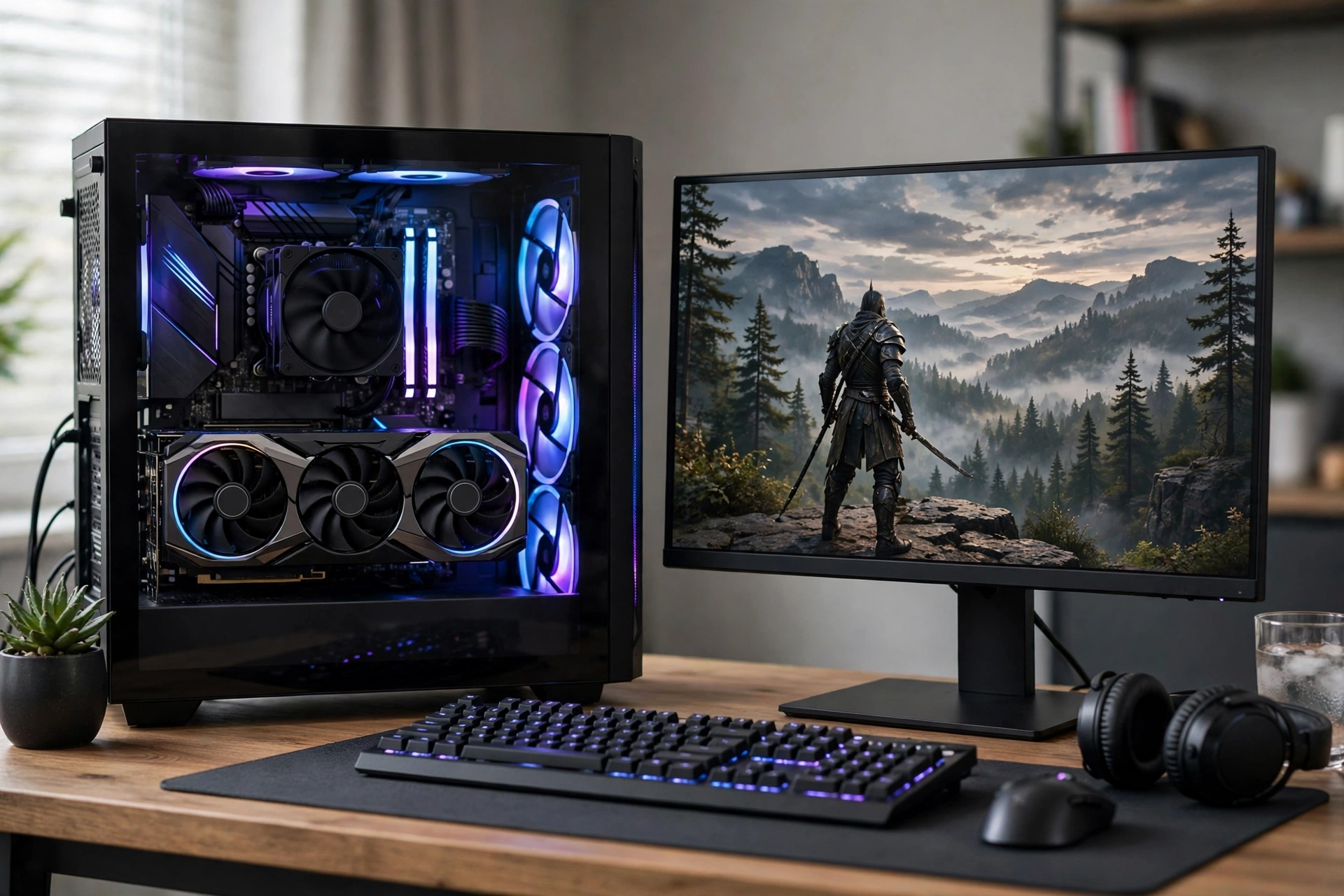
For most i7-14700K owners, 1440p is the sweet spot. The CPU is fast enough to feed high refresh rates, and the GPU workload is large enough that you get visible value from a mid range or high end card. This is also where the best value picks live.
The RTX 5060 Ti 16 GB is the budget 1440p pick in this guide. The 16 GB version matters. It avoids the VRAM ceiling that holds back the 8 GB model in texture heavy games, and it pairs well with the 14700K for 1440p high settings at 100 FPS plus in many AAA titles, with higher rates in esports and older games. If your budget is tight but you want a card that will still feel comfortable in two or three years, this is the first card to shortlist.
The RTX 5070 with 12 GB is the balanced 1440p pick. It is faster than the 5060 Ti in raster and ray tracing, it supports DLSS 4, and it handles 1440p ultra settings with headroom in most games. At 1440p, the i7-14700K keeps up with it easily in the great majority of titles. The trade off is 12 GB of VRAM versus 16 GB on the AMD alternatives at a similar tier, so if you play texture heavy open world games at maximum settings and you want the most VRAM headroom, compare it closely with the RX 9070 XT below.
The RX 9070 with 16 GB is the raster value pick for 1440p. In games without heavy ray tracing, it offers strong frame rates for the money, and 16 GB gives you texture headroom that will age better than 8 GB. It is a good match for a player who cares more about raw frame rate and value than about path tracing or Nvidia specific creator features.
For a fuller picture of where this CPU sits among Intel gaming CPUs, our best Intel CPU for gaming ranked guide is a useful recap, but it is a CPU ranking, not a GPU buying guide for the 14700K. This article stays focused on the opposite question: which GPU should you buy for this one CPU.
High End 1440p and Entry 4K
This is the most contested tier for the i7-14700K, and for good reason. Both the RX 9070 XT and the RTX 5070 Ti carry 16 GB of VRAM, both target 1440p high refresh gaming, and both can handle entry level 4K. The difference is workload, not a single winner.
The RX 9070 XT is about 5 percent behind the RTX 5070 Ti in 1440p raster performance in many comparisons, as shown in this RTX 5070 Ti versus RX 9070 XT comparison, while often selling for noticeably less. That makes it the value winner if you mainly play raster first games at 1440p, you do not rely on heavy ray tracing, and you want the best cost per frame. It also suits compact builds, since many models use a standard dual 8 pin power layout and a slimmer cooler design.
The RTX 5070 Ti pulls ahead when ray tracing or path tracing is on, with a gap that can reach roughly 15 percent in ray tracing heavy games, and more in heavy path tracing scenes. It also brings DLSS 4, stronger NVENC encoding for streaming, and CUDA support for creator apps. At 4K, its higher memory bandwidth helps as well. If you stream while you play, you record and edit video, or you keep ray tracing on in story games, the RTX 5070 Ti is the safer all round pick, even at a higher price.
With the i7-14700K, neither card is held back in any meaningful way at 1440p or 4K. At 1440p, you may see CPU headroom only in very CPU heavy, low settings esports cases, where frame rates are already far above what most monitors show. At 4K, the GPU is the limit in almost every AAA title, which is exactly what you want from a high end pairing.
A practical tie breaker: check the games you actually play. If your library is mostly competitive shooters and raster heavy AAA games, take the RX 9070 XT and put the saving toward a better monitor or more storage. If your library includes ray tracing heavy single player games, or you stream and create content, take the RTX 5070 Ti. Do not decide this tier on a single benchmark average, because the average hides the ray tracing split that decides the real experience.
4K Pairings and Power Supply Checks
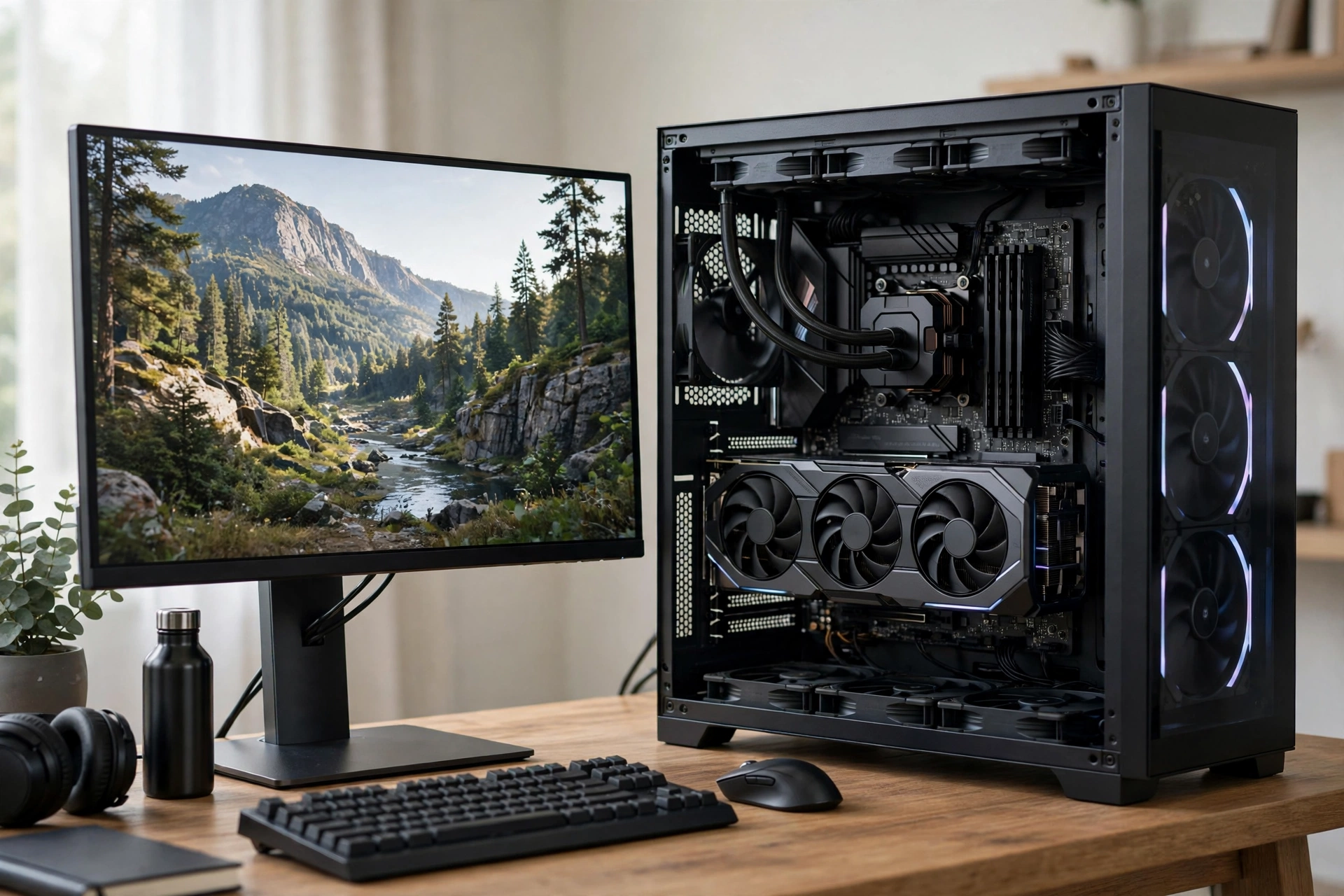
At 4K, the i7-14700K is in its comfort zone. The GPU does the heavy lifting, and the CPU has enough single thread speed and core count to keep frame pacing stable in most titles. This is where the RTX 5080 earns its price, and where the RTX 5070 Ti still works as an entry 4K card with DLSS or FSR quality mode.
The RTX 5070 Ti at 4K delivers roughly 70 to 100 FPS in many AAA titles at high to ultra settings in independent testing, as reported in this tested i7-14700K graphics card guide, with lower native rates in heavy ray tracing games like Cyberpunk 2077, where DLSS 4 can lift performance dramatically. That makes it a genuine entry 4K card, not just a 1440p card stretched too far, provided you are willing to use upscaling in the most demanding games.
The RTX 5080 is the serious 4K pick. It targets 4K 120Hz plus monitors, it handles maximum settings with more headroom, and it keeps 1440p high refresh gaming effortless as a side benefit. With the i7-14700K, the 5080 is an optimal pairing at 1440p and 4K in most bottleneck calculators and guides, with only 1080p low settings esports cases showing CPU headroom. That headroom does not mean the pairing is bad. It means the CPU is not the limit at the resolution where the card is meant to be used.
The RTX 5090 is a different conversation. It is faster, but it costs far more, it needs a very strong power supply and case airflow, and its value for a 14700K build is poor unless you already own a 4K 240Hz monitor, you work in GPU heavy creator apps, and budget is not a constraint. For most gamers, the step from RTX 5080 to RTX 5090 buys a smaller visible gain than the step from a 1080p monitor to a good 1440p or 4K monitor.
Power supply is the check most buyers skip, and it is the one that causes random crashes. A 14700K plus an RTX 5070 Ti build should use a quality 750 watt unit as a sensible minimum, and a 14700K plus an RTX 5080 build should use a quality 850 watt unit. Use the correct PCIe power cables for your specific card, do not daisy chain a single cable to a card that needs two separate feeds, and leave headroom for transient power spikes. Our RTX 50 series power supply guide covers wattage and cable checks by card tier.
Cooling and case airflow matter at this tier too. A 14700K at full turbo plus a high end GPU will dump a lot of heat into the case. Make sure your case has intake and exhaust airflow, your CPU cooler is rated for sustained turbo loads, and your GPU has room to breathe. A card that thermal throttles will look like a bottleneck in benchmarks, when the real fix is airflow.
DDR4 Versus DDR5 Why Memory Still Matters
The i7-14700K supports both DDR4 and DDR5, but your motherboard decides which one you can use. You cannot mix them, and you cannot switch later without changing the board. If you are building new in 2026, DDR5 is the sensible default. A 32 GB DDR5 6000 kit in dual channel is a good baseline for gaming plus background apps, and it gives the CPU the bandwidth it needs for high refresh gaming.
If you already own a DDR4 LGA 1700 board and 32 GB of decent DDR4, you do not need to replace the whole platform just to buy a new GPU. A DDR4 build with a 14700K and an RTX 5070 Ti will still game very well at 1440p and 4K. The DDR5 advantage shows up most at 1080p high refresh and in CPU heavy scenes, where memory speed and latency have more influence. At 4K, the GPU limit hides most of the DDR4 versus DDR5 gap.
Whatever memory type you use, do not run a single stick if you can avoid it. Dual channel memory, two sticks in the correct slots, is one of the cheapest performance fixes in PC building. Also check that XMP or EXPO is enabled in BIOS, because memory often runs at a slow default speed until you turn it on. A 14700K paired with a strong GPU but slow, single channel memory will show stutter that looks like a GPU problem.
Waste Warnings in Both Directions
A weak GPU wastes the CPU. If you pair a 14700K with an entry level card and play at 1440p or 4K, the GPU will cap frame rates long before the CPU is stressed. You paid for 20 cores and high boost clocks, but the game never asks the CPU for more work because the GPU cannot keep up. That is not a failure of the CPU. It is a mismatch of budget: too much CPU, too little GPU for the monitor you own.
A flagship GPU at 1080p wastes the GPU. If you pair a 14700K with an RTX 5080 and a 1080p 60Hz monitor, you will get smooth gameplay, but you will not see most of the frames the card can produce, and you will have spent flagship money for a mid range visible result. The fix is not to buy a weaker CPU. The fix is to match the GPU to the monitor, or upgrade the monitor if you already own the card.
The same logic applies to upgrades. If you already own a 14700K and a mid range card, upgrading the GPU usually gives a bigger visible gain than upgrading the CPU, especially at 1440p and 4K. If you already own a flagship card and a weak CPU, the CPU upgrade matters more at 1080p. The direction of the upgrade should follow the limit you actually measured, not a generic rule.
What to Buy A Simple Decision Flow
Start with your monitor, not with a GPU brand. If you play at 1080p on a 144Hz or higher monitor and mainly play esports, pick the RTX 5060 or Arc B580 and save the difference. If you play at 1080p but plan to move to 1440p within a year, pick the RTX 5060 Ti 16 GB instead, so you do not need to upgrade the GPU again with the monitor.
If you play at 1440p, pick by budget and workload. For value, take the RTX 5060 Ti 16 GB or RX 9070. For balanced 1440p with DLSS and ray tracing, take the RTX 5070. For high refresh 1440p and entry 4K, take the RX 9070 XT for raster value or the RTX 5070 Ti for ray tracing, streaming, and creator work.
If you play at 4K, pick the RTX 5070 Ti as the entry point with upscaling, or the RTX 5080 if you want maximum settings at 4K 120Hz plus without compromise. Do not buy the RTX 5090 for gaming alone unless you have a specific 4K high refresh or creator reason that justifies the price jump.
Finally, check the rest of the build before you order. Confirm your power supply wattage and cables, confirm case length and slot clearance for the card you picked, confirm your CPU cooler can handle sustained 14700K turbo loads, and confirm your memory is dual channel with XMP or EXPO enabled. Those four checks prevent more disappointment than any benchmark comparison.
Common Mistakes With i7-14700K GPU Pairings
The first mistake is buying VRAM on paper and ignoring the tier. An older card with a large VRAM number is not automatically better than a newer card with a smaller, faster memory system and better upscaling support. Compare the card as a whole: raster speed, ray tracing speed, VRAM amount, memory bandwidth, and driver and upscaling support.
The second mistake is ignoring the power supply. A new GPU that crashes under load is often blamed on drivers or on a bottleneck, when the real cause is an old, low quality, or underpowered unit. Buy a reputable unit with headroom, and use the cables it ships with.
The third mistake is testing only average FPS. Average FPS hides stutter. Check 1 percent lows, frame time graphs, and how the game feels in busy scenes, not just in a calm benchmark run. A pairing with slightly lower average FPS but much better 1 percent lows often feels smoother.
The fourth mistake is copying a pairing from a different CPU. A GPU list for a smaller CPU, such as the guide for the best GPU for i5-14600K, is useful for format, but the 14700K has more cores and a higher ceiling, so its tiers are not identical. Likewise, a single pair article, such as the i7-13700K with RTX 5080 discussion, answers one specific combination, not the full buying question for the 14700K across budgets and resolutions.
The fifth mistake is forgetting the monitor. A GPU upgrade without a monitor that can show the extra frames is invisible. If your monitor is 1080p 60Hz, a 1440p 165Hz monitor plus a mid range GPU will often feel like a bigger upgrade than a flagship GPU on the old monitor.
Frequently Asked Questions
Does the i7-14700K bottleneck an RTX 5080?
At 1440p and 4K, no, not in any meaningful way for gaming. The GPU is the limit in most AAA titles, which is the healthy state. At 1080p with low settings in esports titles, you may see CPU headroom, but frame rates are already very high there, and that headroom does not mean the pairing is bad for its intended 1440p and 4K use.
Is the RTX 5070 Ti enough for 4K with an i7-14700K?
Yes, as an entry 4K card. Expect strong 4K performance at high settings, and use DLSS quality mode in the most demanding ray tracing games for a smoother result. If you want maximum settings at 4K 120Hz plus without upscaling help, step up to the RTX 5080.
Is 16 GB VRAM necessary for the i7-14700K in 2026?
It is not strictly necessary at 1080p, but it is the sensible target for 1440p and 4K in 2026. Modern textures, open world games, and future titles use more VRAM, and 16 GB gives you headroom that 8 GB does not. For a card you plan to keep for three or more years, prefer 16 GB at the 1440p tier and above.
Should I buy DDR5 for a new i7-14700K build?
Yes, if you are building new. DDR5 is the current platform standard for LGA 1700 high end boards, and a 32 GB DDR5 6000 dual channel kit is a good baseline. If you already own a good DDR4 board and memory, you do not need to replace them just for a GPU upgrade, especially at 1440p and 4K.
What power supply do I need for an i7-14700K and RTX 5070 Ti?
A quality 750 watt unit is a sensible minimum for that pairing, with 850 watts preferred if you overclock, run many drives and fans, or plan to step up to an RTX 5080 later. Always check your specific card maker recommendation and use separate PCIe cables where required.
Conclusion
The best GPU for i7-14700K in 2026 is not a single card. It is the card that matches your monitor. For 1080p esports, the RTX 5060 or Arc B580 is enough, and spending more wastes money you cannot see. For 1440p, the RTX 5060 Ti 16 GB is the value pick, the RTX 5070 is the balanced pick, and the RX 9070 XT or RTX 5070 Ti is the high refresh pick, with the choice between those two decided by ray tracing, streaming, and creator needs. For 4K, the RTX 5070 Ti is the entry point with upscaling, and the RTX 5080 is the serious high refresh pick.
Buy for the resolution you actually play at, prefer 16 GB VRAM at 1440p and above, check your power supply, cooling, and dual channel memory, and do not let a single bottleneck percentage override what you measured in your own games. Done that way, the i7-14700K will not hold your GPU back, and your GPU will not waste your CPU. That balance, not a flagship badge, is what makes a pairing feel fast every day.

Leave a Reply