

The rx 7800 xt ryzen 5 5600x bottleneck is one of the most misunderstood pairings in PC building. On a 60Hz monitor, this combo is an excellent match for triple A gaming: the 7800 XT pushes 60 FPS or more at 1440p in nearly every demanding title, and once your frame rate hits your monitor’s refresh ceiling, any remaining “bottleneck” is invisible. You will feel nothing. Read on for the full 1080p, 1440p, and 4K verdicts.
The Specs Behind This Pairing
Before talking bottlenecks, it helps to know exactly what hardware we are discussing. The RX 7800 XT is AMD’s RDNA 3 mid range card built around the Navi 32 chip. The Ryzen 5 5600X is a Zen 3 processor from the AM4 era that earned a reputation as one of the best value gaming CPUs ever made.
| Specification | AMD RX 7800 XT | Ryzen 5 5600X |
|---|---|---|
| Architecture | RDNA 3 (Navi 32) | Zen 3 (Vermeer) |
| Compute Units / Cores | 60 compute units, 3,840 stream processors | 6 cores, 12 threads |
| Memory | 16GB GDDR6, 256-bit, 624 GB/s | DDR4 platform (AM4 socket) |
| Clock Speeds | 2124 MHz game clock, up to 2430 MHz boost | 3.7 GHz base, up to 4.6 GHz boost |
| Memory bandwidth | 448 GB/s | PCIe 4.0 x16 link |
| Cache | 64MB Infinity Cache | 32MB L3 cache |
| Board / Package Power | 263W total board power | 65W TDP |
| Launch Date | September 6, 2023 | November 5, 2020 |
| Launch MSRP | $499 | $299 |
AMD’s own launch materials confirm the headline numbers: 16GB of GDDR6 on a 256-bit bus with 64MB of second generation Infinity Cache, priced at $499. The full spec sheet is well documented in CustomPC’s RX 7800 XT spec overview. The 5600X, for its part, launched at $299 with a 3.7 GHz base and 4.6 GHz boost, and its Zen 3 architecture still delivers strong single thread performance, which is the trait that matters most for gaming.
Compatibility is straightforward. The 5600X sits on the AM4 platform with PCIe 4.0 support, and the 7800 XT uses a PCIe 4.0 x16 interface, so neither part holds the other back at the connection level. If you want a refresher on how these pieces fit together, our CPU and GPU compatibility guide walks through sockets, lanes, and power requirements.
Practical takeaway: on paper, a three year newer mid range GPU paired with a six core Zen 3 CPU is a sensible, balanced combination. Neither part is wildly out of the other’s league.
The 60Hz Monitor Changes Everything
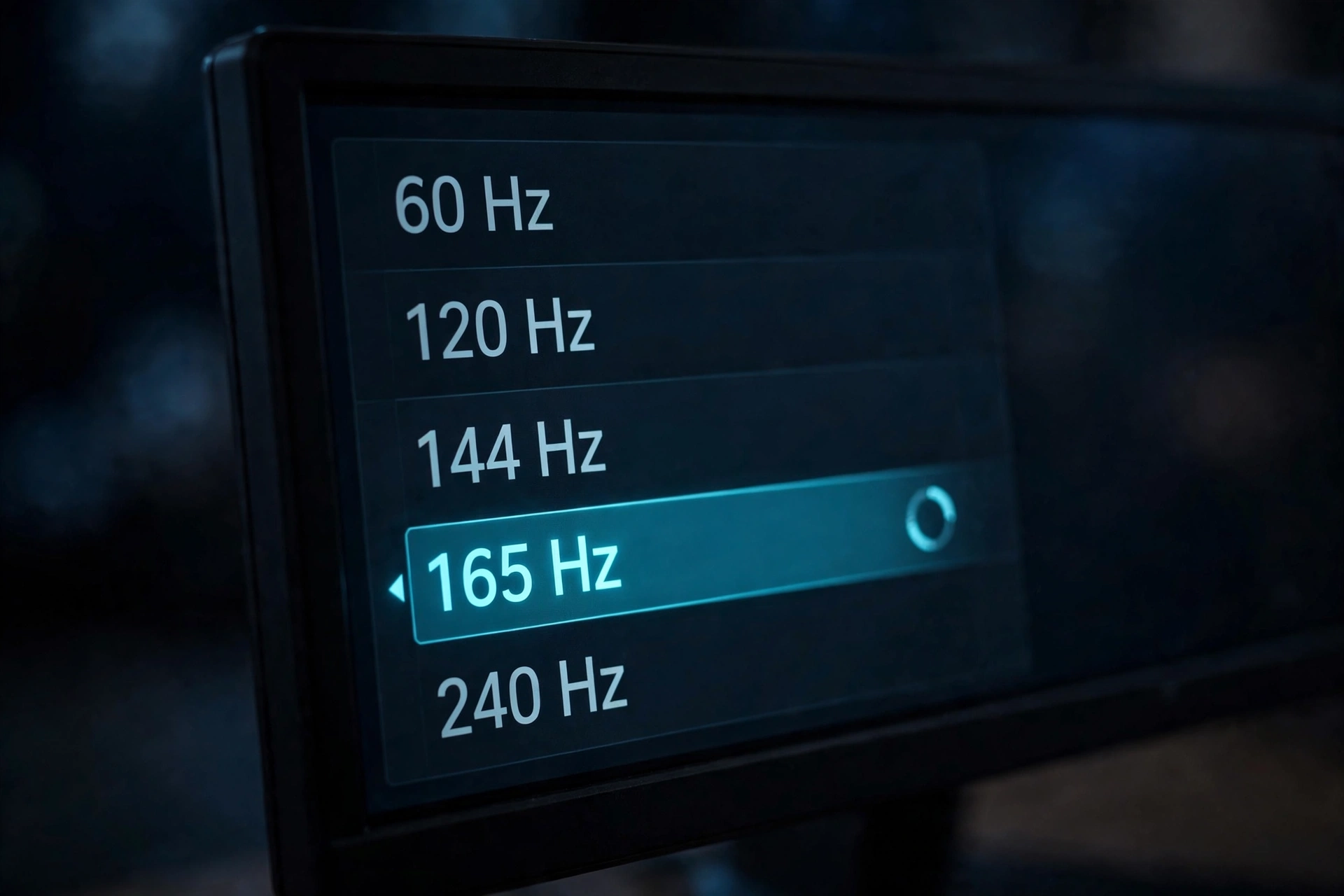
Now the angle that most bottleneck calculators ignore entirely. A bottleneck is only a real world problem if it reduces the frames you actually see. A 60Hz monitor shows you a maximum of 60 frames per second, no matter what your hardware produces. If the RX 7800 XT renders 95 FPS in a game and the 5600X can only prepare 80 of those frames per second, a calculator screams “bottleneck.” Your monitor shows 60 either way. You experience exactly the same game.
Think of it like a water pipe feeding a bucket. If the bucket holds 60 liters and the pipe delivers 80, the fact that a bigger pipe could deliver 95 does not change how full your bucket gets. The 60Hz display is the bucket.
This is why so much bottleneck anxiety is misplaced for 60Hz gamers. Reviewers test at 1080p with uncapped frame rates to measure CPU differences, and those charts look dramatic. A 5600X might show 140 FPS where a newer CPU shows 170 FPS, a gap that looks like a disaster in a bar chart. On a 60Hz panel, both numbers become 60. The disaster never reaches your eyes.
Where the monitor argument has a limit: frame pacing. Average FPS is not the whole story. If the CPU causes stutters, meaning the 1% lows drop well below 60, you will feel hitches even on a 60Hz display. That is why smoothness matters more than the bottleneck percentage. A locked 60 with even delivery beats a jumpy 90, as our smoothness and 1% lows article demonstrates. With the 5600X, its strong single thread performance generally keeps 1% lows healthy at 60 FPS targets in modern titles, which is exactly why this pairing works so well on 60Hz panels.
Chasing zero bottlenecks? Read why the perfect balance myth persists and what to aim for instead. Every system has a limiting component in every scene. The real question is whether the limit affects you.
Practical takeaway: on a 60Hz monitor, aim for a locked 60 FPS, not for a zero percent bottleneck number. If the combo holds 60, the pairing is done working for you.
The 1080p Verdict The CPU Does the Heavy Lifting
At 1080p, the RX 7800 XT chews through pixels so fast that the CPU becomes the limiting factor in many games. The GPU often finishes frames quicker than the 5600X can prepare them, especially in esports titles and older engines that lean on single thread speed. This is the resolution where a bottleneck calculator will show its ugliest numbers for this pairing, sometimes flagging a meaningful CPU bottleneck.
Here is the critical context: those ugly numbers describe uncapped frame rates. In competitive shooters running at 200 plus FPS, yes, the 5600X leaves performance on the table versus a newer chip. But on a 60Hz monitor, you asked for 60 FPS and you got 60 FPS with room to spare. The “lost” frames are frames your display could never show.
The honest 1080p answer splits by monitor:
- On a 60Hz display: the pairing is overkill in a good way. Triple A games hold 60 FPS comfortably. The bottleneck is invisible.
- On a 144Hz or 240Hz display: the CPU bottleneck becomes real and visible. In CPU heavy titles the 5600X will cap you well below what the monitor can show, and here an upgrade to a faster AM4 chip or a platform change genuinely changes the experience.
So if you are gaming at 1080p on 60Hz and wondering whether the 5600X holds back your 7800 XT in a way you can feel, the answer is no. If you plan to buy a high refresh monitor later, that is the moment to revisit the CPU question.
Practical takeaway: 1080p 60Hz is the scenario where this pairing looks worst on paper and feels best in practice. The monitor erases the bottleneck.
The 1440p Verdict The Sweet Spot
1440p is where the RX 7800 XT was designed to live, and it is where this pairing shines brightest. As resolution rises, each frame takes the GPU longer to render, which shifts the workload onto the graphics card and gives the CPU more breathing room. The 5600X stops being the limit in the vast majority of triple A titles because the GPU is busy enough that the CPU keeps pace.
TechPowerUp’s 25 game test suite found that the 7800 XT beats the RTX 4070 by a small margin in rasterized games at 1440p while costing $100 less at launch, and that the card “will easily reach over 60 FPS with maximized settings in all but the most demanding games.” That finding comes from TechPowerUp’s RX 7800 XT review data, which also notes the card’s unusually strong overclocking headroom, with testers achieving around 12 percent extra real world performance. For a 60Hz gamer, “over 60 FPS at maxed settings” is the entire ballgame. You are done. Nothing more to buy.
Even in the most demanding titles where the card dips below 60 at maximum settings, a small settings tweak or AMD’s FSR upscaling closes the gap without touching the CPU. The 5600X is rarely the reason a 1440p game stutters on this setup. When 1440p feels rough, the culprit is almost always the GPU running out of steam at ultra settings, background tasks eating CPU time, or the classic mistake of too little RAM, not the fundamental pairing.
Community experience backs this up. In a long running Tom’s Hardware forum thread on this exact pairing, builders weighing the 7800 XT against the older RX 6800 kept circling back to the same conclusion: at 1440p the GPU does the heavy lifting, and the 5600X is plenty of processor to feed it.
Practical takeaway: 1440p is the resolution this combo was born for. GPU limited in the best way, smooth on 60Hz, and smooth on 144Hz in most triple A titles too.
The 4K Verdict The GPU Works Hardest
At 4K, the bottleneck question flips completely. The RX 7800 XT is working at full stretch rendering four times the pixels of 1080p, and the 5600X is almost never the limiting factor. If anything, the discussion becomes whether the 7800 XT itself is enough card for 4K, not whether the CPU holds it back.
The honest answer: the 7800 XT can game at 4K, but with compromises. TechPowerUp’s testing suggests 4K with decent frame rates is possible if you dial down details or use an upscaling technology. Expect to lean on FSR, drop a few ultra settings to high, and accept that the heaviest ray tracing titles are not this card’s natural habitat. None of that involves the 5600X. Your CPU sits comfortably while the GPU does all the sweating.
For the 60Hz gamer this is actually good news in disguise. 4K 60Hz only asks for 60 FPS, a target the 7800 XT can hit in many titles with sensible settings. The CPU bottleneck that worried you at 1080p has vanished entirely at 4K. Resolution is the great equalizer: the higher you go, the less your CPU choice matters.
Practical takeaway: at 4K, stop worrying about the 5600X. Judge the pairing on whether the 7800 XT’s 4K chops, with FSR closing the gap.
CPU-Limited vs GPU-Limited It Depends on the Game
“Bottleneck” is not a property of two components. It is a property of two components running a specific game at a specific resolution and settings. The same 7800 XT and 5600X can be CPU limited in one game and GPU limited in another, sometimes in different scenes of the same game. Anyone giving you a single bottleneck percentage for the pairing is selling you a number, not an answer. Our measure-your-own-bottleneck guide teaches you to test your own rig instead of trusting a generic figure.
| Game Type | Examples | Usually Limited By | 5600X + 7800 XT Behavior |
|---|---|---|---|
| Competitive esports | CS2, Valorant | CPU at 1080p | Very high FPS, CPU is the ceiling, invisible on 60Hz |
| Open world AAA | Cyberpunk 2077, Starfield | GPU at 1440p and above | Smooth 60 FPS, GPU bound, great pairing |
| Simulation and strategy | MSFS, Cities: Skylines 2 | CPU, often single thread | Can dip below 60 in heavy scenes, CPU is genuinely the limit |
| Ray traced AAA | Alan Wake 2, Control with RT | GPU, heavily | 7800 XT trails NVIDIA here, FSR helps, CPU irrelevant |
| Older or indie titles | Most pre-2020 games | Neither, both idle | Hundreds of FPS, no bottleneck discussion needed |
The simulation row deserves emphasis because it is the one genuine weak spot. Games like Microsoft Flight Simulator hammer one or two CPU threads with physics and AI calculations that no GPU can help with. If your library is mostly flight sims and city builders, the 5600X will show its age regardless of resolution, and a CPU with 3D V-Cache would be a meaningful upgrade. For everyone else playing story driven AAA games, the pairing is balanced.
That split is why we keep a CPU vs GPU game list updated. Knowing which kind of game you actually play matters more than any calculator output.
Practical takeaway: match the verdict to your library. AAA action and RPG gamers are GPU bound and happy. Sim and strategy devotees are CPU bound and should plan accordingly.
When an Upgrade Actually Matters
So when should you spend money? Be ruthless about this, because the PC hardware world profits from upgrade anxiety. Here are the situations where an upgrade genuinely changes what you see, and the ones where it does not.
Upgrade the CPU if: you moved to a 144Hz or faster monitor and play CPU heavy games, your 1% lows stutter in simulators, or you stream with CPU encoding while gaming. The elegant path is a drop in AM4 upgrade like the Ryzen 7 5700X3D, which keeps your motherboard and DDR4 RAM. Moving to AM5 means a new board and DDR5 memory, and with DDR5 prices elevated through 2026, that platform tax is real money.
Upgrade the monitor if: you are on 60Hz and crave smoother motion. This is the upgrade most 7800 XT and 5600X owners should make first. A 1440p 144Hz or 165Hz display unlocks the headroom your GPU already has. Your current hardware can feed it in most titles. The monitor, not the CPU, is the real ceiling on your experience right now.
Upgrade the GPU if: you moved to 4K and want ultra settings without upscaling, or you care deeply about ray tracing performance where NVIDIA’s architecture leads. For rasterized 1440p gaming, the 7800 XT remains the value king of its class.
Do not upgrade if: a calculator showed you a scary percentage but your games hold 60 FPS on your 60Hz screen. That number measured frames your monitor cannot display. Spending $300 to turn invisible frames into more invisible frames is the definition of wasted money.
Practical takeaway: for most owners of this pairing, the upgrade order is monitor first, CPU second, GPU last. The 60Hz display is the bottleneck you can actually see.
Why 16GB Still Matters
A quick word on timing, because the market in 2026 makes this older pairing more interesting, not less. Memory prices have surged: GDDR6 spot pricing roughly tripled since autumn 2025 as manufacturers shifted capacity toward AI data center memory, and that cost pressure has pushed new GPU street prices well above launch MSRPs across both AMD and NVIDIA lineups. We track this ongoing situation in our 2026 GPU shortage coverage.
In that market, a card with 16GB of VRAM at a sane used or discounted price is genuinely attractive. Modern AAA titles keep pushing texture budgets upward, and 12GB cards are starting to feel the pinch at 1440p ultra in the heaviest games while 16GB cards cruise. The 7800 XT’s generous memory buffer, once just a nice spec sheet bullet, has become a practical longevity feature.
Two more 2026 realities favor this combo. First, FSR frame generation keeps maturing, giving the 7800 XT free extra smoothness in supported titles without new hardware. Second, DDR4 remains cheap while DDR5 stays expensive, which keeps the AM4 platform’s total cost of ownership low. As industry trackers have noted, AM4 still dominates CPU sales precisely because builders are dodging DDR5 prices. Keeping your 5600X system is not settling. In 2026, it is smart budgeting.
Practical takeaway: the memory crisis made big VRAM cards and cheap DDR4 AM4 platforms more valuable. This pairing aged well.
How to Check Your Own Bottleneck
Generic percentages are no substitute for measuring your own system. The process takes ten minutes and tells you exactly which component limits the games you actually play.
The method: run your game with an overlay showing GPU utilization, CPU per core utilization, and frame times. If GPU usage sits near 95 to 100 percent while CPU cores have headroom, you are GPU limited. If one or two CPU cores are pinned near 100 percent while the GPU idles below 90 percent, you are CPU limited. If both sit low, something else is wrong, usually thermals, RAM, or a frame cap. Our illustrated bottleneck hunting guide walks the whole process with screenshots.
For the overlay itself, MSI Afterburner with RivaTuner remains the standard tool. See our Afterburner metrics guide for which readings to enable and how to interpret them.
One tip specific to 60Hz owners: test with V-Sync or a 60 FPS frame cap first, exactly as you play. Then uncap the frame rate and watch what the hardware could do. The gap between those two numbers is your “bottleneck,” and now you can see with your own eyes how little of it reaches your screen.
Practical takeaway: measure, do not guess. Ten minutes with an overlay beats a hundred forum opinions.
Common Mistakes With This Pairing
Builders get this combo wrong in predictable ways. Avoid these and the pairing treats you well.
Buying a new platform instead of a drop in upgrade. If your 5600X ever does feel slow, a 5700X3D slots into your existing AM4 board. Jumping to AM5 for gaming gains you little at 60Hz and costs you a motherboard plus DDR5.
Pairing it with a weak power supply. The 7800 XT wants a quality 600W or better unit with two 8 pin PCIe connectors. AMD’s board power rating is 263W, and transient spikes punish cheap PSUs. This is a reliability issue, not a bottleneck issue, but it causes the crashes people blame on bottlenecks.
Running single channel RAM. The 5600X loves fast dual channel DDR4. One lonely stick of memory starves the CPU’s Infinity Fabric and tanks 1% lows, which is the one thing that actually hurts on a 60Hz display. Two sticks, XMP enabled, problem solved.
Judging the pairing by 1080p review charts. Reviewers test CPUs at 1080p with a flagship GPU to isolate CPU differences. Those charts are CPU reviews, not buying advice for 1440p 60Hz gamers. Always check benchmarks at your resolution and your refresh target.
Enabling every ultra setting including ray tracing, then blaming the CPU. When a game stutters on this setup at 1440p, the 7800 XT’s ray tracing hardware is the usual suspect, not the 5600X. Drop RT or enable FSR before you shop for processors.
Practical takeaway: most “bottleneck” complaints about this pairing are really PSU, RAM, or settings problems wearing a bottleneck costume.
Frequently Asked Questions
I want to get an RX 7800 XT and pair it with a Ryzen 5 5600X. I want to play triple A games and I have a 60Hz monitor. How bad will the bottleneck be?
This is the exact question a Quora user asked, and the honest answer is: barely at all, in any way you can feel. At 1440p, the 7800 XT delivers over 60 FPS at maxed settings in nearly every demanding game according to TechPowerUp’s 25 game test suite, and your 60Hz monitor caps what you see at 60 regardless. In CPU heavy scenes the 5600X might technically limit maximum frame rates, but those extra frames never reach your screen. Buy the card with confidence, lock your games to 60 FPS, and enjoy.
Would the 5600X be powerful enough to run the 7800 XT at 1440p?
Yes. This question came up in a Tom’s Hardware forum thread from a builder choosing between the 7800 XT and the older RX 6800, and the consensus holds: at 1440p the graphics card does the heavy lifting and the 5600X keeps pace in the vast majority of titles. The 5600X’s strong single thread performance means it feeds frames fast enough for smooth 60 to 120 FPS gaming. Only heavily CPU bound simulators or high refresh esports at 1080p expose its limits.
I am building a new gaming PC with a 7800 XT. Should I get the 5600X or spend more on the CPU?
If you already own an AM4 motherboard, or you can get a 5600X cheap, it is a smart buy for 60Hz and 1440p gaming. If you are buying everything new in 2026 and your budget stretches, a 5700X3D costs more but gives you extra headroom for simulators and high refresh gaming on the same affordable DDR4 platform. What you should not do is stretch to an AM5 platform purely to “avoid bottlenecking” a 7800 XT at 60Hz. That money buys invisible frames.
Does the 16GB of VRAM on the 7800 XT matter for this pairing?
Yes, and it matters more every year. The 5600X will be relevant longer than the GPU’s raw speed will, and 16GB of VRAM is what keeps the card viable as texture budgets grow. In the 2026 market, where memory shortages have inflated new GPU prices, a 16GB card you can buy at a reasonable price is a genuine longevity advantage over 8GB and 12GB alternatives.
Will this pairing handle ray tracing?
Modestly. The 7800 XT’s ray tracing hardware lags behind NVIDIA’s comparable cards, sometimes substantially in heavy path traced titles. The 5600X is irrelevant to this weakness. If ray tracing eye candy is your priority, enable FSR to recover performance, or consider that an RTX card might suit you better. For traditional rasterized graphics, which is still most of what games render, the pairing is excellent.
Should I upgrade my 60Hz monitor before my CPU?
Almost certainly yes. A 1440p 144Hz display is the single most transformative upgrade for this system because your hardware already produces more than 60 FPS in most games. You are currently throwing away smoothness you already own. Upgrade the monitor, then reassess whether the CPU ever actually limits you.
Key Takeaways
- The rx 7800 xt ryzen 5 5600x bottleneck is real on paper at 1080p uncapped, and invisible in practice on a 60Hz monitor holding 60 FPS.
- 1440p is this pairing’s sweet spot: the GPU becomes the limit, the CPU keeps pace, and triple A games run beautifully.
- At 4K the 5600X is never the problem. Judge the combo on the 7800 XT’s 4K chops, with FSR closing the gap.
- Game type matters more than any percentage: esports and simulators tax the CPU, AAA action titles tax the GPU.
- The 2026 memory crisis made 16GB VRAM cards and cheap DDR4 AM4 platforms smarter buys, not dumber ones.
- Upgrade order for most owners: monitor first, CPU second via a drop in 5700X3D, GPU last.
Conclusion
The RX 7800 XT and Ryzen 5 5600X look like a mismatch only if you stare at bottleneck percentages instead of your screen. Put the combo in front of a 60Hz monitor, load up a triple A game at 1440p, and the theoretical bottleneck dissolves into a locked, smooth 60 FPS that no calculator can take away from you. The 7800 XT brings 16GB of VRAM and genuine 1440p muscle, the 5600X brings six fast Zen 3 cores that are still plenty for the job, and your monitor quietly discards every frame the debate was ever about.
Spend your worry where it counts: a high refresh display if you want to see what your hardware can really do, sensible settings instead of maxed out ray tracing, and a solid PSU with proper dual channel RAM. Get those right and this pairing will serve you well into the late 2020s, memory crisis and all. The bottleneck was never the villain of this story. The 60Hz refresh rate made sure of that.

Leave a Reply