

Quick Answer: RAM speed matters slightly more than CAS latency for most gamers, because speed sets how much data your memory can move every second. But neither number means much on its own. A DDR5-6000 CL30 kit and a DDR4-3200 CL16 kit both have about 10 nanoseconds of real latency, so judge both together and buy the balanced kit your platform supports.
RAM shopping is confusing on purpose. Every kit flashes two big numbers at you, a speed like 6000 MT/s and a timing like CL30, and the box never explains how they work together. So buyers argue about ram speed vs cas latency as if one of them must win, when the real answer is that they are two halves of the same thing. This guide explains both numbers in plain English, shows you the simple formula that turns them into one real latency number, and gives you a clear buying decision for DDR4 and DDR5 builds in 2026.
What RAM Speed Really Means
RAM speed tells you how much data your memory can move per second. It is measured in mega transfers per second, written as MT/s, and you will also see it written as MHz on boxes and product pages. A kit rated DDR5-6000 can move up to 6,000 mega transfers per second on each channel. A kit rated DDR4-3200 moves up to 3,200. Higher speed means more bandwidth, which is the width of the pipe between your RAM and your CPU.
Think of it like a highway. Speed is how many lanes the highway has. More lanes mean more cars can travel at once, which matters when your CPU needs a lot of data in a hurry. Games constantly stream textures, level geometry, and world data through memory, so a wider pipe helps when the CPU is working hard and asking for large amounts of data at once.
Speed matters most when your system is CPU limited, which usually means gaming at 1080p with a strong graphics card, or playing CPU heavy titles like strategy games, simulators, and large open world games. In those situations the processor is asking memory for data all the time, and faster RAM can feed it sooner. Reviews of DDR4 and DDR5 gaming performance consistently show the same pattern: the jump from slow to decent RAM is noticeable, while the jump from decent to extreme RAM is small. If you want the full picture of how memory fits into overall system performance, read our guide to how RAM can bottleneck your PC.
One important detail: the advertised speed is not automatic. RAM ships with a slow default JEDEC speed, usually 4800 MT/s for DDR5 and 2133 or 2400 MT/s for DDR4, and it only runs at its rated speed after you enable its profile in the BIOS. We cover that in the EXPO and XMP section below, because buying a fast kit and never turning the profile on is one of the most common wastes of money in PC building.
What CAS Latency Really Means
CAS latency, written as CL, is the delay between the moment your memory controller asks RAM for data and the moment that data starts to arrive. It is measured in clock cycles, not in time. A kit rated CL30 waits 30 clock cycles before it starts delivering data. A kit rated CL16 waits 16 cycles. Lower is better, because fewer cycles of waiting means a faster first response.
Kingston explains it with a simple comparison: CAS latency is like asking a librarian for a book, and the CL number tells you how long you wait before the librarian hands it to you. The lower the number, the faster the response. Kingston also stresses the part most buyers miss: CAS latency must be judged together with speed, because faster RAM completes each clock cycle more quickly. A higher CL number on faster RAM can still produce a lower real delay than a lower CL number on slower RAM. You can read their full explanation in Kingston’s guide to CAS latency.
The key point is that clock cycles are not a fixed unit of time. A cycle at DDR5-6000 speeds lasts half as long as a cycle at DDR5-3000 speeds, so 30 cycles at the faster speed can take the same real time as 16 cycles at the slower speed. That is why comparing CL numbers across different speeds is meaningless without doing the math. CL30 sounds much worse than CL16 until you learn they can describe the exact same real world delay.
CAS latency is only the first of four primary timings printed on a kit, usually written as a string like 30-38-38-96. The other three numbers are tRCD, tRP, and tRAS, and they describe other steps in the memory access process. For gaming, CL gets the attention because it affects the first response, and the other timings matter less for most buyers. GamersNexus has a detailed breakdown of all four primary timings for readers who want the deep technical version, in their memory timings guide.
The Formula That Turns CL Into Real Time
Here is the formula that settles the whole argument. To work out the real CAS latency of any kit in nanoseconds, use this:
Real latency (ns) = CL x 2000 / data rate (MT/s)
The 2000 in the formula comes from the fact that DDR memory transfers data twice per clock cycle, so the true clock frequency is half the advertised data rate. Work through two famous examples and the point becomes obvious:
- DDR4-3200 CL16: 16 x 2000 / 3200 = 10.00 ns
- DDR5-6000 CL30: 30 x 2000 / 6000 = 10.00 ns
Same real latency, even though one kit says CL16 and the other says CL30. The DDR5 kit is not slower. It simply counts more cycles, and each cycle is shorter. The same math shows that DDR5-7600 CL38 is also about 10 ns, which is why chasing a low CL number without checking the speed is a trap.
This formula is your best shopping tool. Whenever two kits have different speeds and different CL ratings, run both through the formula and compare the nanosecond results. Then compare the speeds. The kit with the higher speed and the equal or lower real latency is the better kit. If one kit has slightly worse real latency but much higher speed, it usually still wins for gaming, because bandwidth affects more of what a game does than the first response delay does.
One honest caveat: CAS latency is only one part of total memory latency. The full delay from a CPU request to data in hand is usually around 50 to 100 nanoseconds once you include everything else in the chain, so a 1 or 2 nanosecond difference in CAS latency is a small slice of the total. That is why the real world gaming difference between two decent kits is usually small, and why spending a large premium to shave 1 ns off your CAS latency is rarely good value.
Real Latency of Popular RAM Kits Compared
This table runs the formula on the kits gamers actually buy, so you can see at a glance which combinations are genuinely fast and which only look fast on the box.
| RAM Kit | Data Rate | CAS Latency | Real Latency |
|---|---|---|---|
| DDR4-3200 CL16 | 3200 MT/s | CL16 | 10.00 ns |
| DDR4-3600 CL16 | 3600 MT/s | CL16 | 8.89 ns |
| DDR4-3600 CL18 | 3600 MT/s | CL18 | 10.00 ns |
| DDR5-5600 CL36 | 5600 MT/s | CL36 | 12.86 ns |
| DDR5-6000 CL30 | 6000 MT/s | CL30 | 10.00 ns |
| DDR5-6000 CL36 | 6000 MT/s | CL36 | 12.00 ns |
| DDR5-6400 CL32 | 6400 MT/s | CL32 | 10.00 ns |
| DDR5-7600 CL38 | 7600 MT/s | CL38 | 10.00 ns |
Three lessons jump out of this table. First, DDR4-3600 CL16 is the best value on the list at 8.89 ns, which is why it stayed the classic DDR4 gaming pick for years. Second, DDR5-5600 CL36 is actually worse than a good DDR4 kit on real latency, which explains why early DDR5 felt like a sidegrade for gaming. Third, DDR5-6000 CL30, DDR5-6400 CL32, and DDR5-7600 CL38 all land on the same 10 ns, so among those three the higher speed kit is the better buy, because you get more bandwidth for the same response delay.
Notice what the table does not show: a winner by a huge margin. Every sensible kit sits between about 9 and 13 nanoseconds. That narrow range is the whole story of this topic. RAM speed and latency matter, but the gap between reasonable choices is small, and capacity and dual channel setup matter more. Our guide to how much RAM you really need for gaming covers the capacity side, which should always come first.
When RAM Speed Matters More
Speed wins when your games need a lot of data moved quickly, and that happens in more situations than most people expect. Here are the cases where a faster kit earns its price:
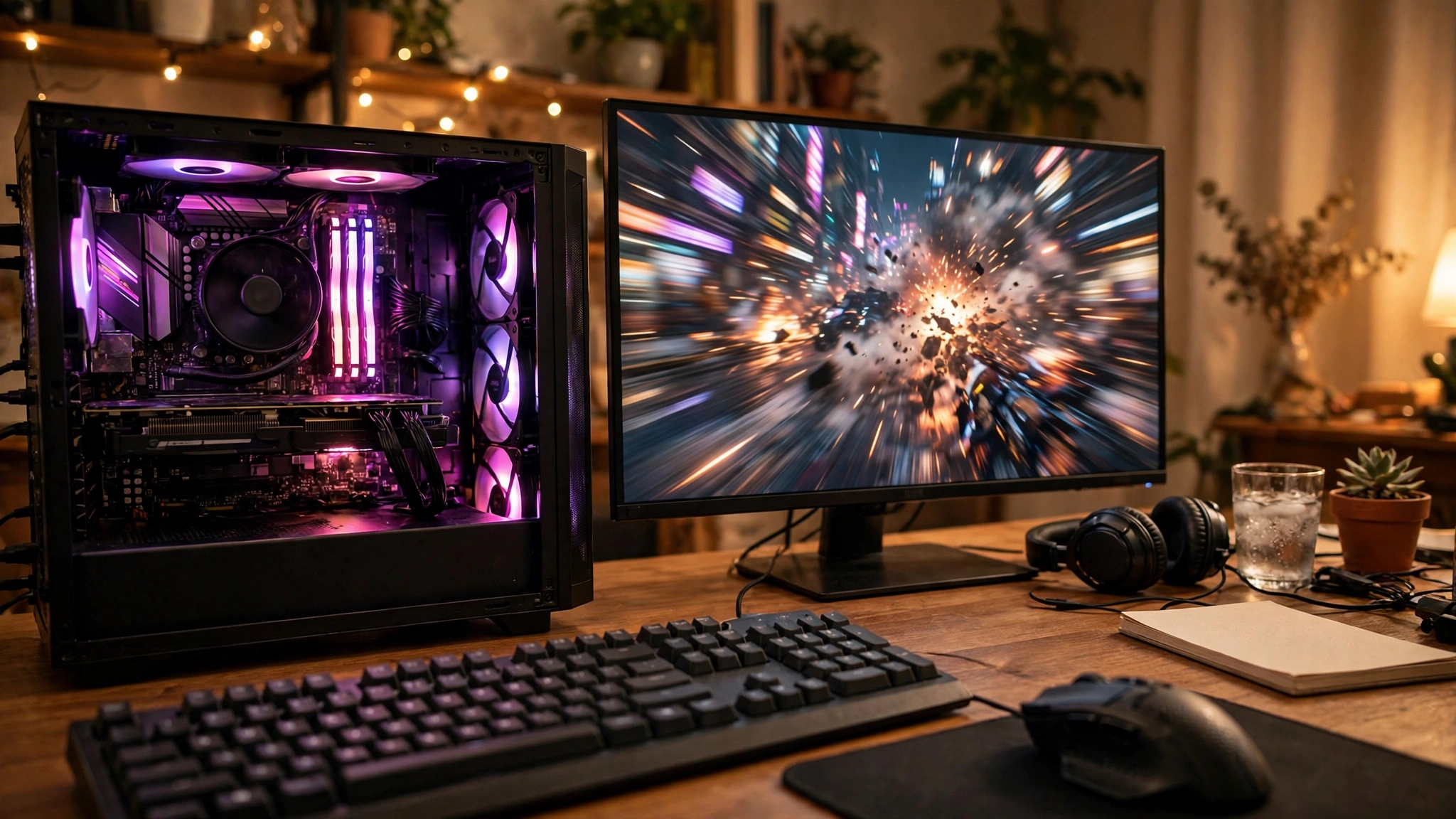
CPU bound gaming at 1080p. At 1080p with a strong graphics card, your CPU works hardest and asks memory for data most often. Faster RAM feeds it sooner, which can lift both average frame rates and the smoothness of the game. This is the scenario where reviewers measure the biggest RAM differences.
Open world and simulation games. Games that stream large worlds, like city builders, flight simulators, and big open world titles, constantly pull new textures and geometry into memory. More bandwidth keeps that streaming smooth and reduces the small hitches that happen when the game waits on data.
Integrated graphics and APUs. If your graphics run through the CPU, your RAM is also your video memory. Bandwidth directly limits frame rates here, so speed matters far more than latency. This is the one case where buying the fastest RAM your board supports is clearly the right call.
Productivity next to gaming. Video editing, 3D rendering, and large file work move huge amounts of data through memory. Speed helps all of it, and the gains are larger than in gaming alone. If your PC earns its keep as well as playing games, speed deserves more of your budget.
A guide published in October 2026 reached the same conclusion after testing the question directly: clock speed typically has the larger impact on gaming frame rates, because speed affects sustained throughput while latency affects single requests. It also noted that DDR5-6000 CL30 is the most popular gaming sweet spot, and that DDR4-3600 CL16 is the strong DDR4 balance. You can read that breakdown in the wikigamingpc guide to gaming RAM speed vs latency.
When CAS Latency Matters More
Latency wins when your games need small pieces of data right now, rather than large amounts of data overall. These are the cases where a tighter CL earns its price:
Competitive shooters and 1% lows. Fast paced competitive games like Counter-Strike 2 and Valorant run at very high frame rates, and what you feel is not the average frame rate but the worst moments, the 1% lows. Lower latency can smooth those dips, because the CPU spends less time waiting on small random reads. The effect is small in absolute frames, but competitive players notice it because they play at frame rates where every millisecond of delay shows up. Our guide to what frame time and 1% lows mean explains why those worst moments matter more than the average.
Small random reads. Not all memory access is streaming. Game logic, AI decisions, and physics often need one small piece of data from a random location, then another. For those requests there is no big transfer to speed up, so the waiting time dominates. Tighter latency shortens that wait, which can help the CPU keep its pipeline full.
CPU heavy strategy and simulation titles. Games with many units, complex AI, or detailed physics make huge numbers of small memory requests per second. Lower latency helps each one finish sooner, and the gains add up across thousands of requests per frame.
When speeds are close. If two kits run at the same speed, always take the lower CL. DDR5-6000 CL30 beats DDR5-6000 CL36 by 2 nanoseconds of real latency with no downside except price. The same applies on DDR4: 3600 CL16 beats 3600 CL18 by the same margin. This is the simplest rule in RAM shopping, and it is the one case where the CL number alone is a fair comparison.
One useful exception: AMD’s X3D CPUs, like the Ryzen 7 9800X3D, carry a very large L3 cache, and that cache answers many memory requests before they ever reach RAM. For those chips, both speed and latency matter less than they do on other CPUs, because the cache hides much of the difference. If you own an X3D chip, spend the money you save on RAM on a better graphics card instead.
DDR4 Sweet Spots vs the DDR5 Sweet Spot
If you are still on DDR4, the sweet spot has not changed in years: DDR4-3600 CL16. At 8.89 ns of real latency it beats most DDR5 kits on responsiveness, it costs far less than DDR5, and it pairs well with Ryzen 5000 and Intel 12th and 13th generation CPUs. DDR4-3200 CL16 is the budget pick at 10 ns, and it is fine if the price gap is large. Avoid DDR4-3200 CL22 and other loose timing budget kits, because their real latency climbs past 13 ns and you can feel it in CPU bound games.
If you are building on DDR5, the sweet spot is DDR5-6000 CL30. At 10 ns of real latency it matches good DDR4, it runs at the speed AMD’s Ryzen 7000 and 9000 memory controllers handle best, and it is the kit most reviewers and builders recommend as the default. DDR5-6400 CL32 is the step up if the price is close, because it keeps the same 10 ns while adding bandwidth. DDR5-5600 CL36 is the kit to avoid when you can afford better, because 12.86 ns is the worst real latency on our table.
The platform decides the generation for you, so this is not a choice between DDR4 and DDR5 in the abstract. AM4 and Intel LGA1700 DDR4 boards take DDR4. AM5 and newer Intel boards take DDR5. Our DDR4 vs DDR5 gaming performance guide compares the two generations in real games, and our guide to whether you should build a DDR4 PC in 2027 looks at the platform question from the budget side.
AMD EXPO vs Intel XMP RAM Performance Explained
Buying a fast kit is only half the job. The other half happens in your BIOS, and skipping it is the most common RAM mistake in PC building.
XMP and EXPO are one click profiles. Intel calls its memory profile XMP, AMD calls its version EXPO, and both do the same thing: they tell the motherboard to run your RAM at its advertised speed and timings instead of the slow JEDEC default. Without the profile, a DDR5-6000 kit will often run at 4800 MT/s, and a DDR4-3600 kit may run at 2133 MT/s. You paid for the speed, so turn it on. The setting lives in the BIOS, usually on the main screen or under an overclocking or memory menu, and it takes about thirty seconds. Our BIOS settings guide for reducing CPU bottlenecks walks through the settings that matter, including memory profiles.
The 1:1 mode matters most on AMD. Ryzen CPUs connect their memory controller to the rest of the chip through a link called the Infinity Fabric, and that link has its own clock speed. In 1:1 mode the memory controller and the fabric run at the same speed, which keeps latency low. DDR5-6000 is the sweet spot on Ryzen 7000 and 9000 precisely because it lines up with a 3000 MHz memory controller clock and a 2000 MHz fabric clock in a clean ratio. Push DDR5 much past 6400 MT/s on Ryzen and the controller often drops to a 1:2 ratio, which raises latency and can wipe out the bandwidth gain. On Intel the ratio question matters less, because Intel memory controllers handle higher speeds more flexibly, but stability still falls off past a point and every board has a limit printed in its specifications.
Four sticks are harder than two. Two sticks in dual channel is the standard gaming setup, and it is what every speed rating assumes. Four sticks put more load on the memory controller, and many boards cannot hold the same speed and timings with all four slots filled. If you need 64GB, two 32GB sticks will usually run faster and more stably than four 16GB sticks. Check your motherboard’s qualified vendor list before buying four sticks of fast RAM.
How to Check Your RAM Is Running at Its Rated Speed
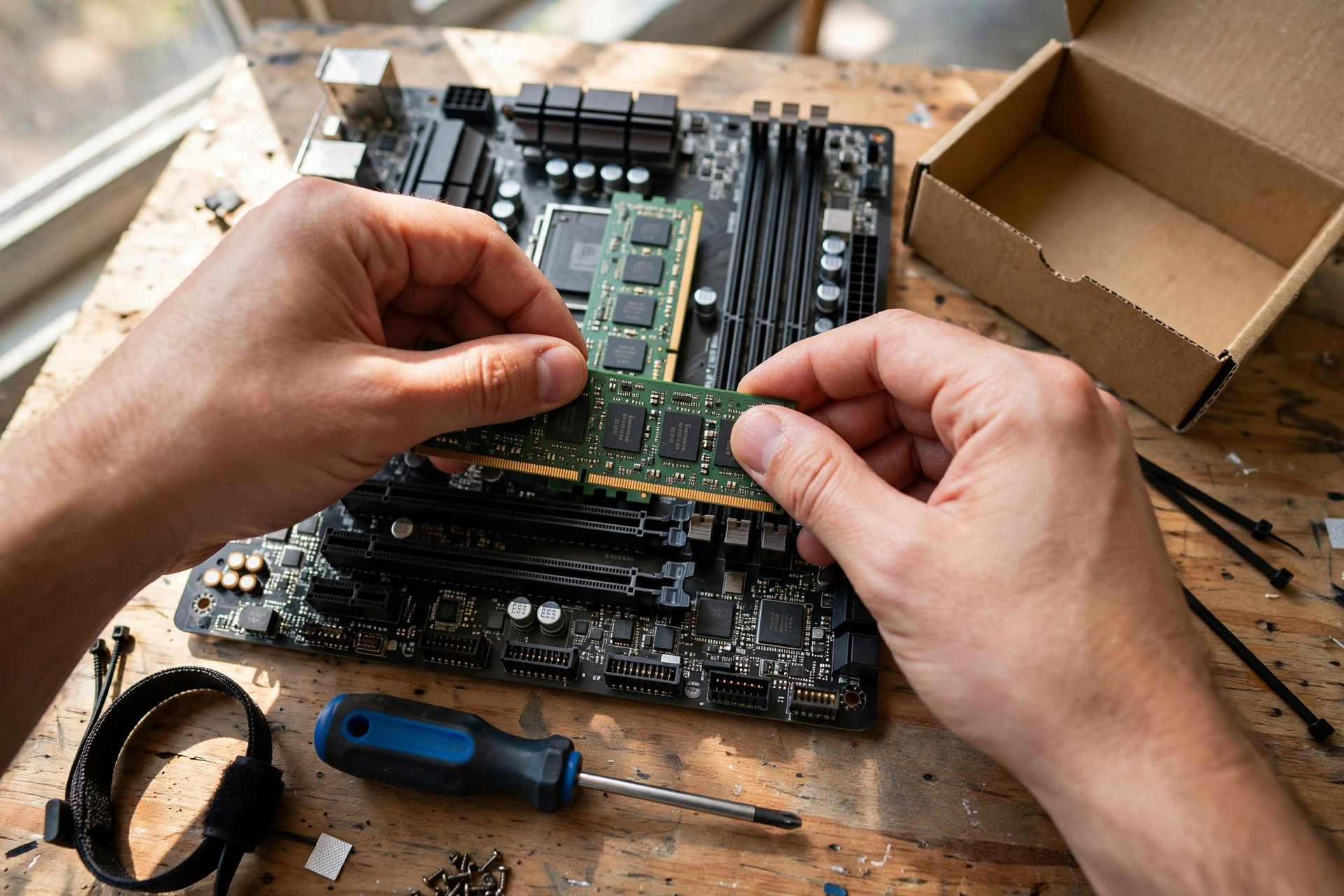
Open Task Manager, go to the Performance tab, click Memory, and look at the speed shown in the top right. If it shows 6000 MT/s for a DDR5-6000 kit, your profile is on. If it shows 4800 MT/s, your profile is off and you are leaving performance on the table. CPU-Z gives the same answer under its Memory tab, where it shows half the advertised rate, so 3000 MHz in CPU-Z means 6000 MT/s. Check this after every BIOS update, because updates sometimes reset memory settings to defaults.
What Changes at 1080p, 1440p, and 4K
Resolution changes the answer to the speed vs latency question, because it changes which part of your PC is the bottleneck.
At 1080p, your graphics card finishes frames quickly, so your CPU and RAM work hardest. This is where RAM speed and latency show their largest differences, and where a good kit can add a few percent to average frame rates and smooth out 1% lows. Competitive players on high refresh rate monitors at 1080p are the group that should care most about RAM timings.
At 1440p, the graphics card takes on more of the work and the RAM differences shrink. A good kit still helps in CPU heavy scenes, but the gap between DDR5-6000 CL30 and DDR5-6000 CL36 is small enough that most players will never notice it. Kingston’s own FAQ makes the same point: at 1440p or 4K, the difference between two close DDR5 kits may be negligible.
At 4K, the graphics card is almost always the limit, and RAM speed and latency barely move the needle. Spend your money on the graphics card first. If you game at 4K, buy a sensible DDR5-6000 CL30 kit or DDR4-3600 CL16, enable its profile, and stop worrying about timings entirely.
Our guide to the 1080p vs 1440p monitor bottleneck explains the resolution shift in more detail, and it is worth reading if you are choosing between a faster monitor and faster RAM.
RAM Prices What the Reports Say
RAM buying in late 2026 comes with a warning that has nothing to do with speed or latency: prices are climbing, and the reports say they will keep climbing. Market research firm TrendForce has repeatedly raised its DRAM contract price forecasts through 2026, and trade press reporting in late September put the fourth quarter forecast at roughly 10 to 15 percent higher quarter over quarter for conventional DRAM. The cause, according to those reports, is AI data centers: memory makers are diverting wafer capacity toward high bandwidth memory for AI accelerators, which leaves less capacity for the ordinary DDR5 that goes into gaming PCs.
Price trackers reported sharp week to week jumps in late October and early November 2026, with some popular 32GB DDR5-6000 kits rising by roughly a quarter in a matter of days. That kind of move changes the buying advice. The sweet spot kits are still the right kits, but the premium for tighter timings is harder to justify when every kit costs far more than it did a year ago. If you need RAM now, buy the balanced kit and do not wait for a price drop that forecasters are not predicting. If you already own a decent kit, there is no reason to upgrade it for timings alone while prices are this high.
The October 2026 Steam Hardware Survey adds useful context here. 16GB of system memory is back on top at 41.42 percent of surveyed machines, up 3.60 points, while 32GB fell 5.16 points to 37.06 percent. Valve’s survey is a voluntary sample rather than a census, and reporting on the results notes that month to month swings partly reflect who answers the survey, so do not over read a single month. But the direction is clear enough: 16GB remains the most common gaming configuration, and 32GB is the sensible buy for a new build, especially while prices make the jump to 64GB hard to justify.
How to Pick Your Kit A Simple Buying Decision
Use this table as a shortcut. Find your situation, buy the kit in the middle column, and stop second guessing the choice.
| Your Situation | What to Buy | Why This Kit |
|---|---|---|
| New AMD AM5 gaming build | DDR5-6000 CL30, 32GB (2x16GB) | 10 ns real latency, ideal 1:1 memory controller mode, best value |
| New Intel DDR5 gaming build | DDR5-6000 CL30 or 6400 CL32, 32GB | Same 10 ns latency, extra bandwidth on 6400, both run well on Intel |
| Upgrading an AM4 or DDR4 Intel build | DDR4-3600 CL16, 32GB (2x16GB) | Best real latency at 8.89 ns, cheap, no platform change needed |
| Tight budget DDR4 build | DDR4-3200 CL16, 16GB or 32GB | 10 ns real latency, the cheapest sensible kit, fine for 1080p gaming |
| Competitive 1080p high refresh gaming | DDR5-6000 CL30 or faster with low CL | Low real latency smooths 1% lows where every millisecond counts |
| Gaming plus streaming and editing | DDR5-6400 CL32, 32GB or 64GB | Extra bandwidth helps productivity, latency stays at 10 ns |
| Already own a decent kit | Keep it, enable XMP or EXPO | A timing upgrade is rarely worth the money, especially at late 2026 prices |
Three rules sit behind the table. First, capacity before speed: 32GB is the right buy for a new gaming PC in 2026, and 16GB is the minimum. Second, dual channel before timings: two sticks always beat one stick, no matter how fast that one stick is. Third, profile before pride: a DDR5-6000 kit running at 4800 MT/s because EXPO is off is slower than a DDR5-5200 kit running correctly.
Common Mistakes to Avoid
Buying on CL alone. CL30 is not worse than CL16. Run the formula, compare real latency in nanoseconds, and compare speeds. A buyer who picks DDR5-5600 CL36 over DDR5-6000 CL30 because 36 looks close to 30 has bought a slower kit.
Buying on speed alone. DDR5-7600 CL38 has the same 10 ns real latency as DDR5-6000 CL30, but it costs more, needs a better motherboard, and may force your memory controller out of 1:1 mode. Speed without latency awareness is how you pay more for the same performance.
Forgetting to enable XMP or EXPO. This is the single most common RAM mistake, and it wastes the entire premium you paid for a fast kit. Check Task Manager after building, and check again after every BIOS update.
Mixing kits. Two different kits, even with the same speed and timings on the label, can use different memory chips and refuse to run together at full speed. Buy one matched kit in the capacity you need, not two smaller kits added later.
Chasing benchmark numbers instead of feel. The difference between two good kits is usually a few frames per second at 1080p and nothing at 4K. If your games already feel smooth, RAM is not your problem. Check your CPU and GPU balance first, and use our guide to increasing FPS to find the setting or component that will actually move your frame rate.
Frequently Asked Questions
Does CAS latency matter for gaming?
Yes, CAS latency matters for gaming, but context is everything. That is the short answer Kingston gives in its own FAQ, and it is the right one. Lower latency can help in CPU bound scenarios and competitive titles where every millisecond counts, because it shortens the wait before data starts moving. But most modern games are more sensitive to GPU performance and RAM capacity than to raw latency alone, and at 1440p or 4K the difference between two close kits may be negligible. Treat latency as a tiebreaker between kits at the same speed, not as the first thing you shop for.
Is RAM speed or CAS latency more important for gaming?
RAM speed is usually more important, because it sets the sustained bandwidth your CPU gets for large transfers, while latency only affects the delay before each single request starts. That is the conclusion of a gaming RAM guide updated in October 2026, which found that speed typically has the larger effect on frame rates. The honest version of the answer is that neither matters alone. Compare kits by real latency in nanoseconds using the formula in this article, then take the higher speed kit when real latency is equal.
Is it better to get faster RAM or more RAM when building a gaming PC on a budget?
More RAM, if you do not have enough yet. That is the question real builders ask on Quora, and the answer there matches what every hardware guide says: not having enough RAM hurts gaming far more than slow RAM does. A system with 8GB will stutter and swap to storage no matter how fast that 8GB is, while 16GB of ordinary RAM will run the same games smoothly. Get 16GB as the minimum, 32GB if you can afford it, make sure it runs in dual channel with its XMP or EXPO profile on, and only then spend extra on higher speed or tighter timings.
Do I need to enable XMP or EXPO for my advertised RAM speed?
Yes. RAM runs at a slow default JEDEC speed until you enable its XMP profile on Intel or EXPO profile on AMD in the BIOS. Without it, a DDR5-6000 kit typically runs at 4800 MT/s and a DDR4-3600 kit may run at 2133 MT/s. Enable the profile, save, restart, and confirm the speed in Task Manager. This one setting is worth more frames per second than any timing upgrade you could buy.
Key Takeaways
- RAM speed sets bandwidth, CAS latency sets the first response delay, and you need both numbers to judge a kit.
- Real latency in nanoseconds equals CL x 2000 / data rate, and it is the only fair way to compare kits at different speeds.
- DDR5-6000 CL30 and DDR4-3200 CL16 both have about 10 ns of real latency, so a bigger CL number does not mean slower RAM.
- Speed matters more in CPU bound 1080p gaming and open world titles; latency matters more for 1% lows and competitive shooters.
- DDR4-3600 CL16 and DDR5-6000 CL30 are the sweet spots, and both should run with XMP or EXPO enabled.
- At 1440p and 4K the RAM differences shrink, so spend on the graphics card first.
- Late 2026 RAM prices are rising on AI data center demand, according to market reports, so buy the balanced kit and skip the timing premium.
Conclusion
So which matters more for gaming, RAM speed or CAS latency? Speed wins by a small margin for most gamers, because bandwidth affects more of what a game does than the first response delay. But the real lesson of this guide is that the question itself is a trap. Neither number means anything on its own, and the kits that look best on a spec sheet are not always the fastest in your PC.
Run the formula, compare real latency in nanoseconds, and buy the balanced kit your platform supports. For most builders in 2026 that means DDR5-6000 CL30 on a new build or DDR4-3600 CL16 on an older one, in a 32GB dual channel kit, with XMP or EXPO switched on. Do that, and your RAM will quietly do its job while your CPU and graphics card get on with the gaming. That is exactly what good RAM should do: disappear into the background and never make you think about it again.

Leave a Reply