

Quick answer: The intel core ultra 7 265k price cut is official: Intel dropped the 265K from $399 to $299 and the 265KF from $384 to $284. For gaming it now sits within roughly 5% of the Ryzen 7 9700X while costing less, and it crushes the AMD chip in multi-core work. Buy it if you game plus stream, edit, or multitask. Skip it if you want only maximum gaming FPS.
On October 20, 2026, Intel did something it almost never does with a current-generation desktop CPU. It published an official blog post cutting the “suggested pricing” of the Core Ultra 7 265K by $100, from $399 to $299, as detailed in TweakTown’s report on the cut. The Core Ultra 7 265KF, the same chip without integrated graphics, fell from $384 to $284. That is a cut of more than 25%, and it changes the conversation around this CPU completely.
I spent today digging through every benchmark comparison and platform review I could find, because this price cut matters to you only if the whole package makes sense. A cheap CPU on an expensive platform is no bargain. So this guide is not a news repost. It answers the questions that actually decide your build: how the 265K now stacks up against the Ryzen 7 9700X, which graphics cards it pairs with at the new price, what the LGA 1851 platform really costs you, and whether you should buy today or wait. A note on honesty: this news is only hours old, so there is no search volume data behind these keywords yet. The advice below is built on verified specs, published benchmarks, and the new official pricing.
What Changed, and What Did Not
The facts are straightforward. Intel’s official cut applies to two models: the Core Ultra 7 265K, now $299, and the Core Ultra 7 265KF, now $284. The KF is the identical chip minus the integrated GPU, which is why it runs $15 cheaper. Both keep the same 20 cores, which Intel describes as 8 performance + 12 efficiency cores, and the same 5.5 GHz maximum turbo speed (full 265K specifications).
What did not change is everything around the chip. It still uses the LGA 1851 socket, still requires DDR5 memory, and still tops out at 250W of peak power draw under heavy load. The Arrow Lake launch issues you may remember, the rushed release and the patches that followed, are history in the sense that the platform is now stable. But the reputation stuck, and that is exactly why Intel is reaching for the price lever. This cut also does not touch the rest of the lineup. The Core Ultra 9 285K and the Core Ultra 5 models keep their old prices, which quietly makes the 265K the value sweet spot of the whole Arrow Lake family.
One more thing worth knowing: street prices were already sliding before Intel made this official. Retailers had the 265K dipping well under $340 in recent weeks. The official cut turns that drift into a guarantee and pushes prices to their lowest point since launch. If you see a 265K or 265KF listed above $299 right now, it is an old listing that has not caught up yet.
The New Price Landscape in One Table
Before we talk performance, put the numbers side by side. This is the whole reason the cut matters.
| CPU | New Official Price | Cores / Threads | Max Turbo | TDP (Peak) |
|---|---|---|---|---|
| Intel Core Ultra 7 265K | $299 | 20 cores (8 performance + 12 efficiency) / 20 threads | 5.5 GHz | 125W (250W) |
| Intel Core Ultra 7 265KF | $284 | 20 cores (8 performance + 12 efficiency) / 20 threads | 5.5 GHz | 125W (250W) |
| AMD Ryzen 7 9700X | $359 MSRP (street often over $300) | 8 cores / 16 threads | 5.5 GHz | 65W |
The 265K now undercuts the 9700X on both list price and street price. That is a reversal of the entire story of this chip’s life. For its first year, the 265K was the more expensive option with weaker gaming reviews. Now it is the cheaper option with the same gaming story it always had. Whether that story is good enough depends on what you do with your PC.
265K vs Ryzen 7 9700X The Honest Value Verdict
Let us settle the comparison first, because everything else in this guide flows from it.
For pure gaming, the Ryzen 7 9700X is still the slightly faster chip. Multiple published comparisons put the gap at around 5% on average, in AMD’s favor, and Intel’s own official comparison of Arrow Lake against Ryzen 9000 chips tells the same value story from the blue team’s side. Five percent is the kind of difference that disappears inside normal run-to-run variance. You will not feel it in a blind test. The 9700X earns its lead mostly from lower memory latency and a simpler, more game-friendly core design, while Arrow Lake’s hybrid layout and higher latency cost it a few frames. If your PC does nothing but play games and you want the absolute best frame rates per dollar, the 9700X remains the safer pick, and our pairing guide for that chip breaks down which graphics cards suit the Ryzen 7 9700X best.
For gaming plus everything else, the 265K just became the better buy. With 20 cores against the 9700X’s 8 cores and 16 threads, the Intel chip delivers roughly 50 to 60 percent more multi-core performance in published Cinebench runs. That is not a rounding error. It is the difference between editing a video while a game patch downloads in the background without your PC breaking a sweat, and watching your timeline stutter. Streamers running game plus OBS plus Discord plus a browser, video editors rendering while they keep working, developers compiling code: all of them get a meaningfully faster machine from the 265K at $299 than from a 9700X at over $300.
For power and heat, AMD keeps its crown. The 9700X sips 65W and runs cool on a modest tower cooler. The 265K is a 125W chip that can spike to 250W under full multi-core load, which means a bigger cooler and a room that gets a little warmer during renders. For gaming alone, the 265K rarely draws anywhere near its peak, so this gap matters less than the spec sheet suggests. It matters most if you do heavy all-core work in a small or warm room.
For platform longevity, AMD still has the edge, and you should know that before you buy. AMD has committed to supporting the AM5 socket through at least 2027, which means a 9700X motherboard will likely accept future Ryzen generations. The LGA 1851 socket is newer but its future is murkier, and several reviewers have flagged the possibility that Intel moves on sooner. If you upgrade your CPU every two years, that matters. If you build a PC and keep it for five years, it matters much less.
The honest verdict, then: at $299, the 265K is the best value in its class for anyone whose PC does more than game. The 9700X is still the purist’s gaming pick. Neither is a bad choice at these prices, which is a sentence nobody could have written about this matchup six months ago.
Which GPU Should You Pair With a $299 ?
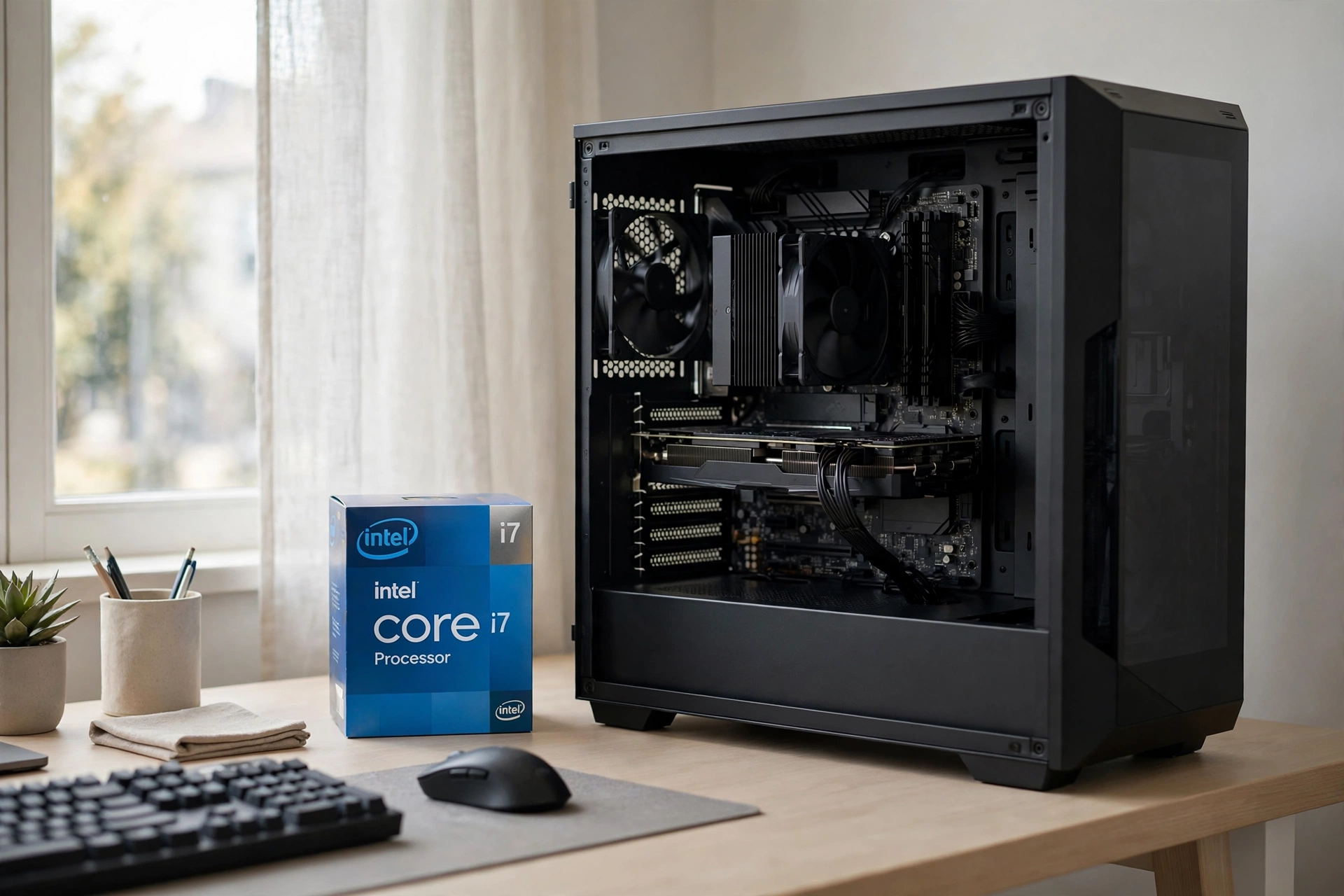
This is the part the news articles skip, and it is the part that matters most on a bottleneck-focused site. A $299 CPU changes your budget math: money you would have spent on the processor can now go toward the graphics card, which is where gaming performance actually lives. Here is how the 265K pairs with the current GPU tiers.
| GPU Tier | Best For | Verdict With the 265K |
|---|---|---|
| RTX 5070 class | 1440p high-refresh gaming | The sweet spot. The 265K feeds this card easily at 1440p (see our best CPU pairings for the RTX 5070), and the money saved on the CPU can step you up from a 5060 Ti to this tier. An excellent, balanced pairing. |
| RTX 5070 Ti class | 1440p ultra settings, entry 4K | Still a great match. At 1440p with maxed settings the GPU is the limit in nearly every title, so the CPU choice barely registers. See our dedicated guide on the best CPU pairings for the RTX 5070 Ti. |
| RTX 5080 / RX 9070 XT class | 4K gaming, heavy ray tracing | No meaningful bottleneck in real gaming. At 4K these cards are almost always GPU-bound, and the 265K’s strong 1% lows keep frame pacing smooth. A sensible high-end pairing. |
| Below RTX 5060 class | 1080p budget builds | Overkill. If your whole budget sits under $1,000, a cheaper CPU plus this GPU class makes more sense. Do not buy a $299 CPU to pair with a $250 card. |
A few pairing principles worth remembering. First, resolution is the great equalizer: the higher you go, the less the CPU matters, because the graphics card becomes the bottleneck by design. At 1440p and 4K, which is where the GPUs in the table above live, the 265K will not hold any of them back in typical gaming. Second, competitive 1080p players chasing 300+ fps in esports titles are the one exception where CPU choice still bites. If that is you, an X3D chip is still the better tool, price cut or not. Third, frame time consistency, the smoothness you feel, matters more than average FPS, and this is where the 265K’s deep core reserves quietly help. To see why smoothness matters more than averages, read our frame pacing explainer, which breaks the concept down with real game captures.
Before spending, sanity-check any combo with our bottleneck diagnosis walkthrough or the calculator itself. The general rule: with the 265K at $299, your bottleneck at 1440p and above will be your GPU, which is exactly where you want it.
The LGA 1851 Platform Cost Nobody Talks About
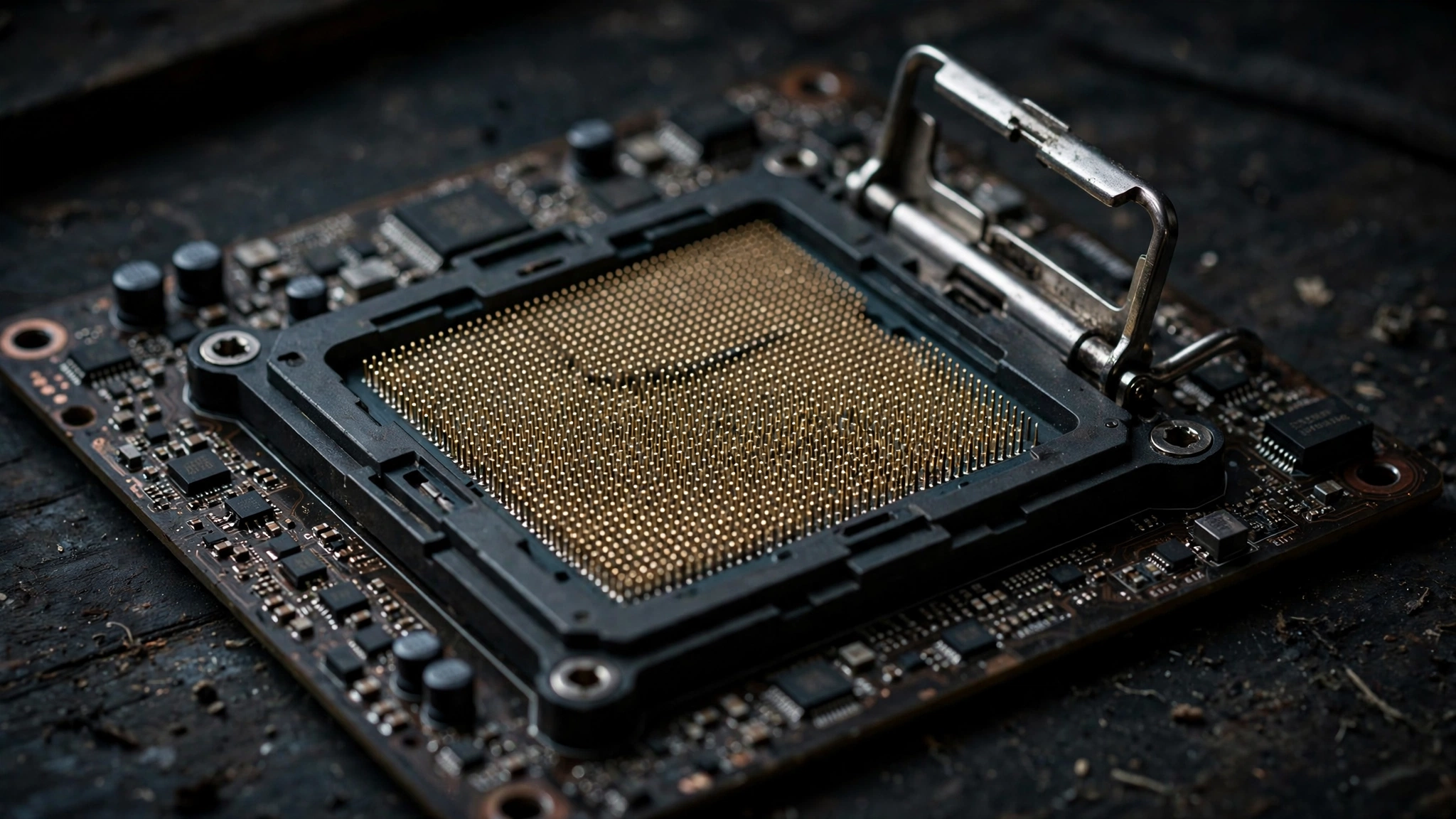
Here is the trap in every “cheap CPU” headline. The 265K is $299, but you cannot drop it into your old motherboard. LGA 1851 is a new socket, so a new build around this chip means a new board and DDR5 memory at minimum. Before you celebrate the price cut, price the platform.
Motherboard. You need an Intel 800-series board (Z890 for overclocking, B860 for a locked-down build). Budget B860 boards start in the same territory as budget AM5 boards, so neither side wins this round by much. The real cost difference is not Intel versus AMD here. It is that both platforms force a full new build if you are coming from anything older than last generation.
Memory. DDR5 is mandatory, and this is where 2026 pricing actually helps. A good 32GB DDR5-6000 kit currently runs around $100 to $120, which is reasonable for what you get. Skip the exotic high-frequency CUDIMM kits that can push past $250. For gaming with a 265K, DDR5-6000 at decent timings is the value zone, and the extra money buys you almost nothing you can feel. Both Intel and AMD builds need this purchase, so it is a wash between the two.
Cooler. This is where the 265K costs you more than the 9700X. A 9700X is happy on a solid mid-range air tower. The 265K, with its 250W peak, wants a 240mm liquid cooler at minimum if you ever stress all 20 cores, and a 360mm unit is the comfortable choice for sustained rendering. If you only game, a good tower cooler still works, because games rarely push every core. But budget for real cooling if you bought this chip for its multi-core muscle. That is the honest trade: Intel gives you the cores, you pay for the cooling.
Power supply. A quality 750W unit handles a 265K plus an RTX 5070-class card without drama. Step up to 850W if you are pairing it with a 5080-class card or you plan to overclock. The 9700X’s 65W rating is kinder to modest PSUs, so factor a possible PSU upgrade into your Intel math if your current unit is borderline.
Add it up and the $100 CPU saving survives the platform math for most builders, because the board and memory cost you the same on either side and only the cooler tilts toward AMD. Where the 265K genuinely loses is the upgrade path: an AM5 board bought today will likely take a next-generation Ryzen later, while LGA 1851’s future is uncertain. Treat the 265K as a chip you buy for what it is today, not as a stepping stone.
Buy Now or Wait A Simple Decision Framework
Price cuts on current-generation CPUs always raise the same question: is this the bottom, or will it get cheaper? Nobody can promise you the floor. But you can decide with a framework instead of a feeling.
Buy the 265K or 265KF now if: you are building in the next month anyway; you game and do real multi-core work (streaming, editing, compiling, VMs); you already own a compatible LGA 1851 board or DDR5 kit; or you simply want the best sub-$300 all-rounder available today. The 265KF at $284 is the pick if you already own a graphics card, since you will never use the integrated GPU. Just remember the KF also loses the integrated graphics for troubleshooting and Quick Sync hardware encoding, which matters to some streamers.
Wait if: your current PC still does its job and you feel no pain; you are a pure esports gamer chasing maximum FPS, where AMD’s newly announced Ryzen 7 9850X3D (revealed at CES 2026, with AMD claiming up to 60% better gaming performance than Intel’s flagship 285K) is the chip to watch; or you want to see whether retailers push street prices even lower than the new $299 suggested price, which has happened with past Intel cuts.
The case against waiting too long: price cuts like this usually signal that the current generation is entering its value phase, not that something dramatically better is imminent at this price. The next Intel desktop generation is not on shelves today, and waiting six months to maybe save $30 costs you six months of a faster PC. If the 265K fits your build now, the smart money buys now.
Mistakes to Avoid With This Deal
Buying the KF to save $15, then needing integrated graphics. The 265KF is a great deal if you have a discrete GPU from day one. It is a miserable deal if your GPU dies and you have no display output, or if you planned to use Quick Sync for streaming encodes. Know which buyer you are.
Pairing it with a weak GPU. A $299 CPU next to a $250 graphics card is a lopsided build. The price cut should let you buy more GPU, not justify a worse one. Match the tiers in the pairing table above.
Cheapening out on the cooler. The most common 265K regret in owner forums is thermal throttling under sustained loads because someone reused a basic cooler. The chip is fast, but it needs real cooling to stay fast. Budget accordingly.
Ignoring the motherboard’s memory support. Not every LGA 1851 board handles high-speed DDR5 equally well. Check the board’s qualified memory list before buying a kit, especially if you are eyeing speeds above DDR5-6400.
Treating “suggested pricing” as a guarantee. Intel sets the suggestion; retailers set the price. The cut is official, so street prices will follow, but give listings a few days to catch up and compare before you click buy.
Frequently Asked Questions
Is the Core Ultra 7 265K worth buying in 2026?
At the new $299 price, yes for most builders. It scores well across current gaming benchmarks, sits within about 5% of the Ryzen 7 9700X in games, and dominates multi-core work. It is a good buy at this price, especially if your PC does more than gaming. (Question adapted from a real buyer FAQ on HowManyFPS.)
Is the Ryzen 7 9700X better for gaming than the 265K?
Slightly, yes. Published comparisons give the 9700X roughly a 5% average lead in gaming thanks to lower latency and a simpler core design. That gap is small enough that you will not notice it in normal play, and it shrinks further at 1440p and 4K where the GPU dominates.
Which CPU is better for video editing and streaming?
The 265K, by a wide margin. Its 20 cores deliver around 50 to 60 percent more multi-core performance than the 9700X in published Cinebench runs, which translates directly into faster renders and smoother multitasking while streaming. If editing or streaming is part of your routine, this is the decisive argument for the Intel chip at $299. Does the Core Ultra 7 265K run hotter than the 9700X?
Yes. The 265K is rated at 125W and can peak near 250W under full load, while the 9700X is a 65W chip. In gaming the difference is smaller than the specs suggest, but for sustained all-core work you will want a 240mm or larger liquid cooler on the Intel chip.
Is Arrow Lake better than Zen 5?
It depends on the workload. Arrow Lake (the 265K) wins clearly on multi-core throughput thanks to its 20 cores. Zen 5 (the 9700X) wins narrowly on gaming efficiency and power draw. Neither architecture is universally better; the price cut is what tilts the value math toward Arrow Lake for mixed-use PCs.
Is it worth upgrading to the 265K if I already own a recent CPU?
Probably not, unless you are coming from something several generations old. If you already run a Ryzen 7000/9000 chip or a 13th/14th-gen Intel CPU, the real-world gain is modest for the cost of a new motherboard and DDR5. This deal shines brightest for new builds and for upgraders on truly old platforms.
Conclusion
The intel core ultra 7 265k price cut is the rarest thing in PC hardware: an official, no-catch price drop that actually changes buying advice. At $399, the 265K was a hard sell against the Ryzen 7 9700X. At $299, it is the best sub-$300 all-rounder you can buy if your PC does more than play games, pairing cleanly with everything from an RTX 5070 up to 4K-class cards without becoming the bottleneck.
Buy it if you build now and your workload touches streaming, editing, or heavy multitasking. Choose the 9700X if you want only maximum gaming efficiency on a longer-lived platform. And whatever you pick, spend the savings where they matter: on the graphics card, the cooler, and the memory that turn a good CPU into a great PC. Prices this good on current-generation silicon do not stay quiet for long.

Leave a Reply