

The 9800x3d vs 14900k gaming debate is really a debate about what a bottleneck is. Both of these processors are fast enough to run any modern game, and with a strong graphics card either one will give you a smooth experience. The difference shows up at the edges: high refresh rate monitors, CPU heavy games, crowded open worlds, and the moments when frame rates dip instead of holding steady. That is where one chip pulls ahead and the other starts to hold your graphics card back.
This comparison looks at the two flagships the way a buyer should: specs first, then real published gaming results, then what each chip costs you in cooling, power, platform, and future upgrades. Every frame rate figure in the table below is an estimate compiled from published third party benchmarks, not a result from our own testing. By the end you should know which one bottlenecks less for your resolution, your games, and your budget.
Quick Verdict Which CPU Bottlenecks Less?
At 1080p: The Ryzen 7 9800X3D bottlenecks less, and the gap is real. Its huge stacked cache keeps game data close to the cores, which lifts average frame rates and, more importantly, keeps the lowest frame rates higher in CPU limited titles. If you play competitive shooters on a 240 Hz or faster monitor, this is the chip to buy.
At 1440p: The 9800X3D still leads, but the gap shrinks a lot. Most games at this resolution lean harder on the graphics card, so the two processors trade blows depending on the title. The 9800X3D keeps a small edge in smoothness, while the 14900K is close enough that your graphics card choice matters more than your CPU choice.
At 4K: Call it a tie for gaming. At 4K the graphics card is almost always the limiting part, and both processors spend much of their time waiting on it. Buy whichever chip fits the rest of your build better, and put the money you save toward a faster graphics card or more memory.
What to upgrade first: If you already own one of these processors, do not upgrade the CPU. Upgrade the graphics card first if you play at 1440p or 4K, and add memory if you are still on 16 GB. If you are buying new and gaming is your main use, the 9800X3D is the safer default. If heavy rendering, compiling, or batch video work is your day job, the 14900K earns its place despite its power draw.
9800X3D vs 14900K Gaming Specs Side by Side
On paper these two processors could hardly be more different. AMD bets everything on cache and efficiency with eight identical cores. Intel bets on sheer thread count, with eight performance cores backed by sixteen efficiency cores and a boost clock that touches 6.0 GHz. The table below uses manufacturer specifications from AMD and Intel.
| Specification | Ryzen 7 9800X3D | Core i9-14900K |
|---|---|---|
| Cores / threads | 8 / 16 | 24 / 32 (8 performance plus 16 efficiency) |
| Base clock | 4.7 GHz | 3.2 GHz (performance cores) |
| Max boost clock | Up to 5.2 GHz | Up to 6.0 GHz |
| L3 cache | 96 MB (with 3D V-Cache) | 36 MB Intel Smart Cache |
| L2 cache | 8 MB | 32 MB |
| Rated power | 120 W TDP | 125 W base, 253 W maximum turbo power |
| Socket and platform | AM5, DDR5 only | LGA1700, DDR4 or DDR5 |
| Integrated graphics | Radeon Graphics (basic display output) | Intel UHD Graphics 770 |
| Overclocking | Fully unlocked | Fully unlocked |
Two numbers in that table explain most of this article. The 9800X3D has nearly three times the L3 cache of the 14900K, and that cache is the reason it wins gaming tests despite having a third of the cores. The 14900K, meanwhile, can draw up to 253 W under turbo, which is more than double the 9800X3D’s rated 120 W, and that power figure shapes everything about cooling and power supply choice. If you are unsure how a CPU limit differs from a graphics card limit in practice, our guide to CPU bottlenecks versus GPU bottlenecks explains the signs of each.
Why the 9800X3D Wins Most Gaming Tests
Games are unusual workloads. They do not spread neatly across 32 threads the way a video render does. They hammer a small number of main threads, jump around large data sets like open world maps and physics objects, and punish any delay in fetching data from memory. A large L3 cache shortens those trips, because data the game needs again stays inside the processor instead of going back out to RAM. That is exactly what AMD’s 3D V-Cache does: it stacks an extra 64 MB of cache onto the processor die, taking total L3 cache to 96 MB.
The second generation of this design, used in the 9800X3D, moves the cache layer underneath the cores instead of on top of them. That change matters for two practical reasons. First, the cores can run cooler and clock higher, which is why this chip boosts to 5.2 GHz where its predecessor stopped at 5.0 GHz. Second, the chip is fully unlocked for overclocking, where earlier X3D chips were largely locked down. Reviewers found only small gains from tuning, which tells you AMD already ships the chip close to its best behavior out of the box.
Published test results back up the theory, with an important caveat about how large the lead is. TechPowerUp’s review measured the 9800X3D about 7 percent faster than the 14900K on average at 1080p across its test suite, and called it the fastest gaming processor you can buy. Tom’s Hardware, using a suite heavily weighted toward cache friendly titles and a top end graphics card, measured a much larger average lead of about 30 percent at 1080p. The honest reading is that the real gap depends on the games you play: cache friendly games like Baldur’s Gate 3 and Microsoft Flight Simulator show huge leads, while GPU heavy or well threaded games show small ones. Treat any single percentage as a summary of one test suite, not a promise for your library.
The other number that matters more than averages is the 1 percent low frame rate, the worst moments in a run rather than the average. A high average with deep dips feels worse than a slightly lower average that never stutters. In TechPowerUp’s testing the 9800X3D’s 1 percent lows at 1080p averaged about 145 frames per second against about 136 for the 14900K, and reviewers consistently describe the X3D chip as smoother in CPU limited scenes. If your complaint is stuttering rather than low average frame rates, this is the difference you will actually feel. Our list of 10 signs your CPU is bottlenecking your GPU can help you check whether stutter is really a CPU problem on your current PC.
Expected FPS at 1080p, 1440p and 4K
The table below gives estimated average frame rates for ten popular games, assuming a high end graphics card in the RTX 5080 class, high or ultra settings without upscaling, and 32 GB of DDR5 memory. These are ESTIMATES compiled from published third party benchmarks, including the TechPowerUp and Tom’s Hardware reviews cited in this article, and adjusted for resolution scaling. They are not results from our own testing, and your numbers will vary with your graphics card, settings, drivers, and the specific scene being played. Use them to compare the two processors against each other, not as guaranteed frame rates.
| Game | 1080p (9800X3D / 14900K) | 1440p (9800X3D / 14900K) | 4K (9800X3D / 14900K) |
|---|---|---|---|
| Counter-Strike 2 | 620 / 560 | 480 / 450 | 240 / 235 |
| Fortnite | 380 / 340 | 280 / 265 | 150 / 148 |
| Cyberpunk 2077 (Ultra, no ray tracing) | 175 / 150 | 130 / 122 | 78 / 76 |
| Baldur’s Gate 3 | 165 / 120 | 130 / 115 | 85 / 83 |
| Starfield | 95 / 80 | 82 / 75 | 55 / 54 |
| Hogwarts Legacy | 145 / 115 | 120 / 112 | 75 / 74 |
| Marvel’s Spider-Man Remastered | 190 / 135 | 150 / 140 | 90 / 89 |
| Microsoft Flight Simulator | 105 / 78 | 88 / 80 | 58 / 57 |
| Elden Ring (capped at 60 FPS) | 60 / 60 | 60 / 60 | 60 / 60 |
| Call of Duty: Warzone | 210 / 185 | 170 / 160 | 105 / 103 |
Read the pattern across the rows, not just one cell. At 1080p the 9800X3D leads everywhere except the capped game, and the lead is biggest in simulation and open world titles where the cache does its best work. At 1440p the lead narrows to a handful of frames in most games. At 4K the two chips are within a few frames of each other in every title, because the graphics card sets the pace.
Also note what the table leaves out: ray tracing. Turn on heavy ray tracing and the graphics card works even harder, which shrinks the CPU gap further at every resolution. If ray tracing is your priority, spend on the graphics card first. Our guide on whether DLSS reduces a CPU bottleneck covers the related question of upscaling, which can actually make a CPU bottleneck more visible by removing the graphics card limit.
Bottlenecks by Resolution

At 1080p, the CPU is the story
At 1080p a strong graphics card finishes each frame quickly and then waits on the processor, so CPU differences show up at full size. This is where the 9800X3D earns its price: higher averages, higher 1 percent lows, and less stutter in crowded scenes. Competitive players chasing 240 Hz or 360 Hz refresh rates will see the difference most clearly, because at those refresh rates the CPU has to deliver a new frame every 3 to 4 milliseconds and any delay shows up immediately.
At 1440p, the balance shifts
1440p is the sweet spot for most high end builds, and it is also where this comparison gets closest. The graphics card now does much more work per frame, so the CPU gap narrows to a few percent in most titles. The 9800X3D still holds a small smoothness advantage, and it remains the better pick for high refresh 1440p gaming, but a 14900K paired with a stronger graphics card will beat a 9800X3D paired with a weaker one. At this resolution, judge the whole build, not the processor alone.
At 4K, the graphics card rules
At 4K even a top end graphics card becomes the limit in nearly every modern game, and the two processors land within a few frames of each other. Tom’s Hardware and TechPowerUp both reach the same conclusion here: at 4K the differences between top processors are minimal, and all of them deliver a great experience. The practical consequence is that 4K buyers should choose on platform, power, and price, and put the largest share of the budget into the graphics card. A processor bottleneck at 4K usually means the graphics card is actually the part holding things back, which is a different problem with a different fix, explained in our guide to what a GPU bottleneck is.
Living With the Ryzen 7 9800X3D Quirks and Advantages
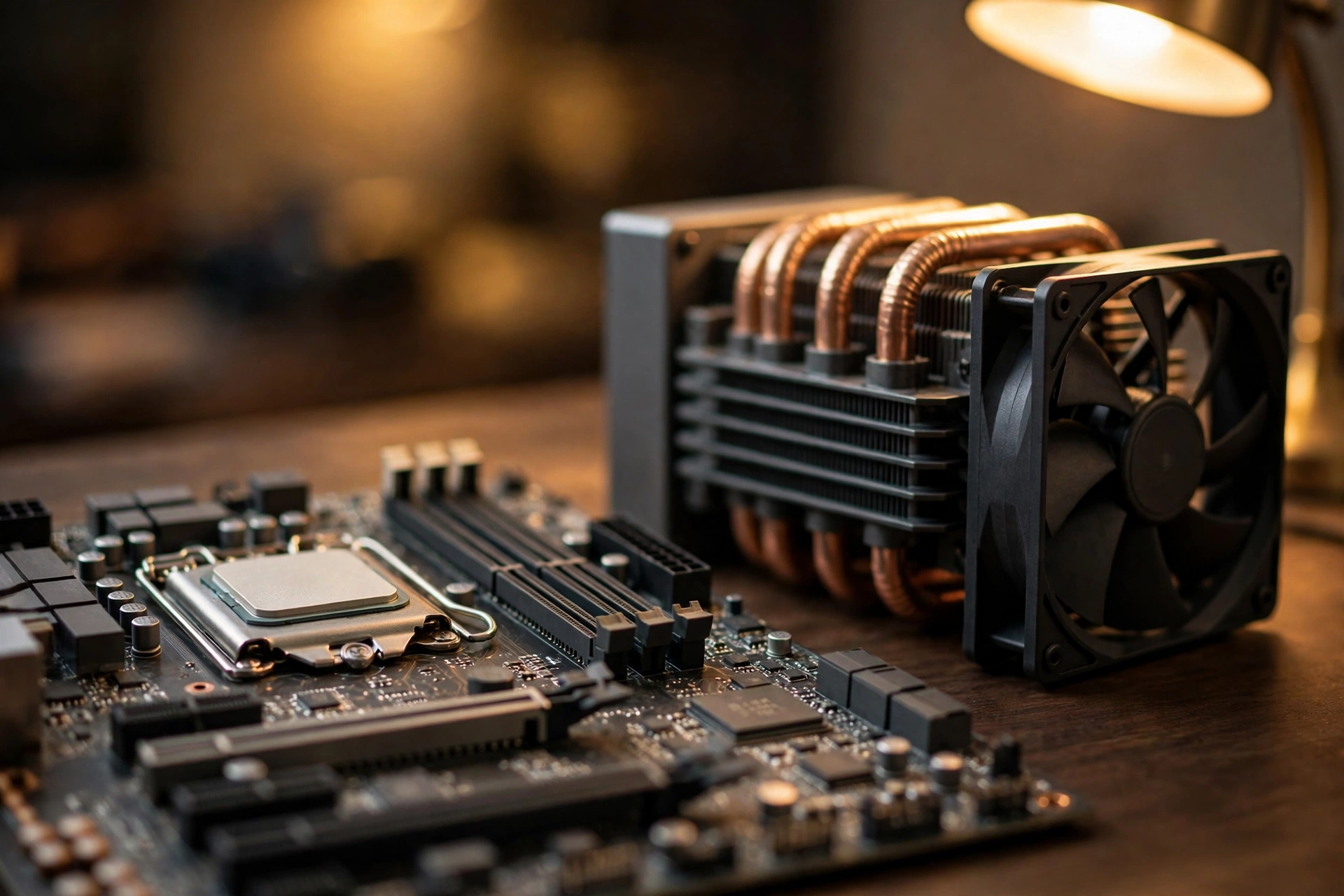
The 9800X3D is the simpler chip to live with, but it has its own quirks worth knowing before you buy. First, it only supports DDR5 memory, so there is no cheap DDR4 reuse path if you are upgrading an older build. That matters more than it used to, because DDR5 prices have been under real pressure as memory makers shift capacity toward server and AI products, and recent reporting describes sharp rises in DDR5 kit prices. Buy the capacity you need, 32 GB for a gaming build, and do not stretch for exotic speeds: reviewers found that even basic DDR5-5600 runs within a couple of percent of faster kits on this chip, because the huge cache already hides much of the memory latency.
Second, the chip ships without a cooler in the box, and AMD recommends a liquid cooler for best performance, although reviewers found good air coolers keep it under its 95 degree thermal limit even at full load. Gaming loads run well below that limit, so a quality mid range air cooler or a 240 mm liquid cooler is plenty. Third, the AM5 platform is the real long term advantage. AMD has kept AM5 alive across multiple processor generations, so a motherboard bought today has a plausible upgrade path to future AM5 processors, while the 14900K’s platform is already at the end of its line. If you upgrade processors every few years without wanting a new motherboard each time, that path alone can justify the AMD choice.
One more honest limitation: eight cores. For pure gaming that is plenty, since modern games rarely scale beyond eight strong cores. For heavy multitasking while gaming, like CPU based video encoding plus a game plus a browser full of tabs, the 14900K’s extra threads give it more headroom. GPU based encoding removes most of that concern for streamers, but if your workflow is genuinely thread hungry, read the productivity section before deciding.
Living With the Core i9-14900K Cooling and Stability
The 14900K is the more demanding houseguest. Its 253 W maximum turbo power means you need a serious cooler, a case with strong airflow, and a power supply with real headroom. A 360 mm liquid cooler or a top tier dual tower air cooler is the sensible starting point, not an optional extra, and budget boards with weak power delivery will hold the chip back under sustained load. Under gaming loads the chip draws less than its maximum, but the cooling system still has to be sized for the worst case, not the average one. If your case is small or your room runs warm, that is a genuine reason to pick the AMD chip instead.
The stability question needs a careful, factual answer. Intel has confirmed that its 13th and 14th generation desktop processors, including the 14900K, were affected by a voltage problem it calls Vmin Shift Instability, in which excessive voltage requests could degrade the chip over time and cause crashes. Intel addressed the cause through a series of microcode updates delivered in motherboard BIOS updates, with microcode 0x12F or later being the current fix. Two things matter for buyers. First, a BIOS update protects a healthy processor but cannot repair one that is already degraded, so a second hand 14900K with an unknown history deserves caution and a stress test before the return window closes. Second, Intel extended the warranty on affected boxed processors by two years, to five years from purchase, which softens the risk for new buyers. If you buy a 14900K new, update the motherboard BIOS on day one, leave the Intel Default Settings profile in place, and only then enable your memory profile. If you buy used, check the BIOS and microcode version first and run a sustained stress test before trusting the chip.
On the platform side, the one genuine advantage is DDR4 support. If you already own a good DDR4 kit and a compatible board, the 14900K lets you reuse both, and at current DDR5 prices that saving is not trivial. For a brand new build, though, DDR5 is the right choice, and that advantage disappears.
Platform Cost Memory Prices and the Rest of the Build
Neither processor should be judged on its sticker price alone. The 9800X3D needs an AM5 motherboard and DDR5 memory, and no cooler in the box, but it runs happily on a mid range board and a modest cooler. The 14900K can reuse DDR4 and older boards with a BIOS update, but it needs a stronger cooler, a stronger power supply, and a board with solid power delivery, and those extras eat the saving fast.
Current market conditions tilt the advice in one specific way: memory is the part to watch, not the processor. Reports through recent months describe DDR5 and SSD prices climbing sharply as memory production shifts toward server and AI demand. The practical takeaway is simple. Lock in your memory capacity early in the build plan, buy a quality power supply once rather than twice, and do not delay a build you actually need in the hope that memory prices will fall soon. For a deeper look at the memory side of the equation, see our guides to DDR4 versus DDR5 gaming performance and RAM bottlenecks explained.
What About Streaming Editing and Multitasking?
Gaming is only half the question for many buyers. In sustained multi threaded work, rendering, compiling, long video transcodes, and heavy batch exports, the 14900K’s 24 cores and 32 threads win clearly. Published application benchmarks put the 14900K roughly 20 percent ahead of the 9800X3D in TechPowerUp’s application suite, and the gap grows in heavily threaded tasks. If you earn money from that kind of work, or you do it for hours every day, the Intel chip is the better tool and the gaming compromise is small at 1440p and above.
For lighter creator work, occasional editing, short exports, streaming with GPU encoding, and everyday multitasking, the 9800X3D is more than enough, and AMD has narrowed the old productivity gap compared with earlier X3D chips. The dividing line is simple: if creator work is your job and it runs for hours, buy the 14900K and budget for its cooling. If creator work is something you do sometimes and gaming is the main event, buy the 9800X3D.
Better Alternatives for the Same Money
If neither flagship quite fits, these alternatives deserve a look before you commit.
Ryzen 7 7800X3D: The previous generation X3D chip is only a few percent behind the 9800X3D in gaming at 1080p according to TechPowerUp, and the gap shrinks further at 1440p and 4K. If it sells for meaningfully less in your market, it is the value pick for a pure gaming build, and our guide to the best GPU for the Ryzen 7 7800X3D covers sensible graphics card pairings for it.
Ryzen 9 9950X3D: If you want X3D gaming speed plus serious multi threaded muscle, the 16 core 9950X3D is the no compromise AMD option. It costs more than either chip in this comparison, but it removes the 9800X3D’s eight core limitation for heavy creator work while keeping the cache advantage for games.
Core i7-14700K: If the 14900K’s platform appeals to you but its price or power draw does not, the 14700K keeps most of the multi threaded performance with 20 cores, a lower power ceiling, and a lower price. It is a sensible middle ground for mixed gaming and creator builds on LGA1700.
Spend the difference on the graphics card: This is the alternative most buyers should take seriously. If choosing the cheaper processor lets you step up a tier in graphics card, say from an RTX 5070 class card to a 5070 Ti class card, that upgrade will raise your frame rates at 1440p and 4K far more than any CPU swap between these two chips. Our guide to the best CPU for the RTX 5070 shows how far a mid range processor can go when the graphics card is the priority. And if your budget is tight overall, remember that a good bottleneck percentage is not zero: a small, well understood bottleneck is normal in a balanced build.
How to Tell Which Part Is Holding You Back
Before you buy either processor, it is worth confirming that your CPU is actually your problem. Run your most played game with a monitoring overlay and watch two numbers: graphics card usage and CPU usage per core. If graphics card usage sits near 95 percent or higher while frame rates feel low, your graphics card is the limit and a CPU upgrade will not help much. If graphics card usage sits well below that while one or two CPU cores are maxed out and frame rates stutter, the processor is holding you back. MSI Afterburner is the standard free tool for this check, and it takes about ten minutes to set up.
Frequently Asked Questions
Which is better for gaming, the 9800X3D or the 14900K?
For pure gaming, the 9800X3D. Published reviews put it ahead of the 14900K at 1080p, with the lead ranging from about 7 percent in TechPowerUp’s suite to about 30 percent in Tom’s Hardware’s cache friendly suite, and with stronger 1 percent low frame rates. The gap narrows at 1440p and mostly disappears at 4K, where the graphics card takes over.
Does the 14900K bottleneck a high end graphics card more than the 9800X3D?
At 1080p with a top end graphics card, yes, measurably, because the card waits on the processor more often with the Intel chip. At 1440p the difference is small, and at 4K both processors bottleneck about equally, which is to say hardly at all, because the graphics card becomes the limit. The bottleneck that matters is the one at your resolution with your games.
Is the 14900K still safe to buy after the instability reports?
A new 14900K with an up to date BIOS is a reasonable buy. Intel’s microcode fix, version 0x12F or later, addresses the voltage problem that caused the instability, and Intel extended the warranty on affected boxed processors to five years from purchase. Update the BIOS before anything else, keep Intel Default Settings enabled, and be cautious with second hand chips whose history and BIOS version you cannot verify.
Which CPU is better for gaming and streaming at the same time?
Both handle it, but the answer depends on how you encode the stream. With GPU encoding, which most streamers use, the 9800X3D is the better pick because gaming smoothness matters most and the encoding load never touches the CPU. With CPU based encoding at high quality settings, the 14900K’s extra threads give it more headroom, at the cost of higher power draw and heat.
Should I worry about 8 GB of VRAM with either of these CPUs?
VRAM is a graphics card question, not a processor question, but it interacts with CPU choice in one way: a graphics card that runs out of VRAM stutters no matter which processor you own, and no CPU upgrade fixes it. If you play at 1440p or above with high resolution textures, 12 GB or more of VRAM is the safer floor today. Our guide on whether 8 GB of VRAM is enough breaks down where the limit actually bites.
Can I reuse my DDR4 memory with either chip?
Only with the 14900K. The 9800X3D requires DDR5 on the AM5 platform, while the 14900K supports both DDR4 and DDR5 depending on the motherboard. If you already own a strong DDR4 kit, that reuse can save real money, especially while DDR5 prices stay high.
Conclusion
The 9800x3d vs 14900k gaming question has a clear answer for most gamers and a fair exception for heavy creators. The Ryzen 7 9800X3D bottlenecks less where bottlenecks actually hurt: high refresh 1080p and 1440p gaming, CPU heavy open worlds, and the low frame rate moments that turn smooth play into stutter. It runs cooler, sips power by flagship standards, and sits on a platform with an upgrade path still ahead of it. The Core i9-14900K is the right choice when sustained multi threaded work is the job, when DDR4 reuse saves real money, or when you already own an LGA1700 board and want the strongest chip it can take, provided you update the BIOS and cool it properly.
Gamers chasing high refresh rates should pick the 9800X3D. Creators rendering for hours should pick the 14900K. Everyone playing at 4K should pick whichever fits the build and spend the difference on the graphics card. Either way, check your current bottleneck first, because the best upgrade is the one that fixes the part actually holding you back.

Leave a Reply