
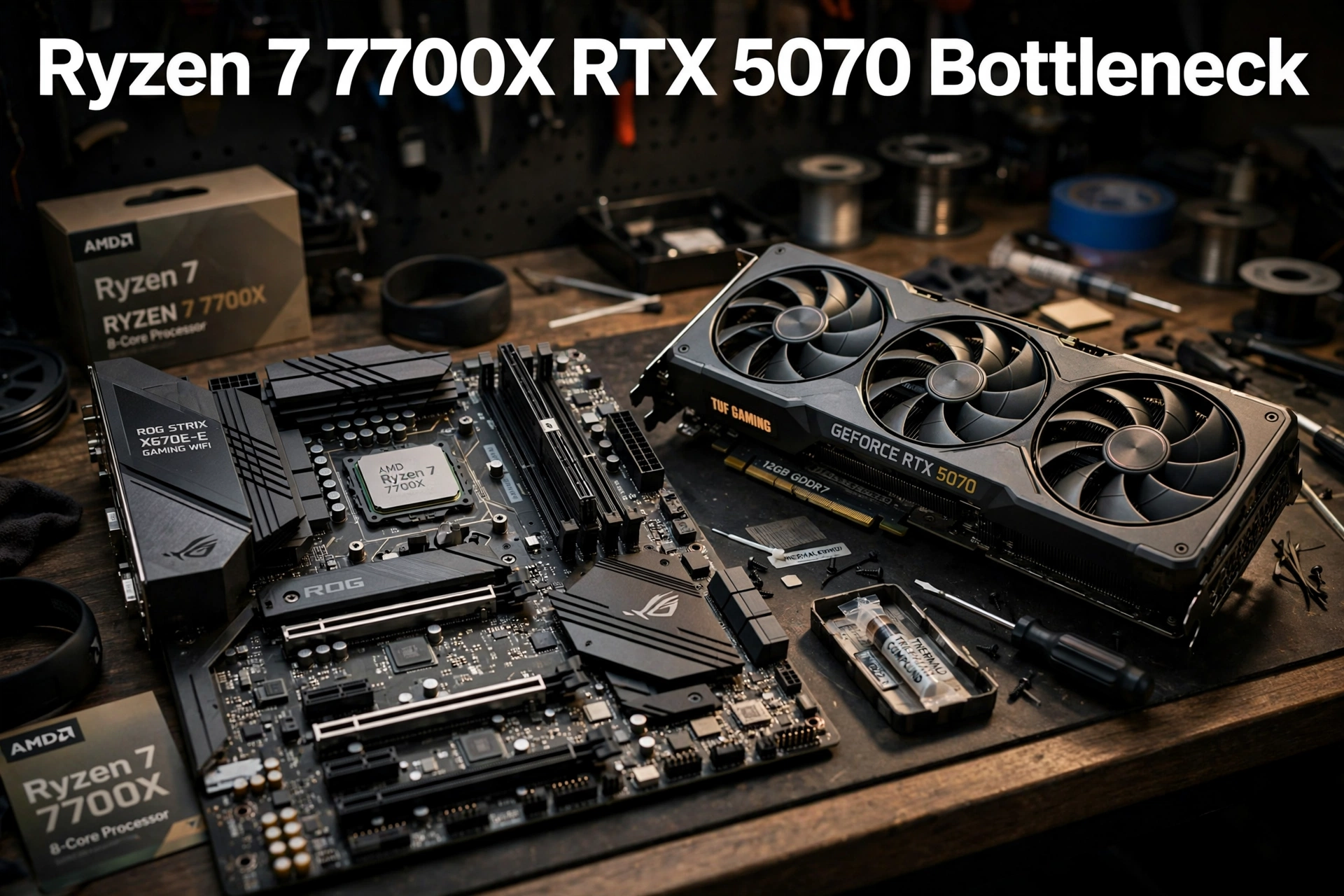
The ryzen 7 7700x rtx 5070 bottleneck question comes up in almost every build thread where these two parts meet, and for good reason. The Ryzen 7 7700X is a previous generation 8-core processor, while the RTX 5070 is a current generation Blackwell graphics card that sits near the top of what most gamers actually buy. Put them together and you get a pairing that looks slightly mismatched on paper but behaves very differently in real games. This breakdown gives you the honest answer at 1080p, 1440p and 4K, the frame rates you can realistically expect, the quirks that actually matter for this specific combination, and the upgrade path that makes sense if you already own one of these parts.
The short version up front: no, the Ryzen 7 7700X does not meaningfully bottleneck the RTX 5070 for most gamers. At 1440p and 4K the graphics card is almost always the limit, which is exactly what you want. At 1080p the CPU can become the limit in some fast paced competitive titles, but only when you are chasing very high refresh rates. The rest of this article explains why, game by game and resolution by resolution, so you can decide with confidence instead of trusting a single percentage from a calculator site.
Quick Verdict The Short Answer
1080p verdict: A minor CPU limit in competitive and CPU heavy games at very high refresh rates. Expect the 7700X to cap some esports titles before the RTX 5070 runs out of steam, but you will still be well above 144 FPS in most of them. For 1080p at 60 or 144 Hz, there is no practical bottleneck at all. Upgrade first: your monitor, if you are still on 60 Hz, or your CPU only if you play competitively at 240 Hz or above.
1440p verdict: No meaningful bottleneck. This is the sweet spot for this pairing. The RTX 5070 works at full load in nearly every modern game, the 7700X keeps up comfortably, and frame rates land in the smooth 80 to 120 FPS range at high settings in most AAA titles. Upgrade first: nothing. If you must spend money, a faster graphics card would change your experience more than a faster CPU.
4K verdict: No CPU bottleneck whatsoever. At 4K the RTX 5070 is the clear limit in every demanding game, and the 7700X has headroom to spare. Frame rates depend entirely on the game and your settings, with upscaling doing a lot of the heavy lifting. Upgrade first: the graphics card, when you are ready for a higher tier, or accept medium settings and DLSS upscaling for smooth 4K play.
What to upgrade first, overall: If you already own this pairing, do not rush to replace either part. The first upgrade that changes your daily experience is usually a better monitor (1440p high refresh rate, if you are still at 1080p) or faster DDR5 memory with EXPO enabled, if you are running slow memory. A CPU upgrade only makes sense if you move to a much faster graphics card later, and thanks to the AM5 platform, that upgrade can be a simple drop in replacement with a BIOS update.
What the Two Parts Actually Bring to the Build
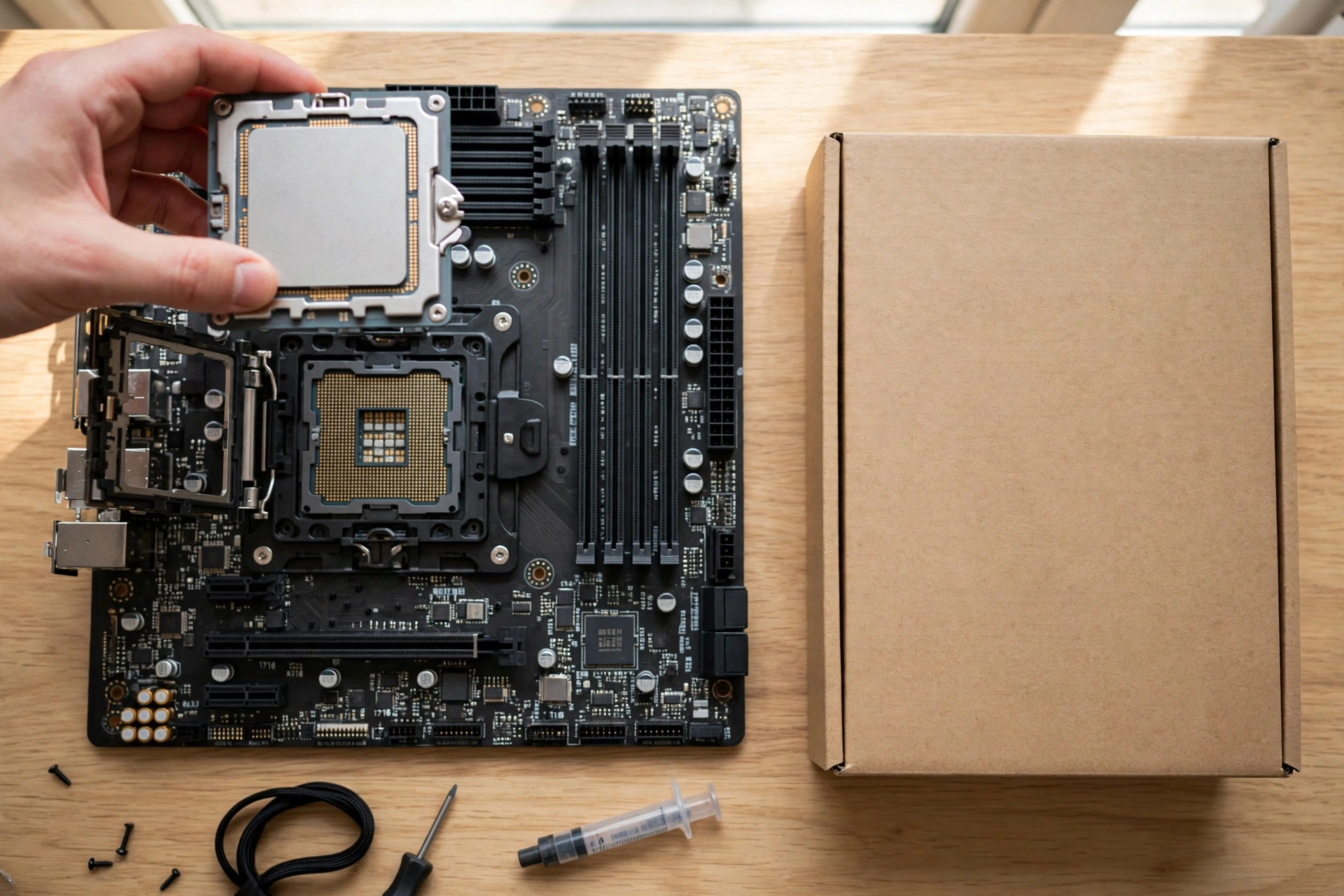
The Ryzen 7 7700X is an 8-core, 16-thread Zen 4 processor on the AM5 socket. It runs at a 4.5 GHz base clock and boosts up to 5.4 GHz, carries 32 MB of L3 cache, and is rated at 105 watts. It supports DDR5 memory and PCIe 5.0, and it is unlocked for overclocking. Those numbers matter because gaming performance still leans heavily on single core speed and cache, and the 7700X remains strong on both even though a newer generation now exists. Eight cores is also the right count for modern games: most titles still do their heavy work on a handful of threads, and the extra cores cover streaming, Discord, and background tasks without stealing frames.
The RTX 5070 is built on NVIDIA’s Blackwell architecture with 6,144 CUDA cores, 12 GB of GDDR7 memory on a 192-bit bus, and a 250 watt total graphics power rating. Its boost clock sits around 2.51 GHz on the reference design, and partner cards push higher. The headline features are DLSS 4 with Multi Frame Generation, fourth generation ray tracing cores, and fifth generation tensor cores. For this pairing, the most important spec is the 12 GB of video memory, which is comfortable at 1440p but becomes a real talking point at 4K with ultra textures. The full specification sheet is worth checking before you buy a specific partner card, since cooler size, power connector, and factory clock all vary by model.
| Component | Key specification | Why it matters for this pairing |
|---|---|---|
| Ryzen 7 7700X | 8 cores, 16 threads, up to 5.4 GHz | Fast single core speed keeps frame times steady at 1080p |
| Ryzen 7 7700X | 32 MB L3 cache, Zen 4, AM5 | Cache and platform give a clean upgrade path later |
| Ryzen 7 7700X | DDR5 only, PCIe 5.0 | DDR5 speed and EXPO tuning directly affect gaming lows |
| RTX 5070 | 6,144 CUDA cores, Blackwell | Strong raster and ray tracing performance at 1440p |
| RTX 5070 | 12 GB GDDR7, 192-bit bus | Fast memory, but capacity is the limit at 4K ultra settings |
| RTX 5070 | 250 W, PCIe 5.0 x16 | A quality 650 W power supply is the baseline for this build |
One more thing worth saying plainly: there is no conflict in mixing an AMD processor with an NVIDIA graphics card. This is one of the most common worries in build forums, and it is a myth. The two companies’ parts communicate over standard PCIe and standard Windows driver interfaces, and this combination is one of the most popular builds in the world. If you are asking whether an AMD CPU works with an NVIDIA GPU, the answer is yes, with no special drivers, settings, or compromises required.
How Bottlenecks Really Work
A bottleneck simply means one part finishes its work faster than the other and has to wait. That happens in every PC, in every game, all the time. The useful question is never “is there a bottleneck” but “does the slower part cost me frames I would actually notice.” A system where the graphics card sits at 97 percent usage while the CPU sits at 50 percent is a healthy, GPU limited system. That is the outcome you want, because it means you are getting everything your graphics card can deliver.
This is also why single-number bottleneck percentages from calculator websites deserve skepticism. A site that reports a 20 percent CPU bottleneck for one game tells you nothing about the next game, a different resolution, or a different settings preset. Real builders in forums keep making the same point: the game and the settings decide which part is the limit, not the part names alone. If you want a real answer for your own system, monitor it while you play. A tool like MSI Afterburner shows GPU and CPU usage side by side, and the pattern tells you more in ten minutes than any calculator can.
For a deeper explanation of what a good or bad result looks like, read our guide on what counts as a good bottleneck percentage. And if you want to test your own build rather than trust a web tool, our CPU bottleneck calculator gives you a starting estimate you can then verify with real monitoring. The difference between a CPU heavy game and a GPU heavy game also changes the whole picture, which is why we break that distinction down in our guide to CPU intensive vs GPU intensive games.
Expected FPS 10 Games at 1080p, 1440p and 4K
The table below gives estimated average frame rates for this pairing at high to ultra settings in rasterized rendering, without DLSS frame generation. These are estimates compiled from published third-party benchmarks of the RTX 5070 class of card and the Ryzen 7 7700X class of processor, not results from our own lab testing. Real numbers vary with the game scene, the specific partner card, the driver version, and your memory speed. Treat them as a planning guide, not a promise. DLSS upscaling and frame generation can push these numbers substantially higher in supported titles, especially at 1440p and 4K.
| Game | 1080p estimated FPS | 1440p estimated FPS | 4K estimated FPS |
|---|---|---|---|
| Cyberpunk 2077 | 95 | 65 | 32 |
| Baldur’s Gate 3 | 130 | 95 | 55 |
| Call of Duty: Warzone | 150 | 110 | 60 |
| Fortnite | 200 | 150 | 80 |
| Apex Legends | 220 | 165 | 95 |
| Elden Ring | 60 | 60 | 50 |
| Starfield | 85 | 60 | 32 |
| Red Dead Redemption 2 | 110 | 80 | 45 |
| Counter-Strike 2 | 350 | 280 | 170 |
| Helldivers 2 | 120 | 85 | 45 |
Two notes on reading this table. First, Elden Ring is capped at 60 FPS by the game itself, so the 7700X and 5070 both have headroom there and the experience is identical to far more expensive hardware. Second, the competitive titles (Counter-Strike 2, Apex Legends, Fortnite, Warzone) are where 1080p CPU limits show up first, because those engines can produce more frames than the monitor can show, and the CPU becomes the part setting the ceiling. Even there, the numbers stay far above what most monitors display.
Performance by Resolution
At 1080p: Fast, With a CPU Ceiling in Competitive Games
At 1080p the RTX 5070 is a very fast card for the resolution, and that is exactly why the CPU matters more here than anywhere else. In story driven AAA games at ultra settings, the graphics card still does most of the work and the 7700X is rarely the problem. In competitive shooters at low or medium settings, the graphics card finishes frames so quickly that the CPU’s per-core speed becomes the pace setter. This is not a defect in the pairing. It is the normal behavior of any strong GPU at 1080p, and it only matters if your monitor can display more frames than the CPU can produce, which usually means 240 Hz or higher.
If you are a competitive player on a 240 Hz or 360 Hz monitor, this is the one scenario where a different CPU, such as a 3D V-Cache chip on the same AM5 platform, would buy you extra frames. For everyone else, including 144 Hz players, the 7700X delivers more than enough. One practical tip: if your frame rate is high but the game feels uneven, check your 1% lows rather than your average FPS. Our guide on what frame time is and why 1% lows matter explains why a steady 120 FPS feels better than a spiky 180 FPS, and slow or single channel memory is a common hidden cause.
At 1440p: The Sweet Spot
1440p is where this pairing makes the most sense, and it is the resolution we recommend for it. The graphics card works hard enough that the CPU stops being the story, frame rates land in the comfortable high refresh range, and the 12 GB of video memory is enough for high and ultra textures in nearly every current game. DLSS quality mode at 1440p looks excellent and adds real headroom, and ray tracing becomes genuinely playable in most titles when combined with upscaling. If you are buying a monitor for this build, a 1440p display with a 144 Hz or higher refresh rate is the right match, and it is also where the RTX 5070’s current popularity makes sense: it is the card most Steam gamers are actually buying right now, and this pairing is a big reason why.
At 4K: GPU Limited, With Settings Compromises
At 4K there is no CPU bottleneck to discuss. The RTX 5070 simply is not a native 4K ultra card, and no CPU change would fix that, because the graphics card is doing all the limiting. What you get instead is a very playable 4K experience with the right settings: DLSS performance or balanced mode, high rather than ultra textures in the most demanding games, and ray tracing used selectively. Lighter and older games run beautifully at native 4K. The newest AAA titles need upscaling to stay smooth, and that is a fair trade for a card in this class. If native 4K ultra at 60 FPS or more is your non-negotiable target, you need a higher tier graphics card, not a faster processor.
Pairing Specific Issues to Watch
The 8-core Zen 4 design: enough cores, and a cache tradeoff
Eight cores and 16 threads is the right size for gaming in 2026, and it leaves room for streaming and background work. The tradeoff against the 3D V-Cache versions of the same architecture is cache, not cores: the 7700X has 32 MB of L3 cache, while the X3D chips stack far more, and that extra cache shows up as higher 1% lows in CPU heavy games. For most players the difference is modest, in the range of a few percent on average FPS and more on lows in specific titles. It is the single most meaningful CPU side upgrade on this platform, and it is worth knowing about before you spend money elsewhere.
DDR5 and EXPO: the hidden performance switch
The 7700X only takes DDR5, and memory speed affects this pairing more than many builders expect. The officially supported speed is DDR5-5200, but the practical sweet spot for AM5 gaming builds is a DDR5-6000 kit with EXPO enabled in the BIOS, in a two stick dual channel configuration. EXPO is AMD’s one click memory overclocking profile, and forgetting to enable it leaves real performance on the table, especially in 1% lows. Equally important: never run a single stick. Single channel memory can cost you a noticeable chunk of gaming performance on any modern platform, and it is one of the first things to check if a build feels slower than reviews suggest.
The AM5 platform: your upgrade path is the point
AM5 is the strongest practical argument for this pairing. The same motherboard that runs the 7700X today can take newer Ryzen processors after a BIOS update, including the 3D V-Cache gaming chips. That means a CPU upgrade later is a single part swap, not a new motherboard, new memory, and a rebuild. It also means buying the 7700X now does not lock you into Zen 4 forever. Check your motherboard maker’s CPU support list and update the BIOS before swapping chips, and keep the old BIOS version in mind if you ever need to roll back.
12 GB of VRAM: fine at 1440p, a planning issue at 4K
The RTX 5070’s 12 GB of GDDR7 is fast, and the 192-bit bus feeds it well, but capacity is the spec to watch over the life of the card. At 1440p, 12 GB handles current games comfortably, including high resolution texture packs in most titles. At 4K with ultra textures, some games already push past 12 GB, and when video memory runs out the card borrows slower system memory, which shows up as stutter rather than a clean FPS drop. The practical fix is simple: drop texture quality one notch at 4K, or lean on DLSS. It is also why the “5060 Ti 16 GB or 5070 12 GB” question keeps coming up for 7700X builders. The 5070 is the faster card in raw performance, and for gaming today it is the better pick, but the 16 GB card has a capacity argument for buyers who keep hardware for many years and play at high resolutions. For a 1440p gamer, take the 5070. For a buyer who plans to push 4K ultra textures for five years, the VRAM question deserves a second thought before you buy.
Power supply: 650 W quality, not just 650 W on the label
The RTX 5070 draws 250 watts and NVIDIA’s partner guidance centers on a 650 watt system power supply, while the 7700X adds up to 142 watts under short boosts. A good 650 watt unit from a reputable maker is enough for this pairing, but a cheap unit with the same wattage on the box is not the same thing. Look for a modern ATX 3.x unit with a native 16-pin cable if you can, since that avoids adapter clutter and is the connector this card generation is built around. If your system shuts down under load, restarts in games, or shows coil whine that tracks with frame rate, the power supply is one of the first suspects. Our guide to 7 signs your PSU is bottlenecking your PC walks through the symptoms and the checks in order.
PCIe 5.0: present, and not a bottleneck
Both parts support PCIe 5.0, and the card runs at x16 on any modern AM5 board. In practice, PCIe generation makes almost no difference to gaming frame rates for a card in this class: even PCIe 4.0 x16 would not hold the 5070 back in any meaningful way, and PCIe 3.0 would only cost a few percent in edge cases. Do not worry about lane sharing unless you are running multiple high bandwidth expansion cards, and do not pay extra for a board just for its PCIe 5.0 graphics slot. The slot is a nice to have here, not a reason to choose one board over another.
Cooling: the 7700X runs hot by design
The 7700X is a 105 watt chip that boosts aggressively and is designed to run near its 95 degree thermal limit under load. That is normal behavior for Zen 4, not a fault, but it does mean the stock cooler situation matters: this processor does not include a boxed cooler, so you need to buy one. A good tower air cooler is enough for gaming, and a 240 mm or larger liquid cooler gives you quieter operation and more sustained boost. If temperatures bother you, an undervolt or eco mode in the BIOS can cut heat substantially for a small performance cost. Either way, do not judge this chip’s health by its temperature alone; judge it by whether it holds its boost clocks while you play.
A note on 2026 pricing and availability
Graphics card prices in 2026 have been under real pressure from supply constraints, and the RTX 5070 is no exception. If you are buying now, compare partner cards at the price you can actually get, not the launch price, and remember that a slightly slower partner card at a fair price beats a premium card at an inflated one. Our look at the 2026 GPU shortage explains what is driving availability and what to watch before you pay a premium. Do not let a shortage push you into a weaker card you will regret, or into paying flagship money for a mid range part.
What to Upgrade First
If you already own the 7700X and the RTX 5070, spend money in this order. First, make sure EXPO is enabled and you are running two sticks of DDR5, because that costs nothing and fixes more stutter than most upgrades. Second, match your monitor to the pairing: a 1440p high refresh rate display if you are still at 1080p, since the card is built for that resolution. Third, if you play competitively at very high refresh rates, consider a 3D V-Cache CPU on the same board. Fourth, when the graphics card itself becomes the limit for the games you play, upgrade the card, and only then consider whether the CPU still keeps up.
What not to bother with: a faster CPU for 4K gaming, since the graphics card is the limit there; a motherboard upgrade for PCIe 5.0 alone; more than 32 GB of RAM for gaming alone, since it will not raise frame rates; and any “bottleneck fixing” software or driver tweak that promises to unlock hidden performance. None of those change the physics of which part is waiting on which. If you are not sure which part is actually holding your system back, work through our guide on how to find a PC bottleneck before you spend anything, and use MSI Afterburner to watch GPU and CPU usage while you play the games you actually care about.
A Better Alternative Combo for the Same Money
For the same money as a new 7700X plus RTX 5070 build, the strongest alternative depends on what you already own. If you are building from scratch and your priority is maximum gaming frames per dollar, swap the 7700X for a Ryzen 7 7800X3D (or its newer X3D equivalent at the price you find) and keep the RTX 5070. You spend roughly the same total, and you gain the extra cache that lifts 1% lows in CPU heavy games, which is the one place the 7700X gives anything up. The tradeoff is slightly slower rendering and productivity work, since the X3D chip runs at lower clocks, so builders who also render video or compile code may prefer to keep the 7700X.
If you already own the 7700X, the alternative is not a different build at all: keep the CPU, keep the card, and put the money into the monitor and memory setup described above. And if your budget is tighter and you are choosing between a cheaper CPU with a better card or this pairing, the better card almost always wins for gaming. A Ryzen 5 7600 class CPU with an RTX 5070 will beat a 7700X with a weaker card in most games at 1440p, because the graphics card is the part doing the heavy lifting at that resolution. The 7700X earns its place when you also stream, create, or want the extra cores for work outside games.
For the wider picture of what else pairs well with this processor, our roundup of the best GPUs for the Ryzen 7 7700X covers the full range from budget to high end. This article is the deep dive on the RTX 5070 specifically; the roundup is the companion if you are still choosing between cards. Also worth a read before any pairing decision is our explainer on CPU and GPU compatibility, which covers sockets, power, and physical fit in one place.
Who Should Buy This Pairing (and Who Should Not)
Buy this pairing if you play at 1440p, you want high refresh rate gaming without flagship prices, you stream or create content alongside gaming, or you already own the 7700X and are choosing a graphics card. It is also a sensible buy if you value the AM5 upgrade path and plan to drop in a faster CPU in a few years while keeping everything else.
Think twice if your only goal is competitive play at 240 Hz or above at 1080p, where a 3D V-Cache CPU earns its premium, or if native 4K ultra at high frame rates is your target, where you need a higher tier card regardless of CPU. Also think twice if you are buying the card mainly for heavily modded games with huge texture packs at 4K, where 12 GB of video memory will ask you to compromise sooner than a 16 GB card would.
Frequently Asked Questions
Which GPU should I choose: 5060 Ti 16 GB or 5070 12 GB for my Ryzen 7 7700X build?
This is a real question asked by a builder planning a gaming, recording, and video editing PC around the 7700X, and it is the right question to ask. For gaming, the RTX 5070 is the faster card and the better pick at 1440p, which is where most 7700X builders play. The 5060 Ti’s 16 GB is a genuine advantage for long term texture headroom and for video editing workloads that use a lot of video memory, and it costs less. If your budget is tight or your work leans heavily on video memory, the 5060 Ti is defensible. If gaming performance is the priority, take the 5070 and manage textures sensibly at 4K.
Will my 2070 Super bottleneck my Ryzen 7 7700X?
This question comes from a Quora thread about the 7700X, and the answer explains the direction of bottlenecks nicely. A 2070 Super is far weaker than the 7700X, so in that pairing the graphics card is the limit, not the CPU, and the 7700X spends much of its time waiting. That is the opposite direction from the worry most people have, and it is a healthy situation: the GPU running at full load means you are getting everything it can give. Moving from a 2070 Super to an RTX 5070 is exactly the upgrade that rebalances the system, because the new card is strong enough to make the pairing about the game and the resolution again, not about one part dragging the other.
A 5070 Ti on 1080p: how much bottleneck am I likely to see?
This question from a Tom’s Hardware forum thread is close to our pairing, since the 5070 Ti is one step above the 5070, and the answer transfers directly. At 1080p with a strong card, the CPU becomes the limit sooner than at higher resolutions, especially in competitive games at low settings. With a 7700X class CPU the effect is modest: you lose some top end frame rate in esports titles compared to a faster CPU, but you stay far above the refresh rate of most monitors. At 1440p the question mostly goes away, because the graphics card takes over as the limit. The resolution you play at matters more than the exact card tier here.
Is a 23.3% bottleneck expected with a 5070 Ti and a 7800X3D?
This question, asked about a bottleneck calculator result for a high end pairing, is worth including because it shows why single percentages mislead. A 7800X3D is one of the fastest gaming CPUs available, so a calculator claiming it bottlenecks a 5070 Ti by 23 percent at 1080p is not a useful measurement of your system. The number comes from a synthetic formula, not from your games, your settings, or your monitor. The reliable check is always the same: run your game, watch GPU and CPU usage, and see which one is actually waiting. If the GPU is near full load, you are getting what you paid for, whatever a calculator says.
Best CPU to get with a 5070 Ti for gaming, and do AMD CPUs conflict with NVIDIA GPUs?
This Tom’s Hardware forum question pairs two worries: which CPU to choose, and whether an AMD processor conflicts with an NVIDIA graphics card. There is no conflict. AMD CPUs and NVIDIA GPUs are used together in millions of PCs with standard drivers and no special setup. As for the CPU choice, a 7700X or better is a solid match for a 5070 class card, and the step up to a 3D V-Cache chip is only worth it if you chase very high refresh rates in CPU heavy games. For a 5070 Ti at 1440p, the same logic applies: the 7700X is enough, and the money is usually better spent on the graphics card or the monitor.
Conclusion
The Ryzen 7 7700X does not bottleneck the RTX 5070 in any way that should stop you from building or buying this pairing. At 1440p, its natural home, the graphics card runs at full load and the CPU keeps up with room to spare. At 4K the card is the limit, as it should be. At 1080p there is a CPU ceiling in competitive titles at very high refresh rates, and that is the one case where a different CPU buys you something real. Everywhere else, this is a balanced, sensible pairing with a clean upgrade path on AM5, a memory setup worth getting right, and a 12 GB video memory budget that rewards sensible texture settings at 4K.
If you already own both parts, stop worrying and enjoy them, with EXPO enabled and a 1440p high refresh rate monitor if you can. If you are still deciding, the decision comes down to your resolution and your refresh rate, not to a calculator percentage. Buy for the monitor you play on, check the card’s real price before you commit, and keep the upgrade path open. That is the whole breakdown, and for most gamers, it ends with a yes: this pairing works.

Leave a Reply