

Quick answer: The best GPU for Ryzen 7 7700X depends on your monitor. For 1080p high-refresh gaming, the RTX 5060 Ti 16GB or RX 9060 XT 16GB is plenty. For 1440p, the chip’s sweet spot, the RTX 5070 or RX 9070 is the balanced pick. For 4K, step up to the RTX 5070 Ti or RTX 5080, since the GPU becomes the limit long before the CPU does.
Picking the best GPU for Ryzen 7 7700X is one of those decisions that looks simple and then gets messy fast. The 7700X is a fast 8-core Zen 4 chip that can feed almost any graphics card at 1440p and above, but pair it wrong and you either waste money on GPU power your CPU cannot use at 1080p, or you leave frames on the table at 4K with a card that was never meant for that resolution. This guide fixes that by matching GPUs to resolutions, not to hype.
Why the Ryzen 7 7700X Is Easy to Pair
The Ryzen 7 7700X is an 8-core, 16-thread Zen 4 processor that boosts up to 5.4 GHz with a 105W TDP, and it sits on the AM5 platform with DDR5 memory and PCIe 5.0 support. You can confirm the full spec sheet on AMD’s official Ryzen 7 7700X specifications page or in TechPowerUp’s CPU database.
Three things make this CPU unusually easy to pair. First, it is a single-CCD design, which means all eight cores share one pool of 32MB L3 cache with low latency between them. That is great for gaming, where fast communication between cores matters more than raw core count. Second, its single-threaded speed is still excellent in 2026, so it keeps up with modern GPUs in the vast majority of titles. Third, AM5 gives you an upgrade path: this same motherboard can later take a newer Ryzen chip, so you do not need to buy the “forever GPU” today.
The practical takeaway: at 1440p and 4K, the graphics card is almost always the limiting factor, not this CPU. Your job is to pick a GPU tier that matches your monitor, then make sure the supporting parts (memory, cooling, power supply) do not hold it back.
The One Rule Match the GPU to Your Resolution
Here is the entire pairing philosophy in one paragraph. A CPU bottleneck happens when your processor cannot prepare frames fast enough for the graphics card, which mostly shows up at lower resolutions where the GPU finishes its work quickly. A GPU bottleneck happens when the graphics card is the slowest part of the chain, which is the normal and healthy state at 1440p and 4K. If you want the full refresher, read our guide on CPU bottleneck vs GPU bottleneck.
Because resolution shifts the workload between the CPU and GPU, the same graphics card can be perfectly balanced at one resolution and badly mismatched at another. That is why this guide is organized by resolution instead of by price. Also note that resolution choice itself changes bottleneck behavior, which our 1080p vs 1440p monitor bottleneck impact guide covers in detail. If you are torn between monitors, read that first, then come back here.
The rule: pick the GPU tier for the monitor you actually own, not the monitor you might buy someday.
Best GPU Pairings by Resolution The Master Table
Before the detailed sections, here is the short version. Run any of these combinations through our CPU bottleneck calculator to see the estimated balance for your exact games and settings.
| Resolution | Balanced GPU picks | Target experience | Suggested PSU |
|---|---|---|---|
| 1080p high-refresh | RTX 5060 Ti 16GB, RX 9060 XT 16GB | High settings, 144Hz+ in esports and AAA titles | 650W |
| 1440p (sweet spot) | RTX 5070, RX 9070 | High/ultra settings, 100Hz+ in demanding games | 650-750W |
| 1440p high-end | RX 9070 XT, RTX 5070 Ti | Ultra settings with ray tracing, 144Hz+ panels | 750W |
| 4K | RTX 5070 Ti, RTX 5080 | High settings 4K with upscaling, smooth 60+ FPS | 750-850W |
These are starting points, not commandments. The sections below explain the reasoning behind each tier, where the edge cases are, and what has changed in the 2026 market that older guides miss.
1080p High-Refresh Pairings
At 1080p, your Ryzen 7 7700X is barely breaking a sweat. The CPU can push extremely high frame rates at this resolution, so the goal is a GPU strong enough to keep up without paying for 4K-class hardware you will never use.
Our picks: RTX 5060 Ti 16GB or RX 9060 XT 16GB. Both are current-generation mid-range cards with 16GB of VRAM, and both are more than fast enough for high-refresh 1080p gaming. The 16GB models are the ones to get: the 8GB variants of this class can already run into VRAM limits in a few texture-heavy 2026 titles, and the memory situation this year makes headroom worth having. GPU prices are up roughly 66% over the last 12 months according to 3DCenter’s tracking, and the 2026 memory crisis is squeezing budgets across the board, so buying the right card once beats buying twice.
Why not go bigger at 1080p? Because the returns collapse. A 7700X paired with something like an RTX 5080 at 1080p will spend most of its time CPU-limited, meaning you paid for GPU silicon that sits idle while the processor sets the pace. That is not a defect in the CPU; it is just how the math works when the GPU finishes each frame in a few milliseconds. If you already own a stronger card and play at 1080p, it still works fine, but do not buy up the stack for a 1080p monitor on purpose.
One more 1080p note for competitive players: Call of Duty MW4 launches on October 23, and Call of Duty multiplayer is famously CPU-bound. If your main game is competitive shooters at low settings chasing maximum FPS, the 7700X is actually the star of the show here, and a mid-range GPU is all you need. The CPU does the heavy lifting in those frame-rate races.
1440p Pairings The 7700X Sweet Spot
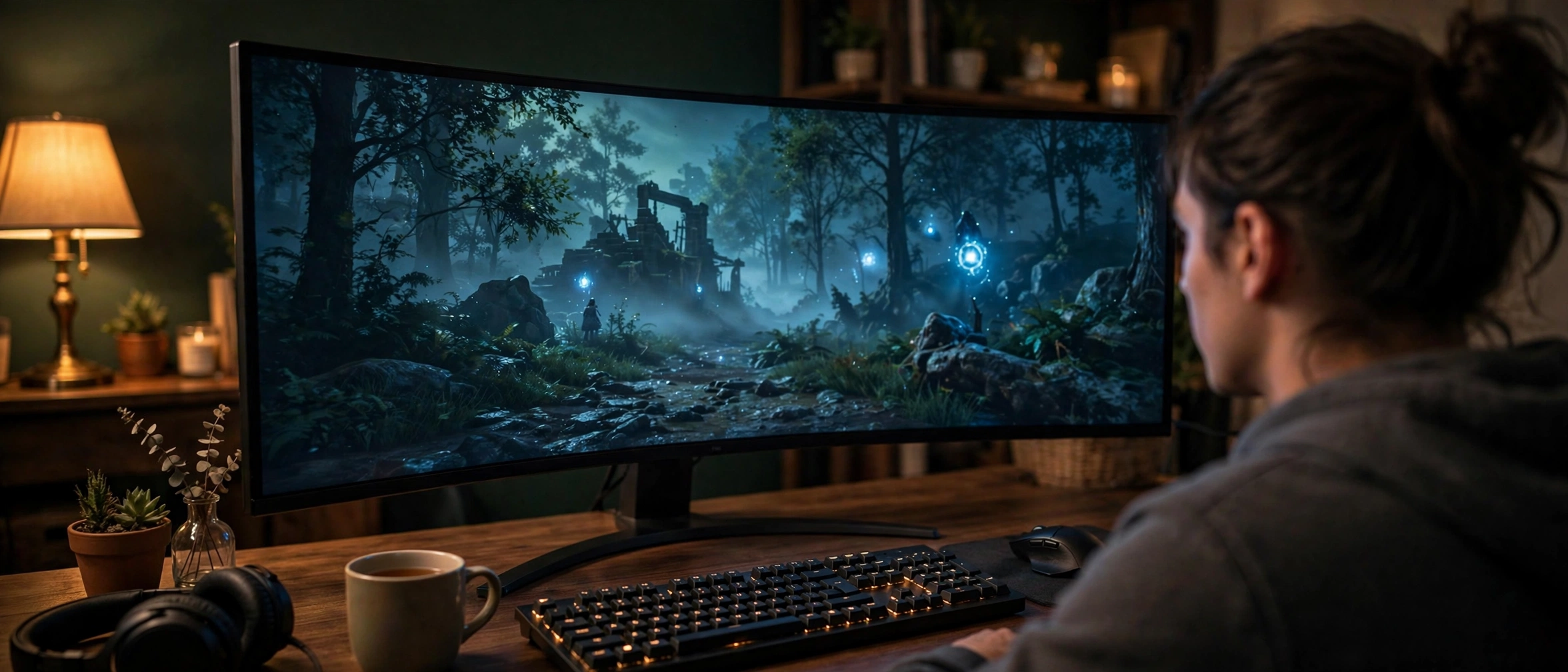
1440p is where the Ryzen 7 7700X shines brightest, and it is where most 7700X owners should aim. The resolution is demanding enough that the GPU becomes the limiting factor in nearly every game, which means the CPU and GPU work in balance instead of one waiting on the other.
Our picks: RTX 5070 or RX 9070. This is the most competitive tier in the 2026 market, and both cards are excellent matches for the 7700X.
The RTX 5070 brings 12GB of GDDR7 memory and NVIDIA’s DLSS 4 suite with Multi Frame Generation. In Tom’s Hardware’s RTX 5070 review, the card tested about 19% faster than the RTX 4070 at 1440p, and the review specifically calls 1440p the card’s sweet spot. If you play games with heavy ray tracing or you value DLSS, this is your card. NVIDIA’s upscaling story keeps improving too: a new DLSS 5 model is launching this week alongside NBA 2K27 with a claimed 2x faster AI inference and roughly 1.4x the frame rate of the previous model, and Tom’s Hardware recently covered a new Frame Generation Performance Mode (Preset C) that runs about 35% faster on an RTX 5060. Those software gains land free on cards you already own, which is a genuine advantage of buying into the NVIDIA ecosystem right now. For the full picture on how upscaling interacts with CPU limits, see our guide on whether DLSS reduces CPU bottleneck.
The RX 9070 answers with 16GB of GDDR6 on AMD’s RDNA 4 architecture. In raw rasterization it trades blows with the 5070 and sometimes pulls ahead, and the extra 4GB of VRAM is meaningful insurance in the memory-crisis era. If you mostly play traditional rasterized games and want maximum VRAM per dollar, the 9070 is the smarter buy. FSR 4 has also closed much of the upscaling gap that used to favor NVIDIA.
The stretch pick: RX 9070 XT or RTX 5070 Ti. If you have a 165Hz or 240Hz 1440p monitor and you want ultra settings with ray tracing enabled, these are the cards that deliver it. The 7700X feeds both comfortably at 1440p. Just know you are paying a real premium for that last 15-20% of performance, so this tier only makes sense if your monitor can actually display the extra frames.
4K Pairings
At 4K, the GPU does so much work per frame that the CPU barely matters. The 7700X is more than fast enough to keep any current graphics card fed at this resolution, which makes 4K the safest place to spend big on a GPU.
Our picks: RTX 5070 Ti or RTX 5080. The 5070 Ti’s 16GB of GDDR7 handles 4K high settings well, especially with DLSS Quality mode doing the upscaling from 1440p. The RTX 5080 is the stronger 4K card and, notably, it is now effectively NVIDIA’s flagship: the RTX 5090 was pulled from shelves in mid-October 2026, leaving the 5080 as the top card you can actually buy from NVIDIA’s current stack.
A word on timing: rumors point to an RTX 5080 24GB refresh possibly arriving in Q1 2027. That is unconfirmed, so do not plan a build around it, but if you are buying at the very top of the stack and you are not in a hurry, it is worth knowing the rumor exists. The 16GB on today’s 5080 is fine for current 4K gaming, but 24GB would be the more future-proof configuration if it materializes.
What about AMD at 4K? The RX 9070 XT with its 16GB is a legitimate 4K option too, especially in games without heavy ray tracing. And to answer a question that comes up constantly in forums: yes, a Ryzen 7 7700X can handle an RX 7900 XTX or RTX 4080-class card at 4K without meaningful CPU bottlenecking. At 4K the GPU is the limit in essentially every game, so pairing a strong card with this CPU is balanced, not wasteful. The bottleneck only becomes a real conversation at 1080p with cards this powerful.
Where the 7700X Holds Up & Where an X3D Upgrade Makes Sense
The Ryzen 7 7800X3D and its successors use 3D V-Cache to deliver higher gaming frame rates than the 7700X in many titles. Since both chips use the AM5 socket, 7700X owners can upgrade with a simple drop-in swap. But should you? It depends entirely on where you play.
| Scenario | 7700X verdict | X3D worth it? |
|---|---|---|
| 4K gaming, any GPU | Holds up fully; GPU is the limit | No, spend the money on the GPU instead |
| 1440p high/ultra settings | Holds up well; GPU-limited in most titles | Usually no, unless you chase maximum FPS |
| 1440p competitive settings, 240Hz+ | Good, but X3D pulls ahead in CPU-bound titles | Yes, if you play esports at low settings |
| 1080p high-refresh esports | Strong, X3D is measurably faster in many games | Yes, this is the X3D’s best case |
| Simulation and strategy games | Capable, but cache-heavy games favor X3D | Often yes for Cities: Skylines, Factorio, MSFS style titles |
| Streaming while gaming | 8 cores handle it fine | No, keep the 7700X |
The pattern is simple: the lower your resolution and settings, the more the CPU matters, and the more an X3D chip helps. At 4K with high settings, an X3D upgrade buys you almost nothing because the GPU is the wall. If you are considering the X3D route, our best GPU for Ryzen 7 7800X3D guide covers pairings for that chip specifically.
Also remember the platform advantage: AM5 is supported through 2027 and beyond, so when you do eventually upgrade the CPU, you keep your motherboard and DDR5 memory. That longevity is part of why the 7700X remains a smart buy in 2026.
DDR5, Cooling, and PSU Checklist
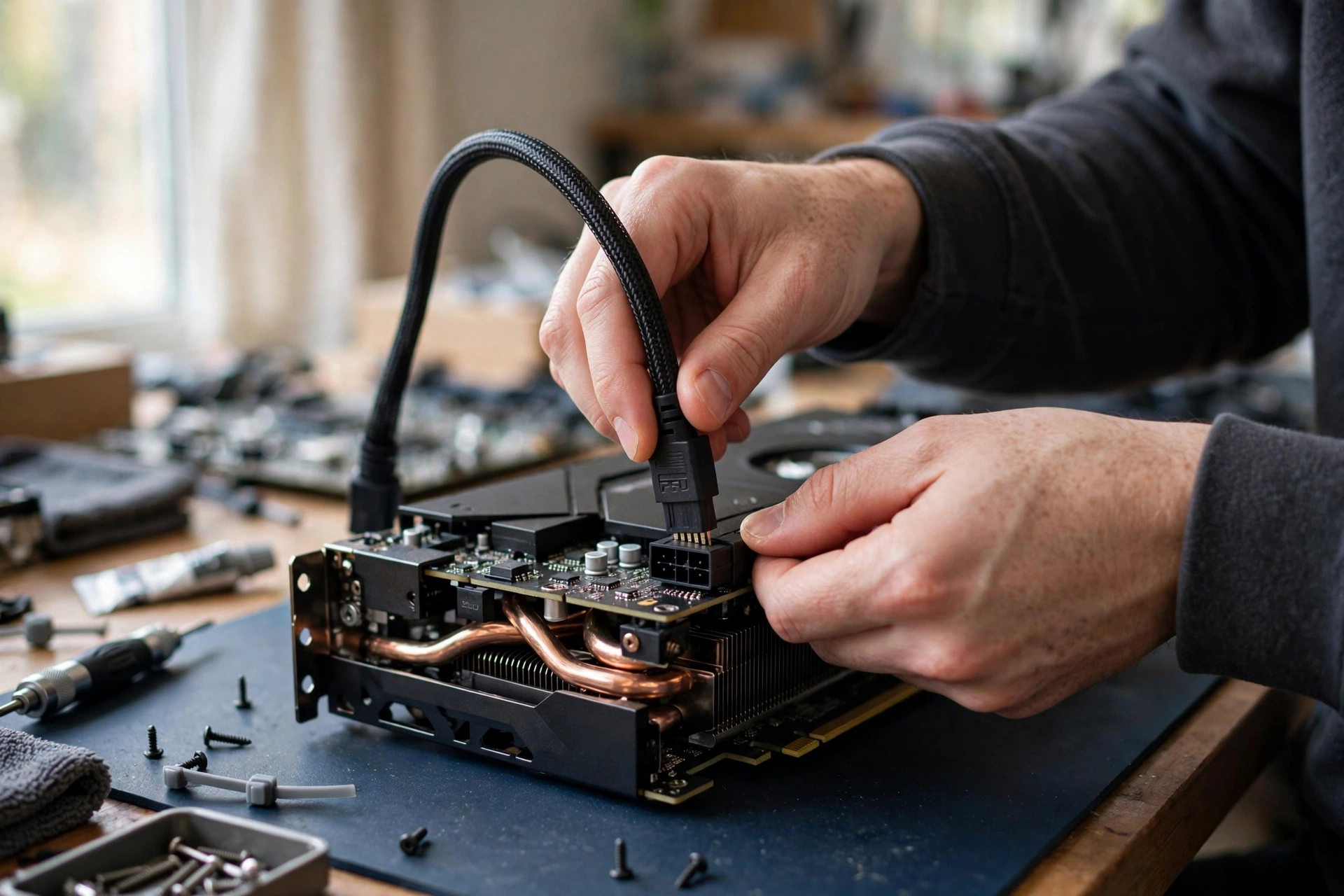
The GPU gets the glory, but three supporting parts decide whether your 7700X system actually performs.
Memory: DDR5-6000 Is the Sweet Spot
The 7700X is DDR5-only, and AMD’s recommended sweet spot is DDR5-6000 with EXPO profiles enabled. Slower memory can cost you a few percent in CPU-bound scenarios, and with current memory prices, the jump from a basic DDR5-5600 kit to DDR5-6000 is usually small enough to be worth it. Enable EXPO in your BIOS; without it, your expensive kit runs at slow JEDEC speeds and you leave performance on the table. 32GB is the comfortable capacity for gaming plus background tasks in 2026.
Cooling: This Chip Runs Hot by Design
The 7700X is known for running hot, frequently touching 95C under heavy all-core loads even with good cooling. AMD designed it this way: the chip boosts aggressively until it hits its thermal limit. That means temperatures in the 90s during stress tests are normal, not a defect. For gaming, a quality 240mm AIO liquid cooler or a high-end dual-tower air cooler keeps it quiet and lets it hold boost clocks. Do not pair a 105W Zen 4 chip with a stock-style cooler and then wonder why it is loud.
Power Supply: Size It for the GPU
Size your PSU for the graphics card, since the GPU dominates power draw. These are sensible minimums from reputable units; always check your specific card maker’s recommendation too.
| GPU tier | Example cards | Recommended PSU |
|---|---|---|
| 1080p mid-range | RTX 5060 Ti 16GB, RX 9060 XT 16GB | 650W |
| 1440p sweet spot | RTX 5070, RX 9070 | 650W (quality unit) or 750W |
| 1440p high-end | RX 9070 XT, RTX 5070 Ti | 750W |
| 4K flagship | RTX 5080 | 850W |
Buy a quality unit from a known brand and check our PSU tier list before you buy, since a cheap PSU is the one component that can take the rest of the system down with it. If you are buying into the RTX 50 series specifically, our RTX 50 series power supply guide covers connector details like the 12VHPWR plug and adapter pitfalls.
5 Mistakes 7700X Owners Make When Picking a GPU
1. Buying a 4K-class GPU for a 1080p monitor. An RTX 5080 at 1080p spends its life waiting on the CPU. Match the card to the monitor you own.
2. Choosing the 8GB version to save a few dollars. In 2026, 8GB cards are already showing their age in texture-heavy games. The 16GB variants of the 5060 Ti and 9060 XT exist for a reason; with memory prices elevated, VRAM headroom is the cheapest future-proofing you can buy.
3. Ignoring the power supply. A 7700X plus a high-end GPU on a no-name 550W unit is asking for shutdowns under load, or worse. Budget for the PSU as part of the GPU purchase, not as an afterthought.
4. Forgetting to enable EXPO. Your DDR5 kit’s advertised speed only applies with EXPO (AMD) or XMP (Intel) enabled in BIOS. This is the single most common free performance left on the table in AM5 builds.
5. Upgrading the CPU when the GPU is the problem. If your games are slow at 1440p ultra settings, a 7800X3D will not save you; you are GPU-limited. Check which component is actually maxed out before spending money. Our guide on how to increase FPS walks through diagnosing the real limit first.
Frequently Asked Questions
What GPU is a good match for a Ryzen 7 7700X?
For most gamers, the RTX 5070 or RX 9070 is the best match: both sit in the 1440p sweet spot where the 7700X and GPU stay balanced. Competitive 1080p players should look at the RTX 5060 Ti 16GB or RX 9060 XT 16GB instead, while 4K gamers should step up to the RTX 5070 Ti or RTX 5080. This question comes up constantly on the Linus Tech Tips forum, and the community consensus matches this guide: aim for the middle of the stack at 1440p, not the extremes.
Will a 7700X bottleneck a 7900 XTX?
At 4K, no, not in any meaningful way. The RX 7900 XTX is a 4K-class card, and at 4K the GPU is the limiting factor in essentially every game, so the 7700X keeps it fully fed. This exact question was asked on the Tom’s Hardware forum, and the experienced answers agreed: resolution is everything here. At 1080p the same pairing would be heavily CPU-limited, but nobody buys a 7900 XTX for 1080p.
If you game at 1440p, will the 7700X hold back an RX 7900 XTX?
Only slightly, and only in certain games. At 1440p the 7900 XTX is fast enough that the 7700X becomes the limit in CPU-heavy titles, particularly competitive games at lowered settings. In visually demanding AAA games at high or ultra settings, the GPU is still the limit and the pairing is fine. This was the follow-up question in that same Tom’s Hardware thread (“Really? What about at 1440p?”), and the honest answer is that it depends on the game: GPU-bound titles are fine, CPU-bound esports titles will show the CPU as the ceiling.
I’m building a gaming PC in hopes to video edit and play games at 4K resolution. Is AMD Ryzen 7 7700X, RTX 3060 12GB VRAM, 32GB DDR5 RAM enough?
For video editing, yes, this combination is solid: the 7700X’s 8 cores and 32GB of DDR5 handle editing timelines well. For 4K gaming, no, the RTX 3060 12GB is the weak link, not the CPU. The 3060 12GB is a 1080p/1440p card; at 4K it will struggle in modern titles regardless of which CPU you pair it with. This real question from Quora illustrates the key lesson of this guide: identify which component sets the limit for your actual workload. Keep the 7700X and 32GB of RAM, and put the upgrade budget into a 4K-capable GPU like the RTX 5070 Ti or RTX 5080.
Key Takeaways
- The Ryzen 7 7700X is a fast 8-core Zen 4 chip that pairs cleanly with everything from mid-range to flagship GPUs, as long as the GPU tier matches your monitor resolution.
- 1080p high-refresh: RTX 5060 Ti 16GB or RX 9060 XT 16GB. 1440p: RTX 5070 or RX 9070. 4K: RTX 5070 Ti or RTX 5080.
- At 1440p and 4K the GPU is almost always the limit, so the 7700X stays balanced even with powerful cards. CPU bottlenecks mainly appear at 1080p with overkill GPUs.
- An X3D upgrade only makes sense for low-resolution competitive gaming or cache-heavy sims; at 4K it buys you almost nothing.
- DDR5-6000 with EXPO enabled, serious cooling for the hot-running 7700X, and a quality PSU sized for your GPU tier complete the build.
Conclusion
The best GPU for Ryzen 7 7700X in 2026 is not one card but one decision: match the graphics card to your resolution. The 7700X is fast enough that the monitor, not the CPU, should drive your GPU budget. Buy the 16GB card in your tier while memory prices are elevated, size the power supply honestly, enable EXPO, and you will have a balanced system with an AM5 upgrade path still ahead of it. Run your final combination through a bottleneck calculator before you buy, and enjoy the build.

Leave a Reply