
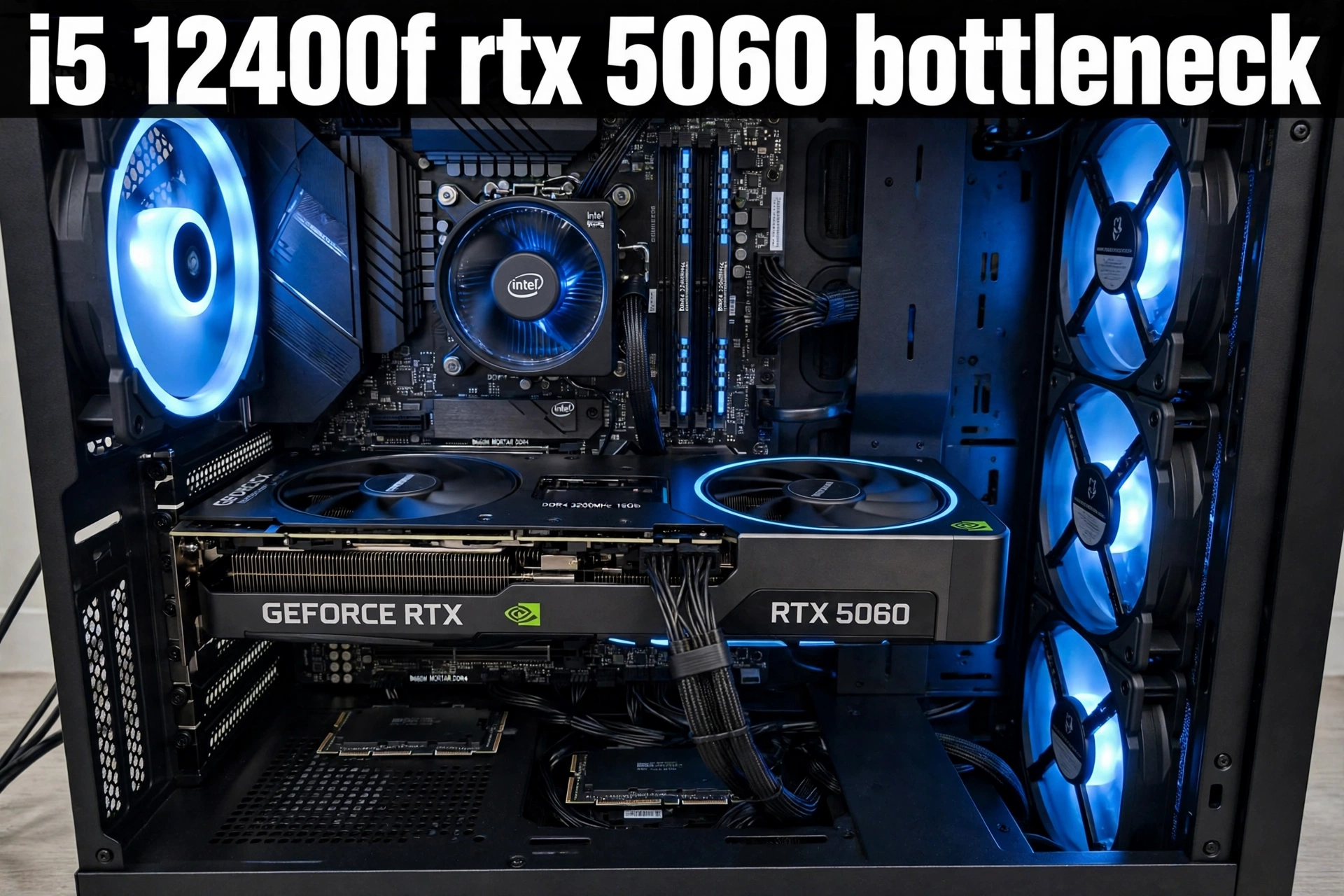
The short answer to the i5 12400f rtx 5060 bottleneck question is reassuring for most gamers: no, this pairing does not create a serious CPU bottleneck at 1080p or 1440p in the games most people actually play. The Intel Core i5-12400F is fast enough to keep the GeForce RTX 5060 fed in the large majority of titles, and where frame rates do fall, the graphics card, not the processor, is usually the part that runs out of headroom first. That balance is exactly why this combo keeps showing up in budget and midrange builds in 2026. It is not a perfect pairing for every workload, though. The 8GB of video memory on the RTX 5060, the six core limit of the 12400F in heavily threaded games and background tasks, and the PCIe lane layout of the card all shape where this build shines and where it starts to struggle. This guide tests the pairing resolution by resolution, explains the quirks that are specific to these two parts, and shows what to buy instead if your budget or your monitor points in a different direction.
Quick Verdict i5-12400F and RTX 5060
1080p verdict: Balanced, and this is the home turf for this pairing. Expect smooth high settings gameplay in most modern titles and very high frame rates in esports games. In CPU heavy titles at low settings or very high refresh rates, the processor can become the limit, but at the high settings most players use, the graphics card is normally the ceiling. Upgrade first if needed: nothing, for most 1080p gamers. If you chase 240 Hz or higher in competitive games, upgrade the CPU platform next, not the graphics card.
1440p verdict: Balanced with sensible settings. The RTX 5060 handles 1440p well at high settings with DLSS Quality in demanding games, but ultra textures and heavy ray tracing can push past 8GB of VRAM and cause stutter. The i5-12400F is less of a factor here because the higher resolution puts more work on the GPU. Upgrade first if needed: the graphics card, or simply drop texture quality one notch and enable DLSS, before spending on a new CPU.
4K verdict: GPU limited, and that is expected. This is not a 4K pairing for demanding AAA games at high settings. Playable 4K is possible in older, lighter, or esports titles, and in some games with DLSS Performance mode, but demanding games will need medium settings or upscaling to stay smooth. Upgrade first if needed: the graphics card, by a clear margin. A faster CPU will not rescue 4K frame rates on this graphics card.
Bottom line: buy this pairing for 1080p, consider it carefully for 1440p, and do not buy it as a 4K build. If you already own the i5-12400F, the RTX 5060 is a sensible graphics card upgrade. If you already own the RTX 5060, the i5-12400F is a sensible, affordable CPU to pair with it, provided you are not also trying to stream with CPU encoding, run heavy background work while gaming, or push very high refresh rates in CPU bound esports titles.
What Each Part Brings to the Pairing
The i5-12400F is a 12th generation Alder Lake processor with six Performance cores and 12 threads, a 2.5 GHz base clock, and a boost clock of up to 4.4 GHz. It has 18MB of shared L3 cache, a 65W base power rating with a 117W maximum turbo power, and support for both DDR4 and DDR5 memory depending on the motherboard. It has no integrated graphics, so a discrete graphics card is required, and it uses the LGA 1700 socket. Its strength is strong single core performance for its price class, which is what matters most in most games. Its weakness is the lack of extra Efficiency cores, so it has less spare capacity than newer hybrid processors when Discord, a browser, recording software, and a game all compete for attention at once.
The RTX 5060 is a Blackwell graphics card with 3,840 CUDA cores, 8GB of GDDR7 memory on a 128-bit bus, about 448 GB/s of memory bandwidth, and a 145W total graphics power rating. NVIDIA lists a 550W minimum system power recommendation for a typical build with this card, and most models use a single 8-pin power connector. It supports DLSS 4, including Multi Frame Generation in supported games, hardware ray tracing, and AV1 encoding. Its strength is efficient, modern 1080p performance with upscaling features that can stretch frame rates a long way. Its weakness is the combination of 8GB of VRAM and a PCIe 5.0 x8 link, which means it has less memory headroom and less PCIe bandwidth per lane than wider cards when it has to stream large textures or run on an older PCIe slot.
Put together, the two parts sit in the same performance class. That is the core reason this pairing works. A much faster graphics card would expose the six core CPU more often, and a much faster CPU would sit idle waiting on this graphics card in most games. Balance does not mean the two parts are identical in every game, and the sections below explain where each one takes the lead.
Specs at a Glance
| Component | Key specification | Why it matters for gaming |
|---|---|---|
| Intel Core i5-12400F | 6 cores, 12 threads, up to 4.4 GHz boost | Strong single core speed feeds the GPU in most games |
| Intel Core i5-12400F | 18MB L3 cache, LGA 1700, 65W base power | Efficient, cool running, and cheap to power |
| Intel Core i5-12400F | DDR4 or DDR5, board dependent | DDR4 boards keep the build cheap, DDR5 boards cost more for small gains |
| GeForce RTX 5060 | 3,840 CUDA cores, Blackwell architecture | Modern feature set, including DLSS 4 and ray tracing |
| GeForce RTX 5060 | 8GB GDDR7, 128-bit bus, 448 GB/s | Fast memory, but limited capacity for ultra textures at 1440p |
| GeForce RTX 5060 | 145W graphics power, PCIe 5.0 x8 | Easy to power, but the x8 link matters more on older PCIe slots |
| Whole system | 550W system power recommendation | A quality 550W to 650W unit leaves comfortable headroom |
Manufacturer specification pages are the safest source for these numbers. Check Intel’s official specifications for the i5-12400F and NVIDIA’s RTX 5060 product information before comparing retailer listings, because retailer pages sometimes mix up desktop and laptop variants. Independent specification databases such as TechPowerUp’s GPU database are also useful for cross checking core counts, clocks, and memory details.
Expected FPS Table for the i5-12400F and RTX 5060
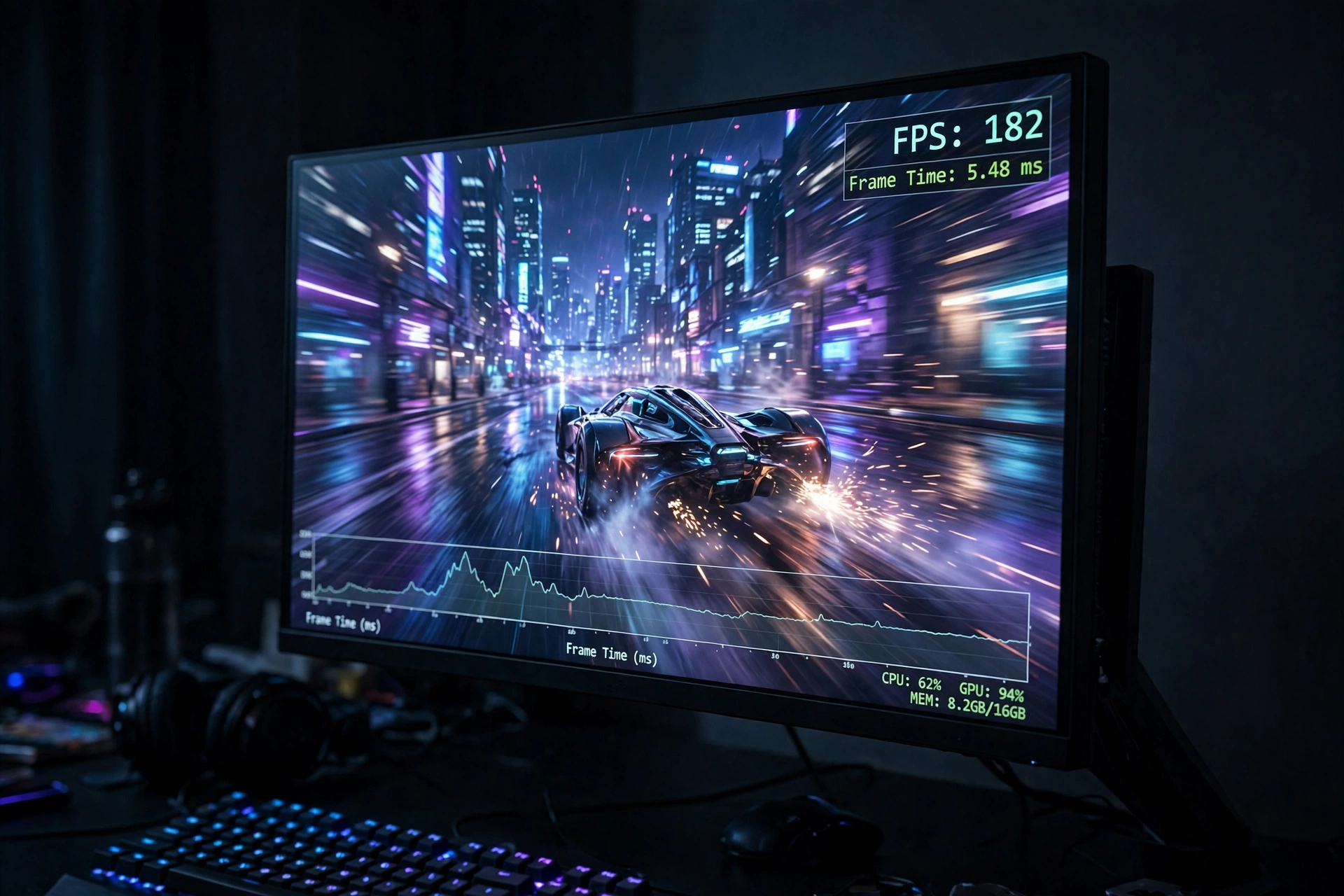
The table below is an estimate, not a claim of in-house testing. The values are compiled as rounded estimates from published third-party RTX 5060 benchmarks and reviews, adjusted for a midrange CPU pairing, and they assume high settings in rasterized games, without frame generation, on a system with 16GB or more of dual channel RAM and an SSD. DLSS Quality mode would raise most of these numbers, especially at 1440p, while ultra textures or heavy ray tracing would lower them, especially where VRAM becomes the limit. Treat every number as a planning guide, not a guarantee, because driver versions, game patches, background software, and cooling all move real results by a noticeable margin.
| Game | 1080p estimated FPS | 1440p estimated FPS | 4K estimated FPS |
|---|---|---|---|
| Cyberpunk 2077 | 72 | 46 | 24 |
| Baldur’s Gate 3 | 88 | 62 | 34 |
| Elden Ring | 60 | 48 | 30 |
| Fortnite | 135 | 95 | 52 |
| Valorant | 420 | 380 | 290 |
| Counter-Strike 2 | 235 | 175 | 105 |
| Call of Duty: Warzone | 105 | 72 | 38 |
| Apex Legends | 150 | 105 | 58 |
| Red Dead Redemption 2 | 85 | 60 | 32 |
| Hogwarts Legacy | 78 | 52 | 28 |
Read the pattern in that table, not just the individual numbers. Esports titles stay far above high refresh rate thresholds at every resolution, because they are light on the GPU and the 12400F is fast enough to drive very high frame rates. Demanding single player games sit in the comfortable 60 to 90 FPS range at 1080p, drop to the 45 to 65 FPS range at 1440p, and fall below smooth high settings territory at 4K. That is a graphics card limit at 4K, not a processor failure. If your monitor is 1080p at 144 Hz or 165 Hz, this pairing is well matched. If your monitor is 1440p at 144 Hz or higher, you will need DLSS or reduced settings in the heaviest games to hold high refresh rates, and that is true for almost any card in this price class.
Where This Pairing Earns Its Keep
At 1080p, the i5-12400F and RTX 5060 are at their best. Most modern games run at high settings above 60 FPS, and many run well above 100 FPS. Competitive games are in a different league entirely, with frame rates high enough for 240 Hz monitors in Valorant and Counter-Strike 2, provided the rest of the system is in order and background load is kept light. This is also the resolution where DLSS Quality mode has the least visual cost, because the internal render resolution stays reasonably high, so DLSS can rescue a demanding game without the soft image that sometimes appears when upscaling to 4K from a low base resolution.
The cases where 1080p exposes the CPU are specific, and they are worth naming plainly. First, low or competitive settings in CPU heavy games: when you turn graphics settings down to chase maximum frame rates, the GPU finishes its work faster and waits on the CPU more often, so a six core processor shows its limits sooner. Second, simulation and strategy games with large numbers of units, complex physics, or huge maps, where the CPU does far more work per frame than the GPU. Third, heavy multitasking: streaming with CPU encoding, recording at high quality while gaming, or running many browser tabs and voice chat alongside a demanding game can all eat into the headroom that a six core chip has. None of these cases mean the pairing is broken at 1080p. They mean the bottleneck moves, which is normal. To learn how to tell which part is holding you back in your own games, see our guide on how to find a PC bottleneck and our explainer on CPU intensive versus GPU intensive games.
A useful rule for 1080p buyers is to spend the saving from the affordable CPU on the parts that protect frame time consistency: dual channel RAM, a fast SSD, and a decent cooler. Single channel RAM is one of the most common hidden bottlenecks in budget builds, and it hurts 1% low frame rates far more than it hurts average frame rates. If your games stutter even when average FPS looks fine, frame time behavior is usually the place to look, as explained in our guide to what frame time is and why 1% lows matter.
Good, With One Setting to Watch
At 1440p, the balance shifts further toward the graphics card, which is good news for the i5-12400F. The processor has to prepare roughly the same number of frames, but each frame is more expensive for the GPU to render, so the GPU becomes the limit in more games and the CPU is less likely to hold the system back. In practice, that means 1440p high settings gameplay is smooth in most titles, often with DLSS Quality mode enabled in the heaviest games, and esports titles still run at very high frame rates.
The setting to watch at 1440p is texture quality, because it is the setting most directly tied to VRAM. The RTX 5060 has fast GDDR7 memory, but only 8GB of it. At 1440p with ultra textures, some modern games can exceed that buffer, especially with ray tracing enabled, and the result is not a gentle drop in average FPS. It is stutter, late texture loading, and uneven frame times as the card swaps data in and out of system memory. Dropping textures from ultra to high, or enabling DLSS, usually restores smoothness without a visible loss in most scenes, and that trade is far cheaper than buying a new graphics card. This is also why reviewers consistently describe the RTX 5060 as a 1080p first card that can stretch to 1440p, rather than a native 1440p card. That description is fair, and it matches the table above.
If you are buying a monitor at the same time as this pairing, a 1440p 144 Hz or 165 Hz display is still a reasonable choice, provided you accept that the heaviest games will run at 60 to 90 FPS rather than at full refresh rate. If holding 144 FPS in AAA games at 1440p is a hard requirement, you need a stronger graphics card tier, and the alternative section below covers that move. For a mixed diet of esports, older titles, and modern single player games, 1440p on this pairing is enjoyable and honest, as long as texture settings are managed.
What About 4K?
At 4K, the RTX 5060 is the clear limit, and no CPU upgrade will change that in a meaningful way for demanding games. The table above shows why: demanding titles fall into the 20 to 35 FPS range at high settings without upscaling, which is below comfortable gameplay for most players. Lighter and older games, esports titles, and games with strong DLSS support can be playable at 4K, but they are the exception, not the rule. This is not a defect in the pairing. It is what happens when a mainstream 1080p and entry level 1440p card is asked to render four times as many pixels as 1080p.
If you already own a 4K monitor and this pairing, the practical settings are DLSS Performance mode, medium to high settings rather than ultra, and texture quality kept at high rather than ultra to protect the 8GB VRAM buffer. If you are buying fresh and 4K is your main target, skip this pairing and budget for a higher graphics card tier from the start. Spending extra on a faster CPU while keeping the RTX 5060 for 4K gaming would be money in the wrong place. For a fuller explanation of how a single percentage number can mislead buyers at different resolutions, see our guide to what a good bottleneck percentage looks like.
Pairing Specific Issues for This Exact Combo
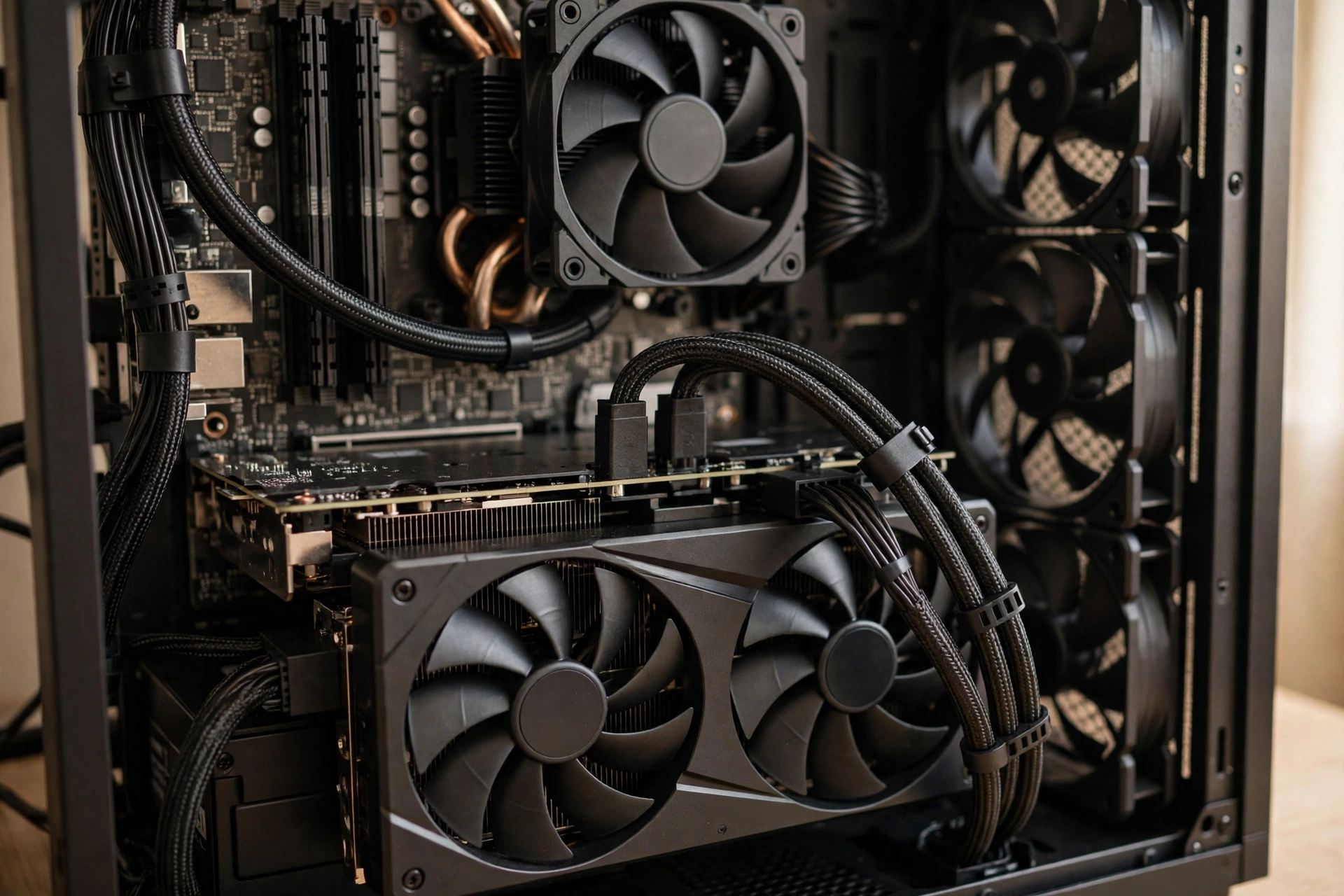
Six cores and 12 threads in 2026 games
Six cores remain enough for pure gaming in 2026, and the 12400F proves it in most titles. The limit appears when gaming stops being the only job. Streaming with CPU encoding, video calls, large downloads, antivirus scans, and a browser full of tabs all draw on the same six cores. The result is not usually a crash. It is lower 1% lows, occasional hitches, and a system that feels less smooth than its average FPS suggests. The fix is to offload work where possible: use GPU encoding for streaming and recording through NVENC on the RTX 5060, close heavy background apps while gaming, and keep Windows and drivers updated. If streaming or content creation is a core part of how you use the PC, rather than an occasional extra, a processor with more cores is a better long term buy, even if pure gaming frame rates look similar today.
PCIe 4.0 boards, PCIe 5.0 x8, and older slots
This is the most misunderstood quirk of the RTX 5060. The card uses a PCIe 5.0 x8 link, which means it connects with eight lanes at PCIe 5.0 speeds. On a modern B660, B760, or Z690 or Z790 board, that link runs at full PCIe 5.0 or PCIe 4.0 x8 speeds, and the performance loss in games is small in most cases, because the card rarely saturates that link at 1080p or 1440p. The problem grows on a PCIe 3.0 slot, where the same eight lanes carry roughly half the bandwidth of PCIe 4.0, and the card may also need to fetch data across the bus more often when VRAM is full. In that combination, VRAM heavy games at high settings can lose more performance than the headline specs suggest. The i5-12400F itself supports PCIe 5.0, so the CPU is not the problem here. The board and slot generation are. If you are pairing this card with an older board, check the slot generation in the manual, keep texture settings sensible, and do not assume a PCIe 3.0 board will behave exactly like a PCIe 4.0 board in VRAM heavy scenes.
The 8GB VRAM ceiling, in plain terms
Video memory stores textures, geometry data, and frame buffers for the scene being rendered. When a game needs more VRAM than the card has, it must swap data with system RAM, which is far slower, and frame times become uneven. The RTX 5060 compounds this with a fast but narrow 128-bit bus, so it relies on its large L2 cache and fast GDDR7 to keep data moving. That design works well at 1080p and in most 1440p games at high settings. It struggles at 1440p ultra textures, at 4K, and in a small number of very texture heavy games even at 1080p ultra with ray tracing. Published reviews have noted cases where 8GB cards stutter or fail in specific ultra settings scenarios that larger memory cards handle, which is why texture quality is the first setting to lower on this card. Think of 8GB as a budget that is comfortable for high settings, tight for ultra settings, and too small for careless ultra plus ray tracing combinations at higher resolutions.
Power supply, cooling, and the rest of the build
Power is the easy part of this pairing, and that is a genuine advantage. The CPU draws 65W at base power and up to 117W at maximum turbo power, and the graphics card draws 145W, so a quality 550W power supply is enough for a typical build, with 650W giving comfortable headroom for extra drives, fans, and a future graphics card upgrade. What matters more than the wattage number is quality: a cheap unit with poor voltage regulation or missing protections can cause crashes that look like a bottleneck but are really a power problem. Our guide to signs your power supply is bottlenecking your PC covers the symptoms to watch for, including random restarts under load and coil whine that changes with frame rate.
Cooling is also straightforward. The boxed cooler for the 12400F is adequate at stock settings, but a modest tower cooler runs quieter and keeps boost clocks steadier in long sessions, especially in a warm room or a case with restricted airflow. The RTX 5060 is efficient, so most dual fan models run cool and quiet, but case airflow still matters: a card that recycles hot air inside a closed case will throttle sooner than the same card in a case with a clear intake and exhaust path. Keep the GPU temperature under control, and check for thermal throttling if frame rates drop after 20 or 30 minutes of play, as explained in our guide to GPU thermal throttling.
DDR4 versus DDR5 boards for the 12400F
The 12400F supports both DDR4 and DDR5, but a single motherboard supports only one type, so this choice is locked in at purchase. For most buyers pairing this CPU with an RTX 5060, a DDR4 board with 32GB of dual channel DDR4 at 3200 MHz or faster is the value choice, because the gaming gain from DDR5 on this CPU is small and the extra cost of a DDR5 board and kit could go toward a better graphics card, more storage, or a better power supply. A DDR5 board makes more sense if you already own DDR5 memory, if you plan to reuse the board and memory for a later CPU upgrade, or if the price gap in your market is small at the time you buy. Either way, dual channel operation matters far more than the DDR4 versus DDR5 label: two sticks in the correct slots will beat a single stick of faster memory in most games, especially for 1% low frame rates. Use our CPU bottleneck calculator as a sanity check for a planned combination, but treat its percentage as a rough guide, not a precise measurement of your system.
How to Check Your Own System for a Bottleneck
Benchmark tables are useful, but your own system is the final test. The method is simple and free. Install monitoring software, play the games you actually play at the settings you actually use, and watch GPU utilization, CPU utilization per core, frame rates, and frame times. Our guide to using MSI Afterburner walks through the setup. If GPU utilization sits near 95% to 100% while the CPU has headroom, the graphics card is the limit, which is the normal and desirable state in most games. If GPU utilization sits well below 90% while one or more CPU cores sit near 100%, and frame rates do not rise when you lower graphics settings, the CPU is likely the limit in that game at those settings. If frame rates fall over time while temperatures climb, check cooling before blaming either part. If frame rates are high on average but the game feels choppy, look at 1% lows and frame time spikes rather than the average number alone. Run the same test in two or three different games, because a single game can mislead you: a CPU heavy strategy game and a GPU heavy open world game will point at different parts of the same system.
Better Alternative Combo for the Same Money
The honest alternative depends on whether you already own one part or are buying both fresh. If you already own the i5-12400F, the best same money move for stronger 1440p performance is usually a graphics card with more VRAM, such as an RTX 5060 Ti 16GB model or an AMD card with 16GB, when street pricing in your market makes that step reasonable. That upgrade keeps your CPU, board, and memory, and it directly attacks the real limit for 1440p ultra textures. If you are buying both parts fresh and your budget is fixed, the alternative is not to spend more on the CPU. It is to keep the 12400F, or a similarly priced six core processor, and put the saving into the graphics card tier or into 32GB of dual channel RAM. A faster CPU paired with the same RTX 5060 will not raise 1440p frame rates in most games by a meaningful amount, because the graphics card is already the limit there.
If your budget can stretch one tier higher overall, the pairing to look at is a midrange CPU with more cores or a newer platform paired with an RTX 5070 class graphics card, which is frequently discussed in 2026 buying guides as the popular step up for 1440p gaming. That move raises both the GPU ceiling and the CPU headroom for streaming and multitasking, and it is the right call if 1440p high refresh rate gaming is your main goal. If your budget cannot stretch, do not stretch it by cutting the power supply, storage, or cooling to afford a faster card. A balanced build with a quality power supply and dual channel RAM will feel better day to day than a top heavy build with a weak foundation. For the compatibility side of any alternative, check our guide to CPU and GPU compatibility before ordering, especially for board, power connector, and case length checks.
The 2026 market context matters here too. GPU price pressure and limited availability have pushed street prices above launch guidance for several mainstream cards at various points in 2026, so the best value card on paper is not always the best value card you can actually buy this week. Check current stock and pricing for the exact model you want, compare the 8GB and 16GB versions of the same tier where both exist, and remember that a card you can buy at a fair price this week beats a theoretically better card that is out of stock or marked up far above its normal range. Intel Arc driver gains in 2026 are also worth noting as market context: Arc cards have improved steadily through driver updates, which makes the budget GPU market more competitive overall, even though this article focuses on the NVIDIA pairing and Arc is a separate buying decision with its own driver and game compatibility tradeoffs.
Who Should Buy This Pairing, and Who Should Skip It
Buy the i5-12400F and RTX 5060 if you play at 1080p, or at 1440p with high settings and DLSS, if you want a quiet and efficient build that is easy to power and cool, if you already own an LGA 1700 board and DDR4 memory, or if you want the best frame rates per dollar in esports and mainstream games without paying for headroom you will not use. Skip it, or plan a different graphics card tier, if 4K high settings gaming is your main target, if you need ultra textures at 1440p with ray tracing in the heaviest games, if you stream with CPU encoding while gaming, if you run heavy creative work alongside gaming, or if you want a platform with a long CPU upgrade path, because LGA 1700 is a mature platform with limited future CPU upgrades compared with newer sockets. None of those skip cases mean the pairing is bad. They mean your use case sits outside the window where this pairing is at its best, and buying outside that window is how a good combo gets an unfair reputation.
Frequently Asked Questions
What is the best GPU for the i5-12400F in 2026?
This is a real question asked in 2026 buying guides, and the RTX 5060 is a strong answer for 1080p gaming, because independent bottleneck tools rate the combo as balanced and prebuilt makers pair exactly these two parts for 1080p builds. The caveat is the same as in this article: the 5060 is best at 1080p and entry level 1440p, and buyers who mainly play at 1440p ultra should look at a 16GB card in the next tier up when pricing allows. For a pure 1080p build, the 5060 is hard to fault on balance, even if street pricing in 2026 sometimes weakens its value case.
Will an i5 12400F bottleneck an RTX 3060 Ti?
This question was asked on Quora about the older 3060 Ti, and the answer given there was no, because six fast Performance cores are enough for that class of card. The same logic applies even more clearly to the RTX 5060, which sits in a similar mainstream performance class with a newer feature set but the same 8GB memory limit. If the 12400F does not hold back a 3060 Ti in most games, it will not hold back a 5060 in most games either. The exceptions are the same in both cases: low settings competitive play at very high refresh rates, and heavily CPU bound simulation games.
Will an i5 12400F bottleneck an RTX 3080?
This question was also asked on Quora, about a much faster card than the 5060, and the answer given there was no bottleneck for general gaming. That result is useful context, because it shows the 12400F has headroom above the 5060 tier in many games, even though a 3080 class card would expose the CPU more often at 1080p low settings than a 5060 does. Do not read this as a recommendation to pair a 12400F with a flagship card today. Read it as evidence that the 5060 is comfortably inside what this CPU can feed in normal gaming.
Is the i5-12400F still good for gaming in 2026?
Yes, for 1080p and 1440p gaming with a mainstream graphics card, it remains a strong budget choice. Its single core performance, low power draw, and low platform cost are the reasons it keeps appearing in 2026 budget guides. Its limits are platform age, six cores for heavy multitasking, and no upgrade path to future Intel sockets on the same board. If you already own one, there is no need to replace it just to run an RTX 5060. If you are buying new and you plan to keep the PC for many years with heavy multitasking, a newer platform with more cores deserves a look.
Is my build good if it has an i5-12400F, an RTX 3060, and DDR5 RAM?
This build question was asked on Quora for a 3060 based system, and the same checklist applies to a 5060 build. Yes, it is a good foundation, provided the RAM runs in dual channel mode, the power supply is a quality unit with the right connectors, storage is on an SSD, and cooling is adequate. Moving from a 3060 to a 5060 in the same build improves raster performance and adds DLSS 4 support, but it does not change the checklist: dual channel RAM, a solid power supply, and sensible texture settings matter more than chasing a single benchmark number.
Should I choose DDR4 or DDR5 for an Alder Lake build in 2026?
This question appears in 2026 Alder Lake buying guides, and the common answer is DDR4 for budget builds, because the real world gaming gain from DDR5 on the 12400F is small and the extra cost is better spent elsewhere in most cases. Choose DDR5 only if you already own the memory, if the price gap is small, or if you value reuse for a future build. In either case, buy two sticks for dual channel operation and check the motherboard manual for the correct slots and supported speeds.
Conclusion
The i5-12400F does not bottleneck the RTX 5060 in any way that should stop most gamers from buying this pairing. At 1080p it is balanced and fast, at 1440p it is balanced with sensible texture settings and DLSS where needed, and at 4K it is GPU limited in the way any mainstream card would be. The real limits to plan around are not a hidden CPU bottleneck. They are the 8GB VRAM ceiling at ultra settings, the PCIe x8 layout on older slots, the six core limit under heavy multitasking, and the mature LGA 1700 platform. Manage those four things, keep your RAM in dual channel mode, use a quality power supply, and this pairing will deliver exactly what it promises: smooth, efficient, affordable gaming at the resolutions most players actually use. If your monitor, your games, or your workload push beyond that window, upgrade the graphics card first for 1440p and 4K, upgrade the CPU platform first for high refresh competitive play and heavy multitasking, and never spend extra on a part that is not the limit in the games you play.

Leave a Reply