

Quick Answer
The best GPU for Ryzen 9 9900X builds in 2026 is the RTX 5080 for most buyers, since the chip’s 12 Zen 5 cores handle gaming, streaming, and editing at once without breaking a sweat. The RTX 5070 Ti is the sweet spot for 1440p, the RX 9070 XT is the value alternative with 16GB of VRAM, the RX 7900 XTX covers 4K raster on a discount, and the RTX 5090 is the no-compromise pick for heavy creators.
Introduction
Here is the honest truth about the best GPU for Ryzen 9 9900X: the CPU is almost never the problem. With 12 Zen 5 cores, boost clocks up to 5.6 GHz, and a 120W TDP, AMD’s 12-core Granite Ridge chip has more than enough muscle to feed every graphics card on the market at 1440p and 4K. The real question is not “will my 9900X bottleneck this GPU” but “which GPU deserves a CPU this capable.”
That distinction matters, because the 9900X sits in an interesting spot. It launched in August 2024 as the hybrid flagship: faster than any 8-core in multi-threaded work, yet not the pure gaming king (that crown belongs to the X3D chips with stacked cache). If you are building around a 9900X in 2026, you probably stream while you game, edit video, compile code, or run virtual machines. Your GPU should match that ambition, not just push frames in one game.
This guide picks five graphics cards that pair cleanly with the 9900X, explains exactly who each one is for, and shows you the mistakes that waste money on a 12-core build. No invented benchmark numbers, no hype. Just practical pairing advice grounded in published specifications and reviews.
Why the Ryzen 9 9900X Changes GPU Pairing
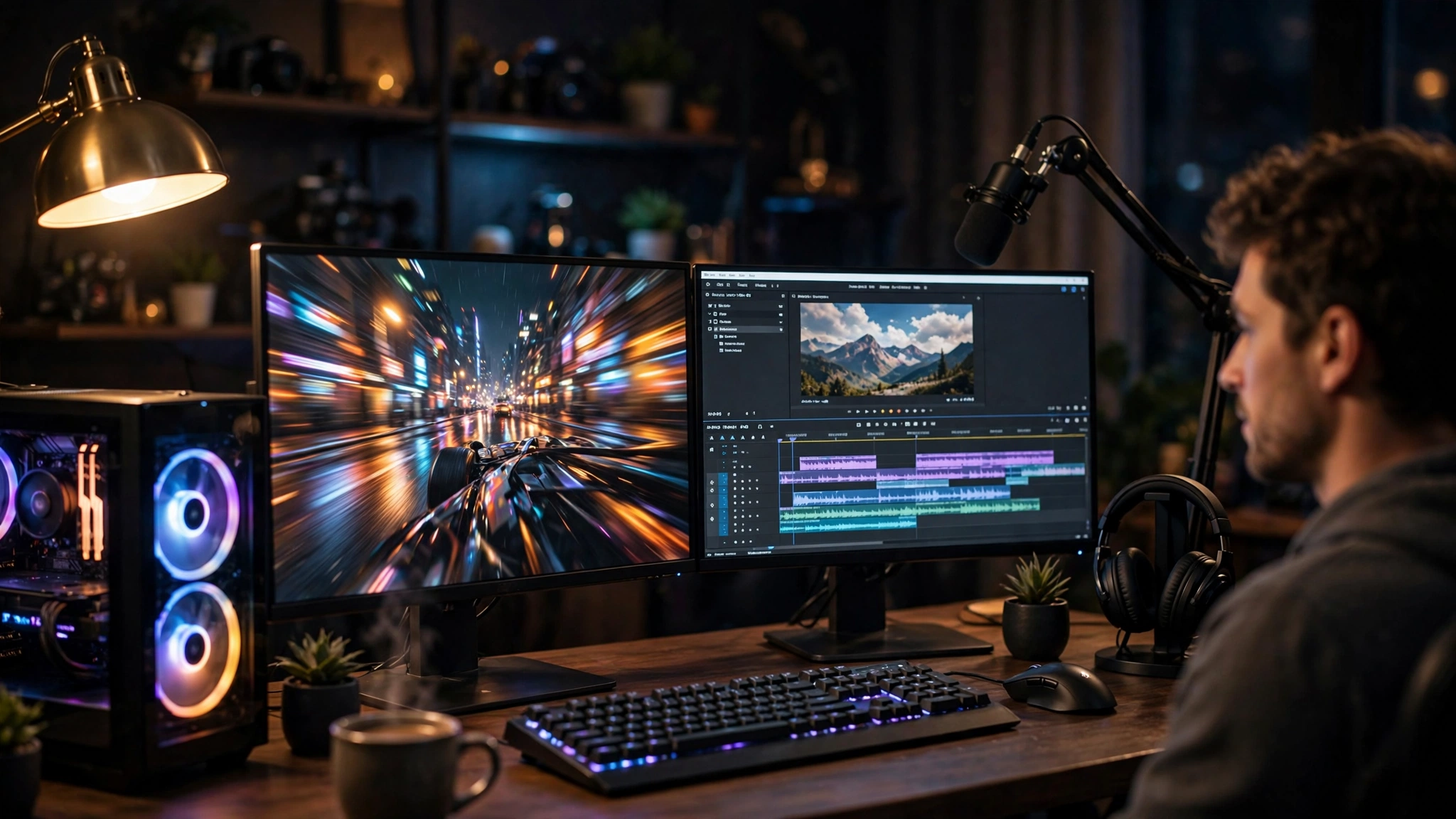
Most pairing guides treat the CPU as a simple number: more cores equals better, end of story. The 9900X deserves a closer look, because its architecture is what makes it such a flexible partner for high-end GPUs.
The 9900X at a glance
AMD’s own specification page and TechPowerUp’s CPU database agree on the essentials: the Ryzen 9 9900X is a 12-core, 24-thread processor built on the Zen 5 architecture (codename Granite Ridge). It runs at a 4.4 GHz base clock with boost up to 5.6 GHz, carries 64MB of L3 cache, and fits in the AM5 socket with DDR5 memory and PCIe 5.0 support. Its default TDP is 120W, it launched on August 15, 2024, and AMD lists a liquid cooler as the recommended cooling solution. Unlike some older Ryzen 9 chips, it also ships with a basic 2-core Radeon integrated GPU, so you can get a display signal for troubleshooting even with no graphics card installed.
That 120W TDP is worth pausing on. Reviews from outlets like PCGuide have repeatedly pointed out that the 9900X’s efficiency-first tuning keeps thermals manageable, but it also means the chip can leave a little multi-core performance on the table compared to what the silicon could do with more power headroom. For your GPU decision, this matters in one specific way: a 9900X paired with a monster graphics card will happily run that card at full tilt in games, because gaming leans on single-thread speed and cache, where this chip is strong.
What 12 cores actually buy you
Here is where the 9900X differs from the 8-core Ryzen 7 chips we covered in our best GPU for Ryzen 7 9700X guide. Those extra four cores are not there to push your frame rate higher in a typical game. Modern games still scale best with a handful of fast threads plus a big cache, which is why the 9800X3D (an 8-core with stacked 3D V-Cache) beats the 9900X in most gaming benchmarks.
The 12 cores pay off in everything around the game. Streaming with x264 encoding on the CPU while gaming. Running Discord, OBS, a browser with forty tabs, and a compile job in the background. Rendering a Premiere Pro timeline while a game sits paused. Those workloads soak up cores that a pure gaming chip would leave idle, and the 9900X keeps frame times smooth while it does them. If your build is a gaming machine first and a workstation second, the 9900X earns its place. If it is only a gaming machine, read the next section before you spend the extra money.
Who Actually Needs 12 Cores
This is the question every 9900X buyer should answer honestly before picking a GPU, because it changes the budget math completely.
Buy the 9900X and pair it with a big GPU if: you stream regularly, you edit video or photos, you compile software, you run VMs or containers, or you simply want one machine that does gaming and real work without compromise. For you, the GPU picks below lean toward cards with strong creator features: lots of VRAM, good encoder quality, and CUDA acceleration.
Buy the 9800X3D instead if: you only game. Multiple reviews and community discussions converge on the same finding: in games, the 9800X3D’s stacked cache delivers higher frame rates than the 9900X, and it costs less. Our best AMD CPU for gaming ranking covers where each chip lands. The 9900X is the better all-rounder; the 9800X3D is the better pure gaming CPU. Neither choice is wrong, but buying a 9900X for a rig that never leaves Steam is paying for cores you will never feed.
One more note: if you are still deciding between platforms, the AM5 socket is a genuine long-term advantage. AMD has committed to supporting AM5 for years, which means a 9900X build can take a drop-in CPU upgrade later without a new motherboard. That makes spending a bit more on the GPU today a defensible call, since the GPU is the part you will feel first.
How We Picked These GPUs The Bottleneck Math
A quick note on method, since this site is literally about bottlenecks. We did not just line up the fastest cards and call it a day. Each pick had to pass three tests: the 9900X must be able to feed it at the target resolution (it can, at 1440p and above, for every card on this list), the card must fit a real buyer profile (competitive gamer, 4K enthusiast, creator, or budget-conscious builder), and the pairing must make sense in the actual 2026 market, not at fantasy launch prices.
If you want the full explanation of how bottleneck percentages are calculated and what counts as a healthy balance, our good bottleneck percentage guide walks through it with examples. The short version: at 1440p and 4K, the GPU does the heavy lifting, and a 12-core Zen 5 chip stays comfortably ahead of the frame pacing demands of every card below.
The 5 Best GPUs for the Ryzen 9 9900X
1. NVIDIA GeForce RTX 5080
If you want one card that does everything a 9900X build is meant to do, this is it. The RTX 5080 sits in the sweet spot of NVIDIA’s current lineup: fast enough for high-refresh 1440p and very capable 4K gaming, with 16GB of GDDR7 memory, strong ray tracing, and the full DLSS 4 feature set including multi frame generation. For a 9900X owner who games, streams with NVENC, and edits on the side, the 5080 is the balanced center of the build.
The creator angle is what seals it. NVIDIA’s CUDA acceleration and NVENC encoder are still the default expectation in Premiere Pro, DaVinci Resolve, Blender, and most AI tooling. A 9900X plus 5080 is a machine that exports video quickly, renders 3D scenes without drama, and games at high settings on any monitor you own. It draws a reasonable 360W, so a quality 750W to 850W power supply handles the pair comfortably.
Who should skip it: pure 1080p gamers (overkill, save your money) and buyers who need maximum VRAM for large local AI models or 8K video work, where the 16GB frame buffer can feel tight.
2. NVIDIA GeForce RTX 5070 Ti
Not everyone needs a flagship, and the RTX 5070 Ti is the card for 9900X owners who game primarily at 1440p. It carries the same 16GB of GDDR7 as the 5080, the same DLSS 4 support, and the same excellent NVENC encoder, at a meaningfully lower tier of cost and power draw (300W). In practical terms, it drives a 1440p 165Hz or 240Hz monitor beautifully and holds its own at 4K with DLSS quality mode doing the upscaling.
This is also the sensible pick if your 9900X build leans more toward work than play. You keep NVIDIA’s creator ecosystem, you keep 16GB of VRAM for editing timelines and 3D viewports, and you leave budget room for the 32GB of fast DDR5 and the NVMe storage that a 12-core workstation actually needs. Pair it with a good 750W unit and you have a quiet, efficient system.
Watch out for one thing: street prices. In the current market, mid-range cards have drifted well above their launch pricing, which narrows the gap between the 5070 Ti and the 5080. If the difference is small when you buy, step up.
3. AMD Radeon RX 9070 XT
For builders who want to stay in the AMD ecosystem, or who simply want the most raster performance per dollar, the RX 9070 XT is the pick. It matches the NVIDIA cards above with 16GB of memory, runs games at 1440p and 4K with strong raw performance, and typically undercuts the 5070 Ti on price. AMD’s FSR 4 upscaling has closed much of the gap with DLSS in image quality, and driver support for the RDNA 4 generation has matured nicely through 2026.
The trade-offs are real but manageable. Ray tracing performance trails NVIDIA’s equivalents, and if your workflow depends on CUDA (Blender Cycles GPU rendering, many AI frameworks, certain Premiere Pro effects), AMD cards are simply the weaker tool. But for a 9900X build focused on gaming plus general productivity, where the CPU already covers encoding and multitasking, the 9070 XT is a smart, well-balanced choice. Our head-to-head RX 9070 XT vs RTX 5080 comparison breaks down exactly where each card wins.
4. AMD Radeon RX 7900 XTX
The previous-generation flagship has become the bargain hunter’s 4K card. With 24GB of GDDR6 memory on a wide 384-bit bus, the RX 7900 XTX still pushes excellent 4K frame rates in rasterized games, and its big memory pool is genuinely useful for creators working with large textures, high-resolution video, or local AI models that do not need CUDA. As retailers clear RDNA 3 stock through 2026, it often lands at prices that embarrass newer cards on a pure frames-per-dollar basis.
The caveats are the usual last-gen ones: ray tracing lags behind current NVIDIA cards, FSR 3 is a step behind FSR 4 and DLSS 4, and power draw is hefty at 355W. It also lacks the newest encoder and AI features. But if your priority list reads “4K gaming, big VRAM, lowest cost,” nothing else on this list touches it. Just make sure your power supply is up to the task.
5. NVIDIA GeForce RTX 5090
For the buyer who wants the ceiling, the RTX 5090 remains the fastest consumer graphics card you can buy: 32GB of GDDR7, the full Blackwell feature set, and compute performance that doubles as a workstation asset for 3D rendering, AI training and inference, and 8K video work. Paired with a 9900X, it is a genuine hybrid workstation that happens to game at the highest level.
Be clear-eyed about what you are buying. This is an enormous, power-hungry card (575W) that demands a 1000W-plus quality power supply, a large case with serious airflow, and a budget that could otherwise build an entire second PC. For pure gaming, the performance-per-dollar is poor compared to the 5080. It earns its place only when the workload justifies it: professional content creation, GPU rendering, or local AI work where 32GB of VRAM is the difference between possible and impossible. Also note that availability has been rocky, with reports of the card being discontinued in some channels, so verify stock and warranty before committing.
Side by Side Comparison
| Graphics Card | Best For | VRAM | Power Draw | Ideal Monitor |
|---|---|---|---|---|
| RTX 5080 | Best overall 9900X pairing | 16GB GDDR7 | 360W | 1440p 240Hz or 4K 144Hz |
| RTX 5070 Ti | 1440p sweet spot | 16GB GDDR7 | 300W | 1440p 165Hz |
| RX 9070 XT | Value with 16GB | 16GB GDDR6 | 304W | 1440p 165Hz or 4K 120Hz |
| RX 7900 XTX | 4K raster on a budget | 24GB GDDR6 | 355W | 4K 144Hz |
| RTX 5090 | No-compromise creators | 32GB GDDR7 | 575W | 4K 240Hz or pro workloads |
Memory types and power figures above are the manufacturers’ published specifications. Street prices move constantly in 2026, so treat any price you see as a snapshot and compare at checkout.
Will the 9900X Bottleneck Any of These GPUs?
Short answer: no, not at the resolutions these cards target. At 1440p and 4K, the graphics card is the limiting factor in virtually every game, and a 12-core Zen 5 chip at up to 5.6 GHz has enormous headroom for feeding frames to the GPU. You would need to drop to 1080p with low settings and an esports title chasing 400-plus FPS before the CPU even enters the conversation, and pairing any of these cards with a 1080p monitor is a mismatch anyway.
The more interesting bottleneck question runs the other way: will the GPU bottleneck the 9900X? Yes, and that is exactly what you want. A GPU bottleneck means the graphics card is working at full utilization while the CPU has spare capacity, which is the healthy, intended balance for a gaming and creator PC. The CPU’s spare cores stay available for streaming, background tasks, and everything else a 12-core chip is bought for. If you want to understand the numbers behind this balance, our good bottleneck percentage guide explains what the percentages actually mean.
One genuine edge case: competitive esports at 1080p with a 360Hz monitor. Here an X3D chip’s extra cache matters more than the 9900X’s extra cores. If that is your whole world, the 9800X3D is the better CPU choice, full stop.
Power Supply and Cooling Plan the Whole System
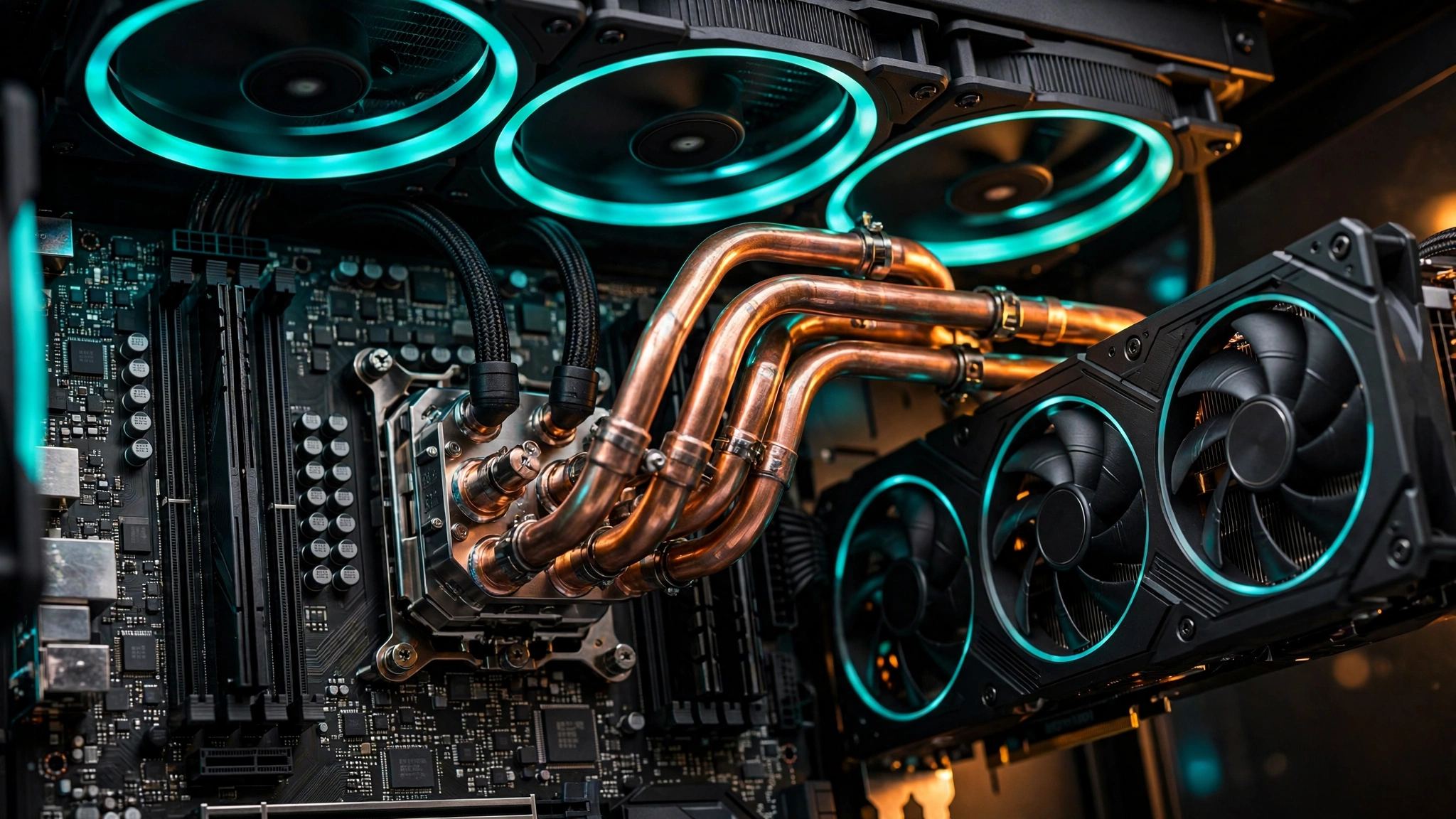
A 9900X build with a high-end GPU is a system where the supporting parts matter as much as the headliners. Add up the draw: the CPU can pull well past its 120W rating under all-core loads, and the GPUs on this list range from 300W to 575W. A quality 850W unit covers every pairing except the RTX 5090, which wants 1000W or more from a reputable manufacturer. Do not cheap out here; an unstable power supply causes the exact crashes and stutters people blame on bottlenecks. Our PSU tier list ranks reliable units if you need a starting point.
Cooling deserves the same attention. AMD recommends liquid cooling for the 9900X, and for good reason: 12 Zen 5 cores under a sustained all-core workload (rendering, compiling) generate serious heat. A 240mm AIO is the practical minimum, with 280mm or 360mm giving you quieter operation and more thermal headroom for Precision Boost to stretch its legs. The GPU needs breathing room too, so plan a case with real intake airflow, not a glass box with choked vents. Thermal throttling on either component silently costs you the performance you paid for; our GPU thermal throttling guide shows what it looks like in practice.
Creator Workloads Where NVIDIA Pulls Ahead
This section is specifically for the streamers and editors the 9900X was made for, because the GPU decision splits hard here.
If your work touches Premiere Pro, After Effects, Blender, or AI tooling, NVIDIA is the safer default. CUDA acceleration is baked into more creative software than any alternative, NVENC produces excellent stream quality with minimal CPU load, and features like DLSS and RTX-accelerated effects are NVIDIA-only. The 9900X handles the CPU side of editing beautifully (12 cores chew through timeline exports), and an NVIDIA card completes the pipeline. This is why the RTX 5080 tops this list for hybrid builders.
AMD’s counterargument is VRAM per dollar. The RX 7900 XTX’s 24GB is genuinely useful for DaVinci Resolve workflows with heavy effects, large-format photo editing, and 3D work in applications that do not lean on CUDA. If your software is VRAM-hungry but not CUDA-dependent, AMD gives you more memory for less money.
For streaming specifically, either vendor works in 2026. NVENC and AMD’s AMF encoder both produce clean 1080p60 and 1440p streams, and the 9900X has enough cores to run software x264 encoding as a fallback without tanking game performance. Pick your GPU for gaming and editing first; streaming will be fine either way.
5 Pairing Mistakes 9900X Builders Make
1. Buying the 9900X for pure gaming, then pairing it with a mid-range GPU. The money spent on 12 cores would have bought a 9800X3D plus a tier-higher GPU, which games faster. Match the CPU’s ambition with the GPU’s.
2. Pairing a flagship GPU with a 1080p monitor. At 1080p, even a 9900X cannot feed an RTX 5080-class card fast enough in CPU-heavy titles to justify the purchase. These cards are built for 1440p and 4K. Our best graphics cards for 4K gaming guide covers the monitor side of this equation.
3. Undersizing the power supply. A 650W unit might technically boot a 9900X plus RTX 5080 system, but transient power spikes will eventually cause crashes under load. Size for the spikes, not the average.
4. Ignoring VRAM for creator work. Gamers can live with 12GB in 2026, but editors and 3D artists should treat 16GB as the floor and consider 24GB or 32GB if the budget allows. Running out of VRAM is a hard wall, not a gentle slowdown.
5. Forgetting the platform costs. The 9900X needs an AM5 motherboard, DDR5 memory (32GB of DDR5-6000 is the sweet spot with EXPO enabled), and a real cooler. Budget builders who stretch for the CPU and then cheap out on memory speed leave performance on the table, since Zen 5 scales noticeably with memory bandwidth.
2026 Market Reality Prices, Hikes, and DLSS 5
No 2026 GPU guide is honest without addressing the market. Current-gen graphics card prices have climbed hard: industry tracking showed median GPU prices up roughly 33% over the 90 days leading into mid-October 2026, driven by memory costs and constrained supply. Our GPU shortage coverage has been following this all year. The practical advice: set price alerts, buy when a card dips near its launch pricing, and do not assume today’s price is tomorrow’s.
CPUs have not escaped either. Reporting in October 2026 pointed to processor price hikes of around 10 to 15 percent across the industry, which affects the 9900X itself. If you already own the chip, you dodged that increase; if you are still shopping, factor it into the build budget. We covered the details in our CPU price hike analysis.
One bright spot: NVIDIA launched a faster DLSS 5 model in mid-October 2026, improving upscaling quality for RTX cards. If you buy NVIDIA, keep your drivers current; the upscaler you get on day one keeps getting better. Our DLSS and CPU bottleneck explainer covers how upscaling interacts with CPU limits, which matters less for a 9900X but is worth understanding.
FAQs
Is the Ryzen 9 9900X good for gaming?
Yes, it is a very good gaming CPU, just not the absolute fastest. In published reviews, it delivers high frame rates in every modern title, but it trails the 9800X3D because most games benefit more from stacked cache than from extra cores. Buy it for gaming plus productivity; buy the 9800X3D for gaming alone.
What is the best GPU to pair with a 9900X for video editing?
An NVIDIA card, ideally the RTX 5080 or 5070 Ti. CUDA acceleration, NVENC encoding, and broad software support make NVIDIA the default for Premiere Pro, DaVinci Resolve, and Blender. The 9900X’s 12 cores handle the CPU side of exports while the GPU accelerates effects and encoding.
Should I get the 9900X or the 9800X3D for gaming?
The 9800X3D, if gaming is all you do. Its 3D V-Cache delivers higher frame rates in most titles and it costs less. Choose the 9900X when streaming, editing, compiling, or multitasking matter alongside gaming; the extra cores earn their keep there.
Will the Ryzen 9 9900X bottleneck an RTX 5090?
Not in any meaningful way at 1440p or 4K. The 5090 will be the limiting factor (a healthy GPU bottleneck), and the 9900X has far more than enough single-thread speed and core count to keep it fed. Only extreme 1080p esports scenarios would shift the limit toward the CPU.
Do I need liquid cooling for the Ryzen 9 9900X?
AMD officially recommends a liquid cooler for optimal performance, and for sustained all-core workloads like rendering, a 240mm AIO or larger is the smart choice. A high-end dual-tower air cooler can work for gaming-focused builds, but expect higher noise and less boost headroom.
Does the Ryzen 9 9900X have integrated graphics?
Yes, but only just. It includes a basic 2-core Radeon iGPU running at up to 2.2 GHz, according to AMD’s specification page. It is fine for display output and troubleshooting, but it cannot game. You still need a discrete graphics card, which is rather the point of this guide.
Is the 9900X future-proof on the AM5 platform?
Reasonably so. The AM5 socket gives you a CPU upgrade path for years without changing motherboards, and 12 cores with PCIe 5.0 and DDR5 support will stay relevant for gaming and productivity well into the platform’s life. Pair it with a strong GPU now and the system ages gracefully.
Key Takeaways
- – The best GPU for Ryzen 9 9900X in 2026 is the RTX 5080 for hybrid gaming and creator builds, the RTX 5070 Ti for 1440p value, the RX 9070 XT for AMD value, the RX 7900 XTX for discounted 4K raster, and the RTX 5090 for no-compromise creators.
- – The 9900X will not bottleneck any of these cards at 1440p or 4K; buy the GPU for your monitor and workload, not out of CPU anxiety.
- – Twelve cores shine in streaming, editing, and multitasking. Pure gamers get more frames per dollar from a 9800X3D.
- – Budget for the whole system: 850W PSU for most pairings, 1000W-plus for the 5090, liquid cooling for the CPU, and 32GB of fast DDR5.
- – 2026 prices are elevated across GPUs and CPUs, so buy on dips and keep NVIDIA drivers current for the latest DLSS improvements.
Conclusion
The Ryzen 9 9900X is that rare CPU that removes itself from the bottleneck conversation entirely. Twelve Zen 5 cores, 5.6 GHz of boost, and a cool-running 120W envelope mean your graphics card choice comes down to what you actually do with your PC, not what your processor can handle. Gamers who stream, edit, and create should anchor their build with the RTX 5080 and never look back. Value hunters get nearly the same experience from the RTX 5070 Ti or RX 9070 XT. And the creators pushing 4K timelines and 3D renders have a genuine workstation hiding inside the 7900 XTX or 5090.
Whatever you pick, pair it with a monitor that deserves it, a power supply that can feed it, and cooling that lets both chips breathe. Do that, and a 9900X build in 2026 is a machine with no weak link, only a GPU waiting for your next upgrade. Happy building.

Leave a Reply