

The first hellraiser revival benchmarks are in, and they paint a surprisingly friendly picture for a new Unreal Engine 5 horror title. DSOGaming’s PC performance analysis, published October 10, 2026, tested eight GPUs spanning six years of releases on a Ryzen 9 7950X3D system, and the headline result is simple: every card tested, including a 2018-era RTX 2080 Ti, cleared 60 FPS at 1080p with Epic settings. Only native 4K at Epic settings separates the flagships from everything else, and that is where pairing decisions actually matter.
This guide converts that published data into concrete CPU and GPU pairing recommendations for each resolution tier. No invented frame rates, no theoretical charts, just what the tests show plus what that means for your build. Where the data runs out, we say so plainly.
What DSOGaming Actually Tested
Before the pairings, the methodology matters, because it defines what the numbers can and cannot tell you. DSOGaming benchmarked Clive Barker’s Hellraiser: Revival, Saber Interactive’s horror title built on Unreal Engine 5.6.1.0, using an AMD Ryzen 9 7950X3D with 32GB of DDR5 at 6000MHz on Windows 10, with GeForce 617.14 and Radeon Adrenalin 26.9.2 drivers. The eight tested GPUs were the NVIDIA RTX 2080 Ti, RTX 3080, RTX 4090, RTX 5080, and RTX 5090, plus the AMD Radeon RX 6900 XT, RX 7900 XTX, and RX 9070 XT. The game has no built-in benchmark tool, so the tests used a demanding scene from the first hour of gameplay.
Three things make this a trustworthy baseline. First, the 7950X3D is strong enough that at higher resolutions the GPU is the obvious limiter, which is exactly what you want when judging GPU pairings. Second, the test scene was deliberately chosen as one of the most demanding spots in the early game, so these are worst-case-ish numbers rather than best-case marketing shots. Third, the game supports all three major upscalers, DLSS 4, AMD FSR 3.0, and Intel XeSS 2, which matters enormously for the tier recommendations below.
One honest limitation: because every card was tested on the same 7950X3D, the data cannot tell you how a slower CPU would change the results. The CPU bottleneck analysis later in this guide is therefore built from the official system requirements and independent user reports, not from these numbers, and we flag every inference as an inference.
How the Benchmark Numbers Break Down by Resolution

At 1080p with Epic settings, all eight GPUs ran the game at 60 FPS. Read that again: a six-year-old RTX 2080 Ti holds 60 FPS at max settings in a 2026 Unreal Engine 5 release with Lumen global illumination. Saber Interactive clearly did real optimization work here, and it shows. For pairing purposes, 1080p is the least picky resolution in this game’s entire scaling curve.
At 1440p with Epic settings, five of the eight GPUs stayed above 60 FPS at all times. DSOGaming does not publish the full per-card ranking in text form, so the exact five are not specified, but the pattern is clear: current-generation and high-end last-generation cards handle 1440p Epic comfortably, while the lower cards in the set need either reduced settings or an upscaler to stay smooth.
At native 4K with Epic settings, the field collapses. Only the RTX 5090 stayed above 60 FPS at all times. The RTX 4090 averaged 65 FPS but dipped to 57 FPS, which is why DSOGaming specifically recommends a G-Sync or FreeSync display for that pairing. Everything below the 4090 class falls under 60 FPS at native 4K Epic, which makes upscaling effectively mandatory rather than optional at this resolution.
| Resolution | Epic Settings Result | What It Means for Your Build |
|---|---|---|
| 1080p | All 8 GPUs, including RTX 2080 Ti, hit 60 FPS | Any modern midrange GPU works; CPU choice barely matters |
| 1440p | 5 of 8 GPUs hold 60 FPS+ at all times | RTX 3080-class or better for Epic; older cards need Quality upscaling |
| Native 4K | Only RTX 5090 stays above 60 FPS at all times | RTX 4090 averages 65 with dips to 57; upscaler required below that tier |
The game also suffers from occasional traversal stutters, which DSOGaming flags as its one real performance complaint. These are shader and streaming related rather than raw throughput problems, which means they do not respond to a faster GPU the way average frame rates do. A player on a 5090 can still feel a stutter that has nothing to do with their hardware being too slow.
Official System Requirements vs Tested Reality
Saber Interactive’s official Steam requirements are modest for a 2026 release, and the benchmarks suggest they are honest. The minimum spec asks for a Ryzen 5 1500X or Core i5-8400, 8GB of RAM, a GTX 1660 or RX Vega 64 with 8GB, and 80GB of storage with an SSD recommended. The recommended spec steps up to a Ryzen 5 5600X or Core i5-12400F, 16GB of RAM, an RTX 3060 or RX 6600 XT, and the same 80GB footprint.
Here is what the benchmark data adds to those official numbers. The minimum GPU (GTX 1660) sits well below the weakest tested card (RTX 2080 Ti), so minimum spec at 1080p likely means medium or low settings, not Epic. The recommended tier (RTX 3060, RX 6600 XT) sits one notch below the tested floor, which strongly suggests 1080p High or Epic with Quality upscaling is realistic on recommended hardware. An interesting wrinkle: the game’s pre-launch FAQ listed lower specs (a Ryzen 3 1200, 50GB storage) than the current Steam page, so treat the Steam listing as the authoritative version and plan storage around 80GB.
Pairing Tiers What to Buy for Each Resolution
This is where the data becomes buying advice. Each tier pairs a GPU class with a CPU class, anchored to what the benchmarks actually demonstrate.
Tier 1: 1080p at 60 FPS, Budget Build
GPU: RTX 3060, RX 6600 XT, or anything equal or newer. The RTX 2080 Ti result at 1080p Epic gives older high-end cards enormous headroom here, and the official recommended spec confirms an RTX 3060-class card is the intended target. CPU: the official recommended CPUs (Ryzen 5 5600X or Core i5-12400F) are more than enough; even the minimum-spec six-core chips will keep up because 1080p in this title leans on the GPU. RAM: 16GB, matching the recommended spec, because 8GB systems risk the stuttering that players report on tight VRAM and memory setups. Upscaler: not required, though DLSS or FSR Quality mode lets you push settings or run higher refresh rates on weaker cards.
Tier 2: 1440p at 60 FPS, the Sweet Spot
GPU: RTX 3080-class or better. Five of the eight tested cards held 60 FPS at 1440p Epic, and the RTX 3080 was in that test set as the most likely threshold card. Cards in this class include the RX 9070 XT and RX 7900 XTX, both tested. If your card sits just below that level, DLSS or FSR in Quality mode is the honest fix, not a settings massacre: the game’s strong baseline optimization means upscaling Quality mode still looks excellent here. CPU: a modern six-core or better. The 7800X3D is a proven pairing for this class of GPU in demanding titles, and independent testing of Hellraiser: Revival on an RTX 4080 plus Ryzen 7 7800X3D combo ran well above 60 FPS without any upscaling or frame generation at max settings, which confirms the CPU side is not the constraint at 1440p.
Tier 3: Native 4K at 60 FPS, Flagship Only
GPU: RTX 5090 for locked 60 at native 4K Epic, or RTX 4090 with a variable refresh rate display to absorb its dips to 57 FPS. Nothing else in the tested set qualifies at native resolution, and that is a published fact, not an estimate. CPU: this is the one tier where CPU choice deserves real thought, and the answer is that it still barely matters for average FPS, because at native 4K every frame is GPU-bound. Buy the best GPU you can and pair it with any competent modern CPU. The only reason to spend extra on the CPU at 4K is future games and productivity, not this game. For a deeper look at when 4K gaming actually stresses the processor, see our guide on the best graphics cards for 4K gaming.
The Realistic 4K Tier: Upscaled 4K
GPU: RTX 3080-class and up with DLSS 4 or FSR 3.0 in Quality or Balanced mode. Since native 4K Epic is a 5090-only club, almost every real 4K player will use an upscaler, and the game is built for it. DLSS 4’s quality at this resolution is excellent, and the upscaler effectively moves a 1440p-capable card into the 4K conversation. This is also where frame generation earns its keep: it multiplies the effective frame rate once the base frame rate is already acceptable, which is the correct way to use it. Used on an already-smooth 55 to 60 FPS base, it produces a genuinely smoother image; used to rescue an unplayable 30 FPS, it mostly produces artifacts and latency. For the full mechanics of why, read our breakdown of whether DLSS reduces CPU bottlenecks.
Is the CPU Ever the Bottleneck?
Short answer: in this game, almost never, and the benchmark design itself tells you why. DSOGaming ran every GPU on a Ryzen 9 7950X3D, a 16-core chip with 3D V-Cache, precisely to remove the CPU from the equation. The scaling from the 2080 Ti to the 5090 at 1080p still shows GPU-limited behavior, which is remarkable and good news: it means the engine feeds frames efficiently and the GPU is the deciding factor across the tested range.
So when would a lesser CPU become the limiter? Only at the low end. The official minimum spec of a Ryzen 5 1500X or Core i5-8400 tells you Saber expects four-to-six core chips from 2017 to run the game, which implies the engine is not heavily threaded in a way that punishes modest CPUs. The recommended Ryzen 5 5600X or Core i5-12400F is a comfortable, cheap, modern pairing for any GPU up to the RTX 4070 class at 1080p and 1440p. There is a real-world data point backing this up: an RTX 4080 paired with a Ryzen 7 7800X3D ran the game well above 60 FPS at max settings with no upscaling and no frame generation in independent testing, which is exactly the headroom you would expect when the GPU, not the CPU, sets the pace.
The one scenario where CPU choice deserves scrutiny is high refresh rate 1080p play on a strong GPU, where frame times get short enough that a weak CPU can cap the 1% lows. But Hellraiser: Revival is a cinematic survival horror game, not a competitive shooter; the audience chasing 144Hz here is tiny, and the money is better spent on the GPU at every tier. Our testing on similar UE5 horror releases, including Gears of War: E-Day, shows the same pattern: the GPU decides the experience, the CPU just needs to not get in the way.
At Native 4K the GPU Is the Ceiling
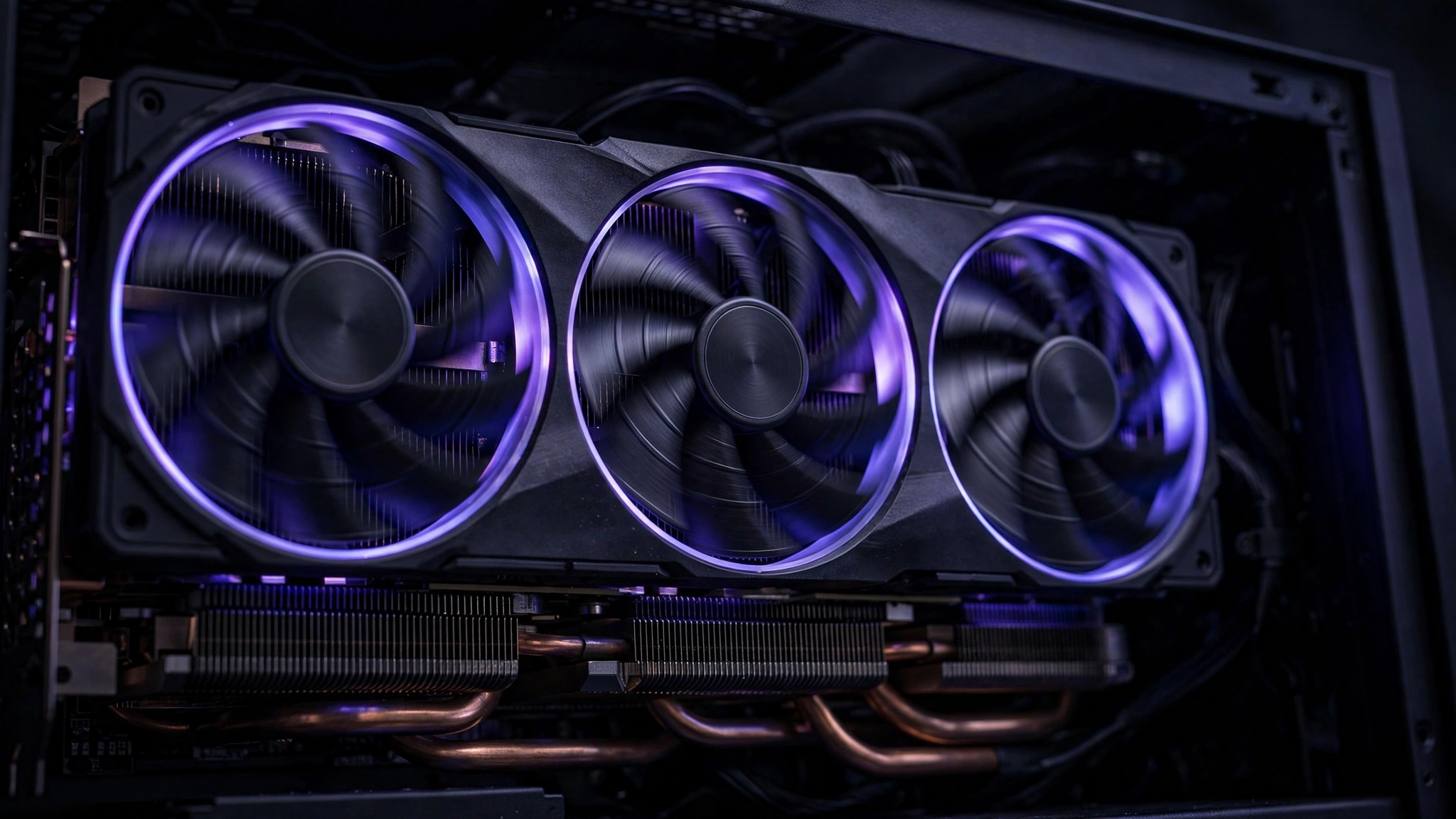
This deserves its own section because it is the single most misunderstood result in the benchmark data. At native 4K with Epic settings, no CPU on earth changes the outcome. The 7950X3D is already one of the fastest gaming CPUs available, and the RTX 4090 still dips to 57 FPS while lesser cards fall further behind. That is a pure GPU throughput wall: 4K has more than twice the pixels of 1440p, and Epic Lumen lighting scales with pixel count.
The practical consequences are straightforward. First, do not buy a more expensive CPU to fix 4K performance in this game; the money belongs in the GPU or in a good upscaling setup. Second, a variable refresh rate display is the cheapest real upgrade for 4K play on anything short of a 5090, because it turns the 4090’s 57 FPS dips from visible stutter into invisible smoothness. Third, if 4K native matters to you and your budget stops at the RTX 5080 class, plan on DLSS 4 Quality mode from day one rather than hoping native works, because the published data says it will not hold 60.
This is also a good moment for a broader trend worth watching. New Unreal Engine 5 releases increasingly ship with hardware ray tracing features like Lumen as always-on systems with no off switch, which raises the effective GPU floor for every game in the engine. If you are building for the next two years of UE5 titles rather than just this one, that trend argues for buying more GPU than today’s benchmarks strictly require.
How DLSS 4, FSR 3 & Frame Generation Shift Each Tier
Upscalers do not just add FPS; they move the bottleneck. When DLSS 4 Quality mode lifts a midrange card from 45 to 70 FPS at 1440p, the GPU is doing less work per frame while the CPU does the same, which means the CPU becomes relatively more important. This is the mechanism behind the industry-wide observation that modern frame generation and upscaling shift bottlenecks toward the CPU: the faster the GPU renders, the more the CPU’s frame preparation work shows up in the numbers.
For Hellraiser: Revival specifically, that shift is harmless at every realistic tier. The game is light enough on the CPU that even a doubled frame rate from frame generation stays within what a modern six-core can feed. The one place to be careful is pairing frame generation with a minimum-spec CPU like the i5-8400: the base frame rate must be smooth first, because frame generation amplifies a good base and exposes a bad one. Enable it on top of a stable 60, not underneath a struggling 35.
XeSS 2 support is worth a mention for Intel GPU owners. It is the least-tested of the three upscalers in published coverage, but its presence means Arc card owners are not locked out of the upscaling tiers. And for players still on the fence about which upscaling tech their card supports, the rule is simple: NVIDIA cards use DLSS 4, AMD cards use FSR 3.0, Intel cards use XeSS 2, and all three get you into the same practical performance tiers.
The 8GB VRAM Question
Launch-week coverage keeps circling one concern: 8GB graphics cards. The official minimum spec lists 8GB cards (GTX 1660, RX Vega 64), settings guides warn that 8GB users must manage texture pools carefully, and player reports mention micro-stuttering when VRAM fills up. This fits the wider 2026 trend: with modern titles pushing texture budgets upward, 8GB cards are increasingly asked to compromise on texture quality even at 1080p, and independent VRAM testing this year has shown 16GB variants of the same GPU pulling far ahead of their 8GB siblings in newer releases.
The pairing advice follows directly. If you are buying a GPU in 2026 primarily for new releases, a 12GB or 16GB card is the safer long-term choice, even if an 8GB card benchmarks fine today at 1080p. If you already own an 8GB card, the fixes are concrete: drop texture quality one notch, use DLSS or FSR Quality mode, and let shader compilation finish before judging smoothness. None of this contradicts the benchmark data; the 2080 Ti that held 60 FPS at 1080p Epic is an 11GB card, which is part of why it aged so gracefully.
What the 2026 Hardware Market Means for Your Pairing
Pairing advice lives in a market, and this market is rough. GPU prices have climbed roughly 66 percent over the past twelve months, which changes the value math on every tier above. The RTX 5080 class that the benchmarks show falling short of native 4K costs flagship money in this market, which makes the upscaled-4K tier the rational choice for most buyers rather than a compromise. There is also an unconfirmed rumor of a 24GB RTX 5080 variant arriving in the first quarter of 2027; treat that as speculation, not a buying plan, though we track it on our RTX 5080 24GB rumor page for anyone deciding whether to wait.
CPUs are not immune either. Reported Intel price hikes are pushing builders toward AMD’s value stacks, which is convenient because the Ryzen 5 5600X and Ryzen 7 7800X3D are exactly the chips this game’s pairing tiers call for. We covered the pricing situation and its build implications in our CPU price hike guide. The net advice: spend the GPU budget on VRAM and rasterization strength, spend the CPU budget on a proven six or eight core gaming chip, and do not let either market panic push you into a worse-balanced build.
FAQs
Why does the game stutter on PC even on strong hardware?
The most reported issue is traversal and shader-related stuttering, which DSOGaming confirmed happens even on a 5090-class system. This is an engine streaming behavior, not a sign your GPU is too weak. Letting shaders compile fully, playing from an SSD, and keeping texture settings within your VRAM budget reduce it. A future patch may improve it further, but Saber has not announced a specific stutter fix as of this writing, so treat any patch promises as unconfirmed.
Is ray tracing mandatory? Can I turn it off for more FPS?
The game uses Lumen for global illumination with no toggle to disable it entirely, which is why one player asked whether ray tracing was forcing their fans to max out regardless of settings. This matches the wider UE5 trend of always-on Lumen. Your lever is not a ray tracing switch; it is the upscaler plus the volumetric fog and shadow settings, which settings guides identify as the biggest FPS movers.
Can an 8GB card run the game at 1440p?
Published settings guides say yes with conditions: textures at Medium, DLSS or FSR in Quality mode, and attention to the in-game VRAM meter. Expect to manage settings actively rather than setting Epic and forgetting it. The 11GB RTX 2080 Ti’s strong 1080p result does not transfer to 8GB cards at higher resolutions.
My RTX 4080 barely holds 60 FPS at 4K on High. Is something wrong?
No. A community tester with an RTX 4080 Super and 7800X3D reported barely holding 60 FPS at 4K with DLSS Performance on High settings during the demo, and that lines up with the final benchmark data: the 4090 averages 65 at native 4K Epic, so a 4080-class card needing DLSS Performance at 4K is exactly expected. Switch DLSS to Quality at 1440p output or accept Performance mode at 4K.
Do I need a G-Sync or FreeSync monitor?
Only for the 4K tier on sub-5090 cards, where frame rates hover near 60 with dips. DSOGaming explicitly recommends one for the RTX 4090 at native 4K. At 1080p and 1440p with a capable card, frame rates are high and stable enough that it is a nice-to-have rather than a need.
How does it run on Steam Deck? Surprisingly well for UE5. Steam Deck HQ measured 40 FPS and above at default medium settings with FSR Quality upscaling, and a locked 30 FPS with settings on low and FSR Balanced. It is one of the better-optimized UE5 titles on handheld, though some areas still dip.
Should I wait for a patch before buying for PC? Player reviews on Steam sit at Overwhelmingly Positive, which suggests most players consider the current state good. The known issues are traversal stutters and isolated bugs, not broken performance. If stuttering bothers you more than average, waiting for the first post-launch patch is reasonable; Saber has not dated one publicly.
Optimized Settings The 60 FPS Recipe
If you want the simplest path to smooth performance without reading another word, this is it. Settings guides converge on the same recipe: set Volumetric Fog and Shadow Maps to Medium, disable Motion Blur and Chromatic Aberration, keep Textures at High unless you have 8GB of VRAM (then Medium), and enable your vendor’s upscaler in Quality mode. One guide measured roughly a 22 percent uplift from the fog change alone and 28 percent from the full recipe. That is consistent with the benchmark data: the game is well optimized at its core, and these are the two most expensive effects in the Lumen pipeline. For players who like to squeeze more from any title, our guide to increasing FPS covers the system-level tweaks that stack with in-game settings.
Conclusion
The hellraiser revival benchmarks tell a coherent story: Saber Interactive shipped one of the best-optimized Unreal Engine 5 games of 2026, where a 2018 flagship still hits 60 FPS at 1080p Epic and the only real wall is native 4K. Your pairing decision is therefore simple. At 1080p, buy the recommended tier and stop worrying. At 1440p, an RTX 3080-class GPU with any modern six-core CPU is the sweet spot. At 4K, either bring an RTX 5090, bring an RTX 4090 with a variable refresh rate display, or bring an upscaler and stop pretending native is the only way to play. The CPU is along for the ride at every tier; spend the money on the GPU, mind your VRAM, and let DLSS or FSR do the heavy lifting at high resolutions.

Leave a Reply