

The best tablet for gaming is the Apple iPad Pro with the M5 chip if you want maximum power, the Samsung Galaxy Tab S11 Ultra if you want the best Android gaming tablet, and the RedMagic Astra 2 if you want a compact gaming tablet built for competitive play. Your budget, your games, and your ecosystem decide the rest.
A good gaming tablet is not just a big phone. The chip decides how long a game holds a steady frame rate before heat slows it down. The screen decides how smooth fast movement looks. Battery life decides whether a long session ends early. This guide walks through all of it in plain language, compares the top gaming tablets side by side, and covers every price band from entry level picks to premium flagships, so you can buy once and buy right.
What Makes a Tablet Good for Gaming?
Five things separate real gaming tablets from tablets that only look good on a spec sheet.
The chip matters most. A flagship chip such as Apple M5, Snapdragon 8 Elite Gen 5, or MediaTek Dimensity 9400+ holds high frame rates in demanding games like Genshin Impact, Zenless Zone Zero, and Call of Duty: Mobile. A weak chip stutters in the same games, no matter how nice the screen looks. When a listing hides the chip name, treat that as a warning sign.
Refresh rate changes how games feel. A 120Hz or 144Hz display makes camera movement and fast action look smoother than a standard 60Hz screen. Competitive players notice this right away. The RedMagic Astra 2 pushes this further with a 185Hz OLED panel, which is one of the highest refresh rates on any tablet right now.
Sustained performance beats peak performance. Many tablets run fast for ten minutes, then slow down as they heat up. Tablets with vapor chambers, graphite layers, or active cooling hold their speed longer. This is why a gaming tablet with a cooling system can beat a thinner tablet with a similar chip in a long session.
Battery life and charging set your session length. Big batteries help, but a bright high refresh screen drains power fast. Look for tablets with at least 8,000mAh if you play for hours away from a charger, and check whether fast charging is included in the box.
Storage and controller support finish the picture. Modern games are large, and a 128GB tablet fills up fast. A 256GB model is a safer starting point, and microSD expansion on many Android tablets is a real advantage. Full controller support, including Xbox and PlayStation controllers, turns a tablet into a serious handheld console.
Takeaway: judge a gaming tablet by its chip, its screen, its cooling, its battery, and its storage, in that order.
The Best Tablets for Gaming at a Glance
Here are the top gaming tablets of 2026 in one place. Every model below is a proven pick from current reviews and rankings, and each one fits a different kind of player.
| Tablet | System | Display | Chip | Best For |
|---|---|---|---|---|
| iPad Pro 11 or 13 inch (M5) | iPadOS | 11 or 13 inch OLED, 120Hz | Apple M5 | Maximum performance |
| iPad Air 11 or 13 inch (M4) | iPadOS | 11 or 13 inch LCD, 120Hz | Apple M4 | Best value iPad |
| iPad mini 7 | iPadOS | 8.3 inch LCD, 120Hz | Apple A17 Pro | Compact portable play |
| Samsung Galaxy Tab S11 Ultra | Android | 14.6 inch AMOLED, 120Hz | MediaTek Dimensity 9400+ | Big screen Android gaming |
| RedMagic Astra 2 | Android | 9.06 inch OLED, 185Hz | Snapdragon 8 Elite Gen 5 | Competitive Android gaming |
| Lenovo Legion Tab Gen 5 | Android | 8.8 inch LCD, 165Hz | Snapdragon 8 Elite Gen 5 | Small gaming tablet with big power |
| OnePlus Pad 3 | Android | 13.2 inch LCD, 144Hz | Snapdragon 8 Elite | Large screen value |
| Amazon Fire HD 10 (2025) | Fire OS | 10.1 inch LCD, 60Hz | Entry level MediaTek | Light casual gaming |
Takeaway: the iPad Pro M5 leads on raw power, Samsung leads on big screen Android gaming, and RedMagic and Lenovo lead on compact competitive play.
Best Overall iPad Pro with M5 Chip
The iPad Pro with the M5 chip is the most powerful gaming tablet you can buy right now, and the best ipad for gaming if money is no object. Apple pairs the M5 chip with a Tandem OLED display, called Ultra Retina XDR, with ProMotion up to 120Hz. Colors are rich, blacks are deep, and motion stays smooth in fast games.
What makes it the best Apple iPad for gaming is not just the chip. iPadOS has the widest library of high quality tablet games, including console style titles that never reach Android. The M5 also handles cloud gaming services well, so the same tablet can stream big PC games through services like GeForce NOW and Xbox Cloud Gaming when you have a fast connection.
There are two real downsides. The price is premium, with the 11 inch model starting around $999 and the 13 inch model higher, and prices change often, so check current pricing before you buy. The second is that iPadOS still limits file access and emulation compared with Android or Windows. If you only play games and use apps, neither issue matters much.
Buy the iPad Pro M5 if you want the most powerful gaming tablet available and you plan to keep it for years. Buy the iPad Air below if you want most of that performance for less money. You can see the full specifications on the Apple iPad Pro page.
Takeaway: the iPad Pro M5 is the performance king, but it is overkill if gaming is the only thing you do on a tablet.
Best Gaming iPad for Most People iPad Air
The iPad Air with the M4 chip is the best gaming iPad for most players. It uses the same chip family as the previous iPad Pro generation, so it runs demanding games at high settings without trouble, and its 120Hz display keeps motion smooth. The screen is LCD rather than OLED, so blacks are not as deep as the Pro, but in normal play most people will not notice.
The Air is also the smart pick for students and casual players. It costs far less than the Pro, it works with the same controllers and accessories, and it plays the same games. The 11 inch model is easy to hold for long sessions, while the 13 inch model suits players who want a bigger screen for cloud gaming and media.
One limit to know: the base model starts at 128GB of storage. If you install several large games, that fills up quickly, so the 256GB model is worth the extra cost for serious players. There is no microSD slot on any iPad, so choose your storage at purchase time.
Takeaway: the iPad Air gives you most of the Pro gaming experience at a much friendlier price.
Best Mini Tablet for Gaming iPad mini 7
Small tablets are easy to dismiss, but the iPad mini 7 is one of the best mini tablet for gaming picks you can buy. Its 8.3 inch screen and light body make it comfortable to hold for hours, and the A17 Pro chip is the same class of silicon found in premium phones, so it handles demanding games well.
An 8 inch gaming tablet has real advantages for competitive play. Your thumbs reach every corner of the screen without stretching, the device stays cooler than a large tablet pressed against your hands, and it fits in a jacket pocket. Games like Call of Duty: Mobile and fast shooters feel natural on this size, and many competitive mobile players prefer a compact screen for exactly this reason.
The trade offs are a smaller screen for media and a battery that drains faster than a large tablet during long sessions. The mini is also not the cheapest iPad, so budget buyers should compare it with the standard iPad first. But if portability and comfort matter more than screen size, the mini is hard to beat.
Takeaway: for handheld competitive play, smaller is often better, and the iPad mini 7 proves it.
Best Android Tablet for Gaming Samsung Galaxy Tab S11 Ultra
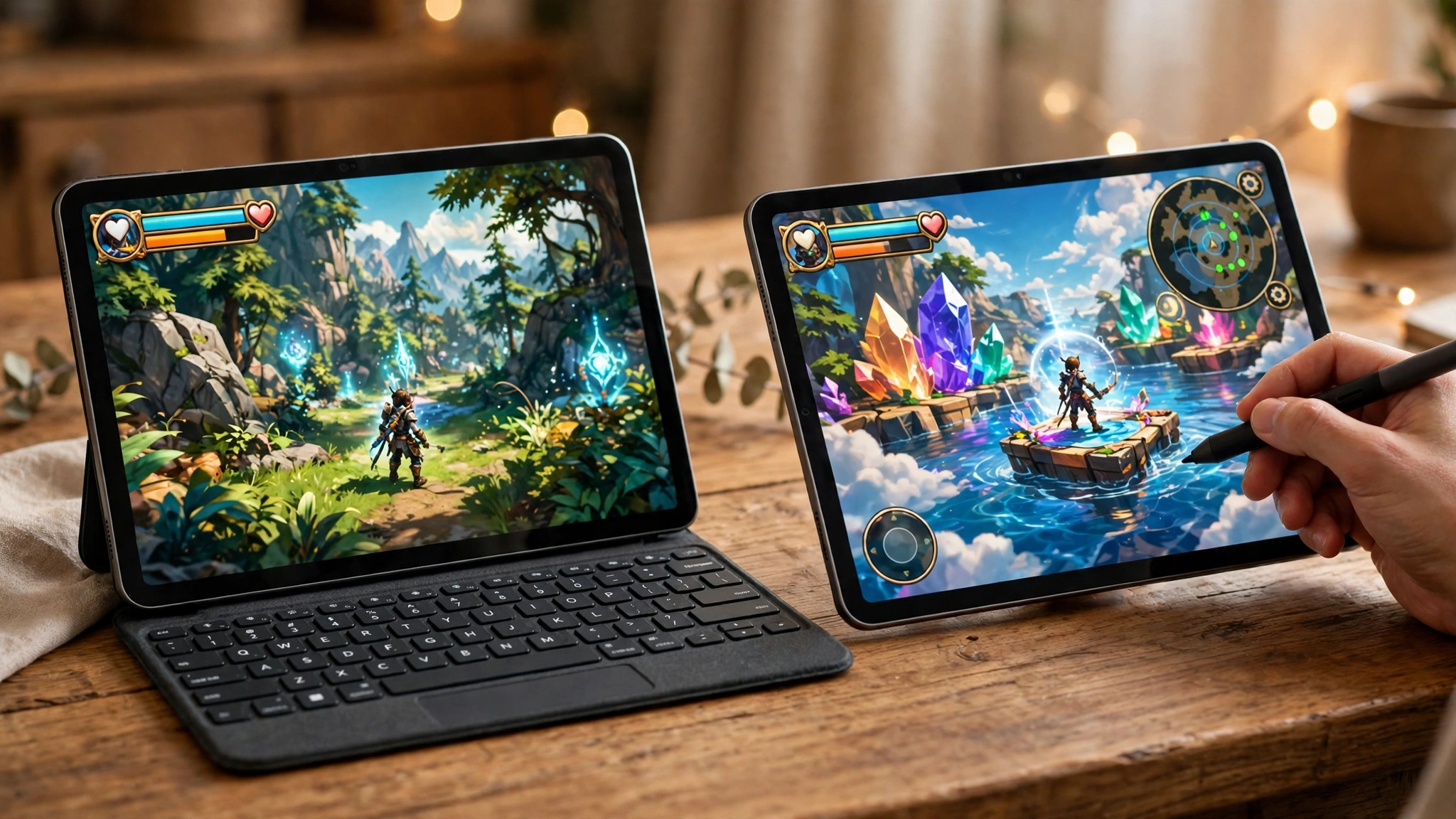
The Samsung Galaxy Tab S11 Ultra is the best Android tablet for gaming if you want the biggest and most complete Android experience. Its 14.6 inch Dynamic AMOLED 2X display runs at 120Hz, with rich colors and deep blacks that make games look superb. The MediaTek Dimensity 9400+ chip handles demanding Android games, cloud gaming, and multitasking without fuss.
Samsung also gives you things Apple does not. The S Pen is included in the box and works well for drawing and note taking between games. MicroSD expansion supports cards up to 2TB on recent models, so storage is never a worry. DeX mode turns the tablet into a desktop style workspace when you connect a keyboard. The large 11,600mAh battery on the Ultra model lasts through long sessions, and WiFi 7 support keeps cloud gaming smooth on a fast network.
The size is the main trade off. At 14.6 inches, this is a lap or desk tablet, not a handheld one. It is heavy to hold for long competitive sessions, and a telescopic controller or a stand makes it far more comfortable. If you want a smaller Samsung gaming tablet, the regular Galaxy Tab S11 with an 11 inch display keeps the same chip class in a lighter body. You can browse the current lineup on the Samsung Galaxy Tab page.
Takeaway: the Galaxy Tab S11 Ultra is the best samsung tablet for gaming on a big screen, and the best Samsung pick for players who also want a media and work device.
Best Gaming Tablet Android Pick for Competitive Play RedMagic Astra 2
The RedMagic Astra 2 is the most focused gaming tablet Android players can buy in 2026. It launched in July 2026 with a 9.06 inch OLED display running at 185Hz, a Snapdragon 8 Elite Gen 5 chip, a dedicated RedCore R4 gaming chip, and a cooling system that uses liquid metal and a large vapor chamber. It weighs only 363 grams, so it is easy to hold during long matches.
Reviewers have praised its sustained performance. Tom’s Guide reported strong benchmark results and noted that demanding titles including Zenless Zone Zero, Wuthering Waves, Genshin Impact, and Fortnite played with settings turned up on its review unit. That is the kind of result competitive players care about, because a tablet that holds its speed after thirty minutes matters more than one that is fast for five minutes.
The Astra 2 is not for everyone. Its software is gaming focused, its cameras are basic, and availability varies by country, so check whether it is sold in your region before you set your heart on it. But for pure Android gaming, especially shooters and fast action games, it is one of the top gaming tablets of the year. Independent reviews and benchmark roundups on Tom’s Hardware are a good place to compare it with other flagship tablets before you buy.
Takeaway: if competitive Android gaming is your main use, the Astra 2 is the tablet built for exactly that job.
Lenovo Gaming Tablets Legion Tab Gen 5
Lenovo gaming tablets deserve more attention than they get. The Legion Tab Gen 5 is Lenovo’s best gaming tablet yet, and it earned praise at MWC 2026 before landing in the US at a reported $849.99. It pairs a Snapdragon 8 Elite Gen 5 chip with an 8.8 inch display running at 165Hz, which is a strong combination for handheld play.
The Legion Tab is built around how gamers actually hold a tablet. The compact size suits two handed play, the high refresh screen keeps motion smooth, and the cooling is tuned for sustained gaming rather than short bursts. It also supports microSD expansion up to 2TB, which is useful when modern games keep growing in size.
The main drawback is the price jump from the previous generation, which cost far less. At its current price it competes with the iPad Air and the Galaxy Tab S11, so compare it carefully with those two before you decide. If you want a compact Android tablet with flagship power and you prefer Android over iPadOS, the Legion Tab Gen 5 is a strong contender.
Takeaway: Lenovo’s Legion Tab Gen 5 is the dark horse of 2026, a small tablet with flagship gaming power.
Best Windows Gaming Tablet Asus ROG Flow Z13
A windows gaming tablet is a different kind of device from an iPad or Android tablet, because it runs full Windows 11 and full PC games. The Asus ROG Flow Z13 is the best example. It uses an AMD Ryzen AI Max 390 chip with Radeon 8050S graphics, a 13.4 inch QHD+ display at 180Hz, and 1TB of storage. Reviewers have run demanding PC games on it, including Indiana Jones and Avowed, with good results.
The advantage is obvious: your Steam library, your PC games, and your Windows apps all work on one device. The disadvantage is price and weight. The Z13 costs far more than any iPad or Android tablet, and it is heavier to hold. It works best as a portable PC that happens to be shaped like a tablet, used with a keyboard and a controller, rather than as a handheld mobile gaming device.
If your games are mostly PC games and you want one device for work and play, the Z13 is worth a look. If your games are mobile games, an iPad or Android tablet will serve you better for less money. For a fuller picture of how a tablet fits next to a real PC, see our guide to the best laptop for gaming.
Takeaway: a Windows gaming tablet is a portable PC first and a tablet second, so buy it for PC games, not mobile games.
Best Budget Gaming Tablet
You do not need a flagship tablet to enjoy mobile games. The best budget gaming tablet is the one that runs your games smoothly at a price you can afford, and several cheap gaming tablet options do that well.
The Amazon Fire HD 10 (2025) is the cheapest entry point. It handles casual games, streaming, and light titles without trouble, and its low price makes it a good pick for kids or as a second device. It will not run demanding 3D games at high settings, and its 60Hz screen feels plain next to a 120Hz panel, but for the money it is hard to fault.
For a step up, look at tablets under $200 from Samsung and Lenovo. The Samsung Galaxy Tab A series and Lenovo’s midrange tablets offer better screens and stronger chips than the Fire HD 10, and they run the full Google Play Store. The best tablet for under 100 dollars is a tighter ask: at that price you are looking at older models, refurbished tablets, or sale prices, so check the chip and the storage carefully before you buy, because a tablet with an unnamed chip and 32GB of storage will frustrate you quickly.
An affordable gaming tablet is also a smart buy when it is a previous generation flagship. A Galaxy Tab S9 or an older iPad Air on sale often beats a brand new budget tablet at the same price, with a better chip, a better screen, and longer software support. A budget gaming tablet does not have to be new, it has to be good at the games you play.
Takeaway: spend your budget on the chip first, then the screen, and consider a discounted previous flagship before a new budget model.
Gaming Tablets by Price Band
Tablet prices work differently in every market, and the price bands below are the ones shoppers search for most. Treat each band as a guide to what you can expect, not as a fixed price list, because pricing and availability change often and vary by country.
Tablet Under 5000
A tablet pc under 5000 is an entry level buy. At this band you get a basic screen, modest storage, and a chip that suits casual games, video, and reading. Demanding 3D games will struggle, so keep your expectations realistic and look for at least 3GB of RAM and 32GB of storage.
Tablet Under 10000
A tablet under 10000 opens up better options, including older Samsung and Lenovo models on sale. The best gaming tab under 10000 is usually a previous generation midrange tablet with a named chip and a decent display, rather than a brand new tablet with unknown parts. Check the chip name before you buy.
Tablet PC Under 15000
A tablet pc under 15000 is where gaming starts to get serious. The best gaming tab under 15000 is typically a midrange tablet with a Snapdragon 7 series chip or equivalent, a 90Hz or 120Hz screen, and 128GB of storage. This band suits players who want smooth play in popular games without paying flagship money.
Tablet Under 20000
A tablet under 20000 is the sweet spot for many buyers. The best gaming tablet under 20000 and the best tablet for gaming under 20000 are usually the same kind of device: a strong midrange or previous flagship tablet with a fast chip, a high refresh display, and enough storage for several large games. A gaming tablet under 20000 should handle Genshin Impact and Call of Duty: Mobile at medium to high settings. The best pad under 20000 for competitive play is a compact model with a high refresh screen, while the best tab under 20000 with pen is a Samsung Galaxy Tab model that includes the S Pen in the box.
Tablet Under 30000
A tablet under 30000 reaches into upper midrange and discounted flagship territory. A gaming tablet under 30000 can be a Galaxy Tab S9 series model or an iPad Air on sale, with a flagship class chip and a 120Hz display. At this band, prioritize the chip and the screen over extra storage you may never fill.
Best Tab Under 40000
The best tab under 40000 is usually a current or recent flagship: an iPad Air, a Galaxy Tab S10 or S11, or a Lenovo Legion Tab. At this level you get a top tier chip, a high refresh display, and years of software updates. If your budget reaches this far, buy the tablet with the best chip you can afford and keep it for several years.
Takeaway: match the band to your games, not to the brand name, and always check the chip before the price tag.
How to Build a Tablet Gaming Setup
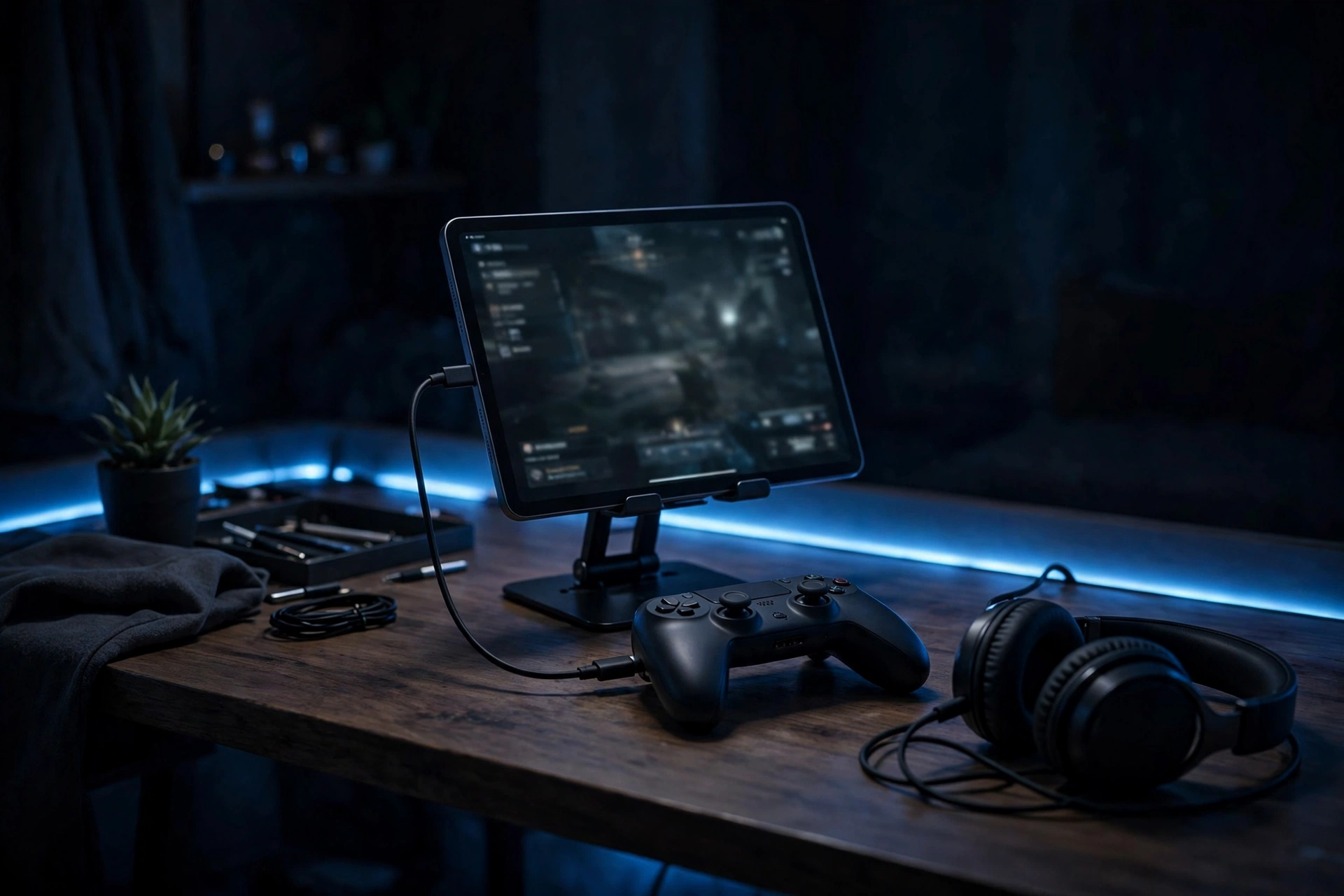
A good tablet gaming setup turns a good tablet into a great gaming station. You do not need much gear, but the right accessories make a real difference.
Start with a controller. A Bluetooth controller from Xbox or PlayStation pairs with iPad and Android tablets in seconds, and it improves aim and comfort in shooters and action games far more than touch controls. A telescopic controller that grips the tablet directly is even better for handheld play, because it keeps the screen and the controls in one unit.
Add a stand or a case with a built in kickstand. Holding a large tablet for an hour tires your hands, and a stand lets you play with a controller at a comfortable angle. A pair of low latency wireless earbuds or a wired headset helps you hear footsteps and game audio clearly without disturbing anyone nearby.
Cloud gaming changes the math completely. With Xbox Cloud Gaming or GeForce NOW and a fast WiFi connection, a midrange tablet can stream big PC and console games that it could never run on its own. This is why a tablet with a great screen and good WiFi can be a better gaming buy than a tablet with a slightly faster chip. When you look at gaming tablets for sale, compare the screen and the WiFi support as carefully as the chip, because gaming tab price alone tells you nothing about cloud gaming performance.
Finally, keep the tablet cool and charged. Play in a cool room, take the tablet out of a thick case during long sessions, and use a charger that matches the tablet’s fast charging support. Heat is the main reason a tablet slows down mid game.
For the rest of your station, a big screen still helps for long sessions. See our guide to the best gaming monitor and our gaming PC setup guide for ideas that pair well with a tablet.
Takeaway: a controller, a stand, good audio, and fast WiFi matter as much as the tablet itself.
Tablet vs Laptop vs Gaming PC
A tablet is the most portable gaming device you can buy, but it is not the most powerful. A gaming laptop runs full PC games with a keyboard and mouse, and a desktop gaming PC runs them faster still. The right choice depends on where and how you play.
Choose a tablet if you play mobile games, cloud games, and casual titles, and you want something light that works anywhere. Choose a gaming laptop if you play PC games and need one device for work and play. Our guide to the best laptop for gaming covers that choice in detail. Choose a desktop PC if you want the best performance per dollar and you play at a desk. A prebuilt gaming PC is the simplest way to get there, and our best GPU for gaming buying guide explains the graphics card side.
Many players end up with two devices: a tablet for the couch and travel, and a PC for serious sessions. That combination covers more games than either device alone. If your budget only stretches to one, pick the device that runs the games you actually play most.
Takeaway: tablets win on portability, laptops win on flexibility, and desktops win on power.
Common Mistakes to Avoid
Buying for storage instead of the chip. A tablet with 512GB of storage and a weak chip plays games worse than a 128GB tablet with a flagship chip. Storage is easy to manage. A slow chip is not.
Ignoring refresh rate. A 60Hz screen feels sluggish after you try 120Hz. If you play fast games, a high refresh display is worth paying for.
Skipping controller support. Touch controls work for casual games, but shooters and action games are far better with a controller. Check that your games support controllers before you buy.
Trusting benchmark numbers alone. AnTuTu scores and Geekbench numbers are useful, and recent rankings show how close the top Android tablets are, with the Xiaomi Pad 9 Pro Max leading the October 2026 AnTuTu tablet ranking. But benchmarks do not measure heat, comfort, or game support. Read real reviews before you decide.
Buying a tablet for one game. Games change, and a tablet that only runs today’s favorite may struggle with next year’s releases. Buy for the next two or three years, not for one title.
Takeaway: buy the chip, the screen, and the cooling, not the storage number or the benchmark score.
Frequently Asked Questions
Which tablet is best for gaming?
The best tablet for gaming overall is the iPad Pro with the M5 chip, thanks to its powerful chip, OLED display, and large game library. The best Android choice is the Samsung Galaxy Tab S11 Ultra for big screen play, or the RedMagic Astra 2 for compact competitive play. Budget buyers should look at the iPad Air, the Galaxy Tab S9 series on sale, or a midrange Lenovo tablet.
Should I buy an iPad Air or a Samsung Galaxy Tab for gaming?
Buy the iPad Air if you want the largest game library, the smoothest performance in demanding iOS games, and long software support. Buy a Samsung Galaxy Tab if you prefer Android, want microSD storage expansion and the S Pen, or want a bigger screen for the money. Both are good gaming tablets, and the better choice is the one that matches the phone and apps you already use.
Is the iPad mini good for gaming?
Yes, the iPad mini 7 is very good for gaming. Its A17 Pro chip handles demanding games, its 8.3 inch screen is comfortable to hold for long sessions, and its compact size suits competitive shooters. The smaller battery and screen are the only real trade offs, and neither matters much for handheld play.
Can a tablet replace a laptop for gaming?
A tablet can replace a laptop for mobile games, cloud gaming, and casual play, but not for full PC games. A Windows tablet like the Asus ROG Flow Z13 comes closest, because it runs real PC games. For most players, a tablet is a companion to a laptop or PC rather than a full replacement. If you need one device for everything, a gaming laptop is the safer choice.
What is the best budget gaming tablet?
The best budget gaming tablet is a discounted previous generation flagship, such as a Galaxy Tab S9 or an older iPad Air. Among new budget tablets, the Amazon Fire HD 10 is the cheapest option for casual games, while tablets under $200 from Samsung and Lenovo offer better screens and full app store access. Always check the chip name and the storage before buying a budget tablet.
Is an 8 inch gaming tablet good for competitive play?
Yes, an 8 inch gaming tablet is often better for competitive play than a large tablet. Your thumbs reach the whole screen, the device is lighter and cooler in your hands, and fast games feel more responsive. The iPad mini 7 and the Lenovo Legion Tab Gen 5 are the best compact options in 2026.
What is the best osu tablet?
The best osu tablet is a different kind of device from the tablets in this guide. Players who ask about a tablet for osu! usually mean a pen tablet that connects to a PC, because osu! is played with a stylus on a PC. The gaming tablets in this guide are tablets you play games on directly, so if osu! is your game, look for a pen tablet for your PC instead.
How much RAM does a gaming tablet need?
A gaming tablet needs at least 6GB of RAM for smooth play in demanding games, and 8GB or more is better for multitasking and future games. Budget tablets with 3GB or 4GB of RAM can handle casual games, but they may reload apps and stutter in large titles. RAM matters, but the chip still matters more.
Do gaming tablets need a controller?
Gaming tablets do not need a controller, but most players enjoy games more with one. Touch controls work well for casual and strategy games, while shooters, racing games, and action games are far easier with a controller. Almost every modern tablet supports Bluetooth controllers from Xbox and PlayStation.
How long do gaming tablets last?
A good gaming tablet lasts three to five years for most players. Flagship tablets last longest, because their chips stay fast and they receive software updates for years. Budget tablets age faster, especially if they start with a weak chip. Buying a previous generation flagship often gives you a longer useful life than buying a new budget tablet at the same price.
Key Takeaways
- The iPad Pro M5 is the most powerful gaming tablet, and the best choice if you want maximum performance and the widest game library.
- The Samsung Galaxy Tab S11 Ultra is the best Android gaming tablet for big screen play, while the RedMagic Astra 2 is the best compact Android pick for competitive gaming.
- The iPad Air is the best gaming iPad for most people, and the iPad mini 7 is the best small tablet for handheld play.
- A gaming tablet under 20000 or a tablet under 30000 can be a great buy when it is a previous flagship with a strong chip and a high refresh screen.
- Always check the chip, the refresh rate, the cooling, and the storage before you buy, and add a controller and a stand to complete your tablet gaming setup.
- Tablets that are good for gaming come in every size and price, so match the tablet to your games, not to the brand name.
Conclusion
The best tablet for gaming in 2026 is not one device, it is the right device for how you play. The iPad Pro M5 leads on power, Samsung leads on big screen Android gaming, RedMagic and Lenovo lead on compact competitive play, and budget picks like the Fire HD 10 and discounted previous flagships cover everyone else. Work out your games, your budget, and your ecosystem first, then check the chip, the screen, and the cooling before you spend anything.
If you are still deciding between a tablet and a full setup, check current gaming PC deals and compare the total cost before you buy. A tablet is the most portable way to play, and with the right pick it can be the device you reach for every day.

Leave a Reply