

Quick Answer: GameGPU’s first large-scale benchmarks of the Call of Duty: Modern Warfare 4 story campaign show the RTX 5090 is the only graphics card to clear 30 FPS at native 4K with max ray tracing, averaging 39 FPS. The Ryzen 7 9800X3D leads every other CPU at 1080p with 151 average FPS. At 4K, nearly every rig is GPU-limited. At 1080p, the CPU decides. VRAM usage at 4K max settings runs from 17.7 GB to 27.4 GB.
The first call of duty mw4 benchmarks pc gamers have been waiting for are finally out, two days before the October 23 launch. GameGPU has published the first large-scale test of the Modern Warfare 4 story campaign, covering cards from the RTX 3060 to the RTX 5090 and processors from both AMD and Intel. These are not spec-sheet promises. They are real numbers from real hardware, and they tell a different story than the official requirements.
If you have been trying to figure out whether your CPU or your GPU will hold you back in MW4, this is the article for you. We will walk through what the benchmarks actually measured, where the bottleneck sits at each resolution, what the eye-watering VRAM numbers mean for your upgrade plans, and which CPU and GPU pairings genuinely hit high FPS at launch.
What We Already Published
A quick recap before we get into the numbers. Last week we published a full pre-launch pairing guide for this game, built from the official spec sheet: Call of Duty MW4 PC requirements. That guide covers the minimum and recommended hardware, the 4K upscaled ray tracing tier, and which pairings make sense on paper. The official spec sheet itself, including the 90 FPS multiplayer target and the full upscaler list, was detailed in SaveGameVault’s PC specs coverage after Activision’s September PC briefing.
Think of that guide as the promise and this article as the receipt. The spec sheet said an RTX 3060 Ti would deliver 90 FPS in multiplayer at high settings. The benchmarks now show what the IW 9.0 engine actually demands when the ray tracing sliders go to maximum. The two do not fully agree, and the gap between them is exactly where bottlenecks live. If you read the pre-launch guide first, come back to it after this article and you will see why some of its pairings hold up and others need a second look.
How GameGPU Tested MW4
GameGPU ran its benchmark suite on the story campaign during the early access period, before the full multiplayer launch. The GPU test used cards from the RTX 3060 up to the RTX 5090 on the NVIDIA side and the RX 6750 XT up to the RX 9070 XT on the AMD side. The flagship configuration paired an RTX 5090 with a Ryzen 7 9800X3D and 48 GB of RAM.
For the headline GPU numbers, the game ran at native 4K (3840×2160) with the maximum graphics preset and high-level hardware ray tracing enabled, covering both ray-traced surface reflections and global illumination. Here is the detail that matters: when ray tracing is enabled in MW4, the game blocks third-party resolution scaling and forces its built-in Filmic SMAA T2X antialiasing. That means the card renders true native 4K with no reconstruction help. This is the heaviest possible load, so treat these numbers as the floor, not the average experience. Turn on DLSS 4.5, FSR Redstone, or XeSS 3 and every card below gains a lot of ground.
The CPU benchmark was run differently. To remove the graphics card from the equation, GameGPU tested at 1080p with max settings, max ray tracing, and DLSS set to Ultra Performance mode on an RTX 5090. That setup pushes the frame rate high enough that the processor becomes the limit, which is exactly what you want when comparing CPUs.
One caveat before we dig in: these are campaign benchmarks, not multiplayer. Multiplayer maps are generally lighter than a scripted campaign with dense NPC crowds and volumetric smoke, and Activision targets 90 FPS in multiplayer at the recommended spec. Keep that in mind when the 4K campaign numbers look brutal. You can read the full benchmark data on GameGPU’s MW4 benchmark page.
Takeaway: The GPU numbers are worst-case native 4K with full ray tracing and no upscaling. The CPU numbers are best-case for exposing processor limits. Both are honest tests, but they answer different questions.
Native 4K With Max Ray Tracing Is a Torture Test
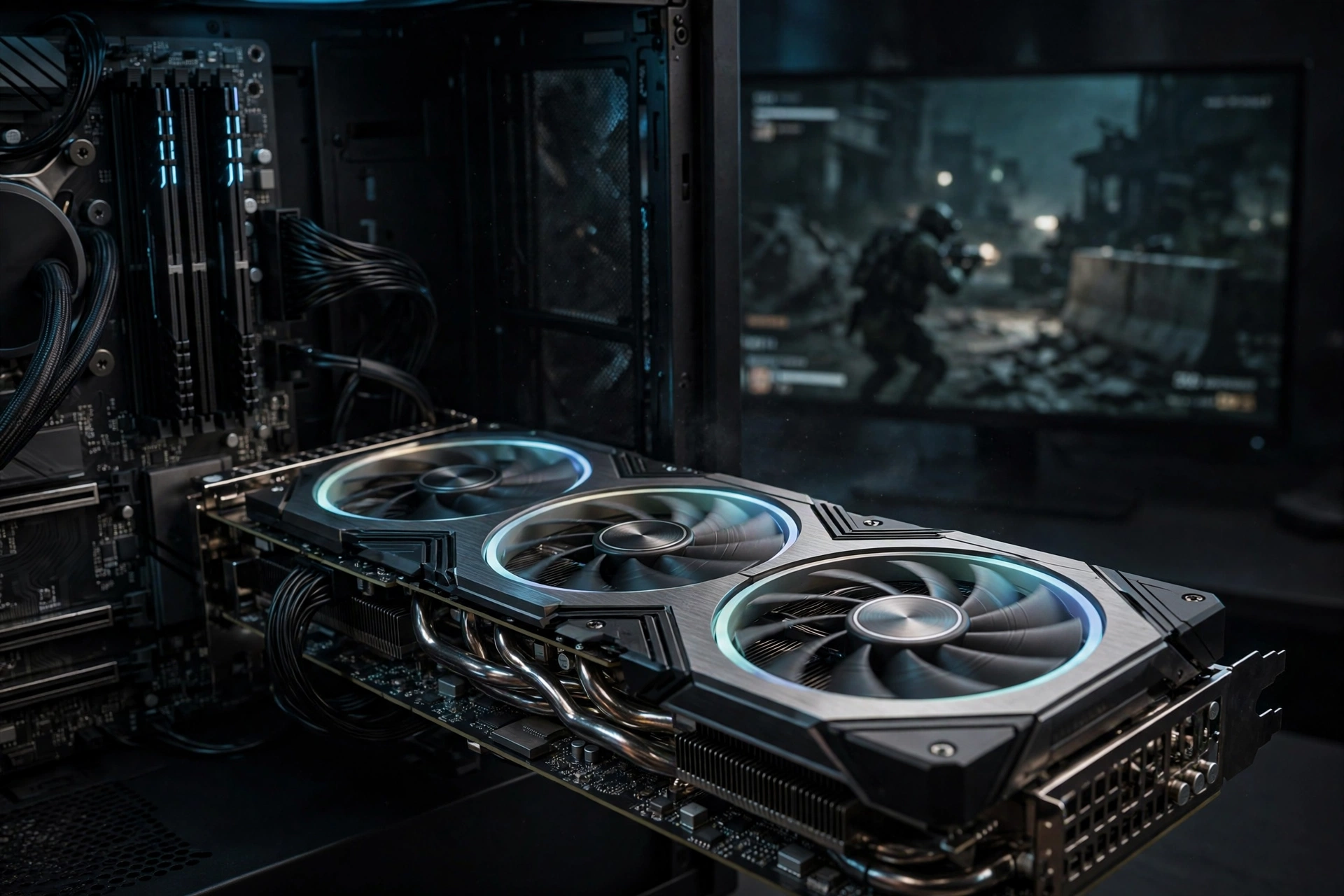
Here are the campaign numbers at native 4K, maximum preset, high ray tracing, no upscaling:
| Graphics card | VRAM | Average FPS | Minimum FPS |
|---|---|---|---|
| GeForce RTX 5090 | 32 GB | 39 | 35 |
| GeForce RTX 4090 | 24 GB | 29 | 26 |
| GeForce RTX 5080 | 16 GB | 21 | n/a |
| GeForce RTX 4080 Super | 16 GB | 20 | n/a |
| Radeon RX 7900 XTX | 24 GB | 15 | n/a |
| Radeon RX 9070 XT | 16 GB | 13 | n/a |
Read that table twice. At native 4K with max ray tracing, only two consumer cards in existence break 25 average FPS: the RTX 5090 and the RTX 4090. The RTX 5080, a card that costs well over a thousand dollars, averages 21 FPS. The RX 9070 XT, one of the best value cards of this generation, averages 13 FPS. This is not a playable experience on any of them without help.
In a second, scene-focused test with the RTX 5090, the card averaged around 45 FPS at 4K with ray tracing (38 to 44 FPS in open areas with wet pavement and ray-traced reflections, 50 to 52 FPS in enclosed spaces). The GPU ran at 99 percent load the entire time, drawing 525 to 560 watts. When a 5090 is pinned at 99 percent utilization and pulling over 500 watts, there is no ambiguity about where the bottleneck sits. It is the graphics card, full stop.
These numbers also reframe the official spec sheet. Activision’s 4K upscaled ray tracing tier lists the RX 9070 XT and RTX 5070 Ti with 16 GB of VRAM. GameGPU’s data shows the 9070 XT at 13 average FPS native. That gap is not a contradiction. The official tier says “4K upscaled,” meaning with FSR or DLSS doing heavy lifting. Native 4K with max ray tracing and no upscaling is simply not what that tier describes. If you want to understand why upscaling changes the bottleneck math so much, our explainer on whether DLSS reduces CPU bottlenecks breaks it down.
Takeaway: Native 4K with max ray tracing is unplayable on everything except the 5090 and 4090. Nobody should judge their rig by these numbers without upscaling enabled.
CPU Benchmarks The 9800X3D Effect
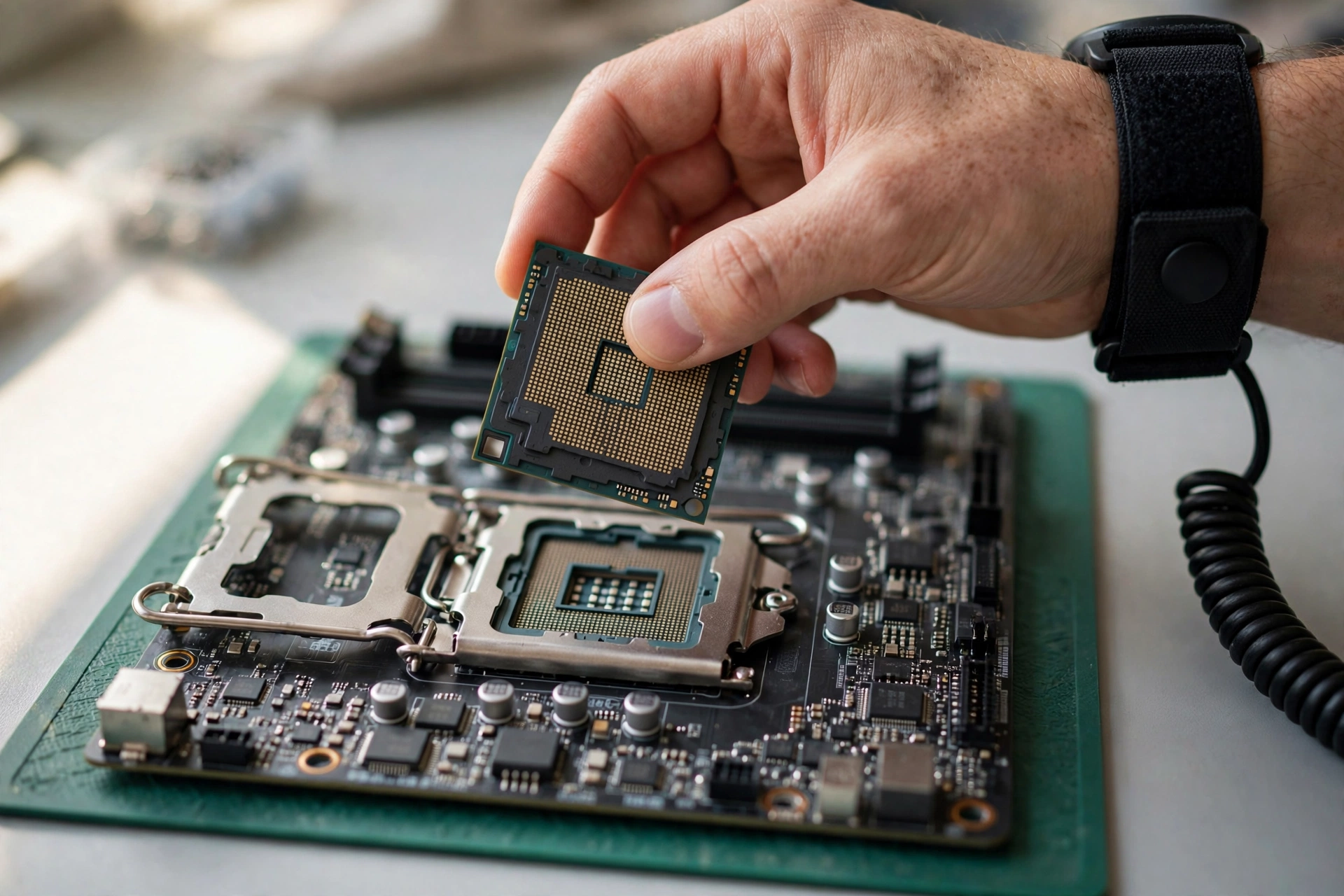
Now flip the resolution down to 1080p, where the GPU stops being the limit and the processor takes over. These results used max settings with max ray tracing and DLSS Ultra Performance on an RTX 5090:
| Processor | Average FPS | Minimum FPS |
|---|---|---|
| Ryzen 7 9800X3D | 151 | 128 |
| Core Ultra 7 270K Plus | 135 | 110 |
| Core i9-14900K | 131 | 103 |
| Core i9-13900K | 127 | n/a |
| Ryzen 9 9950X | 117 | n/a |
| Ryzen 7 7800X3D | 115 | n/a |
| Core i5-12600K | 100+ | 80+ |
| Ryzen 5 7600X | 100+ | 80+ |
| Core i5-11600K | 85 | n/a |
| Ryzen 5 5600X | 78 | n/a |
| Ryzen 3 5300G | 63 | n/a |
| Core i3-10100 | 56 | n/a |
Two things jump out. First, the Ryzen 7 9800X3D is in a league of its own: 151 average FPS, 16 ahead of the next-best chip, with a 128 FPS floor that no other processor touches. Second, the minimum FPS column is where cheaper CPUs get exposed. The 9800X3D never drops below 128. The i9-14900K, which averages a respectable 131, dips to 103. In a fast shooter, those dips are the stutters you feel during a gunfight, which is why 1% lows matter more than averages. We explained the difference in detail in our guide on frame time and why 1% lows matter.
Also note the mid-range sweet spot. The Core i5-12600K and Ryzen 5 7600X both clear 100 average FPS with minimums above 80, even at max settings with ray tracing on. That is genuinely impressive for chips that cost a fraction of the flagships. If you play at 1440p or 4K with a mid-range or better GPU, your graphics card will give up long before these CPUs do.
One more honest caveat: these CPU results come from the beta period, not the final campaign build. Beta numbers usually land close to launch, and GameGPU’s methodology is consistent, but treat the exact figures as close estimates rather than gospel until launch-week retests appear.
Takeaway: The 9800X3D is the king of MW4 at 1080p, but the 12600K and 7600X prove you do not need a flagship CPU to stay above 100 FPS. Cheap CPUs fall apart on minimums, not averages.
Where the Bottleneck Actually Sits
Put the two benchmark sets together and the picture is clean. At 4K with max ray tracing, even the RTX 5090 runs at 99 percent GPU load. Your CPU could be a 9800X3D or a 7600X and it would barely matter, because the graphics card is the wall. This is a textbook GPU bottleneck, and it affects every card on the market.
At 1080p with competitive settings, the situation reverses. The GPU has headroom, the frame rate climbs, and the processor becomes the ceiling. That is why the 9800X3D’s 151 FPS average matters: it is the difference between a 240 Hz monitor feeling smooth and feeling wasted. If you are chasing high refresh rates in multiplayer, the CPU is your bottleneck, and 3D V-Cache chips like the 9800X3D and 7800X3D earn their price here.
1440p is the interesting middle ground, and it is where most MW4 players will live. With DLSS Quality or FSR upscaling, a card like the RTX 5080 or 4080 Super has enough power that the CPU starts to matter again, especially in busy multiplayer scenes. This is also where the “recommended” RTX 3060 Ti tier makes sense: at 1080p or 1440p with upscaling and high (not max) settings, 90 FPS in multiplayer is realistic. The campaign at max settings is a different, much heavier game.
If you are unsure which side is limiting your own rig, run the built-in benchmark tool Infinity Ward ships with the game, watch GPU utilization, and compare against our guide to finding a PC bottleneck. GPU pinned near 100 percent means upgrade the card. GPU sitting at 70 percent while frames will not climb means the CPU is the problem.
Takeaway: 4K max RT is GPU-bound on everything. 1080p high-refresh is CPU-bound. 1440p with upscaling is the balanced zone where both matter.
The VRAM Story 17.7 to 27.4 GB at 4K Max Ray Tracing
The most shocking number in the whole benchmark set is not the FPS. It is the memory. At native 4K with max ray tracing, GameGPU measured VRAM usage between 17.7 GB and 27.4 GB depending on the scene. During the beta, the RTX 5090 peaked at 20.9 GB of VRAM with system RAM filled to 18.4 GB.
Let that sink in. A 16 GB card, which includes the RTX 5080, the 4080 Super, and the 9070 XT, physically cannot hold the full texture and ray tracing data set at these settings. The game still runs, because engines stream and compress, but you are living on the edge of the VRAM cliff. One heavy scene and the card starts swapping, which shows up as stutter, not as a clean FPS drop.
This matches what players are already reporting in launch-week forum threads. On ResetEra’s MW4 beta thread, players found that the default VRAM Scale target of 85 percent caused stuttering on cards that were not even close to full, and dropping the target to 70 or 75 percent fixed it. The lesson: VRAM headroom matters more than raw capacity numbers suggest, and the in-game slider is there for a reason. If MW4 stutters on your rig, check that slider before you blame your CPU.
For everyone else, the VRAM data redraws the upgrade map. 8 GB cards remain fine for 1080p high settings, which is exactly what the official recommended spec says. 12 GB is the realistic floor for 1440p with ray tracing. For 4K with ray tracing, 16 GB is the minimum to stay comfortable, and even then you will lean on DLSS or FSR. The 24 GB on the 4090 and 7900 XTX, once dismissed as overkill, suddenly looks like future-proofing.
There is also a market angle here. With memory supply reportedly constraining GPU availability this fall, cards with bigger VRAM buffers are the ones getting harder to find. We are tracking that situation in our 2026 GPU shortage update. If you are planning a VRAM-heavy upgrade for MW4, waiting for prices to calm down may not be a winning strategy this time.
Takeaway: At 4K max RT, MW4 wants more VRAM than most cards have. Set the VRAM Scale slider to 70-75 percent if you see stutter, and treat 16 GB as the real 4K floor.
So Which Pairings Actually Hit High FPS?
Benchmarks are only useful if they turn into buying advice. Here is what the data supports, tier by tier. These are grounded in GameGPU’s measured numbers and Activision’s official targets, not guesses.
For 4K 60 in the campaign: RTX 5090 paired with any CPU that clears 100 FPS in the CPU test (the 9800X3D is ideal, the 7800X3D or 12600K are fine). DLSS or FSR is mandatory. Native 4K max ray tracing without upscaling is a 39 FPS experience even on the 5090, so do not skip the upscaler and then complain about the frame rate.
For 1440p high-refresh multiplayer: This is the sweet spot most competitive players should target. A Ryzen 7 9800X3D or Core Ultra 7 270K Plus with an RTX 5080, RTX 4080 Super, or RX 9070 XT, running DLSS Quality or FSR with NVIDIA Reflex enabled. The CPU test shows all of these processors clearing 115+ FPS at max settings, and multiplayer is lighter than the campaign, so 165 Hz and even 240 Hz are realistic with tuned settings.
For 1080p 90+ FPS on a budget: Activision’s official recommended tier, the RTX 3060 Ti or RX 6600 XT with a Ryzen 5 3600 or i7-8700K and 16 GB of RAM, targeting 90 FPS in multiplayer at high settings. The benchmarks support this for multiplayer. Just do not expect the campaign at max settings to behave the same way. If your budget stretches a little, the 12600K and 7600X both proved they can hold 100+ FPS averages, which makes them the smarter long-term CPU picks. Our CPU and GPU pairing hub has full guides for these combos.
What to avoid: Do not pair a 4K 144 Hz monitor with a 16 GB card and expect native 4K max ray tracing to work. The benchmarks are unambiguous: 13 to 21 FPS. Either enable upscaling, drop ray tracing, or accept 1440p. Also do not buy a flagship GPU to pair with a Ryzen 3 5300G or i3-10100 for this game. At 56 to 63 FPS averages in CPU-limited scenes, those chips will strangle even a mid-range card at 1080p.
Takeaway: Match the pairing to the resolution. 4K demands the 5090 and upscaling. 1440p high-refresh wants a strong CPU plus a 5080-class card. 1080p is where budget builds still shine.
DLSS 4.5 vs FSR Redstone vs XeSS 3 Gaming Performance
MW4 ships with all three modern upscalers: NVIDIA DLSS 4.5, AMD FSR Redstone, and Intel XeSS 3, plus Filmic SMAA T2X as the fallback. This matters more than usual because of the ray tracing quirk GameGPU discovered: enabling ray tracing blocks third-party scaling and forces the built-in SMAA path. In other words, the torture-test numbers above are what you get when the game refuses your upscaler. In normal play with ray tracing set to reasonable levels, DLSS and FSR are available and transform the results.
Upscaling also shifts bottlenecks. DLSS Quality at 4K renders internally at 1440p, which massively cuts GPU load. On a 5090 that can move the limit back toward the CPU in lighter scenes. On a 5080 it is the difference between 21 FPS native and a genuinely playable 60+. This is also why competitive players should test both upscaling presets: our testing notes on increasing FPS cover the order of operations, but the short version is to lock your upscaler choice before touching anything else.
Two trending developments are worth weaving in here. First, NVIDIA’s new 621.01 driver adds Advanced Shader Delivery, which Digital Foundry covered on October 21, and MW4 supports it. Shader compilation stutter has been one of the classic CoD-on-PC complaints, and anything that cuts pre-match stutter is a real quality-of-life win. Update your driver before launch day. Second, an NVIDIA executive told The Elec on October 20 that consumer GPU shortages are “beyond our control” and pointed at memory supply as the root cause. If you are shopping for a VRAM-rich card for MW4, that context explains the shelves.
Takeaway: Upscalers are not optional extras in MW4. They are the difference between the benchmark horror numbers and a playable game. Update to driver 621.01 for the shader delivery improvements.
What We Still Do Not Know
Honesty matters more than confidence, so here is the uncertainty list. These benchmarks cover the story campaign only. Nobody has published equivalent large-scale numbers for multiplayer or DMZ yet, and multiplayer performance is what most buyers actually care about. The CPU numbers come from the beta, so small shifts at launch are possible. The Steam reception figure floating around, 87.4 percent positive, comes from only about 900 early-access reviews so far, which is a thin sample. TweakTown’s launch coverage noted the campaign earning the series’ best Steam rating in over a decade, but also from early numbers.
It is the best Call of Duty reception since 2010 on paper, but 900 reviewers are the most enthusiastic early adopters, not the full player base. Treat it as encouraging, not conclusive. Also note for the search-minded reader: “call of duty mw4 benchmarks” is a brand-new keyword cluster. There is no meaningful search volume data for it yet, and we are not going to pretend otherwise. This article exists because the benchmarks are news today, not because a keyword tool blessed the topic.
Takeaway: Campaign benchmarks are in, multiplayer benchmarks are not. Early Steam numbers are positive but thin. We will update our read once launch-week multiplayer data lands.
Frequently Asked Questions
Why is MW4 stuttering when my VRAM usage looks fine?
This is the most reported issue in launch-week forum threads, including ResetEra’s MW4 beta discussion. The culprit is usually the in-game VRAM Scale target, which defaults to 85 percent. Players found that lowering it to 70 or 75 percent eliminated stuttering even when reported VRAM usage looked safe. The game appears to reserve aggressively, so the headroom it wants is bigger than the number on screen. One thread also linked the problem to Resizable BAR: with ReBAR on, the 85 percent default stuttered, while turning ReBAR off let 85 percent work. Try the slider first. It is a two-second fix.
Why is my high-end PC getting low FPS in Modern Warfare 4?
When a strong rig underperforms, the cause is almost never the raw hardware. Optimization guides published this week point to the usual suspects: a CPU bottleneck (check GPU utilization; if it sits well below 95 percent while frames refuse to climb, the processor is the limit), XMP or EXPO disabled in BIOS (your RAM runs at slow JEDEC speeds without it), a Windows power plan set to balanced instead of high performance, or background overlays and recording tools hooking into the game. Rule these out before spending money. Our bottleneck diagnosis walkthrough covers the full checklist.
Can the RTX 3060 Ti really hit 90 FPS in MW4 like the specs say?
Yes, with the right expectations. Activision’s recommended spec targets 90 FPS in multiplayer at high settings on an RTX 3060 Ti, RX 6600 XT, or Arc B580 with 16 GB of RAM. Multiplayer maps are lighter than the campaign, and that target assumes upscaling help where needed. What the 3060 Ti will not do is run the campaign at max settings with ray tracing anywhere near 90 FPS. GameGPU’s numbers show even cards three tiers up struggling at maxed settings. Match your expectations to the mode you actually play.
How much VRAM does MW4 actually need?
It depends on resolution and settings. At 1080p high settings, 8 GB is fine and matches the official spec. At 1440p with ray tracing, 12 GB is the realistic comfort floor. At native 4K with max ray tracing, GameGPU measured 17.7 to 27.4 GB of VRAM usage, which means 16 GB cards are already at the edge and benefit enormously from DLSS or FSR. If you are buying a card specifically for 4K MW4, prioritize VRAM capacity alongside raw speed.
Should I use frame generation in MW4 multiplayer?
For competitive multiplayer, no. Optimization coverage this week is consistent on this point: frame generation adds input lag, which is poison in a fast shooter, and the FPS counter does not tell you how the game feels. Turn on NVIDIA Reflex (or the AMD equivalent latency tech) instead, which cuts system latency without the lag penalty. Save frame generation for the campaign, where latency matters less and the extra smoothness is pure win.
Will MW4 run on a GTX 970?
Surprisingly, yes, at least on paper. The official minimum spec lists the GTX 970 and GTX 1060, the RX 470, and the Intel Arc A580 with 3 GB of VRAM or more, paired with a Ryzen 5 1400 or i5-6600 and 8 GB of RAM. That is the minimum tier, so expect low settings and modest frame rates, and the 115 GB SSD is mandatory at every tier. If your card is weaker than a GTX 970, it is genuinely time for an upgrade.
Conclusion
The first real Call of Duty: Modern Warfare 4 benchmarks confirm what the spec sheet hinted at and the beta suggested: this is one of the most demanding PC games ever shipped. At native 4K with max ray tracing, only the RTX 5090 and RTX 4090 stay above 25 FPS, and VRAM usage climbs past what most cards physically have. At 1080p, the Ryzen 7 9800X3D stands alone at the top, but mid-range chips like the 12600K and 7600X prove you do not need flagship money for triple-digit frame rates.
The practical read is simple. Decide your resolution first, then buy the pairing that the benchmarks bless for it: 5090 plus a strong CPU for 4K, a 5080-class card with a 9800X3D or 270K Plus for 1440p high-refresh, and the official recommended tier for 1080p multiplayer. Enable DLSS 4.5, FSR Redstone, or XeSS 3 before you judge any frame rate, set the VRAM Scale slider to 70-75 percent if you see stutter, and update to NVIDIA driver 621.01 for Advanced Shader Delivery before launch day.
Multiplayer benchmarks are still missing, and launch-day patches can move numbers. When they land, we will revisit these pairings with fresh data. Until then, the campaign numbers give you the honest worst case, and any rig that survives the worst case will fly in the best one.

Leave a Reply