
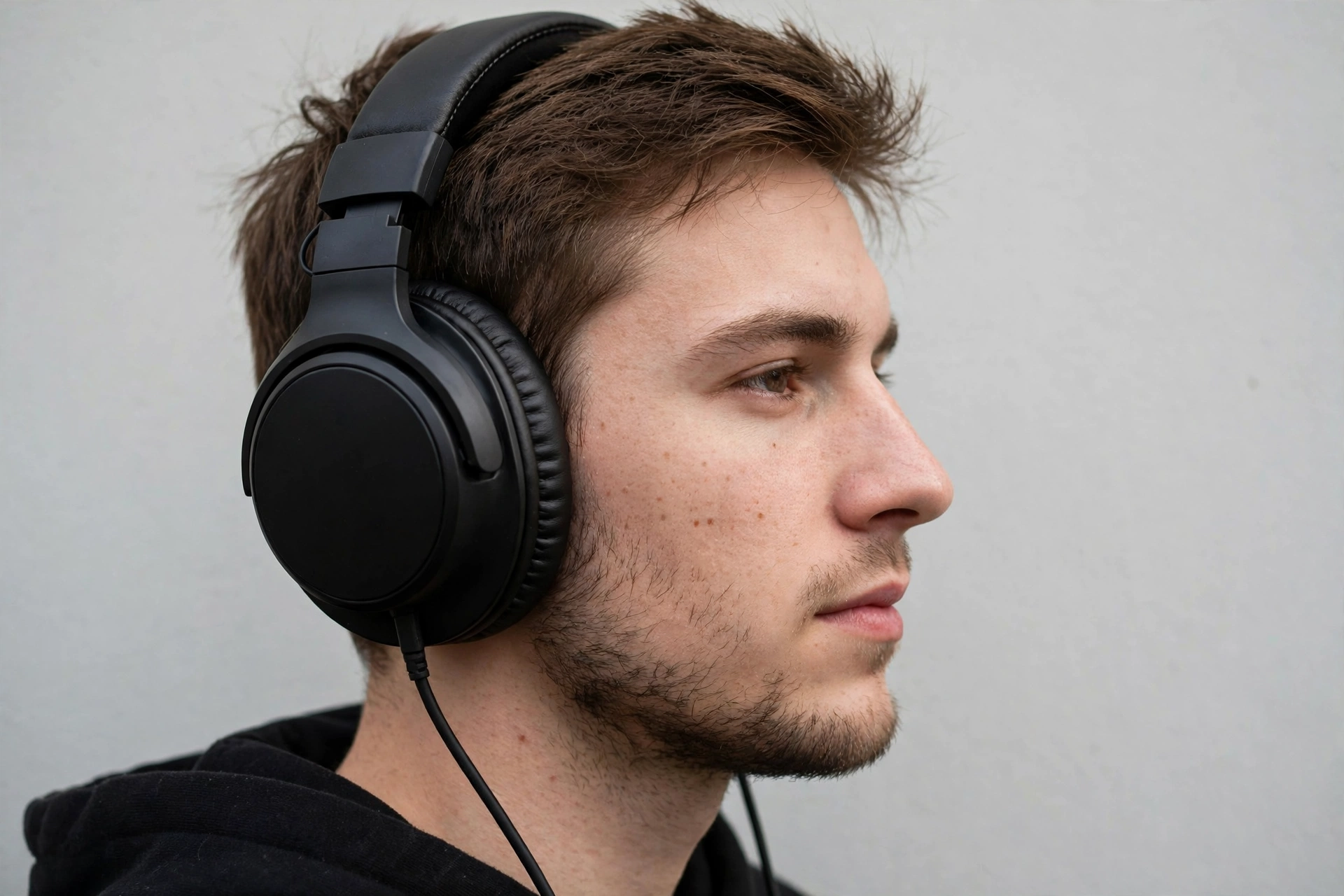
The best headphones for gaming are the ones that let you hear the enemy before you see them. A good headset turns faint footsteps, a reload behind a wall, and a grenade pin dropping into information you can act on. A bad one turns all of that into muddy noise, and no graphics card can fix it. This guide covers the best gaming headset picks for PC, PlayStation, and Xbox, explains wired versus wireless latency in plain numbers, and shows which features matter and which ones are only marketing.
Why Your Headset Is a Bottleneck You Can Hear
A PC bottleneck is usually about frames. A slow CPU holds back a fast graphics card, and the game stutters. Audio has its own version of the same problem. Your PC can push 144 frames per second, but if your headset delivers sound late, or smears footsteps under heavy bass, you react late. In a competitive shooter, a late sound is the same as a dropped frame. You lose the fight before you even see the enemy.
This is why the headset deserves the same attention as the rest of the build. Players spend hours picking a graphics card and a monitor, then grab whatever headset is on sale. That is backwards. The headset is the part that talks to you during every second of play. If you are planning a full build, our how to build a gaming PC complete guide walks through matching every part, and the headset belongs in that plan, not after it.
Most players are not running exotic hardware. The October 2026 Steam survey puts the RTX 3060 back as the most popular graphics card, 16GB of RAM as the most common setup, and 1080p as the most common resolution, still above half of all surveyed systems. That means most players need a solid mid-range headset, not a flagship. A good mid-range pick paired with a balanced PC beats a premium headset on a lopsided build every time. If you are unsure where your graphics card stands, our best GPU for gaming buying guide explains which tier fits your resolution.
Wired vs Wireless Gaming Headset
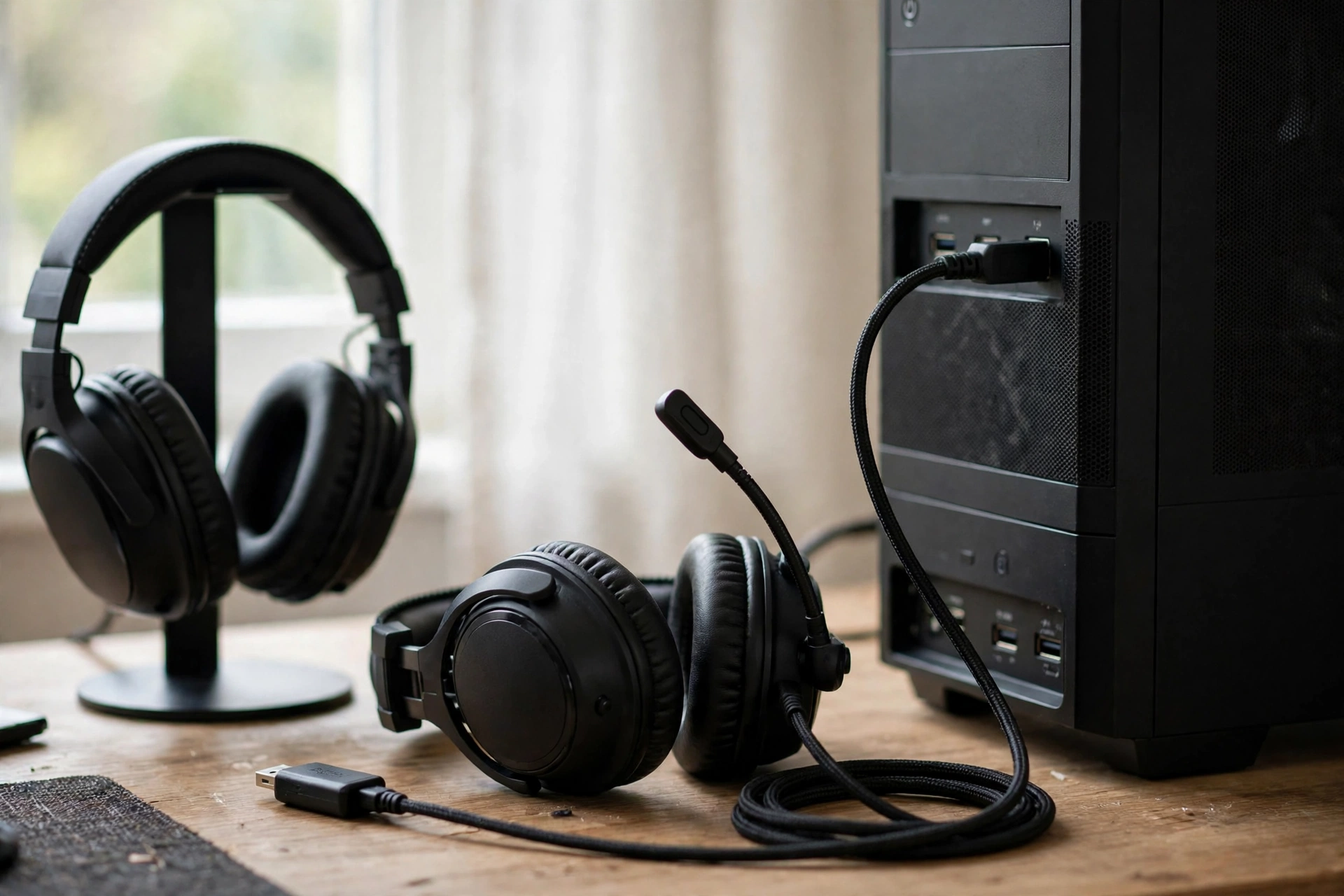
Latency is the delay between something happening in the game and the sound reaching your ears. For a gaming wired headset plugged in with a 3.5mm cable, that delay is about 5 to 10 milliseconds, which is effectively nothing. A good 2.4GHz wireless headset, the kind that uses a small USB dongle, adds roughly 10 to 25 milliseconds. Most players cannot feel that difference. Standard Bluetooth is a different story: it runs around 100 to 250 milliseconds, which is easy to notice. A footstep that arrives a quarter of a second late is useless information.
| Connection | Typical Latency | Best For | Watch Out For |
|---|---|---|---|
| Wired 3.5mm | About 5 to 10 ms | Ranked FPS at one desk, zero upkeep | Cable across the desk |
| Wired USB | About 5 to 10 ms | PC only, with software EQ and surround | Needs a free USB port |
| Wireless 2.4GHz dongle | About 10 to 25 ms | PC plus console, no cable, low delay | Battery needs charging |
| Bluetooth only | About 100 to 250 ms | Music and calls, not gaming | Sound arrives too late for shooters |
The rule is simple. Buy wired if you play at one desk and want latency you never have to think about. Buy a 2.4GHz wireless headset if you switch between a PC and a console, or if a cable across the desk drives you up the wall. Never buy a Bluetooth-only headset for gaming. SoundGuys reports 10 ms wireless latency for the Razer BlackShark V3 Pro in its lab testing, while Bluetooth runs far higher. Its best gaming headsets 2026 guide explains the testing behind those numbers.
A gaming headset wireless model also has a second problem over Bluetooth: the moment the microphone opens, Bluetooth drops game audio to a low quality voice mode. That is why every serious wireless gaming headset ships with a 2.4GHz dongle. Use the dongle for games and keep Bluetooth for your phone. The top wireless headset picks in this guide all work this way.
Battery life matters too. A wireless headset with 40 or more hours per charge gets charged weekly, not nightly. Models with 70 to 120 hours go even longer. But batteries age. A lithium cell holds about 70 percent of its capacity after a few hundred full charge cycles, so a headset charged daily will feel it sooner than one charged weekly. If you hate charging, a wired headset has no battery at all, which is a feature, not a missing spec.
USB vs 3.5mm Which Connection Should You Use
A 3.5mm headset plugs into the headphone jack on your PC, monitor, controller, or phone, and it just works. No software, no drivers, no battery. It works on every platform, which makes it the most flexible connection in gaming. The downside is that all the sound processing happens on your PC or console, and the headset itself cannot add software features like custom EQ or virtual surround unless you run separate software.
A USB headset connects through a USB port and often includes its own sound processing. That is how virtual surround sound, EQ presets, and mic tuning usually arrive. USB headsets can sound great on PC, but they are less flexible. A USB-only headset will not plug into a controller, and some USB headsets only work fully on PC. If you play on more than one platform, a headset with both 3.5mm and USB connections is the safer buy.
There is no sound quality winner between the two connections. A good 3.5mm headset sounds as good as a good USB headset. The difference is features and flexibility. Pick 3.5mm for maximum compatibility, pick USB when you want the software features and you mostly play on PC.
Virtual Surround Sound and Hearing Footsteps
Virtual surround sound takes a stereo signal and processes it to make sounds feel like they come from different directions. On a good implementation it helps you place footsteps, gunfire, and reloads. On a bad one it makes everything echoey and harder to read. The honest truth is that most competitive players turn virtual surround off and play in plain stereo, because stereo with a good soundstage already gives clear direction, and most games already mix their own positional audio.
What actually helps you hear footsteps is not a surround label on the box. It is a clean mid-range. Footsteps, reloads, and cloth movement live in the mid-range frequencies. A headset with huge boosted bass buries those sounds under explosions. A headset with clear mids and controlled bass lets you hear them. That is why headphones with best sound quality for gaming are often the ones with a balanced tuning, not the ones with the biggest bass.
If you play competitive shooters, try this. Turn off virtual surround, set your game audio to stereo or headphones mode, and lower the bass slightly in the EQ if your headset software allows it. Then play a few rounds and listen for footsteps before you look for them. Many players find their kill awareness improves the same day. For the rest of your setup, the same logic applies to the screen: our best gaming monitor guide explains how refresh rate and panel choice change what you see, and audio is the other half of that picture.
Over Ear vs Earbuds vs IEMs for Gaming
Over ear head phones are the default gaming choice for good reasons. Big ear cups cover the whole ear, block outside noise passively, and hold larger drivers with room for memory foam padding. The best over ear headset designs stay comfortable for four or more hours, which matters in long sessions. Over the ear head phones also give the microphone a natural place to sit, on a boom arm close to your mouth.
The best over the ear headphones for gaming are usually closed-back, which means the ear cups seal against your head and keep sound in and noise out. Open-back headsets leak sound both ways, but they have a wider, more natural soundstage that some competitive players love for pinpointing direction. If you play alone in a quiet room, open-back is worth trying. If you play with other people in the room, or you stream, closed-back is the right call.
Gaming earbuds and gaming IEMs are the smaller alternative. The best gaming earbuds are light, they never press on your head, and they stay cool in a hot room. They suit players who get headaches from headbands, players who wear glasses, and players who travel. Gaming IEMs, which are in-ear monitors with a wired connection and a detachable cable, go a step further: they seal deep in the ear, block noise well, and often have clearer detail than a cheap headset. The best iems for gaming cost far less than a premium headset and can beat one on pure sound. Their weakness is the microphone. Most earbuds have small built-in mics that pick up room noise, so serious team players pair them with a separate mic.
The Best Gaming Headset Picks for PC
The best gaming headset pc players should shortlist is not one model, it is a short list by budget and connection. PC gaming headphones cover every price, so start with your budget, then pick the connection, then the model. If you search for the best pc headphones for gaming, this shortlist is the place to start. Good headsets exist at every tier, and the jump from a bad headset to a good budget one is far bigger than the jump from a good budget one to a flagship.
The hyperx cloud ii headset is the classic wired pick that has stayed on shortlists for years. It uses 53mm drivers, a detachable noise-cancelling mic, and memory foam ear cups, with virtual 7.1 surround on PC over USB. It is fully wired, so there is no battery to die mid-match and no dongle to lose. Owners routinely report using one for years, which is rare for gaming gear. If you want one headset that simply works on PC, PS5, Xbox, and Switch through a 3.5mm jack, this is the safe default.
The hyperx cloud stinger headphones are the lighter, cheaper HyperX option. They are built for players who want the HyperX comfort and tuning at a lower price, with a fixed mic and a simpler build. They suit a first headset, a second headset for the console, or anyone whose whole budget went to the graphics card.
The steelseries arctis 3 gaming headset is the entry point into the Arctis line, with a retractable mic and a comfortable ski-goggle style headband that spreads weight well. SteelSeries headsets are known for light clamp force, which helps players who wear glasses. If the Arctis 3 fits your budget, the newer Arctis Nova models above it add better drivers and wireless options, RTINGS, which has tested more than 910 headphones, names the SteelSeries Arctis Nova 7 Wireless its best mid-range gaming headset. That full comparison is worth reading in this RTINGS best gaming headsets 2026 roundup.
Logitech head phones cover the wireless side well. The Logitech G435 is the lightest wireless pick in many roundups at 165 grams, with a built-in mic instead of a boom, which keeps it simple but limits mic quality. The Logitech G Pro X 2 is the higher-end wireless option, with a detachable boom mic and long battery life. Wireless headphones Logitech sells in the G series are a good match for players who want one headset for PC and console with a dongle that just works.
Razer head phones are the competitive favorite. The Razer BlackShark V2 X is a light 240 gram wired headset with a fixed boom mic and clear drivers, and it is one of the cheapest ways into serious FPS audio. The newer BlackShark V3 is the current overall top pick in one major hands-on roundup, with a low-latency mode that drops wireless delay to about 10 ms and a price around $149. Sennheiser headphones gaming fans ask about are a different breed: Sennheiser makes excellent audiophile headphones, but most need a separate mic and sometimes an amplifier, so they suit players who already own audio gear and want pure sound over gaming features.
| Pick | Type | Connection | Best For |
|---|---|---|---|
| HyperX Cloud II | Over-ear wired | 3.5mm and USB | Best gaming headset PC default |
| HyperX Cloud Stinger | Over-ear wired | 3.5mm | Tight budget, first headset |
| SteelSeries Arctis 3 | Over-ear wired | 3.5mm | Light fit, glasses wearers |
| Razer BlackShark V2 X | Over-ear wired | 3.5mm | Competitive FPS on a budget |
| Logitech G435 | Over-ear wireless | 2.4GHz and Bluetooth | Lightest wireless pick |
| Razer BlackShark V3 | Over-ear wireless | 2.4GHz and Bluetooth | Best overall wireless gaming |
Prices change fast, especially with Black Friday on November 27, 2026 approaching, so check the current price on the day you buy. A headset that is a bad deal at full price can be the best deal in the store during a sale week. The same is true of PC parts in late 2026, with GPU prices staying high, so a headset sale is one of the few upgrades that still feels like a bargain.
Best PS5 Headset and PlayStation Picks
The best ps5 headset is one that uses the PS5’s own 3D audio properly. Sony built Tempest 3D audio into the PS5, and it works with any stereo headset plugged into the DualSense controller or connected over USB. That means you do not need a headset with its own surround processing on PlayStation. A good stereo headset plus Tempest 3D gives you direction, distance, and height cues in supported games.
PS5 head phones that work well include the HyperX Cloud II and Cloud III over 3.5mm, the SteelSeries Arctis Nova line over USB or 3.5mm, and Sony’s own Pulse and INZONE models. A ps5 wireless headset needs the right dongle: a 2.4GHz USB dongle works, but a Bluetooth-only headset will not connect to the PS5 for game audio, because the console does not support Bluetooth game audio. PlayStation head phones with a USB dongle also keep chat working properly, which matters in team games.
If you play on both PS5 and PC, pick a headset with a USB dongle plus a 3.5mm fallback. Use the dongle on both, and keep the 3.5mm cable in the box for the day the battery dies mid-match. That one cable has saved more ranked games than any feature on a spec sheet.
Gaming Headsets for Xbox
Gaming headsets for xbox need one thing other platforms do not: Xbox Wireless protocol support, or a 3.5mm connection to the controller. A headset with a standard 2.4GHz dongle will not pair with an Xbox wirelessly, because the Xbox does not use that standard. Many wireless headsets sell a separate Xbox version with the right radio inside, so check the box for the Xbox label before you buy.
The easy route is a wired 3.5mm headset plugged into the controller. Every wired headset in this guide works on Xbox that way, with chat and game audio both running through the controller jack. If you want wireless on Xbox, buy a headset that says Xbox on the box, or use an officially licensed Xbox wireless headset. Do not assume a PC wireless headset will work on Xbox, because it usually will not.
Best Wireless Gaming Headset Picks
The best wireless gaming headset is the one with a 2.4GHz dongle, a battery that lasts your whole week, and a wired fallback. Over ear wireless headset models have improved a lot in the last two years, and the gap to wired is now small enough that most players will never feel it. What still separates good wireless headsets from bad ones is latency on the dongle, mic quality, and weight.
Measured latency numbers help here. SoundGuys reports 10 ms wireless latency for the Razer BlackShark V3 Pro in its lab testing, well under the point where most players notice delay. That testing, and the hands-on testing in this best gaming headsets 2026 guide, both name the BlackShark V3 family as the current overall pick, with the HyperX Cloud Alpha as the best wired alternative. Use those measured numbers, not box claims, when you compare.
Cool gaming headphones with RGB lighting look great on a desk, but lighting adds weight and drains battery, and it does nothing for sound. If you like the look, enjoy it. If you are choosing between two headsets and one has RGB and the other has a better mic, take the mic. Your teammates will thank you, and nobody hears RGB.
Best Gaming Earbuds and Gaming IEMs
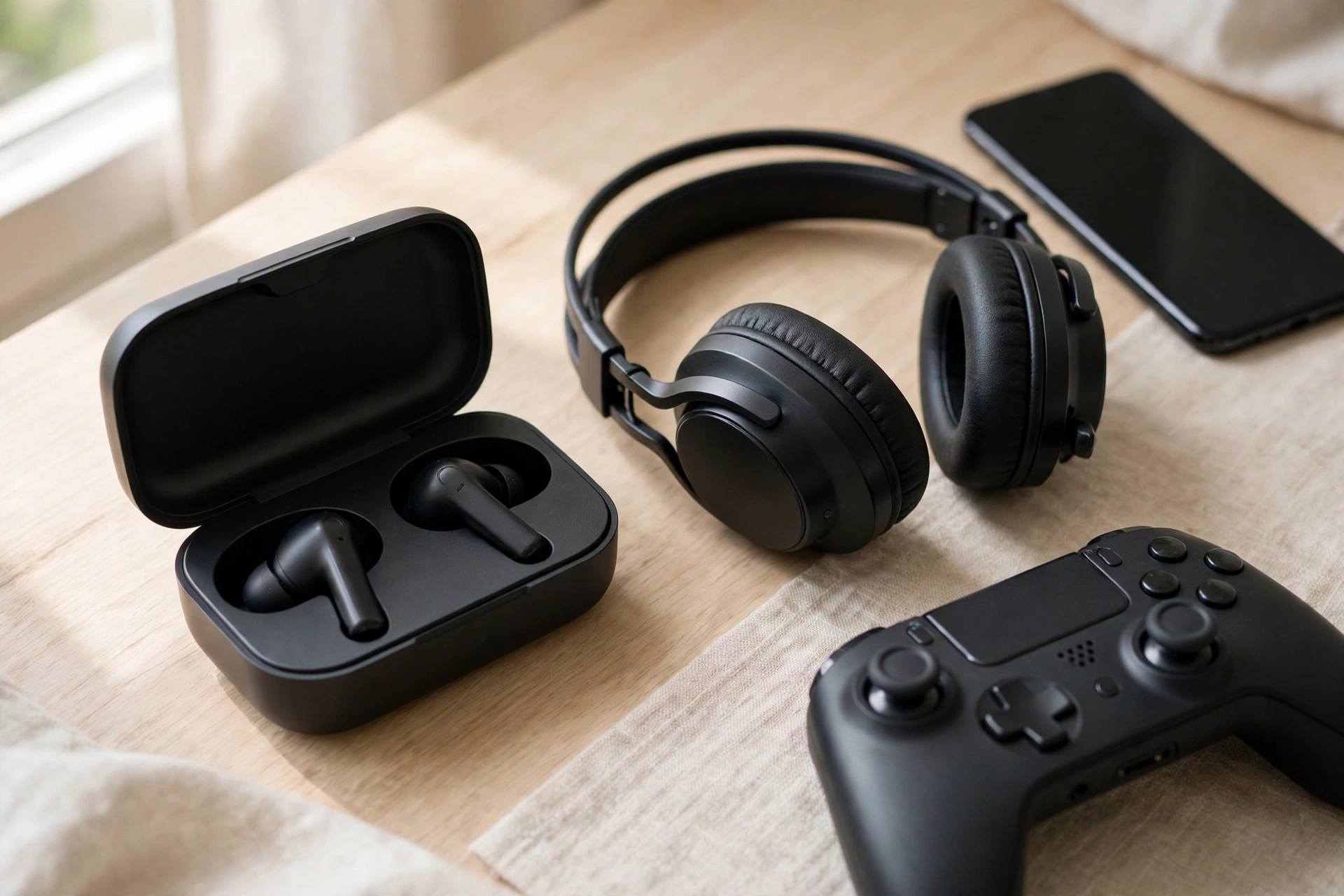
The best gaming earbuds are not the same as the best music earbuds. Gaming earbuds need low latency, a usable mic, and a fit that stays sealed when you move. Standard Bluetooth earbuds fail the latency test, so look for earbuds with a 2.4GHz dongle, a dedicated low-latency gaming mode, or a wired connection. The best under 100 wireless earbuds for gaming are usually models with a gaming mode in their app that cuts delay, and you should test that mode before a ranked match, not during one.
Gaming iems are the wired answer. A pair of budget IEMs with a detachable cable and a separate boom mic adapter can beat a mid-range headset on detail and comfort, and they cost less. They are also the best option for players who get hot ears or headaches from over-ear cups. The trade-off is that you lose the convenience of one device with a built-in mic, and you need to buy the mic separately.
If you play mostly on mobile or tablet, earbuds make even more sense. A good pair of gaming earbuds plus a tablet is a complete portable setup. Our best tablet for gaming guide covers which tablets hold high frame rates in long sessions, and the same logic applies here: sustained comfort matters more than peak specs.
Best Cheap Gaming Headset
The best cheap gaming headset is not the cheapest headset on the shelf. It is the cheapest headset that still has clear sound, a mic your teammates can understand, and ear cups that do not hurt after an hour. Below that line, you are buying a toy. Above it, every extra dollar buys comfort, mic quality, or wireless freedom, not better footsteps.
| Price Band | What to Expect | Best For |
|---|---|---|
| Ear buds under 1000 | Basic wired earbuds, thin sound, usable mic | Backup pair, kids, travel |
| Headphones below 1000 | Simple wired headsets, light build, basic mic | First headset on a tight budget |
| Best ear buds under 1500 | Better drivers, clearer mics, snug fit | Mobile gaming, small budgets |
| Best headphones under 1500 | Solid wired headsets, decent comfort, clear chat | Budget PC and console gaming |
| Headphones under 2000 | Best headset under 2000 tier, stronger build, better mic | Main headset for most players |
| Best headphones under 3000 | Wireless options appear, better padding, longer life | Wireless on a budget |
These bands are in rupees, and they describe what to expect at each level rather than a fixed price for one model, because prices move with sales and stock. Ear buds under 1000 and headphones below 1000 are backup territory: fine for a spare pair, not for your main headset. The best headphones under 1500 band is where real gaming headsets start, with proper drivers and a mic that works. The headphones under 2000 band is the sweet spot for most players in this price range, and the best headphones under 3000 band is where wireless models start to appear. If your budget is in dollars instead, the same logic holds: the best under 100 wireless earbuds tier is where gaming mode earbuds start to make sense, and a good wired headset under $100 beats a bad wireless one at twice the price. Check current prices before you buy, and do not convert rupee bands to dollars at a fixed rate, because local pricing varies.
Best Gaming Mics and Headset Mics for Team Play
A headset mic has one job: make your callouts understandable. The best gaming mics, whether built into a headset or bought separately, share the same traits. They sit close to your mouth, they reject keyboard and fan noise, and they do not distort when you speak loudly in a tense round. A detachable boom mic usually beats a built-in mic, because it sits closer and points at your mouth.
If your team keeps asking you to repeat yourself, the mic is the problem, not your voice. Before you buy a new headset, check three things. First, is the mic muted by a switch you forgot? Second, is the mic boom close enough to your mouth, about two finger widths away? Third, is noise suppression turned on in your voice app or headset software? Those three checks fix most mic complaints for free.
Streamers and serious team players sometimes skip headset mics entirely and use a separate USB mic on an arm. That gives the clearest voice, but it costs more and takes desk space. For most players, a headset with a good detachable boom mic is the right balance. The mic quality ratings in the roundups linked in this guide are a better guide than any box claim, because mic quality is easy to measure and hard to fake.
Comfort for Long Sessions
Comfort decides whether a headset gets used or sits in a drawer. Three things matter most: weight, clamp force, and ear cup material. A headset under 300 grams feels light. One over 350 grams needs excellent padding to stay comfortable. Clamp force is how hard the headset squeezes your head. Too tight and it hurts in an hour. Too loose and it slides when you move. Memory foam ear cups breathe less than mesh, but they seal better and block more noise. Mesh ear cups stay cooler in a hot room.
An over ear noise cancelling headset can help in a loud room, but active noise cancelling is not a gaming feature, it is a travel feature. It removes steady background hum, like a fan or an air conditioner, but it does not remove sudden sounds, and it adds cost and battery drain. A noise cancelling head set is worth it if you play in a noisy house. In a quiet room, a good passive seal does the same job for less money.
Glasses wearers should look for soft ear cups with a channel or a glasses relief cut, and a light clamp. A headset that presses your glasses arms into your head will hurt within an hour no matter how good it sounds. If you can, try a headset on with your glasses before you buy it. If you cannot, read owner reports from glasses wearers, not just general comfort reviews.
Heat matters too. Leatherette ear cups seal well but trap heat. Mesh or velour ear cups breathe better and suit long summer sessions. If your room runs hot, mesh is the better pick even if it leaks a little more sound. And take breaks. No headset fixes eight hours of sitting without moving. Stand up, stretch, and rest your ears for a few minutes every hour.
How to Test a New Headset in 10 Minutes
A headset test you run at home beats any review, because your ears, your head, and your room are the ones that matter. Run this ten minute check the day your headset arrives, while you can still return it.
First, play a game you know well and listen for footsteps. Load a match, stand still, and close your eyes for a few seconds. You should be able to tell which direction sounds come from without looking. If everything sounds centered or muddy, try stereo mode and turn off virtual surround.
Second, test the mic. Record a short voice message to a friend and ask if you sound clear. Speak at normal volume, then speak loudly, the way you do in a close round. If your voice distorts when loud, the mic gain is too high.
Third, wear it for a full hour. Comfort in the first minute means nothing. Pain shows up at minute forty. If your ears hurt, your head aches, or your glasses dig in, return it. No sound quality is worth pain.
Fourth, test it on every device you own. Plug it into your PC, your console controller, and your phone. A headset that only works on one device is a headset you will replace soon. Keep the receipt until this test is done.
What Matters vs Marketing
Headset boxes are full of numbers that sound important and mostly are not. Driver size is the biggest one. A 50mm driver is not automatically better than a 40mm driver. Tuning, the shape of the ear cup, and the seal against your head matter more than the diameter printed on the box. Some of the best sounding headsets use 40mm drivers, and some of the worst use 53mm ones.
Frequency response is the next trap. A headset that claims 12 Hz to 28,000 Hz is not better than one that claims 20 Hz to 20,000 Hz. Human hearing tops out around 20,000 Hz, and numbers below 20 Hz are felt more than heard. What matters is how flat and clean the response is in the range you actually hear, especially the mid-range where footsteps live.
Virtual 7.1 surround, RGB lighting, and haptic vibration are features, not sound quality. They can be fun, but none of them makes footsteps clearer. Spend your money on drivers, tuning, comfort, and mic quality first. If money is left over, then consider the extras.
Common Mistakes When Buying Gaming Headphones
The most common mistake is buying on brand alone. Every major brand makes good headsets and bad ones. Logitech, Razer, HyperX, and SteelSeries all have models worth buying and models worth skipping. Read the model, not the logo.
The second mistake is buying Bluetooth-only for gaming. It looks wireless and modern, but the delay ruins competitive play. If a headset has no 2.4GHz dongle and no wired mode, it is not a gaming headset, no matter what the box says.
The third mistake is chasing the biggest driver or the widest frequency range. Those numbers do not predict sound quality. Comfort, tuning, and mic quality do.
The fourth mistake is ignoring the return window. A headset is personal. Buy from a seller with a fair return policy, run the ten minute test above, and return a headset that hurts or sounds wrong. Keeping a bad headset because returning it feels like effort is the most expensive mistake of all.
The fifth mistake is spending the whole budget on the headset and forgetting the rest of the setup. A headset sounds better when the rest of the system is balanced. If your PC stutters, no headset fixes that. If your monitor is a 60Hz office screen, a fast headset will not show you enemies sooner. Build the whole setup in balance: our gaming PC setup guide covers the desk, the monitor position, and the peripherals together, so the headset fits the space it will actually be used in.
Frequently Asked Questions
Are wired or wireless headsets better for gaming?
Wired headsets are better for pure latency and reliability, because a cable adds about 5 to 10 ms of delay and never needs charging. A good 2.4GHz wireless headset is nearly as fast at about 10 to 25 ms, which most players cannot feel, and it adds freedom and multi-device use. Bluetooth-only headsets are not good for gaming, because their delay runs around 100 to 250 ms. Pick wired for ranked play at one desk, pick 2.4GHz wireless if the cable bothers you or you switch devices.
Can you hear footsteps better with a gaming headset?
Yes, if the headset has clear mid-range tuning and you use stereo mode. Footsteps live in the mid-range, so a headset with controlled bass and clean mids makes them easier to pick out. Turn off virtual surround, set the game to headphones or stereo mode, and lower the bass slightly if your headset software allows it. Open-back headsets can help with direction in a quiet room, but closed-back headsets are better in a noisy room or for streaming.
Do I need 7.1 surround sound for gaming?
No. Most competitive players use plain stereo, because games already mix positional audio and stereo gives a clean, direct signal. Virtual 7.1 can help in story games where atmosphere matters, but it can also smear direction in shooters. Try both modes in a game you know well and keep the one where you can place sounds faster. Do not pay extra for a surround label alone.
Are gaming earbuds good for competitive play?
Gaming earbuds can be good for competitive play if they have low latency, which means a 2.4GHz dongle, a gaming mode, or a wired connection. Standard Bluetooth earbuds are too slow for shooters. Earbuds are lighter and cooler than headsets, and gaming IEMs can beat a mid-range headset on detail. Their weakness is the mic, so pair them with a separate mic if team chat matters to you.
What is the best headset for PS5?
The best headset for PS5 is a good stereo headset that works with the console’s Tempest 3D audio, either through the DualSense controller jack or a USB dongle. The HyperX Cloud II, SteelSeries Arctis Nova models, and Sony’s own Pulse and INZONE headsets all work well. Avoid Bluetooth-only headsets, because the PS5 does not support Bluetooth game audio. If you also play on PC, pick a headset with a USB dongle plus a 3.5mm fallback so it works everywhere.
Should I buy a gaming headset or headphones plus a separate mic?
Buy a gaming headset if you want one device that handles sound and chat, especially for team games. Buy audiophile headphones plus a separate mic if you care most about music and pure sound quality, you play mostly single-player games, and you are willing to manage two devices. For most players, a good gaming headset is the simpler and cheaper answer, because a separate mic and amplifier quickly cost more than the headset they replace.
How much should I spend on a gaming headset?
Spend enough to get clear sound, a usable mic, and comfort for long sessions, which usually starts in the budget wired tier. Most players are well served by a good wired headset in the mid-range, and the jump from a bad headset to a good budget one is bigger than the jump from a good budget one to a flagship. If you play competitively, spend more on a proven wired or low-latency wireless model. If you play casually, a solid budget headset leaves money for the rest of your setup.
Do gaming headsets work on Xbox, PS5, and PC?
A wired 3.5mm headset works on all three, through the PC jack or the controller jack. A wireless headset needs the right radio for each platform: a 2.4GHz dongle works on PC and PS5, but Xbox needs a headset with Xbox Wireless support, usually a separate Xbox version of the same model. Check the box for your platform before you buy a wireless headset, and keep the 3.5mm cable as a fallback for every platform.
Key Takeaways
- Latency is the real bottleneck in gaming audio: wired is about 5 to 10 ms, a good 2.4GHz dongle is about 10 to 25 ms, and Bluetooth is about 100 to 250 ms, which is too slow for shooters.
- Footsteps live in the mid-range, so clear mids and controlled bass matter more than driver size or a surround label.
- A good stereo headset plus the game’s own positional audio beats a bad virtual surround headset.
- Over-ear headsets suit long sessions and team chat, while earbuds and IEMs suit hot rooms, glasses wearers, and travel.
- A wired 3.5mm headset works on every platform, while wireless needs the right dongle or Xbox version.
- Comfort is a spec: test weight, clamp, and ear cup heat for a full hour before the return window closes.
Conclusion
The best headphones for gaming are not the most expensive ones, and they are not the ones with the longest spec sheet. They are the ones that deliver sound on time, keep footsteps clear, let your team hear you, and stay comfortable until you decide to stop playing. A wired headset is still the safest default for competitive play, a good 2.4GHz wireless headset is close enough that most players will never feel the difference, and a cheap headset with clear tuning beats a flagship with muddy sound.
Start with your budget and your platform, pick the connection that fits how you play, and run the ten minute test the day the headset arrives. If it passes, keep it and enjoy it. If it hurts or sounds wrong, return it and try the next model on the list. Your ears, your team, and your rank will all notice the difference.

Leave a Reply