

The best CPU for the RX 9060 XT is the Ryzen 5 9600X for new builds. On a tight budget, the Ryzen 5 7500F is the value king, and existing AM4 owners should stick with the Ryzen 5 5600 or step up to the 5700X3D. Any modern six-core chip keeps this card fully fed at 1080p and 1440p, so there is no reason to pay for a flagship processor.
Best CPU for RX 9060 XT by Budget:the Shortlist
| Pick | CPU | Platform | Ideal For |
|---|---|---|---|
| Best overall | Ryzen 5 9600X | AM5 | New builds, 1080p and 1440p |
| Best value | Ryzen 5 7500F | AM5 | Cheapest modern pairing |
| Best AM4 drop-in | Ryzen 5 5600 | AM4 | Existing AM4 motherboards |
| Best AM4 upgrade | Ryzen 7 5700X3D | AM4 | Maximum AM4 gaming performance |
| Best Intel budget | Core i5-12400F | LGA1700 | Affordable Intel builds |
| Best Intel all-rounder | Core i5-14600K | LGA1700 | Gaming plus streaming and work |
Every CPU on this list keeps the RX 9060 XT at full utilization. The differences between them come down to platform, price, and upgrade headroom, not frame rates in today’s games.
What the RX 9060 XT Needs From a CPU
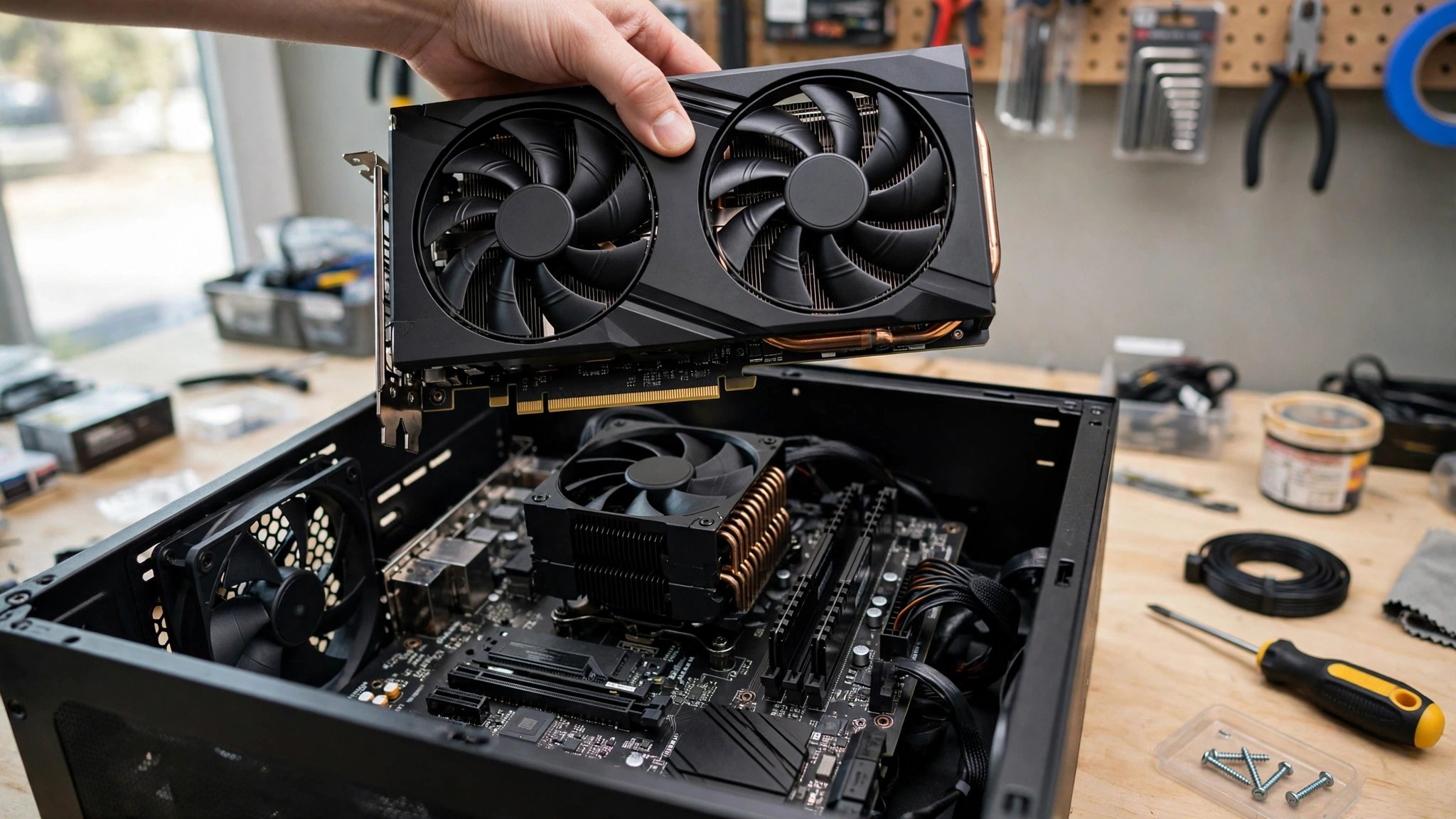
AMD introduced the RX 9060 XT at Computex in May 2025 and launched it on June 5, 2025. It is an RDNA 4 card built on the Navi 44 chip with 2,048 stream processors, and it ships in two versions: an 8GB model that launched at $299 and a 16GB model at $349 (Wikipedia, Radeon RX 9000 series).
| Specification | RX 9060 XT 8GB | RX 9060 XT 16GB |
|---|---|---|
| Architecture | RDNA 4 (Navi 44) | RDNA 4 (Navi 44) |
| Stream processors | 2,048 | 2,048 |
| Memory | 8GB GDDR6 | 16GB GDDR6 |
| Total board power | 150W | 182W |
| Launch price | $299 | $349 |
| Upscaling | FSR 4 | FSR 4 |
Both cards draw modest power, 150W for the 8GB model and 182W for the 16GB model, so a quality 450W or better PSU handles either one comfortably.
This is a 1080p and 1440p gaming card, and that positioning answers most of the CPU question by itself. At 1080p, the GPU pushes frames fast enough that a weak processor can become the limit. At 1440p, the card is usually the limit, and almost any modern six-core CPU keeps up. A bottleneck simply means one component holds the rest back, and our good bottleneck percentage guide explains what the numbers mean in practice.
The market context favors this card right now. The September 2026 Steam Hardware Survey showed 8GB graphics cards growing about three times faster than 16GB cards, driven by buyers picking up affordable new GPUs like the RTX 5060 (Hardware Busters). The 9060 XT sits squarely in that value segment.
Does VRAM Change the CPU Pick?
Barely. Both models are fully fed by the same tier of mid-range CPUs. The 8GB card targets 1080p, where the processor works hardest, so it benefits from a marginally stronger chip relative to its price. The 16GB card targets 1440p, where the graphics card sets the ceiling in most games, so the CPU matters slightly less. In real builds, you buy the same CPUs either way.
The more important decision is which card to buy. The 8GB model suits 1080p gaming and esports. The 16GB model adds headroom for 1440p, high-resolution textures, and a longer useful life. If the price gap is small, the 16GB card is the smarter buy, and it still needs no stronger CPU.
Best Budget CPU for RX 9060 XT
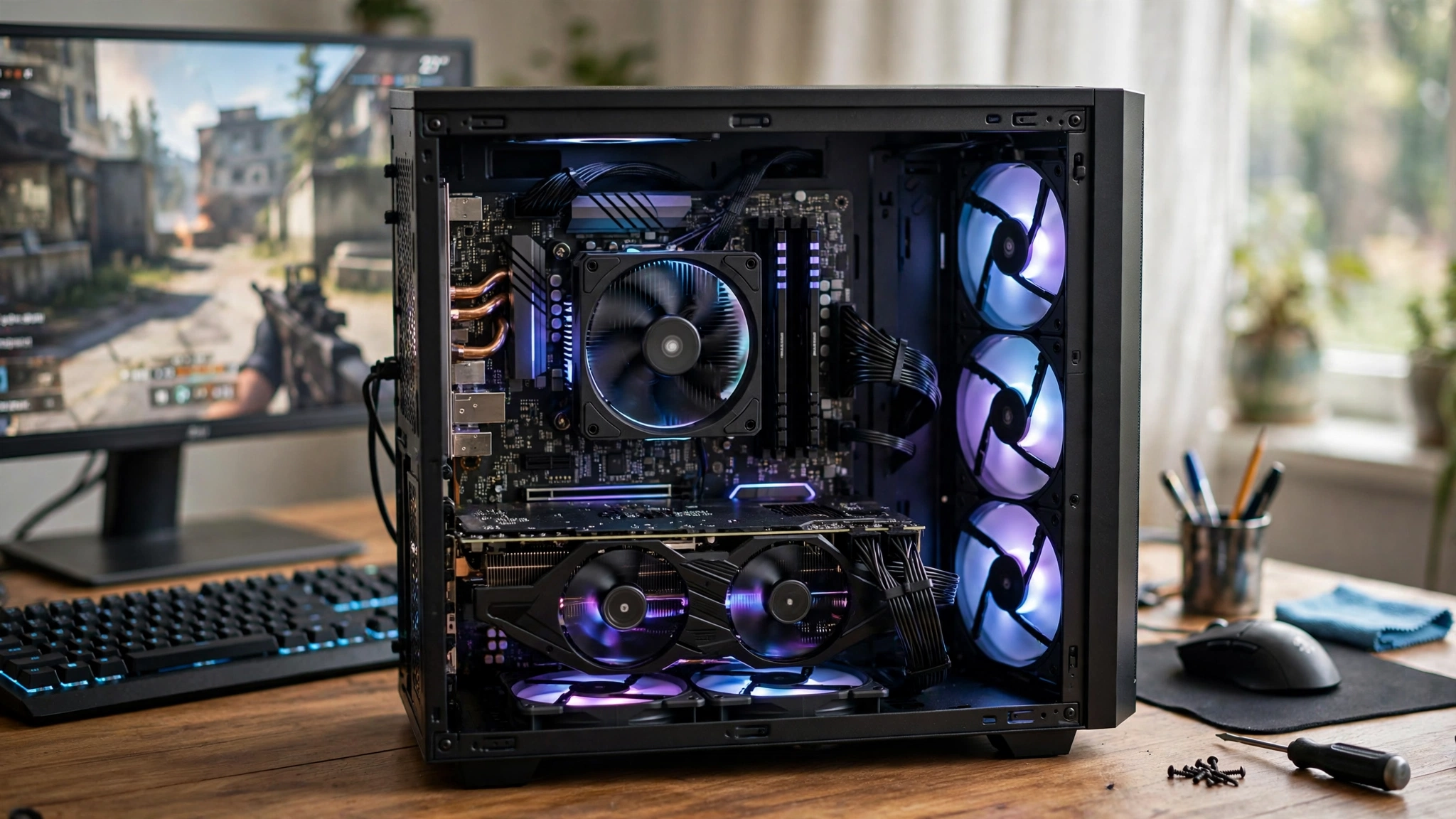
Ryzen 5 7500F the value king
The Ryzen 5 7500F is a community favorite for this card and one of the most popular budget picks among builders pairing a CPU with the 9060 XT. You get six modern Zen 4 cores on the AM5 platform, which means current-generation gaming performance, low power draw, and a real upgrade path, all at a budget price.
At 1080p and 1440p it feeds the 9060 XT without strain. Years from now, you can drop a faster Ryzen into the same motherboard and RAM. For a budget 9060 XT build, this is the default answer.
Ryzen 5 5600 the AM4 lifeline
Already on AM4? The Ryzen 5 5600 is the cheapest sensible partner for this card. At 1440p the GPU is the limit, so the 5600 rarely holds anything back, and at 1080p it holds up in the large majority of titles. It is a big step up from older quad-cores and costs very little.
One honest caveat: in CPU-heavy games at 1080p, a modern AM5 chip will pull ahead. But if you already own the board, the 5600 is the smart money. Just make sure your memory runs in dual channel, because single-channel RAM can cost real performance, as our RAM bottleneck guide shows.
Core i5-12400F Intel’s budget answer
The i5-12400F is still a rock-solid budget Intel pick: six performance cores, modest power draw, and your choice of affordable DDR4 or DDR5 boards. Our best GPU for i5-12400F guide covers this chip in depth, and the 9060 XT sits comfortably inside its capabilities at both 1080p and 1440p.
Bottom line for tight budgets: any of these three keeps the card fully fed. Choose the one that fits the motherboard you already own.
Best Mid-Range CPU for RX 9060 XT at 1440p
Ryzen 5 9600X best overall
For a new build, the Ryzen 5 9600X is the smartest buy. Its Zen 5 cores deliver the single-thread speed that high refresh rate gaming rewards, the 65W power envelope runs cool and quiet, and AM5 stays upgradeable for years. Cameraegg’s guide named it the standout choice for this card for exactly these reasons (Cameraegg).
Strictly speaking, the 9060 XT cannot use all of the 9600X’s headroom today. That headroom pays off the day you upgrade the GPU, which makes this the best long-term pick.
Ryzen 7 5700X3D the AM4 endgame
If you are on AM4 and want one of the best-value gaming CPUs the platform ever got without a full rebuild, the 5700X3D is it. Its stacked 3D V-Cache improves frame consistency in a way you can feel, especially the 1% lows in open-world and simulation games. For 1440p gaming on a mature AM4 system, this is the premium pairing.
Core i5-14600K Intel’s all-rounder
The i5-14600K handles the 9060 XT easily and adds serious multitasking muscle for streaming, editing, and background tasks. For pure gaming it is more CPU than this GPU needs, so buy it for the extra cores rather than higher frame rates, and budget for better cooling than the Ryzen options require.
Not sure about your exact parts? Run the combination through our CPU bottleneck calculator before you buy.
CPUs to Avoid With the RX 9060 XT
Flagship gaming CPUs (Ryzen 7 9800X3D, 7800X3D, Core i9s). They can cost nearly as much as the GPU and add nothing to frame rates with a 9060 XT. Put the money toward the 16GB card instead.
Old quad-cores (i5-4670K and similar). A buyer on the Linus Tech Tips forums asked whether their aging i5-4670K could tide them over with a 9060 XT 16GB. The community’s honest answer: it runs, but you will be heavily CPU-limited in modern games. Fine as a stopgap, not as a pairing.
Anything older than Zen 2 or Intel 10th gen. These chips lack the single-thread speed this card expects, and older DDR3 platforms miss features like Resizable BAR. They turn a smooth 1440p card into a stuttery one.
Workstation and HEDT chips. More cores do not help games. An old 12-core workstation CPU loses to a modern six-core Ryzen in practically every title.
Nerdburglars’ compatibility guide lands in the same place: any Ryzen 5000 series or Intel 12th-gen and newer chip with at least six cores handles the card without issues (Nerdburglars).
RAM, Drivers & Settings for Better Performance
The processor is only half the equation. These moves cost little or nothing and matter as much as the CPU choice.
Get your RAM right. 16GB still works for pure gaming, but 32GB has overtaken 16GB as the most common configuration on Steam, and it is the comfortable target if you stream or multitask. Dual-channel is non-negotiable.
Turn on FSR 4. The 9060 XT supports AMD’s latest machine-learning upscaler, which raises frame rates while holding image quality. Our DLSS vs FSR guide explains when upscaling helps most.
Use Radeon Anti-Lag and HYPR-RX. These driver features cut input latency and can add frame generation in supported titles. Free performance with no hardware change.
Keep drivers updated. RDNA 4 is still a young architecture, and AMD keeps extracting performance through driver updates. Check for new releases monthly.
Still seeing low frame rates after all of this? Our how to increase FPS guide walks through every setting that actually matters.
Frequently Asked Questions
What is the best budget CPU for the RX 9060 XT?
The Ryzen 5 7500F. It is one of the most popular budget picks for this card: six Zen 4 cores, an AM5 upgrade path, and a price that leaves room in the budget for the 16GB card or better RAM. The Ryzen 5 7600 and Core i5-12400F are equally good alternatives if your motherboard dictates the choice.
Is the Ryzen 5 5600 enough for the RX 9060 XT 16GB?
Yes, for most gamers. At 1440p the GPU is the limit, so the 5600 rarely bottlenecks the card, and at 1080p it holds up in the large majority of titles. It is a big upgrade over the older Ryzen 5 5500. If you already own an AM4 board, keep it and spend on the GPU.
Do the 8GB and 16GB models need different CPUs?
No. Both versions are fully fed by the same tier of mid-range CPUs. The 8GB model, aimed at 1080p, works the processor slightly harder, so it benefits from a marginally stronger chip relative to its price, but in practice you buy the same CPUs either way. Choose VRAM for your resolution and upgrade timeline, not for the processor.
Is a Ryzen 7 7800X3D overkill for the RX 9060 XT?
Completely. The 7800X3D is a fantastic gaming CPU, but the 9060 XT becomes the limit long before that chip breaks a sweat, so you gain nothing over a 9600X or even a 7500F. One forum regular put it well: it is like putting racing tires on a family sedan. Buy the cheaper CPU and put the savings toward the 16GB card.
Can my old i5-4670K run a 9060 XT 16GB for now?
It will run, but expect a heavy CPU bottleneck in modern AAA games, plus missing platform features like Resizable BAR on old DDR3 boards. Treat it as a temporary stopgap while you save for a platform upgrade, not as a real pairing.
Should I buy the 8GB or 16GB RX 9060 XT?
Buy for your resolution. The 8GB model is built for 1080p gaming and esports. The 16GB model handles 1440p, high-resolution textures, and ages better. When the price gap is small, the 16GB card is the smarter long-term buy.
How much power does the RX 9060 XT draw, and what PSU do I need?
The 8GB model is rated at 150W total board power and the 16GB model at 182W. A quality 450W or better PSU comfortably runs either card in a typical build, with headroom to spare.
Key Takeaways
- The best CPU for the RX 9060 XT is a mid-range six-core chip, never a flagship.
- Ryzen 5 9600X for new builds, Ryzen 5 7500F for maximum value, Ryzen 5 5600 to keep AM4 alive.
- The 8GB and 16GB models need the same tier of CPU. Buy VRAM for your resolution, not your processor.
- Skip the 7800X3D and 9800X3D with this card. The GPU is always the limit.
- 32GB of RAM in dual channel, current drivers, and FSR 4 complete the build.
- The 16GB card is the better long-term buy when the price gap is small.
Conclusion
Picking the best CPU for the RX 9060 XT comes down to platform and budget, not chasing flagship silicon. The Ryzen 5 9600X leads new builds, the 7500F wins on value, and the Ryzen 5 5600 keeps existing AM4 systems competitive. Spend the savings on the 16GB card or 32GB of RAM and you get a balanced 1440p machine with nothing holding it back.
Still deciding? Plug your parts into our CPU bottleneck calculator and sanity-check the result against our good bottleneck percentage guide. If you are weighing this card against NVIDIA’s rival, our best CPU for RTX 5060 guide covers the other side of the budget battle.

Leave a Reply