
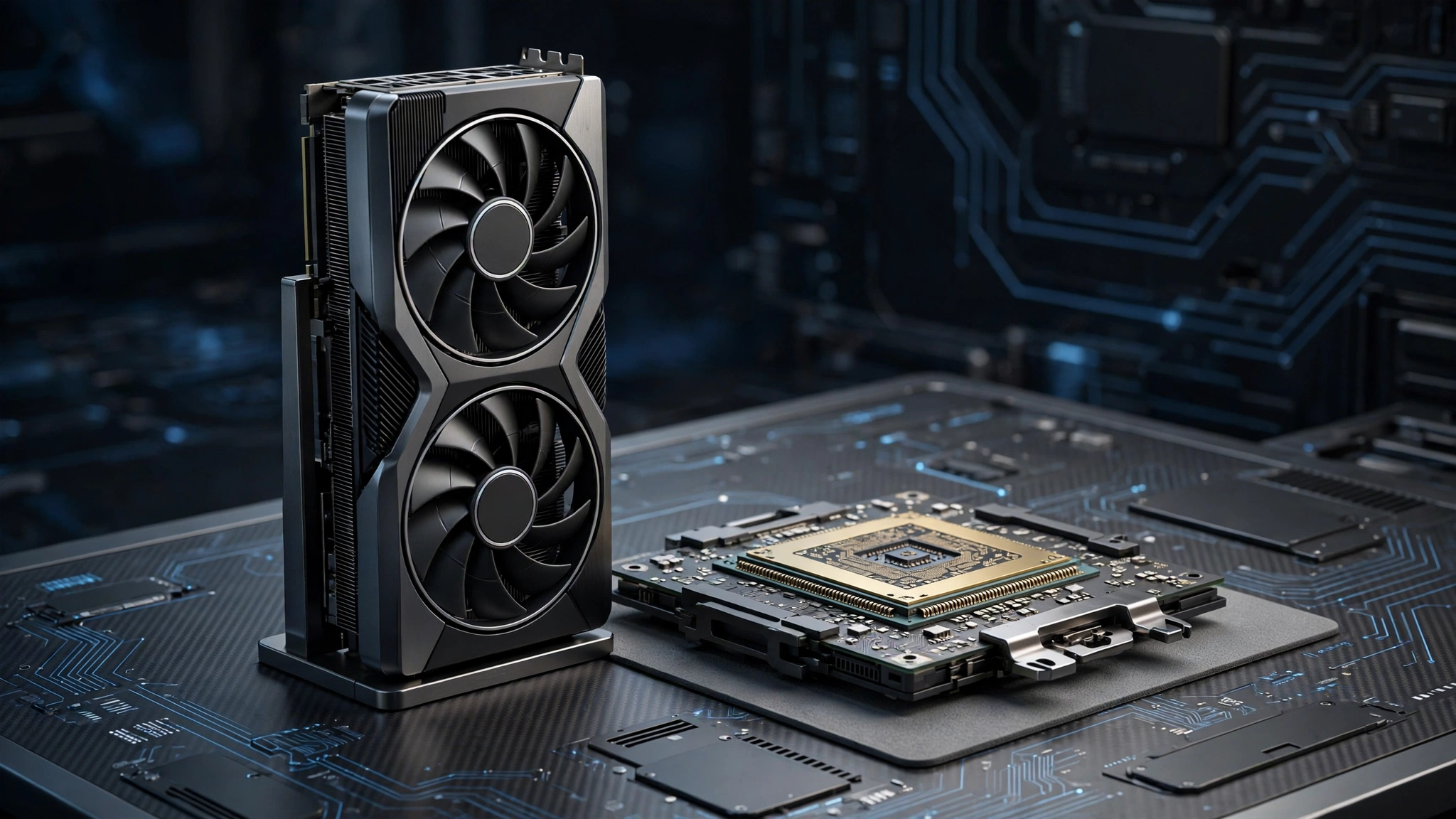
The NVIDIA GeForce RTX 5060 is one of the most popular graphics cards of 2026, offering excellent 1080p and 1440p gaming performance at a reasonable price. But pairing it with the wrong processor creates a bottleneck that wastes its potential. This guide reveals the best CPU for RTX 5060 with no-bottleneck pairings for 1080p, 1440p, and 4K gaming.
Why CPU Choice Matters for the RTX 5060
The RTX 5060 delivers performance comparable to the previous generation RTX 4070, according to NVIDIA specifications. At 1080p, this GPU can push 200+ FPS in esports titles and 120+ FPS in AAA games. However, achieving these frame rates requires a processor fast enough to keep up.
An outdated CPU like the Ryzen 5 3600 or Intel Core i5-10400F bottlenecks the RTX 5060 by 15-20% at 1080p. You paid for high-end GPU performance but get mid-range results. Our CPU bottleneck calculator can verify your specific pairing before you buy.
Best CPU for RTX 5060 at 1080p
At 1080p, the CPU works hardest because the GPU renders frames quickly. You need a processor with strong single-core performance to avoid bottlenecks.
RTX 5060 System Build Recommendations
Building a balanced PC around the RTX 5060 requires careful component selection beyond just the CPU. Here are complete build recommendations for different budgets:
Budget 1080p Build ($900): Ryzen 5 7600, B650 motherboard, 16GB DDR5-5600, RTX 5060, 650W 80+ Bronze PSU, 1TB NVMe SSD. This build delivers excellent 1080p high-refresh gaming with minimal bottleneck (4-6%).
Mid-Range 1440p Build ($1300): Ryzen 5 7600X or Core i5-14600K, B650/Z790 motherboard, 32GB DDR5-6000, RTX 5060, 750W 80+ Gold PSU, 2TB NVMe SSD. Perfect for 1440p ultra settings at 120Hz+.
Premium 1440p Build ($1700): Ryzen 7 7800X3D, X670 motherboard, 32GB DDR5-6000 CL30, RTX 5060, 850W 80+ Gold PSU, 2TB NVMe Gen4 SSD. The ultimate RTX 5060 pairing with virtually no bottleneck (1-3%).
For power supply guidance, check our PSU tier list to choose a reliable unit. A quality PSU protects your investment and ensures stable performance.
Budget Pick: AMD Ryzen 5 7600 ($199)
The Ryzen 5 7600 offers 6 cores and 12 threads with boost clocks up to 5.1GHz. It pairs excellently with the RTX 5060 at 1080p, showing only 4-6% bottleneck. The AM5 platform provides an upgrade path to future Ryzen CPUs. For budget builders, this is the best value.
Best Value: Intel Core i5-14600K ($319)
With 14 cores (6P+8E) and boost up to 5.3GHz, the i5-14600K handles the RTX 5060 effortlessly at 1080p with 2-4% bottleneck. It excels in both gaming and productivity. The hybrid architecture efficiently manages background tasks while gaming.
High-End: AMD Ryzen 7 7800X3D ($399)
The gaming champion. Its 3D V-Cache technology delivers unmatched 1080p performance, with only 1-3% bottleneck. If you play competitive esports at 240Hz+, this is the ultimate pairing. Tom’s Hardware benchmarks show it leading by 15-20% over non-X3D chips in CPU-bound scenarios.
 Best CPUs for RTX 5060 at 1440p
 Best CPUs for RTX 5060 at 1440p
At 1440p, the GPU works harder, reducing CPU bottleneck pressure. You can save money on the processor without sacrificing performance.
- Best Overall: AMD Ryzen 5 7600X ($249) – 3-5% bottleneck, excellent 1440p gaming
- Intel Alternative: Core i5-13400F ($199) – 5-7% bottleneck, great budget 1440p option
- Premium: Ryzen 7 7700X ($349) – 2-4% bottleneck, 8 cores for streaming
At 1440p, even mid-range CPUs from 2023 perform well. The RTX 5060 becomes the limiting factor in most AAA titles, which is ideal. Check our guide on good bottleneck percentages to understand what scores to target.
Best CPUs for RTX 5060 at 4K
 Best CPUs for RTX 5060 at 4K
At 4K, the RTX 5060 is almost always the bottleneck (which is normal and expected). CPU choice matters less, but you still need a competent processor to avoid stutters.
- Minimum: Ryzen 5 5600 or Intel i5-12400F – sufficient for 4K 60Hz
- Recommended: Ryzen 7 5700X3D or Core i5-13600K – smooth 4K with headroom
- Overkill: Any Ryzen 7000 or Intel 14th gen – no bottleneck whatsoever
For 4K gaming, invest more in the GPU than the CPU. The RTX 5060 handles 4K at medium-high settings, but a stronger GPU would be better for 4K ultra. If 4K is your priority, consider the RTX 5070 instead.
CPUs to Avoid with the RTX 5060
These processors create significant bottlenecks (>15%) and should be upgraded:
- Ryzen 5 3600: 17-19% bottleneck at 1080p. Upgrade to Ryzen 5 7600.
- Intel Core i5-10400F: 16-18% bottleneck. Upgrade to i5-13400F or newer.
- Ryzen 7 2700X: 20%+ bottleneck. The Zen+ architecture is too slow.
- Any 4-core CPU: Modern games need at least 6 cores.
If you are on the AM4 platform, check our best AM4 CPUs for gaming guide for drop-in upgrades that avoid a full platform change.
AMD vs Intel for RTX 5060 in 2026
Choose AMD if: You prioritize gaming performance and upgrade path. The AM5 socket supports future Ryzen generations. Ryzen 7000X3D chips dominate gaming benchmarks. AMD processors generally run cooler and more efficiently.
Choose Intel if: You do content creation, streaming, or productivity alongside gaming. Intel’s hybrid architecture excels at multitasking. The LGA1700 platform (13th/14th gen) offers good value, though it is at end-of-life with no future CPU support.
For pure RTX 5060 gaming, AMD has the edge in 2026. The Ryzen 7 7800X3D is the undisputed champion. For mixed workloads, Intel Core i7-14700K offers better all-around value.
RAM and Motherboard Considerations
Do not overlook memory. The RTX 5060 needs fast RAM to avoid CPU bottlenecks:
- AMD AM5: 32GB DDR5-6000 CL30 (sweet spot for Ryzen 7000)
- Intel LGA1700: 32GB DDR5-6400 or DDR4-3600 (depending on motherboard)
- Minimum: 16GB in dual-channel mode (never single-channel)
Enable XMP (Intel) or EXPO (AMD) in BIOS to run RAM at rated speeds. Slow memory can add 5-8% to your bottleneck percentage. Learn more in our DDR4 vs DDR5 guide.
Frequently Asked Questions
What is the best budget CPU for RTX 5060?
The AMD Ryzen 5 7600 at around $199 is the best budget CPU for RTX 5060. It shows only 4-6% bottleneck at 1080p and 2-4% at 1440p. The AM5 platform allows future upgrades without changing motherboards.
Will a Ryzen 5 5600 bottleneck an RTX 5060?
Yes, moderately. The Ryzen 5 5600 creates a 10-13% bottleneck at 1080p and 6-8% at 1440p. It is usable but not ideal. Consider upgrading to Ryzen 7 5700X3D for a significant improvement on the AM4 platform.
Is the Intel Core i5-12400F good enough for RTX 5060?
For 1440p and 4K, yes. The i5-12400F shows 7-9% bottleneck at 1080p but only 4-6% at 1440p. It is a solid budget option if you already own it. For new builds, the i5-13400F or Ryzen 5 7600 offer better value.
Do I need an aftermarket cooler for these CPUs?
The Ryzen 5 7600 includes a stock cooler sufficient for stock operation. The i5-14600K and Ryzen 7 7800X3D do not include coolers; budget $35-50 for a quality air cooler like the Thermal Peerless Assassin 120 SE.
Can I use an RTX 5060 with a PCIe 3.0 motherboard?
Yes, but you will lose 2-4% performance compared to PCIe 4.0. The RTX 5060 uses 8 PCIe lanes, so PCIe 3.0 x8 has half the bandwidth of PCIe 4.0 x8. For best results, use a PCIe 4.0 motherboard (B550, B650, or newer Intel boards).
Conclusion
The best CPU for RTX 5060 in 2026 depends on your resolution and budget. For 1080p high-refresh gaming, the Ryzen 7 7800X3D is unmatched. For 1440p, the Ryzen 5 7600X offers the best value. At 4K, CPU choice matters less. Always verify your pairing with our free bottleneck calculator before buying, and aim for under 10% bottleneck at your target resolution.

Leave a Reply