

The short answer
For pure gaming, the Ryzen 5 7500X3D is the stronger chip. Independent reviews show it beating the Ryzen 5 7600X by roughly 13 to 16 percent in games on average, with noticeably smoother 1% low frame rates. The 7600X only makes sense if you do serious productivity work alongside gaming, or if you find it at a much lower price.
Why this comparison is really about bottlenecks
The “ryzen 5 7500x3d vs 7600x” question sounds like a spec-sheet comparison, but it is really a bottleneck question. Both chips pack six Zen 4 cores and twelve threads. Both drop into the AM5 socket and both use DDR5 memory. On paper they look like siblings. In a gaming PC, though, they behave very differently, because a CPU bottleneck is not about core counts. It is about how fast the processor can prepare frames for the graphics card to render.
That is the entire story here. One chip uses a giant stack of 3D V-Cache to keep game data close to the cores, so frames get prepared faster. The other uses much higher clock speeds to brute-force through work. Your choice decides which component sets the speed limit in your PC: the CPU or the GPU. Pick wrong and you either waste money on graphics power your processor cannot feed, or you pay for cache you will never use.
7500X3D vs 7600X Head to Head Key Specs Compared
Before the benchmarks, the specifications tell you exactly where each chip is supposed to win. Everything below comes from AMD’s published specifications and launch materials.
| Specification | Ryzen 5 7500X3D | Ryzen 5 7600X |
|---|---|---|
| Architecture | Zen 4 (Raphael) | Zen 4 (Raphael) |
| Cores / Threads | 6 / 12 | 6 / 12 |
| Base clock | 4.0 GHz | 4.7 GHz |
| Max boost clock | 4.5 GHz | 5.3 GHz |
| L3 cache | 96 MB (32 MB + 64 MB 3D V-Cache) | 32 MB |
| L2 cache | 6 MB | 6 MB |
| TDP | 65W | 105W |
| Socket | AM5 | AM5 |
| Memory support | DDR5 | DDR5 |
| PCIe | PCIe 5.0 | PCIe 5.0 |
| Integrated graphics | Basic Radeon graphics | Basic Radeon graphics |
| Stock cooler included | No | No |
| Launch price | $269 (November 2025) | $299 (September 2022) |
The table reveals the whole design philosophy. The 7500X3D gives up 800 MHz of boost clock and 40W of power budget in exchange for triple the L3 cache. The 7600X keeps its clocks high and its cache small. Neither chip ships with a cooler in the box, so budget for one either way.
One more spec detail matters for upgraders: both chips are AM5, which means a B650 or newer board and DDR5 memory. If you are coming from an older AM4 system, our breakdown of the best AM4 CPUs for gaming can help you decide whether a full platform move is worth it.
Takeaway: the spec sheet already tells you the 7500X3D is a gaming specialist and the 7600X is the all-rounder. The benchmarks below show how big that difference really is.
What independent reviews actually measured
The most thorough testing comes from TechSpot’s January 2026 review, which ran both chips on an RTX 5090 test system with 32GB of DDR5-6000 memory. Using a flagship GPU on purpose removes the graphics card as the limit, so any frame rate gap you see is the CPU’s doing. That is exactly the bottleneck lens this site cares about. You can read the full TechSpot review for the complete data set.
Here are the results that matter for buyers:
- Average gaming uplift: about 16% faster at medium settings, 13% faster at ultra settings across TechSpot’s test suite.
- Rainbow Six Siege X: 17% faster at medium, 13% faster at ultra. The 7500X3D matched the newer Ryzen 5 9600X here.
- Marvel Rivals: 10% faster at medium, 8% faster at ultra.
- Assassin’s Creed Shadows: around 10% faster at both setting levels, matching the far pricier 7800X3D.
- Horizon Zero Dawn Remastered: 13 to 15% faster at medium, 16% faster at very high.
- Cyberpunk 2077: Phantom Liberty: 12% faster at medium, 9% faster with ray tracing on ultra.
- Counter-Strike 2: about 20% better, which is huge for competitive players.
- Baldur’s Gate 3: 172 FPS average, roughly 34% faster than the 7600X.
- Assetto Corsa Competizione: 260 FPS, about 31% faster.
PC Gamer’s separate review confirmed the pattern with its own test suite. In Baldur’s Gate 3 the 7500X3D delivered 33 more frames per second than the 7600X, and it even beat every comparison CPU in Cyberpunk 2077’s 1% low results with an 87 FPS minimum. Check the PC Gamer review for their full breakdown.
The 1% low numbers deserve special attention. In The Last of Us Part II Remastered, the 7500X3D’s average frame rate was only 6% higher, but its 1% lows were 25% better. Averages tell you how fast a game runs when everything goes well. Lows tell you how smooth it feels when the action gets heavy. That smoothness gap is the real-world difference you feel in your hands.
Takeaway: in gaming, the 7500X3D wins clearly and consistently, and the smoothness advantage is even bigger than the average FPS gap suggests.
How a CPU bottleneck actually works
A quick refresher, because this concept decides the whole comparison. Your CPU prepares each frame (game logic, physics, draw calls) and your GPU renders it. Whichever part finishes its job slower sets your frame rate. When the CPU is the slower part, you have a CPU bottleneck: the graphics card sits partly idle, waiting for instructions.
Three things about bottlenecks that most buyers get wrong:
- Resolution changes everything. At 1080p the GPU finishes rendering quickly, so the CPU is more likely to be the limit. At 4K the GPU works much harder per frame, so it usually becomes the limit and CPU differences shrink. Our guide to 1080p vs 1440p monitor bottleneck impact walks through this shift in detail.
- Settings matter as much as resolution. Ultra presets and ray tracing load the GPU heavily, which narrows the gap between these two CPUs. Notice how TechSpot’s 16% medium-settings lead shrank to 13% at ultra. Same chips, same games, different bottleneck balance.
- Frame rate targets matter most of all. Chasing 240 FPS in esports titles puts enormous pressure on the CPU. Targeting 60 FPS in story games barely stresses either chip. Your monitor’s refresh rate is secretly part of this buying decision.
Takeaway: there is no such thing as a CPU that “bottlenecks” in isolation. The bottleneck lives in the combination of chip, GPU, resolution, settings, and frame rate target.
Where the 7500X3D’s cache wins
The 64 MB slab of stacked 3D V-Cache is the reason this chip exists. Games constantly shuffle small chunks of data (player positions, physics states, AI decisions), and a bigger L3 cache means the cores find that data without waiting on main memory. The wins show up exactly where you would predict:
Cache-hungry simulation and strategy games. Baldur’s Gate 3 at 34% faster and Assetto Corsa Competizione at 31% faster are the headline results. These games simulate complex worlds with tons of interacting entities, which is precisely the workload stacked cache was designed for.
Competitive shooters at high frame rates. Counter-Strike 2 ran about 20% better, and Rainbow Six Siege X saw 17% gains at medium settings. When you are pushing 240+ FPS at 1080p, the GPU finishes each frame in a couple of milliseconds, so the CPU’s frame-preparation speed is almost the entire story.
Smoothness under load. The 25% better 1% lows in The Last of Us Part II Remastered show what cache does during the worst moments: heavy scenes with lots of streaming assets. The 7500X3D stutters less because it leans on its cache instead of waiting on RAM.
Where does the cache advantage fade? In heavily GPU-limited scenes it shrinks fast. Assassin’s Creed Shadows is so GPU-bound that the 7500X3D merely matched the 7800X3D, and its lead over the 7600X settled around 10%. With ray tracing maxed in Cyberpunk, the lead dropped to 9%. The cache cannot help when the graphics card is the wall.
Takeaway: the bigger the CPU’s share of the work (high FPS targets, simulation-heavy games, 1080p), the bigger the 7500X3D’s lead.
Where the 7600X’s clocks win instead
This would be a dishonest comparison if it pretended the 7600X has nothing going for it. Its 5.3 GHz boost clock is 800 MHz higher than the 7500X3D’s, and clock speed still rules every workload that does not fit neatly into cache.
Productivity and all-core work. In rendering, encoding, and compilation, the 7600X’s higher clocks and 105W power budget pull clearly ahead. Aggregated synthetic testing puts the 7600X about 13% ahead overall, with an even bigger gap in single-threaded tests. If your PC earns money through content creation, 3D work, or code compilation, the 7600X is the better tool.
Shader compilation. TechSpot measured the 7500X3D taking 14 to 16% longer to compile shaders than the 7600X. Most games compile shaders in the background while you play, which can cause stutter during those first minutes in a new area. The faster clocks genuinely help here.
Lightly threaded desktop work. Web browsing, office apps, and general responsiveness favor raw clock speed. Nothing dramatic, but the 7600X feels a touch quicker outside games.
The honest summary: the 7600X is the better all-round computer, the 7500X3D is the better pure gaming chip. Buyers who split time between gaming and real work should weigh this section heavily.
Takeaway: if your PC does serious work beyond gaming, the 7600X’s clock advantage is real and measurable. Do not buy the X3D chip for a workstation.
GPU pairing guide which card each chip can feed
This is the section most comparisons skip, and it is the one that prevents wasted money. Based on the reviewed benchmark data, here is how each chip pairs with current GPU tiers. These are analytical recommendations grounded in the test results, not lab-measured pairings, so treat them as guidance rather than guarantees.
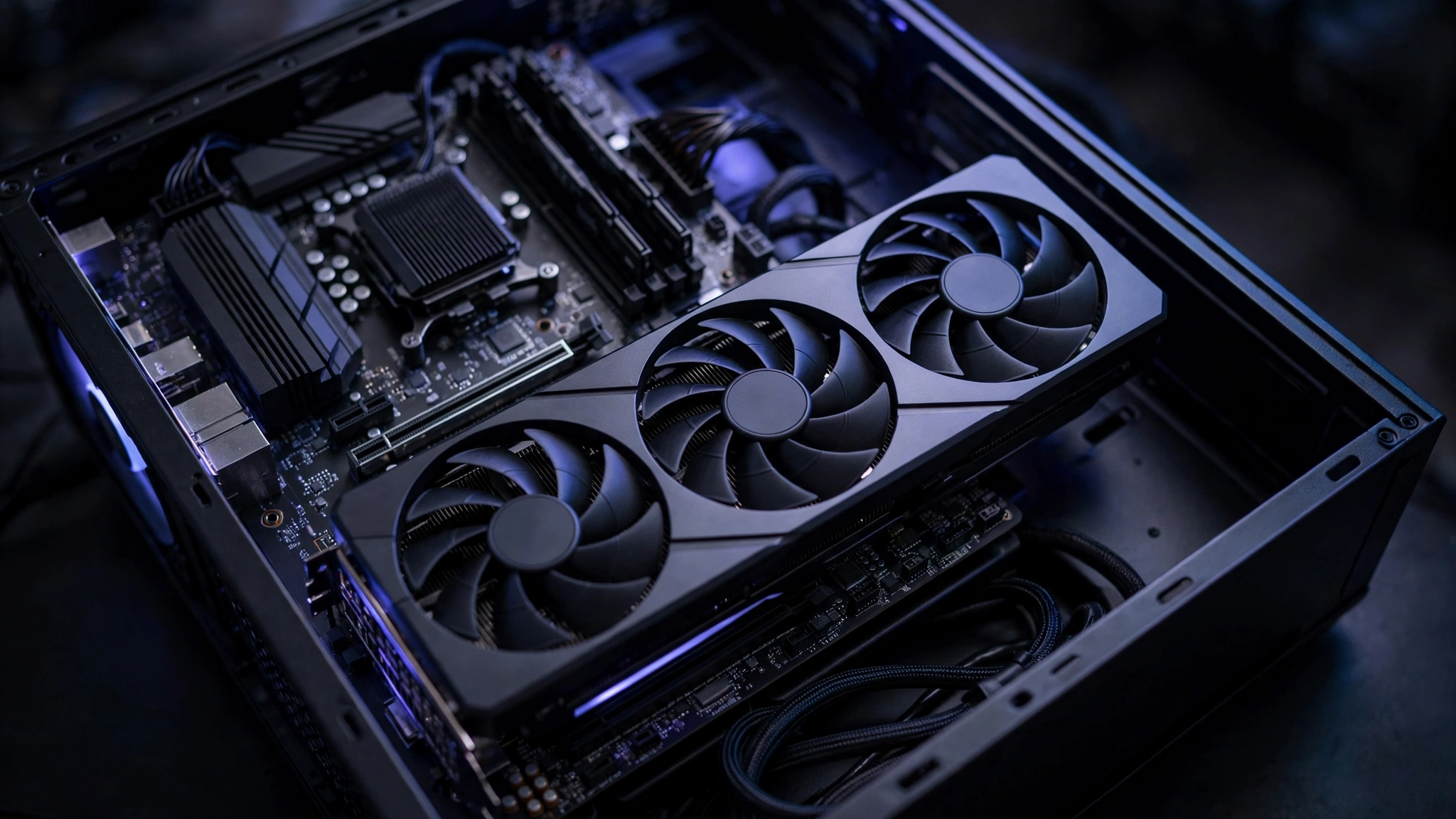
1080p pairings
At 1080p the CPU works hardest, so chip choice matters most here.
| GPU tier | Example GPUs | Ryzen 5 7500X3D | Ryzen 5 7600X |
|---|---|---|---|
| Entry 1080p | RTX 5060, RX 9060 XT | Excellent, GPU is the limit | Excellent, GPU is the limit |
| Sweet spot 1080p high-refresh | RTX 5060 Ti 16GB, RTX 5070 | Great, feeds the card fully | Good, small bottleneck in CPU-heavy titles |
| High-end 1080p | RTX 5070 Ti, RX 9070 XT | Great for 240Hz+ esports | Noticeable bottleneck in esports and sim games |
This matters more than it used to. Valve’s September 2026 Steam survey found the RTX 5070 is now the most common GPU among PC gamers at about 6% of surveyed systems, with the RTX 5060 and 5060 Ti close behind. If you own one of these cards and play at 1080p high refresh, the 7500X3D keeps it fed while the 7600X can leave frames on the table in CPU-heavy titles.
1440p pairings
1440p is the current sweet spot resolution, and it now accounts for over 27% of Steam gamers, up sharply this year.
| GPU tier | Example GPUs | Ryzen 5 7600X | Ryzen 5 7600X |
|---|---|---|---|
| Midrange 1440p | RTX 5060 Ti 16GB, RX 9060 XT | Excellent | Excellent |
| Upper midrange 1440p | RTX 5070, RX 9070 | Excellent | Great, tiny gap in 1% lows |
| High-end 1440p | RTX 5070 Ti, RX 9070 XT, RTX 5080 | Excellent, best pairing | Good, but 1% lows suffer in demanding games |
At 1440p the differences narrow but do not vanish. The 7500X3D’s smoothness advantage in 1% lows survives at this resolution, which is why it remains the recommended pick for high-end 1440p cards.
4K pairings
At 4K the graphics card is almost always the limit, and both chips perform within a few percent of each other.
| GPU tier | Example GPUs | Ryzen 5 7500X3D | Ryzen 5 7600X |
|---|---|---|---|
| 4K capable | RTX 5070 Ti and above, RX 9070 XT and above | Excellent, buy whichever CPU is cheaper | Excellent, buy whichever CPU is cheaper |
If your build targets 4K at 60 to 120 FPS, stop comparing these chips and buy whichever costs less. Put the savings toward the GPU, because at 4K the graphics card decides everything. Just make sure your power supply is up to the card you choose; our RTX 50 series power supply guide covers what these hungry GPUs actually need.
Takeaway: the 7500X3D earns its keep at 1080p and high-end 1440p. At 4K, buy on price.
What 240Hz competitive gaming changes
High-refresh competitive play is where the 7500X3D goes from “better” to “obviously better.” Esports titles at low settings are the most CPU-limited workloads in all of PC gaming: the GPU renders simple frames in 2 to 3 milliseconds, and everything depends on how fast the CPU can prepare the next one.
The numbers back this up. Counter-Strike 2 ran about 20% better on the 7500X3D in TechSpot’s testing. PC Gamer found the chip matching or beating its X3D siblings in Baldur’s Gate 3 and Metro Exodus Enhanced. If you play Valorant, CS2, Apex Legends, or Rainbow Six Siege on a 240Hz or 360Hz monitor, the 7500X3D is not a luxury, it is the correct tool for the job.
The 7600X is not unplayable for esports, far from it. But when a $269-class chip delivers 20% more frames in the exact games where frames decide gunfights, competitive players should not overthink this.
One caveat: check that your monitor can actually display what the CPU produces. A 240 FPS-capable chip paired with a 144Hz display wastes the advantage. Match the whole chain or do not bother.
Takeaway: for 240Hz+ competitive gaming, the 7500X3D is the clear pick. For 60Hz story gaming, either chip is plenty.
Power, thermals, and the hidden cooler cost
Here is a cost factor most comparisons bury: neither chip includes a stock cooler, and their cooling needs differ a lot.
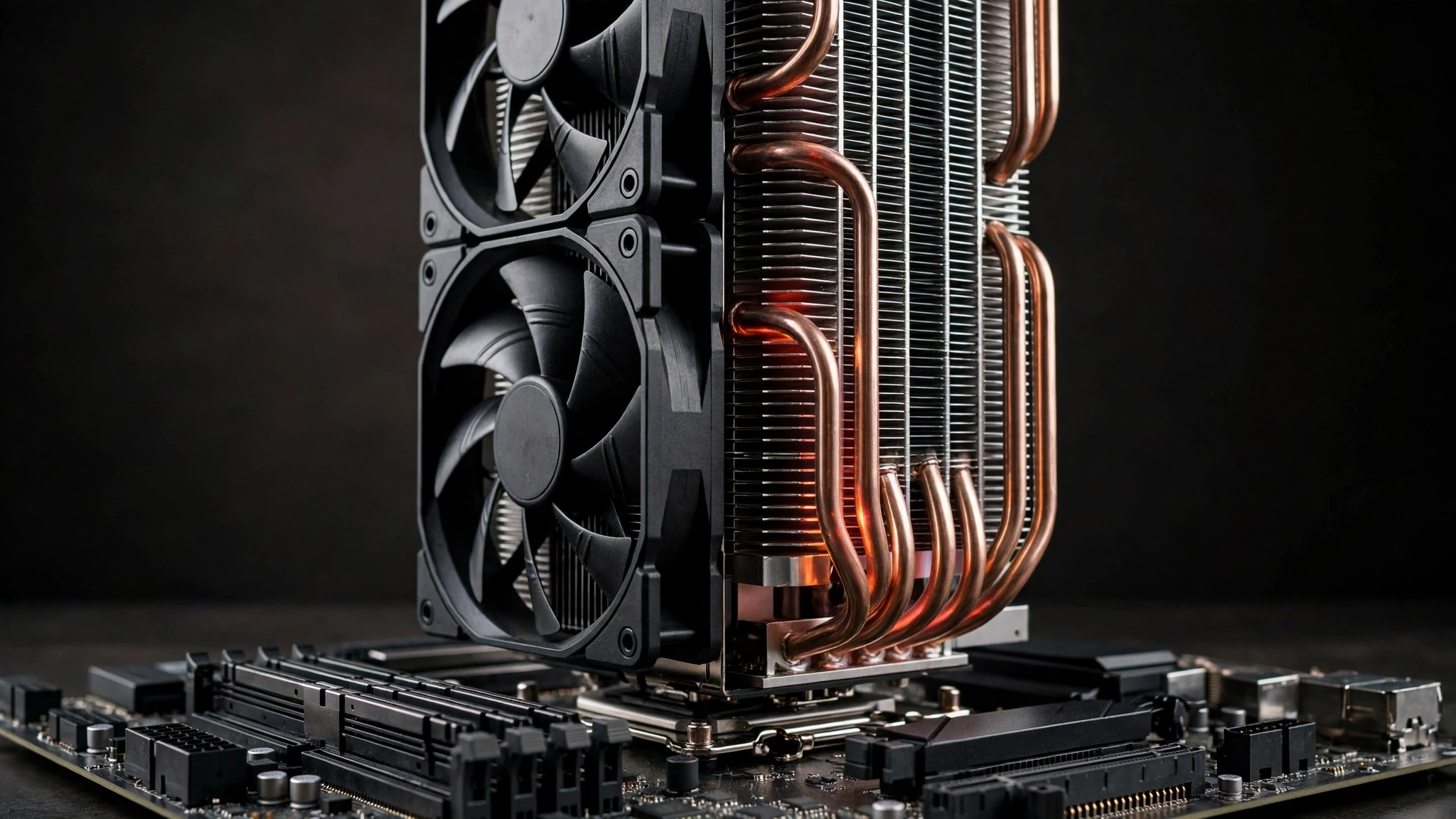
The 7500X3D is a 65W chip, and PC Gamer measured roughly 64W of power draw during gaming. That is remarkably low for the performance on offer. A quality single-tower air cooler in the $25 to $35 range handles it quietly, and it will never thermal-throttle in a case with basic airflow. Its temperature ceiling is also lower than normal (89C) because the stacked cache is heat-sensitive, but at 64W of real draw you will never get near it.
The 7600X is a 105W chip that boosts aggressively and runs hot by design. It wants a stronger dual-tower cooler or a 240mm liquid cooler to stay quiet, which adds $20 to $40 over the 7500X3D’s cooling bill. Over a few years of heavy use, the efficiency gap also shows up on the power bill, though neither chip will bankrupt you.
Do the full-build math before deciding. If the 7600X is $40 cheaper than the 7500X3D but needs a $40 better cooler, the price advantage just evaporated. Factor in a quality power supply for your GPU choice while you are budgeting, since the PSU is the other component buyers chronically undersize.
Takeaway: the 7500X3D is cheaper to cool and cheaper to run. Add the cooler cost to both sides before comparing prices.
Productivity the tradeoff nobody should skip
Let us be blunt about the 7500X3D’s weakness, because buyers deserve the full picture. That 800 MHz clock deficit and 65W power limit hurt everywhere outside gaming. All-core rendering, video encoding, and heavy multitasking all run meaningfully slower than on the 7600X. Aggregated benchmarks show the 7600X roughly 13% ahead in mixed workloads, and the gap widens in tasks that scale with clock speed.
This is the classic X3D tradeoff and it has not changed: cache for games, clocks for work. The 7500X3D is a specialist. Specialists are wonderful when you need exactly what they do and frustrating when you do not.
A practical test: if your PC’s task list includes Premiere, Blender, large code compiles, or streaming while gaming at high settings, the 7600X (or a step up to an 8-core chip) serves you better. If the heaviest thing your PC does is run games, Discord, and a browser, you will never notice the productivity deficit.
Takeaway: streamers, creators, and developers should favor the 7600X. Pure gamers will not miss what the X3D gives up.
Platform and upgrade path both are AM5
Good news: there is no platform loser here. Both chips use the AM5 socket, both need DDR5, and both support PCIe 5.0 for graphics cards and SSDs. Whichever you buy, you land on a platform with a real upgrade path to future Ryzen generations.
Two platform notes worth your money:
Memory speed matters more than capacity for these chips. DDR5-6000 with an enabled EXPO profile is the sweet spot both AMD and reviewers landed on. Slow DDR5-4800 can cost you noticeable gaming performance on either chip. Our DDR4 vs DDR5 gaming performance breakdown explains why memory speed became such a big deal on modern platforms. And with 32GB now the most common memory size among Steam gamers, a 2x16GB DDR5-6000 kit is the sensible buy.
A B650 board is enough. Neither chip needs an expensive X670E or X870E motherboard. A solid B650 board gives you everything these 6-core chips can use. Put the motherboard savings toward the GPU or a better cooler.
Takeaway: platform is a tie. Spend the platform savings on DDR5-6000 memory and a decent B650 board, not on chipset bragging rights.
which chip should you actually buy
Street prices change constantly, so compare live prices on the day you buy rather than trusting any article’s numbers. The 7500X3D launched at $269 in November 2025, and the 7600X has been on the market since 2022, so it is usually the cheaper chip. But the value math in late 2026 has a twist that did not exist a year ago: graphics cards got dramatically more expensive.
German price tracking by 3DCenter, reported in October 2026, found RTX 50 series cards up 66% on average over twelve months, with the RTX 5090 up an eye-watering 132%. AMD and Intel cards rose too, just less steeply. On top of that, US system integrator Stince Built warned publicly on October 9, 2026 that GPU supply constraints are tightening and prices are expected to climb further. When the graphics card eats a bigger share of the budget, the CPU decision changes.
Here is how to think about it:
- If the price gap is small (under $40): buy the 7500X3D. The gaming lead, the smoothness, and the cheaper cooling requirement are worth more than a small saving.
- If the 7600X is much cheaper ($60+): buy the 7600X, especially for 1440p or 4K builds where the GPU does the heavy lifting. Put the savings toward the graphics card, because in this market every dollar moved from CPU to GPU buys more real performance.
- If you do real productivity work: the 7600X wins on value regardless, since the X3D’s gaming lead does not help your render times.
- Never pay a big premium for either chip right now. Both are mature products. If one is priced far above its normal range, wait for a sale or buy the other.
The big-picture point: in a market where GPUs cost 66% more than last year, the smartest CPU buy is the one that leaves the most budget for the graphics card while still feeding it properly. For most 1440p gamers, that is whichever of these two chips is cheaper on the day.
Takeaway: value depends on the live price gap and your GPU budget. Small gap favors the 7500X3D; big gap favors the 7600X; the GPU market makes every saved dollar more valuable than usual.
Decision framework pick by use case
| Your situation | Pick this chip | Why |
|---|---|---|
| 1080p 240Hz+ esports player | 7500X3D | 20% better in CS2-class titles, best 1% lows |
| 1440p high-end GPU (5070 Ti class) | 7500X3D | Keeps the card fed, best pairing |
| 1440p midrange GPU | Either, buy cheaper | GPU is the limit, differences are small |
| 4K gaming | Either, buy cheaper | GPU decides everything at 4K |
| Gaming plus streaming/creation | 7600X | Clocks win in encoding and all-core work |
| Tightest budget AM5 gaming build | 7600X (usually cheaper) | More budget left for the GPU |
| Quiet, cool, efficient build | 7500X3D | ~64W gaming draw, cheap air cooler is enough |
Common mistakes builders make with these chips
Buying the X3D chip for a workstation. The 7500X3D is a gaming specialist. If your PC renders video or compiles code for a living, its low clocks will annoy you daily. Match the chip to the workload.
Pairing a 7600X with a high-end GPU for 1080p 240Hz. This is the classic bottleneck mistake: a powerful card starved by the CPU in exactly the titles where frames matter most. If your monitor is 240Hz+, the X3D chip is the coherent choice.
Running slow DDR5 without EXPO. Both chips were tested with DDR5-6000, and both lose meaningful performance on slow memory with EXPO disabled. This is a free performance loss that a two-minute BIOS change fixes.
Overspending on the motherboard. A $300 board does not make a $269 chip faster. A B650 board plus the savings put toward a better GPU beats a premium board every time.
Ignoring the cooler. Neither chip includes one. Budget $25 to $35 of quiet air cooling for the 7500X3D, more for the hotter 7600X.
Expert tips
- Enable EXPO on day one. DDR5-6000 CL30 is the sweet spot. This single BIOS toggle is worth more than most settings tweaks combined.
- Update the motherboard BIOS before installing an X3D chip. Early AM5 BIOS versions had quirks with 3D V-Cache processors. A 2024 or newer BIOS avoids the headaches.
- Watch 1% lows, not just averages, when comparing. Two systems can show the same average FPS while one stutters constantly. Cap your frame rate slightly below your monitor’s refresh rate for the smoothest feel.
- Do not fear the 89C temperature limit on the 7500X3D. It looks low next to the 95C norm, but the chip sips power in games and will not get near it with any decent cooler.
- Check AM5 bundle deals. Retailers often discount the CPU, board, and RAM together. A 7600X bundle can beat a 7500X3D bought piecemeal on total build cost.
Frequently asked questions
What GPU should I pair with a Ryzen 5 7500X3D?
This is one of the most asked real-world questions about this chip. For 1080p high-refresh gaming, an RTX 5060 Ti 16GB or RTX 5070 is the sweet spot. For 1440p, step up to an RTX 5070 or RX 9070, and the chip can comfortably feed cards up to the RTX 5070 Ti / RX 9070 XT class. At 4K, pair it with whatever high-end card your budget allows, since the GPU becomes the limit. Avoid pairing it with an entry-level card you plan to keep for years, because the CPU will outlive the GPU and you will have paid for headroom you never use.
Does the Ryzen 5 7600X bottleneck an RTX 4070 Ti?
At 1440p and 4K, no meaningful bottleneck: the 4070 Ti is the limit and the 7600X feeds it well. At 1080p high-refresh, you will see some CPU limitation in demanding titles compared to an X3D chip, typically costing you a slice of average FPS and more of your 1% lows. The practical fix most owners choose is moving to 1440p, where the 4070 Ti stretches its legs and the CPU stops mattering. This matches the general rule from our resolution testing: higher resolutions shift the bottleneck to the GPU.
Will a Ryzen 5 7600 bottleneck an RX 7900 XTX?
Only if you insist on gaming at 1080p, which wastes a 7900 XTX anyway. At 1440p ultrawide or 4K, the 7900 XTX is the bottleneck by a wide margin and any modern 6-core Ryzen, including the 7600X this article compares, keeps up fine. The 7500X3D would give you slightly better 1% lows at 1440p, but the difference is small next to what the GPU decides. Buy the monitor resolution first, then stop worrying about the CPU.
Is the 7600X enough if I plan to upgrade to an RTX 5070 or RX 9070 XT later?
For 1440p gaming, yes. The 7600X feeds both cards well at 1440p and 4K, with only a modest smoothness deficit versus the 7500X3D in the most CPU-heavy scenes. If your upgrade plan centers on 1080p at very high refresh rates, the 7500X3D is the safer long-term pick because it removes the CPU as the ceiling. Either way, both chips share the AM5 platform, so a future drop-in CPU upgrade remains possible without replacing the motherboard or RAM.
Key takeaways
- The 7500X3D is 13 to 16% faster in games on average, with up to 34% leads in cache-hungry titles like Baldur’s Gate 3 and far better 1% lows.
- The 7600X fights back with 800 MHz higher clocks, winning clearly in productivity, encoding, and shader compilation.
- Bottleneck reality: the 7500X3D matters most at 1080p and high-end 1440p; at 4K, buy whichever chip is cheaper.
- Neither chip includes a cooler. The 65W 7500X3D cools cheaply; the 105W 7600X needs a stronger cooler, which narrows price gaps.
- Both are AM5 with DDR5-6000 as the sweet spot and a real upgrade path ahead.
- In late 2026’s inflated GPU market, favor the chip that leaves more budget for the graphics card while still feeding it.
The bottom line
Most buyers asking about the ryzen 5 7500x3d vs 7600x are really asking one thing: which chip will hold my graphics card back less? For gaming, the answer is the 7500X3D, and the reviewed data is not close enough to argue about. Its stacked cache delivers more frames and smoother lows across the games people actually play, it sips power, and it cools quietly on affordable air.
The 7600X keeps its dignity where clocks matter: real work, faster shader compiles, and usually a lower price. If your PC earns its keep outside games, or the price gap is large, it is the rational buy.
Either way, run your exact parts through our bottleneck calculator before you buy, so you see which component sets the limit in your specific build rather than guessing from averages.

Leave a Reply