
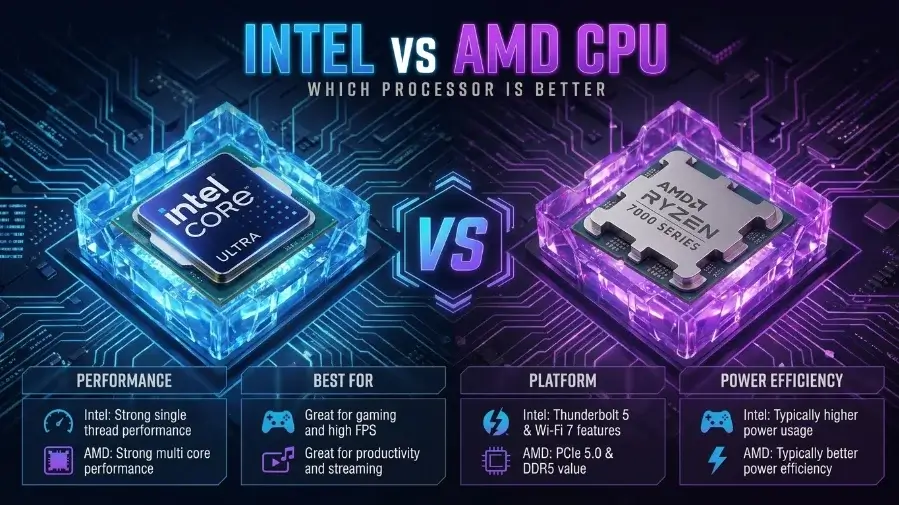
AMD’s Ryzen X3D chips are best for gaming, while Intel and AMD are both strong for productivity and work tasks. Your choice should depend on your workload and budget, not the brand name
Introduction
Most Intel vs AMD guides jump straight to picking a winner. That’s the wrong place to start. The right chip depends on what you actually do with your PC, and that answer changes more than people expect once you look past the marketing. If you’re stuck between the two brands, don’t worry: this is the most common question in PC building, and the answer isn’t as hard as it looks. We track CPU and GPU benchmarks year-round for our bottleneck calculator, so this guide is built on the same current pricing and performance data, not brand loyalty.
Not sure if your current CPU is holding back your GPU? Run it through our CPU bottleneck calculator before you spend on an upgrade.
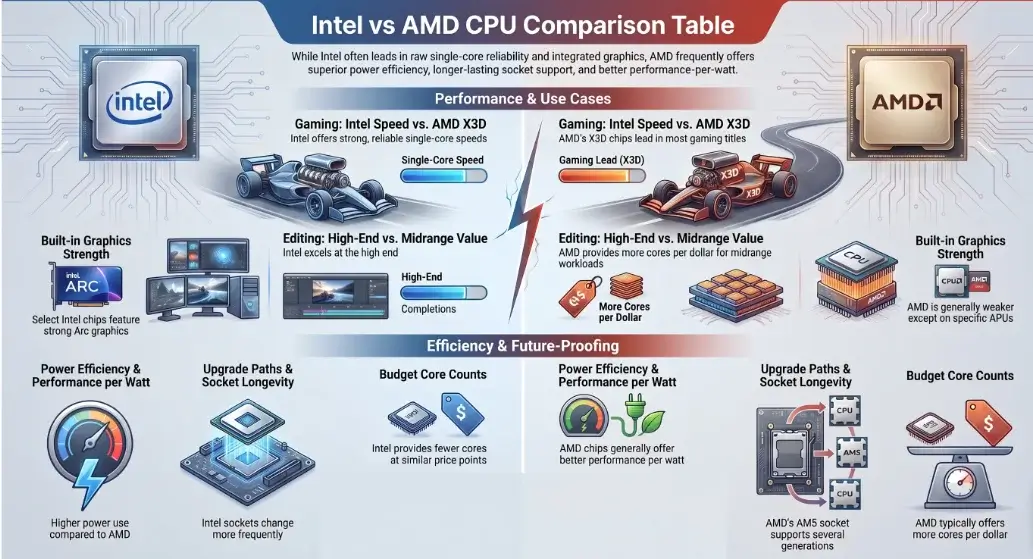
Intel vs AMD CPU Comparison Table
Here is the short version, broken down by what matters most to buyers right now.
| Category | Intel Tendency | AMD Tendency |
|---|---|---|
| Gaming | Strong single-core speed, reliable output | X3D chips lead in most titles |
| Video Editing / Rendering | Strong at the high end | More cores per dollar at midrange |
| Power Efficiency | Higher power use on desktop chips | Better performance per watt |
| Upgrade Path | Sockets change more often | AM5 supports several generations |
| Built-in Graphics | Strong on select Intel Arc graphics | Weaker, except on APU chips |
| Budget Picks | Fewer cores at the same price | More cores per dollar |
These are general patterns, not fixed rules. Always check the exact chip model and price before buying, since results shift generation to generation.
Why This Choice Still Matters
A few years ago, one brand was clearly ahead. That is not true today. Intel Core and AMD Ryzen have both gotten much better, and the gap between them is now small for most everyday tasks. This is good news for you. It means you are less likely to pick wrong. But you still need to look past price tags and ads to find the chip that actually fits your needs.
Intel vs AMD CPU Specs What’s the Difference
Intel builds its current chips around a hybrid design: fast P-cores handle demanding tasks, smaller E-cores handle background work. It works well, but depends on the OS correctly routing tasks to the right core.
AMD uses a chiplet design: separate compute chiplets connect to one shared I/O chip. This keeps costs down and lets AMD scale core counts across the Ryzen lineup without redesigning the platform each generation.
- Single-core performance matters most for gaming and web browsing, tasks that lean on one fast core.
- Multi-core performance matters for multitasking, video editing, and running work software.
- Cache size affects how fast the chip can grab data, a big reason new generations feel quicker even at similar clock speeds. This holds for both laptop and desktop chips.
Entry-level picks like the Ryzen 5 or Core i5 handle single-core tasks and light multitasking well. Higher-end chips push multi-core performance much further.
Regular Ryzen desktop chips mostly lack useful integrated graphics too. AMD’s real answer here is its Ryzen APU line (the G series), which pairs a CPU with a notably stronger integrated GPU for people skipping a discrete graphics card. Check the exact SKU before assuming either brand’s chip has graphics built in.
Common mistake: judging a chip by core count alone. A chip with fewer, faster cores can beat one with more, weaker cores, this shows up constantly in gaming benchmarks.
Intel vs AMD CPU Gaming Performance
If gaming is your main reason for reading this, here is what you need to know.
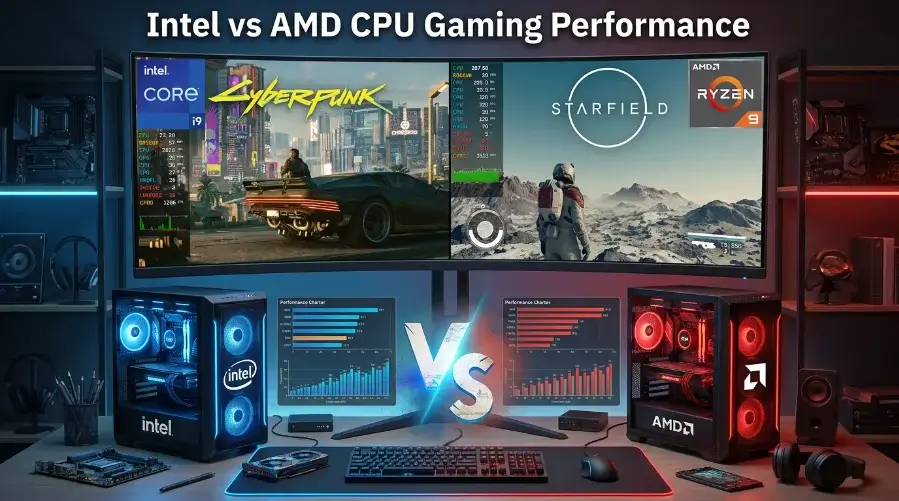
AMD’s X3D chips, like the Ryzen 7 9800X3D and Ryzen 9 9950X3D, regularly top gaming benchmarks. Their large cache sits closer to the core, cutting latency and helping games pull data faster. In independent 45-game testing, the 9800X3D averaged well ahead of Intel’s flagship Core Ultra 9 285K, and led by especially wide margins in CPU-limited titles.
Intel’s current desktop flagships carry the Core Ultra branding (like the Core Ultra 9 285K) rather than the older Core i7/i9 naming, which Intel is phasing out on new desktop chips generation by generation, you’ll still see i7/i9 badges on recent-but-older 13th/14th Gen parts still sold today. Across the Core Ultra and recent Core i7/i9 lineups, Intel remains very competitive thanks to high single-core clock speeds, and it still wins some titles and pulls well ahead in multi-core productivity work.
If you like to push extra speed yourself, overclocking is worth checking too. Most Ryzen chips come unlocked for overclocking out of the box. Intel also sells unlocked K-series chips built for overclocking, but not every Intel chip supports it.
| Workload | Intel Tendency | AMD Tendency |
|---|---|---|
| 1080p high-refresh gaming | Strong, reliable single-core output | Excellent on X3D chips |
| 4K gaming | Competitive, GPU-limited more often | Competitive, GPU-limited more often |
| Streaming while gaming | Core split handles background load well | High thread count spreads load well |
| Video rendering | Strong at the high end | Leads on multi-core value |
Do Benchmark Results Tell the Whole Story?
Not always. At 1080p, the CPU matters a lot because the graphics card isn’t the limit yet. At 1440p or 4K, the graphics card becomes the limit, and the CPU makes less of a difference.
For a deeper technical breakdown of a flagship matchup, TechSpot’s AMD Ryzen 9800X3D vs Intel Core Ultra 285K review covers real gaming and productivity test results side by side.
Tip: if you play at 4K with a mid-range graphics card, don’t spend too much on the CPU. Spend more on the graphics card instead. It will help your frame rate more.
Intel vs AMD CPU for Work & Editing
Gaming is not the only story here. Video editing and rendering work best with more cores and threads. Both Intel and AMD make chips built for this. This kind of content creation work is where extra cores really pay off.
Streaming and programming also do better with more cores. Extra cores let you run a game, a stream, and other apps at once without slowdown. Programmers who use virtual machines will notice this too.
AI workloads and machine learning tasks mostly use the graphics card. But the CPU still matters. It preps the data and keeps the whole task running smoothly.
For 3D modeling and CAD work, both brands are competitive at the high end, but AMD tends to offer better value in the mid-range. Professionals with the heaviest workloads sometimes step up to HEDT (high-end desktop) chips, which pack in extra cores beyond what mainstream consumer chips offer.
A workstation used by engineers, designers, and data teams needs stability more than gaming speed. For a current, regularly updated ranking of specific chips across price tiers, Tom’s Hardware keeps a CPU hierarchy list covering both brands.
| Workload | Intel Tendency | AMD Tendency |
|---|---|---|
| Video editing / rendering | Strong at the high end | More cores per dollar, extra cores pay off directly |
| Streaming + programming | Handles multitasking well | High core count spreads load well, good for VMs |
| AI / machine learning | GPU does the heavy lifting; CPU preps data | GPU does the heavy lifting; CPU preps data |
| 3D modeling / CAD | Competitive at the high end | Better value at mid-range |
Intel vs AMD CPU Power Consumption and Heat
AMD has built a strong name for power efficiency in recent years. It gives strong speed without using too much power. Lower power consumption also means less heat, which is good for your cooling system and can help parts last longer.
Every chip has a rated TDP (thermal design power) a rough guide to how much heat your cooler needs to handle. Higher TDP chips need stronger coolers and better case airflow to hit their advertised speeds. Intel’s desktop chips tend to run at higher peak TDP than AMD’s under full load.
Good thermal performance keeps your chip running at full speed. If your computer slows down during long tasks, high CPU temperature is often the cause, not the chip itself. For laptop CPU users, power use affects battery life directly. If you travel a lot, this matters as much as raw speed.
Common mistake: using a cheap cooler with a strong CPU. This is a fast way to lose speed. Even the best chip will slow down if it gets too hot.
Intel vs AMD CPU Motherboards & Upgrades
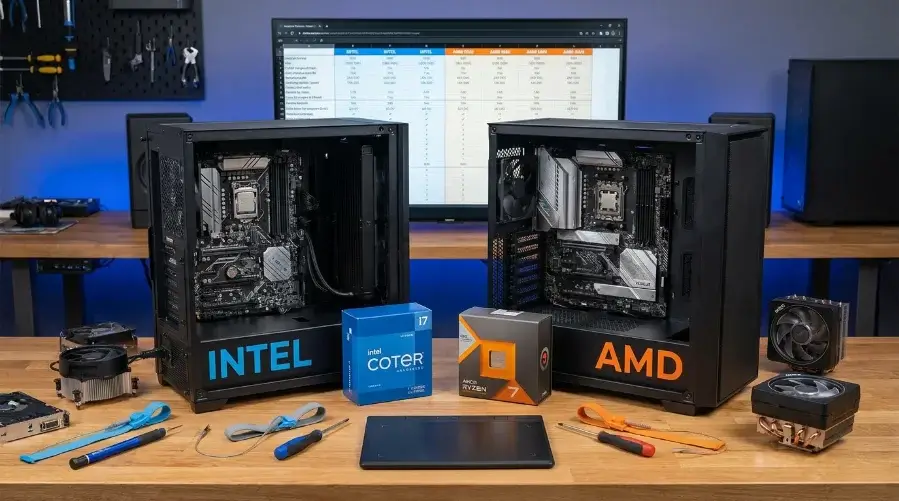
This part gets ignored until it causes a problem. Your CPU must match your motherboard’s socket type. If they don’t match, the chip won’t fit. There are no exceptions. Intel uses LGA socket designs on its current platforms. AMD uses AM4 on older Ryzen chips and AM5 on current ones. If you plan to upgrade later, check how long that socket will stay supported.
Intel’s new Core Ultra chips focus on power efficiency and AI features, but Intel has changed socket types more often between generations. AMD’s Ryzen platform, especially AM5, was built to support several generations on the same socket. This helps people who like to upgrade the chip without buying a new motherboard.
Good to know: if you’re dropping a newer Ryzen chip into an older AM5 motherboard, you may need a BIOS update first before the system will boot. Check your motherboard maker’s support page before you buy, so you’re not stuck troubleshooting after the parts arrive.
| Category | Intel | AMD |
|---|---|---|
| Current Platform | Core Ultra platform | Ryzen AM5 platform |
| Socket | LGA socket | AM5 |
| Older Platform | Depends on generation | AM4 |
| Upgrade Path | Socket changes more often | AM5 supports multiple generations |
| BIOS Updates | May be required for newer CPUs | May be required for newer Ryzen CPUs |
| Best For | New builds with specific CPU needs | Users planning future CPU upgrades |
Intel vs AMD CPU Pros and Cons
Intel Pros
- High single-core performance for gaming and everyday tasks.
- Strong built-in graphics on select Intel CPU models.
- Strong gaming and productivity performance.
Intel Cons
- Socket changes more often between generations.
- Some high-end desktop CPUs can use more power under heavy workloads.
AMD Pros
- X3D cache gives Ryzen X3D CPUs excellent gaming performance.
- AM5 offers a useful upgrade path for compatible Ryzen CPUs.
- More cores per dollar at some mid-range price points.
AMD Cons
- Built-in graphics performance varies by Ryzen model.
- Ryzen X3D CPUs can cost more than standard Ryzen models.
Reliability and Lifespan Does the Brand Matter?
Short answer: not as much as people think. Reliability depends more on cooling, motherboard quality, and care than on the brand. A well cared for chip from either brand can last for years. Most people replace their CPU because they want more speed not because it broke. A modern CPU’s lifespan almost always outlasts your wish to keep using it.
Common Intel vs AMD CPU Buying Mistakes
Choosing between Intel and AMD is not just about finding the fastest CPU. A good choice depends on your games, apps, budget, motherboard, and graphics card. Avoid these common mistakes before buying.
| Mistake | Why It Matters | What to Do |
|---|---|---|
| Choosing by brand | Brand alone does not tell you which CPU is best. | Compare the exact CPU models, features, and price. |
| Looking at core count alone | Games and work apps use CPU cores differently. | Match the CPU to your main workload. |
| Ignoring total build cost | The CPU may affect motherboard and cooling costs. | Compare the full platform cost. |
| Buying too much CPU | Extra CPU power may not improve your real-world results. | Buy enough performance for your needs and budget. |
| Forgetting cooling | Poor cooling can reduce performance under heavy loads. | Choose cooling that matches the CPU. |
| Ignoring motherboard compatibility | The CPU must match the motherboard socket and platform. | Check the socket and chipset before buying. |
| Ignoring CPU-GPU balance | One component can limit the other in some workloads. | Balance the CPU and GPU for your target resolution and FPS. |
| Using one benchmark | CPU results can change across games and applications. | Check benchmarks for your actual workload. |
| Ignoring future upgrades | Your upgrade options depend on the platform. | Check future CPU and motherboard support. |
| Paying for unused features | Extra features may not improve your experience. | Pay for features that match your actual needs. |

Leave a Reply