

No, the Ryzen 5 7600X does not meaningfully bottleneck the RTX 5070 Ti at 1440p or 4K in most games. At 1080p high-refresh and in CPU-heavy titles like Microsoft Flight Simulator, the 6-core chip can limit frame rates. Pair it with DDR5-6000 and you have a balanced, upgrade-friendly AM5 combo.
Six cores. That is the number that makes builders nervous in 2026. You are about to spend serious money on an RTX 5070 Ti, a 16GB Blackwell card built for 1440p high-refresh and 4K gaming, and the little voice in your head asks whether a 6-core Ryzen 5 7600X is really enough to feed it.
It is a fair question, and the honest answer is more useful than a single yes or no. Bottlenecks are not a fixed property of two parts. They change with your resolution, your games, your settings, and what else your PC is doing. The RTX 50 series has become the mainstream: the September 2026 Steam hardware survey put the RTX 5070 at the top of the charts with about 5.86% of gamers, which means more builders than ever are asking exactly which CPU belongs next to these cards.
This guide gives you a straight verdict for every resolution, shows you where the 7600X genuinely limits the 5070 Ti, covers the DDR5 and platform details that actually affect performance, and maps out the AM5 upgrade path for later. No invented benchmarks, no mystery percentages presented as lab results.
What Bottleneck Actually Means for This Pairing
A bottleneck simply means one component finishes its work faster than the other and ends up waiting. In gaming, the CPU prepares each frame (game logic, physics, draw calls) and the GPU renders it. If the CPU cannot prepare frames fast enough, the GPU sits partially idle and you lose performance you paid for.
Here is the part most guides skip: in a healthy gaming PC, something is always the limit, and that is normal. At 4K with maxed settings, you want the GPU to be the limit, because that means your CPU is feeding it everything it can render. A small, single-digit bottleneck percentage is not a defect. If you want the full explainer on which numbers actually matter, read our guide to what counts as a good bottleneck percentage.
Be skeptical of exact percentages from automated calculators. For this exact pair, one popular calculator estimates roughly 15% CPU limitation at 1080p, while another puts it near 20%. They disagree because they are simplified models, not measurements of your games on your settings. Treat any single percentage as a rough hint, never as a lab result.
Practical takeaway: judge this pairing by resolution and game type, not by a single percentage.
Ryzen 5 7600X The CPU Side of the Equation
The Ryzen 5 7600X is a 6-core, 12-thread Zen 4 chip on AMD’s AM5 socket. AMD’s official specifications list a 4.7 GHz base clock, up to 5.3 GHz boost, 32MB of L3 cache, a 105W TDP, DDR5 memory support, PCIe 5.0, and AMD EXPO memory overclocking. It launched in September 2022, which makes it an older chip, but clock speed and architecture matter more than age for gaming.
Why do six fast cores still game well? Most games scale with per-core speed rather than core count. A 5.3 GHz Zen 4 core chews through game logic quickly, and very few titles can keep more than 8 cores busy. That is why the 7600X keeps showing up in budget-conscious high-end builds years after launch: it delivers the single-thread speed games want at a mid-range price.
There are honest limits, and we will cover them below: heavily threaded simulation games, streaming while gaming, and 240Hz-plus esports at 1080p. But for straight 1440p and 4K gaming, six Zen 4 cores are not the weak link most builders fear.
Note two practical details from AMD’s spec page: the 7600X ships with no stock cooler, and AMD recommends a premium air cooler for best performance. Its maximum operating temperature is 95C, which is normal behavior for Zen 4, not a defect. If you are comparing it against its non-X sibling, our Ryzen 5 7600 GPU pairing guide covers that chip in detail.
Practical takeaway: the 7600X is a fast 6-core gaming chip with modern platform features; its age matters less than its 5.3 GHz boost clock.
RTX 5070 Ti The GPU Side of the Equation
The RTX 5070 Ti is NVIDIA’s upper-midrange Blackwell card. NVIDIA’s official specs list 8,960 CUDA cores, 16GB of GDDR7 memory on a 256-bit bus, a 2.45 GHz boost clock, 4th-gen ray tracing cores, 5th-gen Tensor cores, DLSS 4 with Multi Frame Generation, and PCIe Gen 5 support. Board partner cards are 300W-class designs, so this is a card that wants a real power supply and real airflow.
Two things make this card special for this discussion. First, 16GB of VRAM removes the memory anxiety that haunts 8GB and 12GB cards at 1440p ultrawide and 4K. Second, DLSS 4 Multi Frame Generation can multiply frame rates in supported titles, which shifts even more of the workload onto the GPU and further reduces how often the CPU is the limit.
The 50 series momentum matters here too. With the RTX 5070 becoming the most common GPU in the September 2026 Steam survey at roughly 5.86%, this generation is now the default choice for new builds, and the Ti is the sweet-spot step up for 1440p high-refresh gaming. If you are weighing the non-Ti instead, our best CPU for RTX 5070 guide breaks down that pairing.
Practical takeaway: the 5070 Ti is a 1440p and 4K card with VRAM and upscaling headroom to spare, which plays to the 7600X’s strengths.
The Verdict by Resolution 1080p, 1440p, and 4K
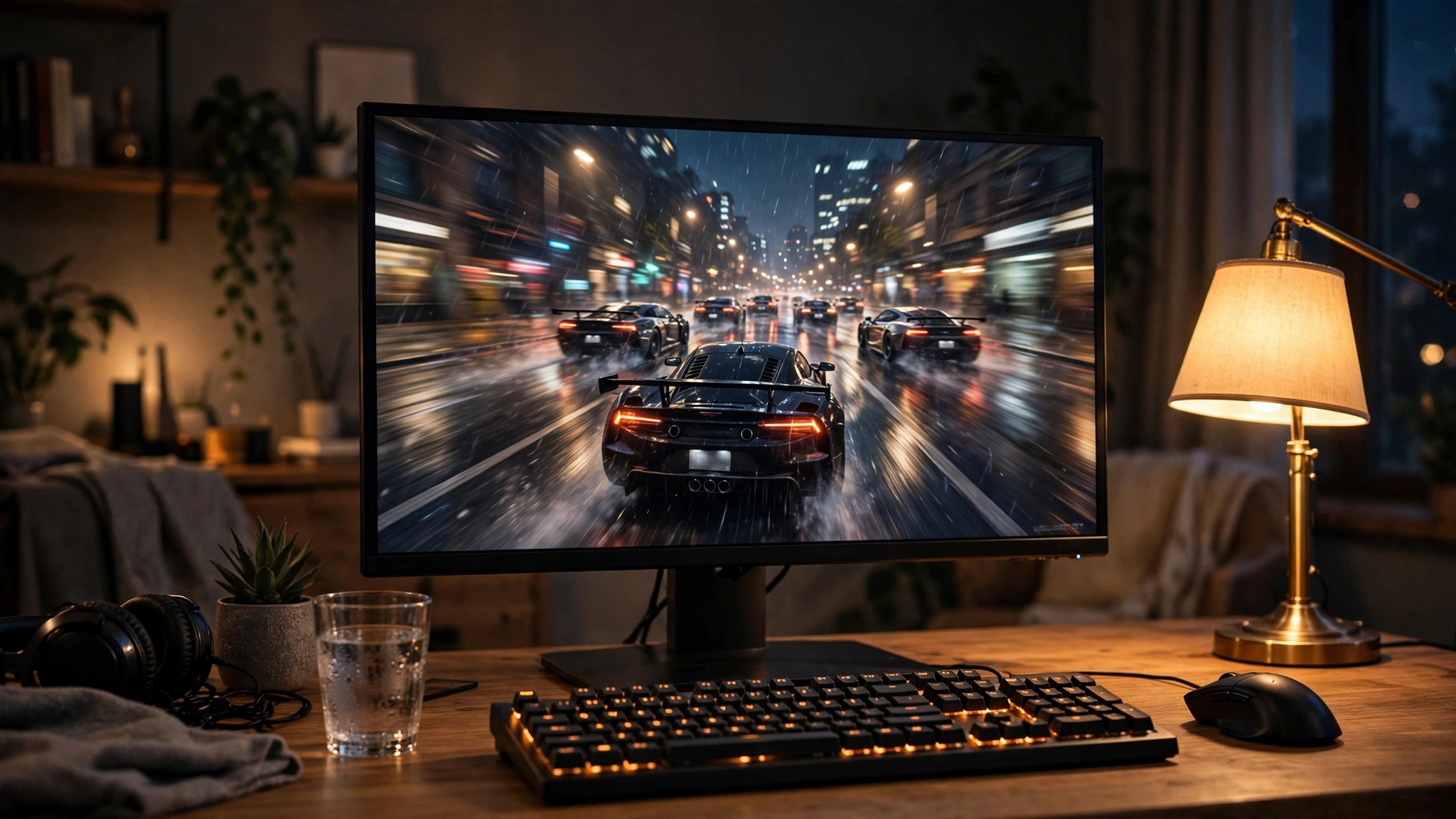
Resolution decides this question more than any other factor. Higher resolutions load the GPU harder, which takes pressure off the CPU. Here is the honest verdict for each:
| Resolution | Which part usually limits | Bottleneck risk | Bottom line |
|---|---|---|---|
| 1080p | CPU in esports and sim titles | Moderate | Fine at 60-144Hz; 240Hz-plus competitive players should look at 8-core or X3D chips |
| 1440p | Balanced; GPU in most AAA games | Low | The sweet spot for this combo |
| 1440p ultrawide | GPU | Low | Excellent pairing; the extra pixels keep the 5070 Ti fully fed |
| 4K | GPU, clearly | Very low | The 7600X is plenty; your GPU does all the heavy lifting |
1080p The CPU Works Hardest Here
At 1080p the RTX 5070 Ti renders frames so quickly that the 7600X has to work its hardest to keep up. In GPU-heavy AAA titles you will still be fine, but this is the one resolution where the 6-core chip can cost you frames: competitive esports at 240Hz and above, and CPU-bound simulation games. The automated calculators’ 15-20% estimates at 1080p are roughly pointing at this reality, even if you should not treat their exact numbers as gospel.
Frankly, pairing a 5070 Ti with a 1080p monitor is a mismatch regardless of CPU. This card is built for higher resolutions, and our 1080p vs 1440p bottleneck breakdown explains why the monitor choice changes the whole bottleneck picture.
1440p The Sweet Spot for This Combo
This is where the pairing shines. At 1440p the GPU takes on the bulk of the work in nearly every AAA title, and the 7600X’s fast cores keep frame pacing smooth. Turn on DLSS 4 Quality mode and ray tracing, and the GPU load climbs further, which is exactly what you want: a fully utilized graphics card with a CPU that never breaks a sweat. For the way most people actually play, 1440p high-refresh with this combo is balanced.
4K The GPU Is the Limit, and That Is Fine
At 4K the RTX 5070 Ti is unambiguously the limiting factor, and that is the correct outcome. The 7600X will not hold back 4K performance in any meaningful way because the GPU simply cannot render frames faster than the CPU can prepare them at this resolution. If 4K is your target, buy the 7600X with confidence and put the savings toward the GPU, the monitor, or games.
Practical takeaway: 1440p and 4K are green lights; only 1080p high-refresh gives the 7600X real trouble.
Where the 6-Core 7600X Can Actually Hold You Back
Let us be specific about the exceptions, because vague warnings help nobody.
CPU-heavy simulation and strategy games. Microsoft Flight Simulator and Cities: Skylines 2 are famous for hammering processors with physics, AI, and simulation logic. In these titles a 6-core chip can limit performance even at 1440p, while an 8-core or 3D V-Cache chip pulls ahead. If these are your main games, weight your CPU choice accordingly.
A documented real-world case. This is not just theory. Club386 published a detailed investigation of their own Ryzen 5 7600X bottlenecking in Battlefield 6: their testing showed the GPU sitting at 80-90% utilization while the CPU spiked, with the graphics card visibly waiting on the processor during heavy scenes. Large-scale multiplayer shooters with complex simulation are exactly where 6 cores show their limits.
High-refresh esports at 1080p and 1440p. Chasing 240Hz-plus in Counter-Strike 2 or Valorant is one of the most CPU-demanding things you can do. X3D chips with their stacked cache dominate here, and that gap is real.
Streaming and heavy multitasking. Gaming while streaming, with Discord, a browser full of tabs, and background apps running, spreads 6 cores thin. The 7600X can do it, but an 8-core chip handles the background load with less impact on game smoothness.
If you do run into CPU limits, the fixes are straightforward and covered in our CPU bottleneck fix guide. For a same-format sibling analysis with an Intel chip, see does the i5-12400F bottleneck the RTX 4060 Ti.
Practical takeaway: sims, 240Hz esports, and stream-while-you-game are the three real scenarios where 6 cores cost you.
DDR5 and EXPO The 6000 MT/s Sweet Spot
RAM choice genuinely affects this pairing. Ryzen chips talk to memory through their Infinity Fabric interconnect, and DDR5-6000 hits the sweet spot where the memory controller runs in its efficient 1:1 mode. Go much slower and you leave gaming performance on the table; go much faster and you pay more for diminishing returns plus potential instability.
AMD’s own testing disclosures for the 7600X used DDR5-6000 CL30 memory with EXPO enabled, which tells you what AMD itself considers the representative configuration. The practical recipe: a 32GB (2x16GB) DDR5-6000 CL30 kit with an EXPO profile, installed in the correct two slots, with EXPO enabled in BIOS on day one. Two sticks, not four: AMD’s spec page shows supported speeds dropping sharply with four DIMMs populated, so a 2-stick kit is both faster and more stable.
If you are still on the fence about DDR5 itself, our DDR4 vs DDR5 gaming comparison has the full breakdown. Note that AM5 is DDR5-only, so this decision is made for you on this platform.
Practical takeaway: 2x16GB DDR5-6000 CL30 with EXPO enabled; do not run it at stock JEDEC speeds.
Platform Notes PCIe 5.0, B650 Boards, Power & Cooling
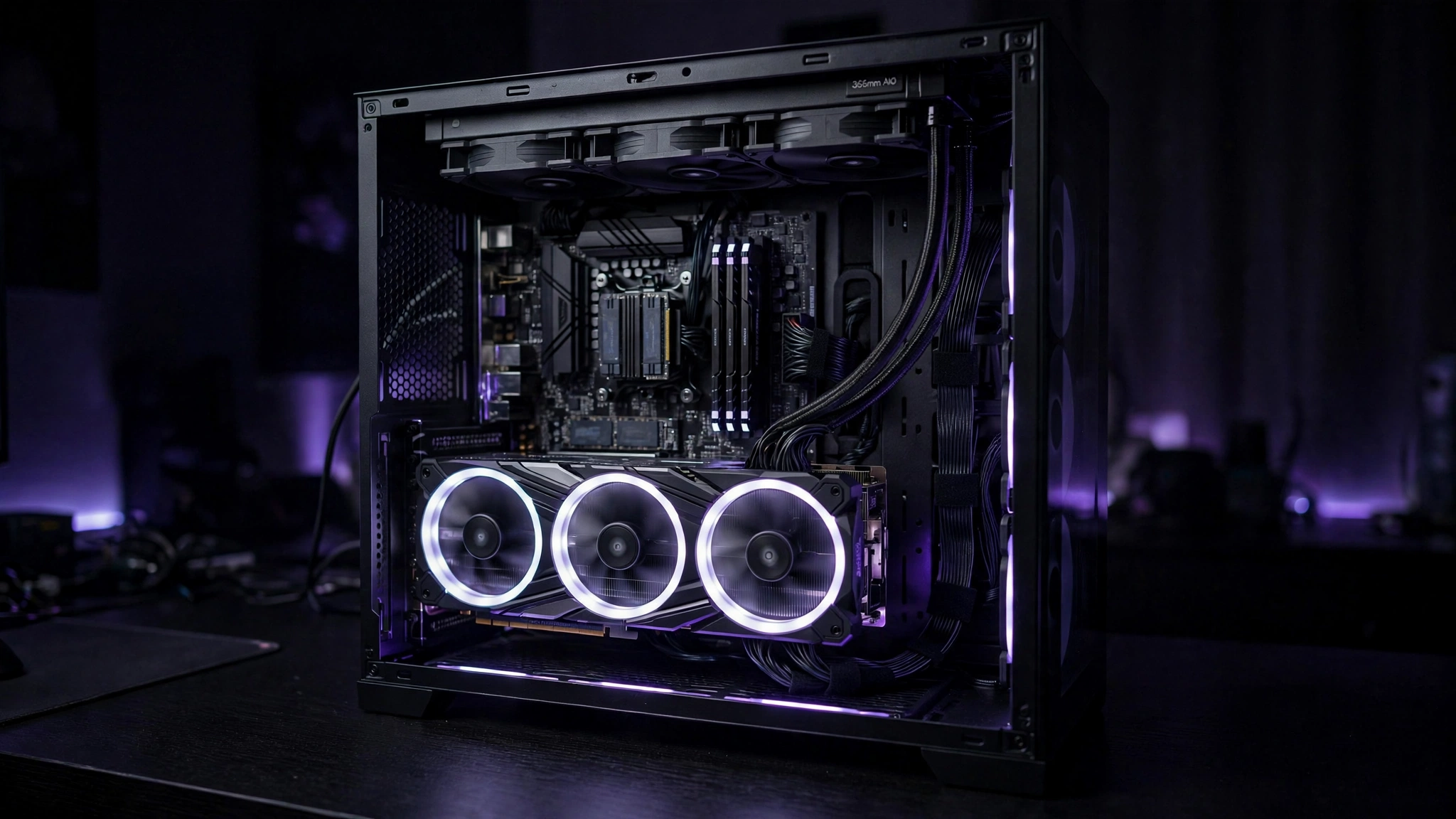
The rest of the platform matters less than CPU, GPU, and RAM, but a few choices are worth getting right.
Motherboard. The 7600X officially supports PCIe 5.0 and lists B650 among its supported chipsets. A good B650 board is all this pairing needs for gaming; you do not need an X870 board unless you want its extra connectivity. One reassurance: even if your board’s x16 slot runs at PCIe 4.0 speeds, that interface feeds the RTX 5070 Ti with room to spare in real games.
Power supply. This is a 300W-class GPU next to a 105W CPU. Buy a quality 750W or higher 80+ Gold unit from a reputable brand and use the proper 12VHPWR or 12V-2×6 cable, fully seated with no sharp bends at the connector. Our RTX 50 series PSU guide covers wattage and model picks in depth.
Cooling. Remember the 7600X ships without a cooler, and Zen 4 is designed to run hot: up to 95C under load is expected behavior, not overheating. A solid single-tower air cooler handles gaming loads; a dual-tower or 240mm liquid cooler buys quieter operation and more boost headroom if you enable PBO.
Practical takeaway: B650 is enough board, 750W Gold is enough power, and budget for a real cooler since none is included.
Upgrade Path AM5 Lets You Drop In a Faster Chip Later
This is the 7600X’s secret weapon: the AM5 socket. AMD has kept AM5 alive across multiple Ryzen generations, which means a 7600X build today can take a Ryzen 7 9700X or a Ryzen 7 9800X3D later with nothing more than a BIOS update. No new motherboard, no new RAM, no rebuild.
That upgrade math looks especially good right now. The 9800X3D was reported at around $411 during October Prime Day sales (per Club386 on October 6, 2026), which is serious 3D V-Cache gaming performance at a mid-range price. Start with the 7600X, enjoy it for a year or two, and if sims or high-refresh esports start calling, the drop-in upgrade is waiting.
An upgrade pays off when your games are CPU-limited (check with the method in the section below) or when you move to 240Hz-plus competitive play. It does not pay off for 4K AAA gaming, where the GPU remains the limit regardless. Our Ryzen 7 9800X3D GPU pairing guide covers what that chip wants next to it.
Practical takeaway: buy the 7600X now with a real upgrade path; the 9800X3D is the obvious future drop-in.
7600X vs the Alternatives for the RTX 5070 Ti
How does the 7600X stack up against the other CPUs builders actually cross-shop? This is the shortlist that matters:
| CPU | Cores / Threads | Max boost | Why you would pick it |
|---|---|---|---|
| Ryzen 5 7600X | 6 / 12 | 5.3 GHz | Best value; plenty for 1440p and 4K gaming |
| Ryzen 5 9600X | 6 / 12 | 5.4 GHz | Newer Zen 5, cooler and more efficient; small premium over the 7600X |
| Ryzen 5 5600 | 6 / 12 | 4.6 GHz | Budget AM4 fallback if prices are low |
| Ryzen 7 7700X | 8 / 16 | 5.4 GHz | 8 cores for streaming and multitasking on a budget |
| Ryzen 7 9700X | 8 / 16 | 5.5 GHz | Zen 5 efficiency with 8 cores; mild gaming uplift over the 7600X |
| Ryzen 7 7800X3D | 8 / 16 | 5.0 GHz | 3D V-Cache king for high-refresh and sim gaming (previous gen) |
| Ryzen 7 9800X3D | 8 / 16 | 5.2 GHz | The no-compromise gaming CPU; the ultimate drop-in upgrade |
Real builders agree with this framing. In a recent r/buildapc discussion, a buyer pairing a 5070 Ti was choosing between the 9700X and X3D options, and the community consensus steered them toward either the 7600X/9600X for value or a 3D V-Cache chip for maximum gaming performance, calling the 9700X a poor value for pure gaming. Another user in the same thread reported their 7600X felt like “a little bottleneck” specifically in 1440p path-traced games, which matches our verdict: exotic rendering loads are the edge case, not the norm.
The 9600X deserves a special mention: it is the direct Zen 5 successor, slightly faster, and noticeably more efficient at 65W. If the price gap is small when you buy, take the 9600X. If the 7600X is meaningfully cheaper, pocket the difference.
Practical takeaway: 7600X for value, 9600X if the premium is tiny, X3D chips for high-refresh and sims.
How to Check for a Bottleneck on Your Own PC
Do not take any article’s word for it, including this one. Here is how to test your own system in ten minutes:
- Install monitoring. MSI Afterburner with Rivatuner, or the NVIDIA App overlay, can show GPU utilization and per-core CPU usage on screen while you play.
- Play your actual games. Run the titles you care about at the settings you use for at least ten minutes, including busy scenes.
- Read the GPU number. If GPU utilization sits at 95% or higher, your GPU is the limit and your CPU is doing its job. That is the outcome you want.
- Spot the CPU limit. If the GPU hovers well below 90% while one or more CPU cores are maxed out, the processor is holding the card back in that game.
- Confirm with the resolution test. Raise your render resolution or settings. If frame rates barely change, you are CPU-limited. If they drop proportionally, you were GPU-limited all along.
If the test shows a CPU limit in games you actually play, our CPU bottleneck fixes walk through every mitigation from settings tweaks to upgrade decisions.
Practical takeaway: GPU at 95%+ means all is well; low GPU usage with maxed CPU cores means the CPU is the limit.
Common Mistakes to Avoid
- Buying cores you will never use. An 8 or 12-core chip does not raise frame rates in GPU-bound games. Match the CPU to your games, not to a core-count contest.
- Obsessing over calculator percentages. A “14.9%” or “20%” figure from a bottleneck calculator is a model estimate, not a measurement. Use the resolution test above instead.
- Running RAM at stock speeds. Forgetting to enable EXPO leaves DDR5 at slow JEDEC speeds and quietly costs you performance on Ryzen.
- Cheap power supply on a 300W GPU. This is where builds die young. A quality 750W Gold unit is not the place to save $30.
- Four RAM sticks for looks. Populating all four DIMMs forces lower stable memory speeds on AM5. Two sticks is faster.
- Blaming the CPU for a 1080p 60Hz monitor. With a 5070 Ti, the monitor is the bottleneck at 1080p 60Hz, not the 7600X. This card wants 1440p or higher.
Expert Tips
- Enable EXPO on day one. It is a single BIOS toggle and the easiest free performance on AM5.
- Update BIOS and chipset drivers. AGESA updates have steadily improved 7000-series behavior since launch; do not run a 2022 BIOS in 2026.
- Use DLSS 4 Quality at 1440p. It keeps the GPU fully loaded with a clean image, which is exactly the balance you want. Our DLSS vs FSR guide explains the upscaler options.
- Turn on Resizable BAR. It is a free BIOS option that helps in a range of titles with modern GPUs.
- Cap background apps for high-refresh play. Close the browser and heavy launchers when chasing maximum frame rates on 6 cores.
- Try PBO with a curve optimizer offset. The 7600X responds well to undervolting: lower temperatures, sustained boost clocks, same or better performance.
Frequently Asked Questions
Should I pick the 7600X, 9600X, or 9700X with an RTX 5070 Ti?
This exact dilemma came up in a recent r/buildapc thread from a builder pairing a 5070 Ti. The community’s answer is the right framework: for pure gaming value, the 7600X or 9600X wins and the 9700X is a poor value pick. The 9700X only makes sense if you also do heavy multitasking or productivity work. If maximum gaming performance is the goal regardless of cost, skip all three and get a 9800X3D.
Does the 7600X bottleneck the RTX 5070 Ti in path-traced games at 1440p?
Slightly, in some cases. One r/buildapc user reported their 6-core Ryzen felt like “a little bottleneck” specifically in 1440p path tracing. Path tracing is an extreme GPU load, but it also generates heavy CPU-side work preparing ray tracing data structures. Expect the 7600X to be the limit more often here than in rasterized games, though the experience remains very playable.
Is it a bad idea to pair an AMD CPU with an NVIDIA GPU?
Not at all. A first-time builder asked this exact question on the Linus Tech Tips forum after buying a 5070 Ti, worried about mixing brands. There is no meaningful penalty: PCIe, Resizable BAR, and display standards are cross-vendor, and an AMD CPU drives an NVIDIA GPU exactly as well as an Intel one does. Buy the best CPU and the best GPU for your budget independently.
Is upgrading from a 7600X to a 9800X3D worth it?
It depends on your monitor and games. An LTT forum member asked this while gaming at 3440×1440 ultrawide, and the consensus answer applies broadly: you will gain frame rate consistency and 1% lows, especially in CPU-heavy titles, but at 1440p ultrawide and 4K the uplift is modest for the money. It is worth it for 240Hz esports and simulation games; for cinematic 4K AAA gaming, put the money toward your next GPU instead.
Key Takeaways
- The Ryzen 5 7600X does not meaningfully bottleneck the RTX 5070 Ti at 1440p or 4K in typical games.
- At 1080p high-refresh and in CPU-heavy sims, the 6-core chip can become the limit.
- DDR5-6000 CL30 with EXPO enabled is the memory sweet spot for this pairing.
- A quality 750W Gold PSU, a B650 board, and a real cooler (none included) complete the build.
- AM5 gives you a drop-in upgrade path to the 9700X or 9800X3D later.
- Real builder communities recommend the 7600X/9600X for value or X3D for maximum gaming performance.
Final Verdict
| Your situation | Buy the 7600X with the 5070 Ti? |
|---|---|
| 1440p or 4K AAA gaming | Yes, excellent balance |
| 1080p 240Hz-plus esports | Consider a 9800X3D instead |
| MS Flight Simulator / Cities: Skylines 2 main | Consider 8-core or X3D |
| Streaming while gaming | Consider an 8-core chip |
| Budget-first builder who upgrades later | Yes, the AM5 path is the plan |
For most builders, this is a yes. The 7600X is fast where games need it, the 5070 Ti is the limit at the resolutions it was built for, and the AM5 socket means you are never trapped. One last piece of timing context: unconfirmed reports citing leaker Kepler_L2 (via TechSpot) suggest next-generation GPUs may not arrive until 2028. If that holds, there is little reason to wait on the sidelines. Build the balanced PC now, enable EXPO, and go play.

Leave a Reply