

Quick answer: The best CPU and GPU combo under 1200 for 1440p gaming in 2026 is a Ryzen 5 9600X paired with an RX 9070 XT, which October 2026 pairing guides price around $890 to $950 for the two parts. Budget builders should consider a Ryzen 5 7600 with an RX 9060 XT, while high-refresh players can step up to a Ryzen 7 7700X with an RTX 4070 Super.
The $800 Companion Guide A Short Recap
If you are working with a tighter budget, our companion guide to the best CPU and GPU combo under $800 targets smooth 1080p gaming with pairings like a Ryzen 5 5600 and an RX 6600-class card. It focuses on maximum value per dollar at 1080p, where weaker CPUs still hold up. This article picks up where that one ends: the extra $400 moves you to 1440p, which changes the GPU math, the VRAM requirements, and which CPUs stay bottleneck-free.
The Three Pairing Tiers Inside a $1200 Build
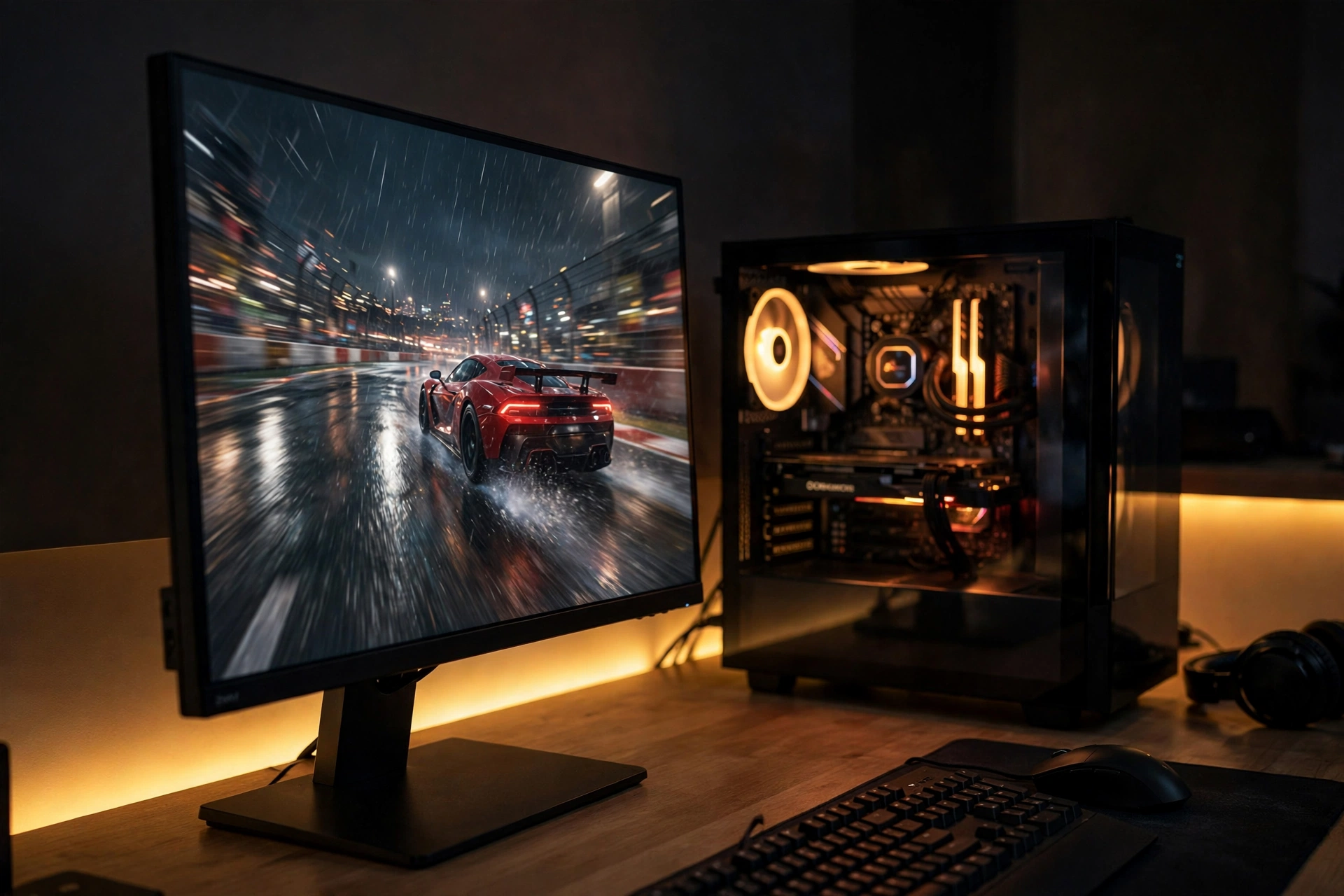
A $1200 full build is not a single decision. It is really a CPU plus GPU combo worth roughly $650 to $1000, plus about $400 to $500 for the motherboard, RAM, storage, case, and power supply. The pairings below assume you are buying new parts at approximate street prices in October 2026 (prices move fast, so always check current listings before ordering). Every combo is chosen to stay bottleneck-safe at 1440p, meaning the CPU feeds the GPU fast enough that your graphics card does the work it was built for.
Ryzen 5 7600 + RX 9060 XT (roughly $640 to $720 for the pair)
The Ryzen 5 7600 is a 6-core, 12-thread AM5 chip that remains one of the best value gaming CPUs available. The RX 9060 XT ships with 16GB of VRAM, which is the real reason it belongs in a 1440p conversation: modern titles at 1440p high settings can push past 10GB of VRAM usage, and 16GB removes that worry entirely. Together, this pair handles 1440p at high settings comfortably and leaves roughly $480 to $560 for the rest of the build, which is plenty for a B650 board, 32GB of DDR5, a 1TB NVMe drive, and a quality 650W power supply. If you prefer NVIDIA, an RTX 5060 Ti 16GB slots into the same budget and pairing logic (see our guide to the best CPU for RTX 5060 Ti for alternatives). This is the combo for builders who want the 1440p experience with the least financial risk.
Ryzen 5 9600X + RX 9070 XT (roughly $890 to $950 for the pair)
The Ryzen 5 9600X is AMD’s Zen 5 6-core part: faster, cooler, and more efficient than the 7600, with boost clocks up to 5.4 GHz. The RX 9070 XT is a mid-tier RDNA 4 card designed for exactly this job: 1440p gaming with ray tracing enabled, backed by 16GB of GDDR6 memory. October 2026 pairing guides price this combination at roughly $890 to $950 and report around 90 to 144 FPS in modern games at 1440p ultra settings, which is why it earns the sweet-spot label (isitbottlenecked.com). Neither component holds the other back in GPU-heavy or CPU-bound scenes, so the pairing stays clean even at high refresh rates. At this tier, your remaining budget lands around $250 to $310 for the supporting parts, which is tighter but still workable with a value B650 board and a 650W Gold PSU.
Ryzen 7 7700X + RTX 4070 Super (roughly $950 to $1050 for the pair)
If you game at 1440p on a 165Hz or 240Hz monitor, or you want NVIDIA’s DLSS and ray tracing performance, the RTX 4070 Super with its 12GB of GDDR6X is the step-up GPU, and the 8-core Ryzen 7 7700X feeds it without choking (we cover CPU choices for this card in detail in our best CPU for RTX 4070 Super guide). This is the ceiling of the $1200 budget
it leaves only about $150 to $250 for everything else, so it only works if you already own a case, storage, or power supply, or you buy some supporting parts used. The payoff is the highest frame rates of the three tiers and headroom for streaming or background tasks while gaming.
| Pairing tier | CPU | GPU | Approx. combo cost (Oct 2026) | Best for |
|---|---|---|---|---|
| Value | Ryzen 5 7600 (6C/12T) | RX 9060 XT 16GB | $640 to $720 | 1440p high settings, tightest budget |
| Sweet spot | Ryzen 5 9600X (6C/12T) | RX 9070 XT 16GB | $890 to $950 | 1440p ultra, high refresh rates |
| Premium | Ryzen 7 7700X (8C/16T) | RTX 4070 Super 12GB | $950 to $1050 | 165Hz+ monitors, DLSS, streaming |
All prices are approximate street prices from October 2026. Verify current listings, since hardware pricing shifts quickly, especially in today’s market (see the price-reality section below).
The CPU vs GPU Budget Split Rule
The most common budgeting question at this tier is also the most important one: how much of your money goes to the CPU versus the GPU? The widely used rule, repeated across pairing guides, is to put 60 to 70 percent of your processor and graphics budget into the GPU and 30 to 40 percent into the CPU. At a $900 combo budget, that means roughly $550 to $600 on the graphics card and $250 to $300 on the processor.
The rule holds because at 1440p the GPU does most of the rendering work, so extra dollars spent on graphics translate more directly into frames than extra dollars spent on the CPU. This is the opposite of the mistake many first-time builders make: overspending on a fancy 8-core chip and pairing it with a GPU that cannot push 1440p, then wondering why games stutter. As long as the CPU is a modern 6-core or better, the GPU should win every budget fight. Our guide on CPU bottleneck vs GPU bottleneck explains which side limits you and when, and it is worth a read before you finalize a parts list.
Why These Pairings Stay Clean at 1440p
Bottlenecking simply means one component forces another to wait. At 1080p, the CPU often limits performance because the GPU finishes frames so fast that the processor cannot keep up. At 1440p, the render load roughly doubles, which shifts the burden onto the GPU and gives the CPU breathing room. That is why 6-core chips like the Ryzen 5 7600 and 9600X, which might show slight CPU limits at 1080p with a strong card, run cleanly at 1440p with the same GPUs.
The practical way to check a bottleneck is to monitor GPU and CPU usage while gaming. If GPU usage stays below 90 percent while the CPU is pinned near 100 percent on multiple cores, the CPU is the bottleneck. For a deeper explanation of what the percentages actually mean, see our guide to what counts as a good bottleneck percentage. Before buying, run your planned pairing through our free CPU bottleneck calculator to confirm the match at 1440p. All three tiers above pair a CPU strong enough to keep the GPU fed at this resolution, which is exactly why a 6-core processor is sufficient here: the extra money goes to graphics, where it buys real frames.
There is one edge case worth knowing. CPU-heavy competitive titles and simulation games at very high refresh rates (200 FPS and above) can still stress a 6-core chip. If your library is mostly esports shooters on a 240Hz monitor, the Tier 3 combo with its 8-core CPU is the safer pick. For everyone else, including story-driven AAA games, the value and sweet-spot tiers stay balanced.
Where to Spend vs Save
The CPU and GPU are the stars, but the supporting cast decides whether the build survives. Here is how to split the remaining $250 to $500 wisely.
Spend on the power supply. A 650W 80+ Gold unit from a reputable maker is the minimum for these combos, and 750W gives headroom for future GPU upgrades. Pairing guides consistently recommend 650W Gold for mid-range builds like a Ryzen 7 with an RTX 4070-class card. Never cheap out on the PSU: a bad unit can take the whole build with it, and a good one lasts through multiple upgrades.
Spend on 32GB of RAM. 16GB is still the functional minimum for gaming in 2026, but 32GB is the smart buy if you stream, keep Discord and Chrome open, or plan to keep the PC for three or more years. On AM5 builds, aim for DDR5-6000, which is the sweet spot for Ryzen memory performance. On a tight Tier 2 or 3 budget, 16GB is an acceptable short-term compromise you can expand later.
Save on the motherboard. A solid mid-range B650 board does everything a 1440p gaming build needs. Expensive boards buy overclocking features and extra ports that add zero frames per second. One smart money move on the Intel side: new DDR4-compatible LGA1700 CPUs are coming in 2027 (confirmed by Gigabyte), which makes cheap DDR4 LGA1700 boards an interesting budget path with a real upgrade route. We track this in our Intel LGA1700 new CPUs 2027 coverage.
Save on storage and the case (within reason). A 1TB NVMe SSD is the baseline, and you do not need the fastest Gen4 drive for gaming load times. A well-ventilated mesh case in the $60 to $80 range cools these mid-range parts perfectly well. Spend the savings on the GPU tier instead.
Do not forget cooling. The stock cooler handles a Ryzen 5 7600 fine, but a $25 to $35 tower cooler runs quieter and keeps boost clocks steadier. For the 7700X, budget for an aftermarket cooler from the start.
Used-Market Pairings That Still Make Sense in 2026
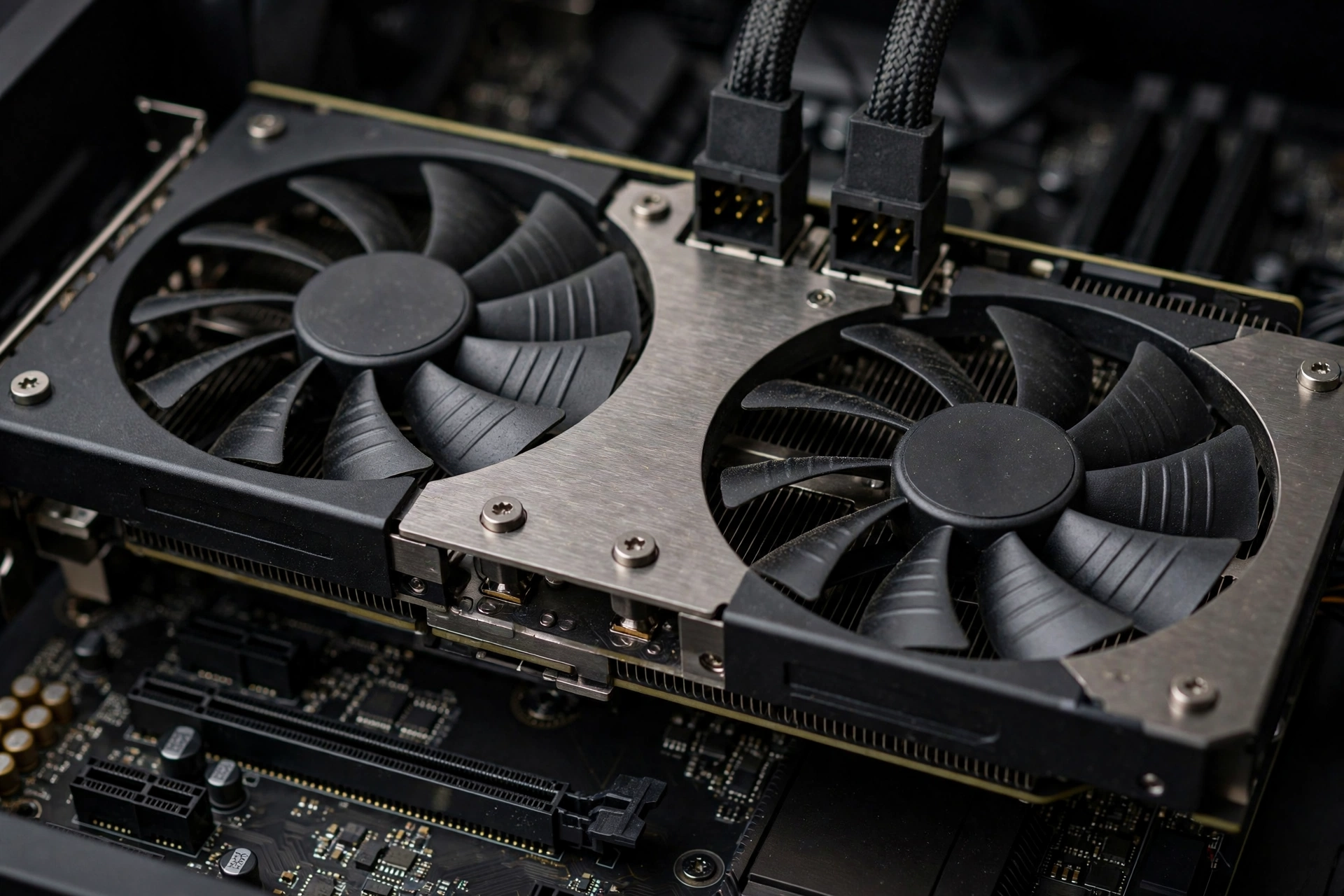
New-part prices have climbed, so the used market deserves a serious look, and it can unlock 1440p for well under the $1200 ceiling. The classic used 1440p pairing is a Ryzen 5 5600X (or the even cheaper Ryzen 5 5600) with an RTX 3060 Ti or an RX 6700 XT. Forum discussions note the 5600X keeps bottleneck levels under 10 percent with cards in this class, and 1440p frame rates stay strong as long as you skip maxed-out ray tracing. A used combo like this typically runs $350 to $450 for both parts, which leaves enormous room in the budget for quality new supporting parts, including a fresh power supply and a bigger SSD.
The rules for buying used are simple. Buy the GPU from a seller with a return window, ask for a photo of the card running a benchmark or game, and avoid cards that were clearly mined on unless the price reflects the risk. Prefer 12GB cards like the RX 6700 XT over 8GB options for 1440p longevity. Keep the CPU and motherboard on the AM4 platform for maximum used-part availability and cheap DDR4 RAM; our best GPU for Ryzen 5 5600 guide covers more pairing options on that platform. And always buy the power supply new. A used PSU is the one gamble that is never worth it.
The October 2026 Price Reality (Read This Before You Buy)
You need to know one thing before spending $1200 this month: hardware prices are moving against buyers right now. Here is what is verified as of October 12, 2026.
Intel CPU price hikes are real, but nuanced. A supply-chain report from Taiwan’s Commercial Times (CTEE), covered by WCCFTech, says Intel raised prices across multiple CPU generations in September, with Panther Lake models carrying high-end integrated graphics seeing 15 to 20 percent increases, Meteor Lake and Arrow Lake up 5 to 10 percent, and Alder Lake and Twin Lake up 10 to 20 percent. Qualcomm raised its Snapdragon X prices about 10 percent from October 1, and AMD is expected to follow with increases on some Ryzen families, though AMD has confirmed nothing specific yet.
Two honest caveats. First, these are supplier-level increases: retail prices do not automatically move by the same percentages, and OEMs can absorb part of the cost or adjust configurations. Second, Intel previously denied a separate round of price-hike rumors in September, so treat the numbers as supply-chain reporting, not official pricing. For a broader market view, TrendForce frames the same wave and notes that systems already in distribution may stay comparatively priced for a while, which means existing retail stock could be your best deal this month.
GPU prices are up sharply too. 3DCenter data reported via WCCFTech and PC Guide shows GPU prices up roughly 66 percent over the last 12 months. There is also an unconfirmed leak suggesting AMD may raise RX 9000 series MSRPs in Q4 2026. It is a rumor, not a fact, but it is one more reason not to assume today’s prices will still be there in December.
What this means for your $1200 build. First, buy sooner rather than later if your parts list is settled: waiting rarely helps in a rising market. Second, existing retail inventory is your friend, since boxed CPUs already on shelves were priced before the hikes. Third, the used market becomes relatively more attractive when new prices climb. And fourth, AMD’s AM5 platform looks comparatively insulated for now, since the reported AMD increases are still unconfirmed, which is another quiet point in favor of the Ryzen-based pairings above.
What NOT to Buy at the $1200 Tier
Some purchases look reasonable and quietly wreck a 1440p build. Avoid these.
Do not buy a flagship CPU with a mid-range GPU. A $400 processor feeding a $300 graphics card is the classic bottleneck-builder mistake in reverse: the GPU caps your 1440p performance, and the expensive CPU never gets to stretch its legs. At $1200 total, the GPU should always be the most expensive part.
Do not buy an 8GB-only GPU if you can avoid it. 8GB of VRAM is the minimum for 1440p today, 12GB is the recommended amount, and 16GB gives real future-proofing. Modern games already push past 10GB at 1440p high settings, so a 16GB card like the RX 9060 XT or 9070 XT ages far better than an 8GB alternative at a similar price.
Do not buy a dead-end platform to save $40. Cheap boards for discontinued sockets look tempting, but they lock you out of future CPU upgrades. AM5 (Ryzen 7000/9000) and LGA1700 both have real upgrade paths; a bargain board on a dead socket is the most expensive $40 you will ever save.
Do not buy a no-name power supply. A 650W unit with a fake or missing 80+ certification is a fire risk with a 1440p-class GPU. Budget builders on forums repeat the same warning for a reason: the PSU is the last place to economize.
Do not buy 8GB of RAM or a spinning hard drive as your main storage. Both will make a $1200 build feel like a $600 one in daily use. 16GB is the floor, 32GB is the recommendation, and a 1TB NVMe SSD is non-negotiable.
Common Mistakes Builders Make at This Budget
The mistakes below come up constantly in build-advice threads, and each one costs either money or performance.
- Pairing tiers incorrectly. The most expensive mistake is buying a GPU two tiers above the CPU, like an RTX 4070 Super with an old 4-core chip, which leaves 20 to 30 percent of the GPU’s potential on the table. Match tiers, as the three combos above do.
- Ignoring the monitor. A 1440p build deserves a 1440p high-refresh monitor. Remove the in this sentence.
- Forgetting Windows and peripherals. The $1200 target covers the tower. Windows licenses, a monitor, keyboard, and mouse sit outside it. Plan for them so they do not force a GPU downgrade at checkout.
- Skipping the bottleneck check. Five minutes with a bottleneck calculator before ordering beats five hours of troubleshooting after. If you already built and something feels off, our how to fix CPU bottleneck guide walks through the practical fixes.
- Chasing VRAM or clock speeds alone. A card with more VRAM is not automatically faster, and a CPU with a higher boost clock is not automatically better for gaming. Judge pairings by tested gaming performance and balance, not single spec numbers.
Running these combos on a 1080p 60Hz display wastes the GPU, and the CPU becomes the limiter again. Budget the display separately; it is not part of the $1200 tower.
Expert Tips for a $1200 1440p Build
Check bottleneck at your exact resolution. Bottleneck severity changes with resolution, so always evaluate pairings at 1440p, not 1080p. A combo that looks CPU-limited at 1080p is often perfectly balanced at 1440p.
Use upscaling as free performance. DLSS on NVIDIA cards and FSR on AMD cards can add 30 to 50 percent more frames at 1440p with minimal visual cost. It effectively lets a Tier 1 combo punch above its weight.
Buy the GPU last. Prices on graphics cards move the fastest, and new stock or price cuts appear constantly. Lock in the CPU, board, RAM, and case first, then grab the GPU closest to build day.
Keep 10 percent of the budget unspent. A $100 to $120 buffer covers a better cooler, an extra fan, or the Windows key, and it stops small surprises from forcing a downgrade on the parts that matter.
Think in upgrade generations, not years. On AM5, your realistic path is a GPU upgrade in two to three years with the same CPU and board. Choose the motherboard and PSU with that second GPU in mind: a 750W PSU today saves you rebuying one later.
Frequently Asked Questions
What is the best AMD Ryzen based gaming build under $1200 for 1440p?
The strongest all-AMD answer right now is a Ryzen 5 9600X with an RX 9070 XT, which October 2026 pairing guides price around $890 to $950 for the pair. You get 16GB of VRAM, excellent 1440p ultra performance, and an AM5 platform with a real upgrade path. This exact question comes up constantly in a Quora thread on the best AMD Ryzen build under $1200 for 1440p, where older answers recommended parts like the GTX 1070 that are long obsolete, so always check the date on build advice.
How much should I spend on GPU vs CPU?
For a gaming build, put 60 to 70 percent of your CPU plus GPU budget into the graphics card and 30 to 40 percent into the processor. With a $900 combo budget, that is roughly $550 to $600 on the GPU and $250 to $300 on the CPU. This split rule is one of the most repeated pieces of advice in pairing guides (including dggaming.org’s compatibility guide), because at 1440p the GPU does the heavy lifting and extra CPU spending buys very few additional frames.
Is CPU or GPU more important for 1440p?
The GPU is more important at 1440p, since it handles the bulk of the rendering work at this resolution. A capable CPU is still necessary to avoid bottlenecks, especially at high refresh rates or in CPU-intensive games, so aim for balance rather than overspending on one side. This is one of the most common 1440p questions, asked across guides like boundbyflame.com’s 1440p roundup, and the answer is consistent: GPU first, CPU good enough, never a mismatch.
How much VRAM do I need for 1440p gaming?
8GB is the minimum for 1440p today, 12GB is recommended, and 16GB gives excellent future-proofing. Games like Hogwarts Legacy and The Last of Us Part 1 can exceed 10GB of VRAM usage at 1440p high settings, so a 12GB or 16GB card is the wise buy in 2026. This is why the RX 9060 XT and 9070 XT (both 16GB) and the RTX 4070 Super (12GB) align the pairings in this guide.
Should I upgrade my CPU or GPU first?
Upgrade the GPU first if your current CPU has 6 or more cores and 12 or more threads, because the graphics card delivers the bigger gaming performance jump. Only upgrade the CPU first if you have fewer than 6 cores or you are already seeing a clear CPU bottleneck. This advice comes straight from propelrc.com’s combo FAQ, and it matches what the bottleneck math says: at 1440p, the GPU is almost always the binding constraint.
Is it better to have a high-end CPU or GPU for gaming?
For gaming, the GPU matters more, as long as the CPU is not a weak link. A popular Quora discussion on this topic notes that at higher resolutions the CPU matters even less, since games become almost entirely GPU-bound at 1440p. The limit is real, though: pairing a flagship GPU with a weak old CPU still wastes money, which is why the 6-core minimum in this guide exists.
Key Takeaways
- The best CPU and GPU combo under $1200 for 1440p gaming in 2026 is the Ryzen 5 9600X with the RX 9070 XT (roughly $890 to $950 for the pair), with the Ryzen 5 7600 plus RX 9060 XT as the value pick and the Ryzen 7 7700X plus RTX 4070 Super as the premium pick.
- Spend 60 to 70 percent of your CPU plus GPU budget on the graphics card. At 1440p, the GPU buys frames; the CPU just needs to keep up.
- 16GB of VRAM is the 1440p sweet spot in 2026, 12GB is fine, and 8GB is the floor you should try to stay above.
- A 650W 80+ Gold PSU and 32GB of DDR5 are the supporting parts worth paying for; save money on the motherboard and case instead.
- October 2026 prices are rising (Intel CPU hikes of 15 to 20 percent at the supplier level per CTEE reporting, AMD expected to follow, GPU prices up sharply), so buy settled parts sooner and check current listings.
- The used market (Ryzen 5 5600X with an RTX 3060 Ti or RX 6700 XT) can deliver 1440p for far less, but always buy the power supply new.
Conclusion
Twelve hundred dollars is the sweet spot for 1440p gaming in 2026: enough for a balanced, bottleneck-free pairing with 16GB of VRAM and a platform that upgrades gracefully, but tight enough that every dollar needs a job. Pick your tier, keep the GPU as the most expensive part, spend on the power supply and RAM, and buy before rising prices move the goalposts. Before you order, run your exact pairing through our free CPU bottleneck calculator to confirm it stays clean at 1440p, and if anything ever feels off after the build, remember that a bottleneck is a solvable problem, not a dead PC (see is a bottleneck bad for your PC for the full picture).

Leave a Reply